What is the move-in inspection form template?
A move-in inspection (sometimes called a condition report or check-in inventory) is the record everyone wishes they had when a tenancy ends and there's a dispute about the security deposit. This template walks through a property room by room, rates the condition of each item, and gets both the tenant and the landlord or agent to sign it before the tenancy properly begins.
Doing this on paper means a clipboard, a pen that runs out halfway round the flat, and a form that can get lost in a drawer for two years. Doing it online means the same checklist every time, photos attached directly to the record, and a document that's still exactly where you left it when the tenancy ends and you need to compare against the move-out condition.
Once the inspection is signed, FileIt turns it into a single PDF — ratings, notes, photos and both signatures included — and saves it in the property's vault folder, ready to sit alongside the lease and be pulled up in seconds at the end of the tenancy.
- Best for
- Landlords, letting agents and property managers checking in a new tenant
- Filled in by
- The tenant and the landlord or agent together, at the property
- Time to complete
- About 15-20 minutes for an average flat or house
- Includes
- Room-by-room ratings, photo uploads, meter readings and two signatures
Who uses a move-in inspection form?
- An independent landlord checking in a tenant for the first time on a buy-to-let property
- A letting agency standardising condition reports across every property it manages
- A property manager documenting the state of a furnished apartment before a corporate let
- A landlord protecting themselves against unfair deposit disputes with a signed, dated, photo-backed record
- A tenant who wants their own copy of the condition report for their records, separate from whatever the landlord keeps
- A house-share organiser recording the condition of shared rooms before new housemates move in
Questions on this move-in inspection form
29 questions over 4 pages · includes signature, file upload, conditional questions, multiple pages, consent checkbox, ratings.
1 Property & parties
- Property address*
- Inspection date*
- Move-in date
- Tenant's name*
- Tenant's email*
- Landlord / agent*
- Furnishing Unfurnished · Part-furnished · Furnished
2 Room by room
- Entrance & hallway* Good · Fair · Damaged · N/A
- Entrance & hallway — notes asked only when it applies
- Living room* Good · Fair · Damaged · N/A
- Living room — notes asked only when it applies
- Kitchen* Good · Fair · Damaged · N/A
- Kitchen — notes asked only when it applies
- Bedrooms* Good · Fair · Damaged · N/A
- Bedrooms — notes asked only when it applies
- Bathroom* Good · Fair · Damaged · N/A
- Bathroom — notes asked only when it applies
- Other rooms or outdoor areas
3 Meters, keys & photos
- Electricity meter reading
- Gas meter reading
- Water meter reading
- Number of keys / fobs handed over
- Smoke / CO alarms tested and working? Yes · No · None fitted
- Which alarms aren't working?* asked only when it applies
- Photos
4 Acknowledgement
- Tenant*
- Tenant's signature*
- Landlord / agent*
- Landlord / agent's signature*
The move-in inspection form, page by page
1 Property & parties
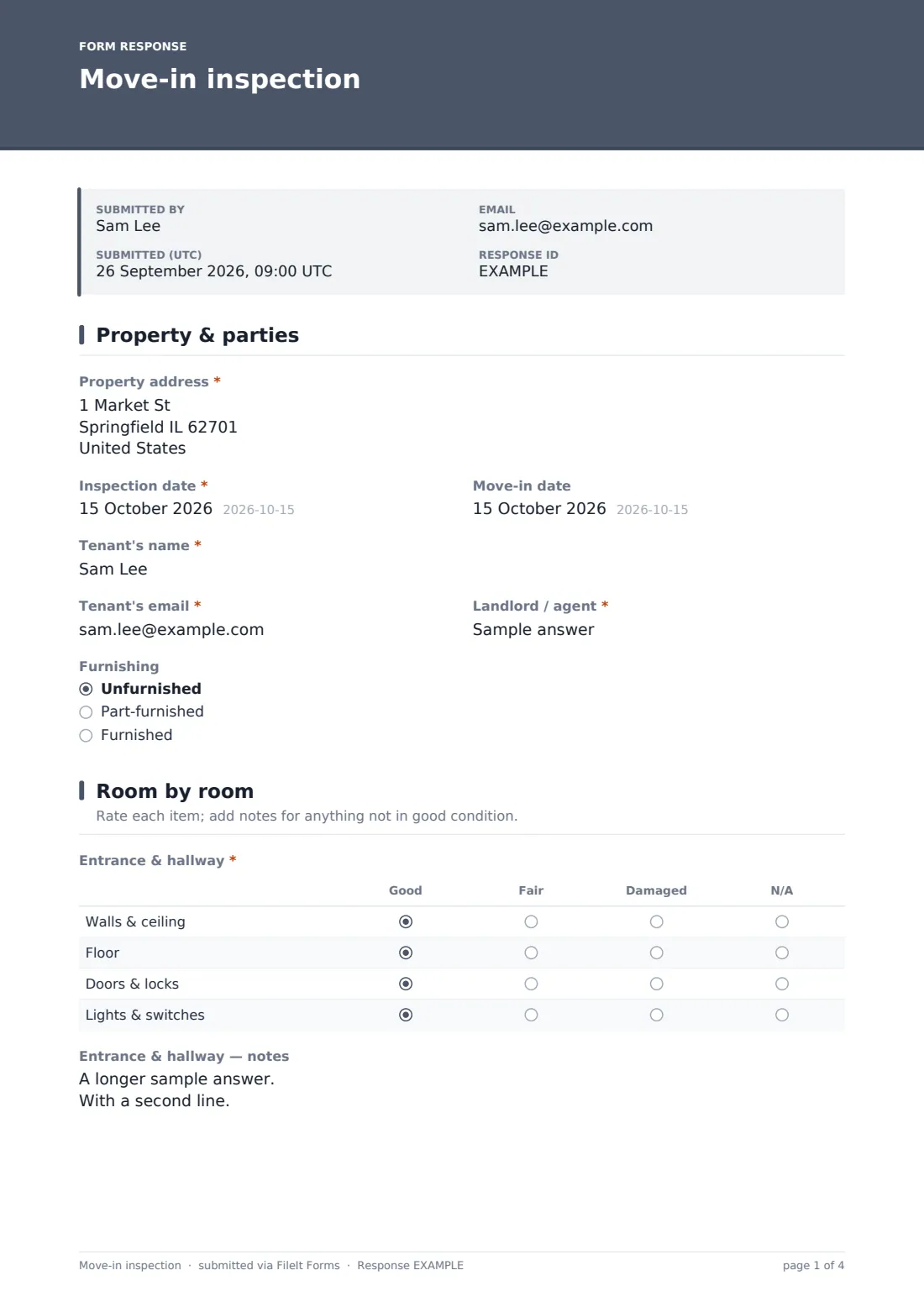
The report opens with the basics: Property address, Inspection date, Move-in date, the Tenant's name and email, and the Landlord / agent name, plus a Furnishing radio button for unfurnished, part-furnished or furnished.
This page is what ties the report to a specific tenancy, so it's worth double-checking the address and dates match the lease exactly before moving on.
2 Room by room
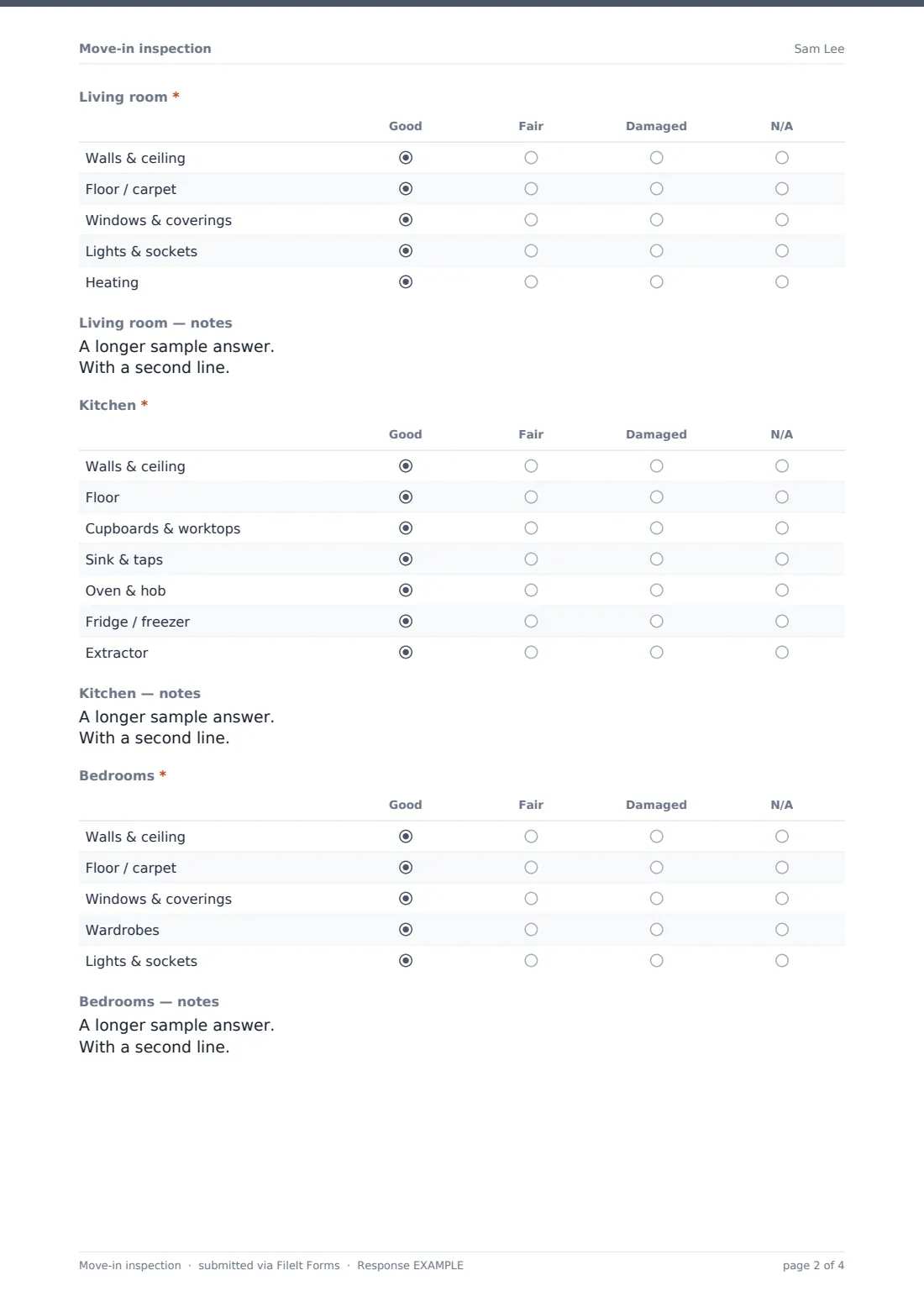
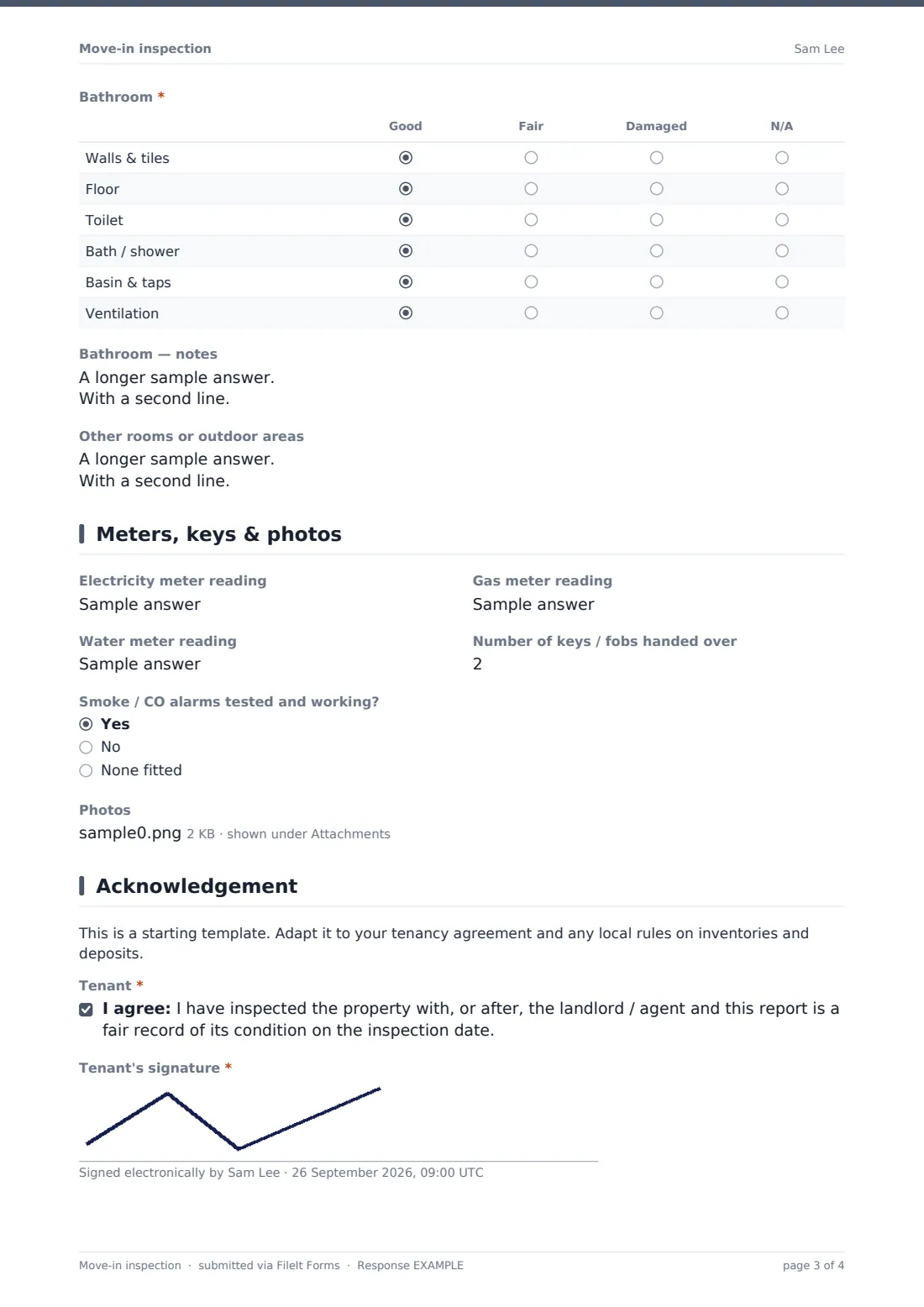
This is the heart of the form. Entrance & hallway, Living room, Kitchen, Bedrooms and Bathroom each get their own rating grid — walls and ceiling, floor, doors and locks, and so on — rated Good, Fair, Damaged or N/A. As soon as any item in a room is rated, a matching notes field appears ("Describe any marks, damage or missing items") so you can add detail without cluttering rooms that are in good condition.
An Other rooms or outdoor areas field at the end catches anything the standard rooms don't cover — balconies, gardens, garages or storage.
3 Meters, keys & photos
Electricity, gas and water meter readings are recorded here alongside the Number of keys / fobs handed over. A Smoke / CO alarms tested and working? question triggers a follow-up asking exactly which alarms aren't working if the answer is no — useful for a landlord who needs to fix something before the tenant's first night.
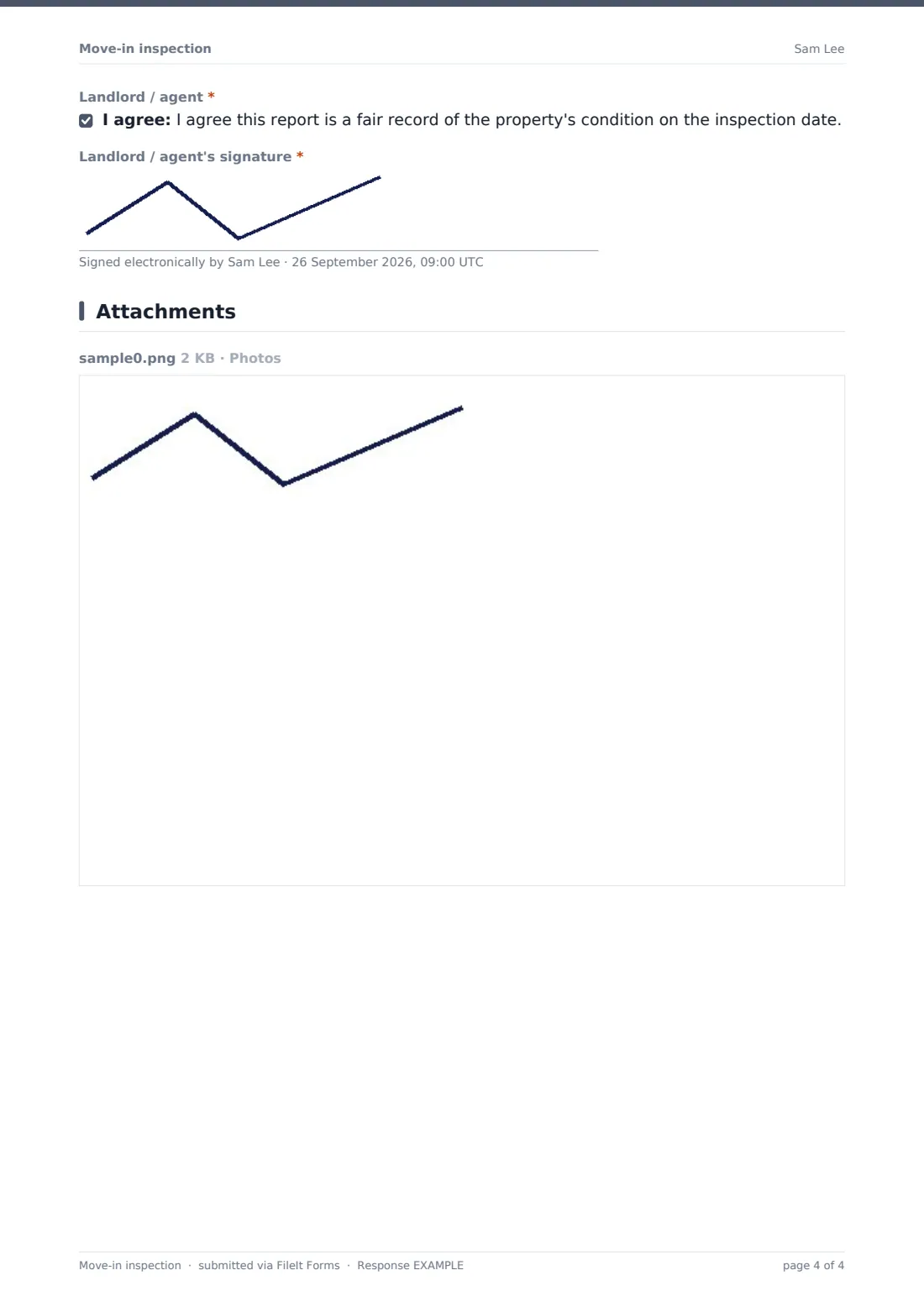
Up to 10 photos can be attached directly to this page: wide shots of each room plus close-ups of anything damaged, all stored with the PDF.
4 Acknowledgement
Both parties sign off here. The tenant confirms the report is a fair record of the property's condition and adds their signature; the landlord or agent does the same. A short note reminds both sides that this is a starting template, and that the wording should be checked against the actual tenancy agreement and local rules on inventories and deposits before it's relied on.
Make the template yours
- Add extra rooms (a second bathroom, a study, a garage) by duplicating the rating-grid question and renaming the rows
- Change the rating scale — some landlords prefer a simple Good / Poor rather than the four-option Good / Fair / Damaged / N/A
- Increase the photo limit if you want closer coverage of every wall and fixture, not just problem areas
- File each report under the right property folder and tenant so it's easy to find again at move-out
- Turn on the emailed PDF copy so the tenant automatically gets their own record the moment it's submitted
- Set the document title to include the tenant's name and property so reports are easy to tell apart in a list
Tips for a better move-in inspection form
- Do the inspection together, in person, rather than one party filling it in alone — a report both sides walked through carries far more weight later
- Take photos before furniture or belongings are moved in, so the condition record isn't obscured by boxes
- Note existing damage in detail, however minor — a scuff you don't mention now looks like new damage at move-out
- Test smoke and CO alarms on the day rather than assuming they work, and fix anything that fails before the tenant's first night
- Keep your copy of the signed report somewhere you can find it in two years' time, not just in an email you might delete
Every response becomes a PDF in your vault
The moment both signatures are on the form, FileIt generates a PDF of the complete report — every room rating, every note, every photo, both signatures — and files it in the vault folder you've chosen for that property. You get an email notification, and if you've turned on the tenant's copy, they receive their own PDF too, so there's no argument later about who has which version.
From here, most landlords and agents simply leave the report in the vault until it's needed: at renewal, if a dispute comes up mid-tenancy, or most commonly at move-out, when the same rooms are checked again and compared directly against this record. Because it's a PDF with a clear document title and date, it's easy to find months or years later when you actually need it.
- Start from this template. It opens in the FileIt Forms designer — change any question, add pages, set the rules for when questions appear.
- Share it. Turn on a public link, or send it to people by email, each with their own link. They don’t need a FileIt account.
- Get the answers as PDFs. Each response is saved as a PDF in the vault folder you choose, with uploaded files attached — and listed in a Responses table you can export to CSV.
Move-in inspection form: frequently asked questions
Is this move-in inspection form template free?
Yes. It's included in FileIt's Forms app on every account, including the free plan, and every question in it can be edited.
Does the tenant need a FileIt account to fill it in or sign it?
No. You can share it as a public link or send it directly to the tenant by email — no account is needed on their side.
Do we get the completed report as a PDF?
Yes, automatically. Every submission is saved as a PDF in your FileIt vault, with ratings, notes, photos and both signatures included.
Is a move-in inspection legally required?
That depends on where the property is and the terms of the tenancy agreement — this template doesn't give legal advice, so check your local rules on inventories and deposit protection before relying on it.
Can both the tenant and landlord sign on the same device?
Yes, the signature fields are drawn on screen one after the other, so both parties can sign during the same walkthrough on whichever device is being used to fill in the form.
What if we find something needs fixing during the inspection?
Note it in the relevant room's comments field and attach a photo — the form doesn't raise a maintenance ticket automatically, so you'll still need to follow up separately.
Can we compare this against a move-out inspection later?
FileIt doesn't compare reports automatically, but because both reports are saved as PDFs in the same property folder, you can open them side by side whenever you need to.
Can I add rooms that aren't in the default template?
Yes — every page and question can be edited in the designer, so you can add, remove or rename rooms to match the actual property.