What is the maintenance request form template?
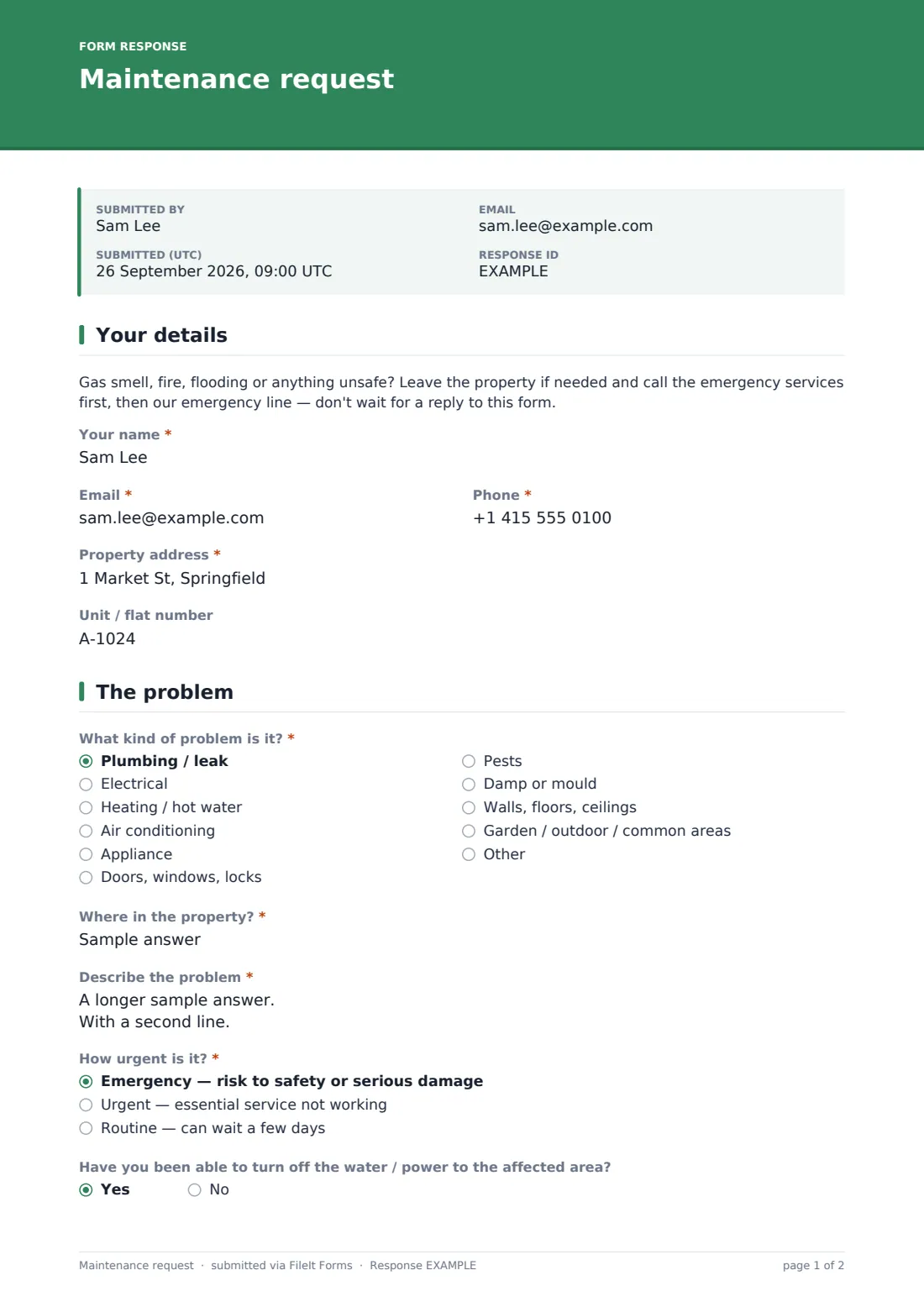
A maintenance issue reported by text usually arrives as "the tap's broken again" with no address, no photo and no sense of urgency, leaving the landlord or property manager to chase down the basics before anyone can be sent out. This template asks for the property and unit, exactly what's wrong and where, how urgent it is, and whether a contractor can enter without the tenant being home — all before anyone picks up the phone.
An emergency notice sits right at the top of the form, telling tenants to leave the property and call emergency services first for anything like a gas smell, fire or flooding, rather than waiting on a reply to a web form. Beyond that, the form adapts to the type of problem: choosing "appliance" asks which one, and choosing "plumbing" asks whether the water has already been turned off, so the details that matter for each kind of repair actually get asked.
Every submitted request is saved as a PDF in the property's FileIt vault, including any photos or short videos attached, so there's a dated, complete record of what was reported and when — useful for tracking repairs and for any dispute about response times.
- Best for
- Landlords, property managers and letting agents handling tenant repair requests
- Filled in by
- The tenant
- Time to complete
- About 5 minutes
- Includes
- Conditional questions by problem category and access permission, plus photo/video upload
Who uses a maintenance request form?
- A tenant reporting a leak, broken appliance, or heating fault in a rented property
- A property manager who wants every maintenance request to include the same core details, regardless of who reports it
- Recording access permission so a contractor can be scheduled even if the tenant isn't available to let them in
- A landlord tracking recurring issues, such as damp or pest problems, by keeping every report in one searchable vault
- A tenant flagging an urgent but non-emergency issue, like no hot water, that needs prompt but not immediate attention
- A managing agent covering several properties who wants a single reusable form for every tenant to use
Questions on this maintenance request form
18 questions over 3 pages · includes file upload, conditional questions, multiple pages.
1 Your details
- Your name*
- Email*
- Phone*
- Property address*
- Unit / flat number
2 The problem
- What kind of problem is it?* Plumbing / leak · Electrical · Heating / hot water · Air conditioning · Appliance · Doors, windows, locks · Pests · Damp or mould · Walls, floors, ceilings · Garden / outdoor / common areas · Other
- Which appliance?* asked only when it applies
- Where in the property?*
- Describe the problem*
- How urgent is it?* Emergency — risk to safety or serious damage · Urgent — essential service not working · Routine — can wait a few days
- Have you been able to turn off the water / power to the affected area? asked only when it applies
- When did you first notice it?
- Photos or a short video
3 Access
- May our contractor enter if you're not home?* Yes, with a key / code · No — please arrange a time with me
- When are you available?* asked only when it applies
- Access notes asked only when it applies
- Are there pets in the property?
- What pets, and will they be secured? asked only when it applies
The maintenance request form, page by page
1 Your details
A prominent notice at the top of the form tells tenants to leave the property and call emergency services first for anything unsafe — a gas smell, fire or flooding — and then call the emergency line, rather than waiting on this form. Below that, the tenant gives their name, email and phone, the property address, and the unit or flat number if relevant.
2 The problem
A dropdown covers common categories — plumbing or leak, electrical, heating or hot water, air conditioning, an appliance, doors, windows or locks, pests, damp or mould, structural issues, outdoor or common areas, or something else — and choosing "appliance" opens a field asking which one. The tenant then describes exactly where in the property the problem is and what's happening, including anything they've already tried.
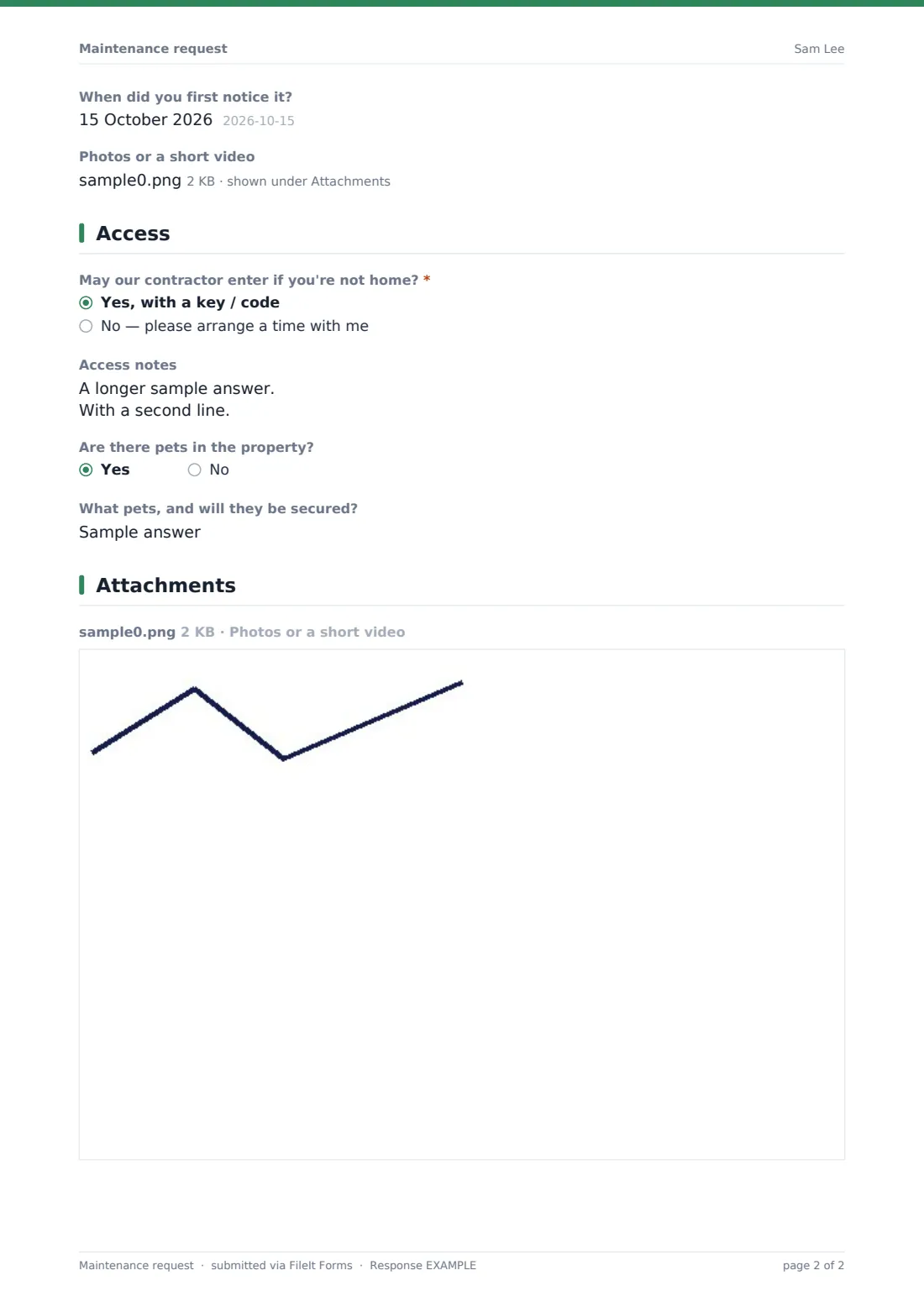
An urgency choice — emergency, urgent, or routine — helps prioritise the response, and choosing "plumbing" opens a question about whether the water or power to the affected area has already been turned off. An optional date field records when the problem was first noticed, and an upload accepts up to five photos or a short video of the issue.
3 Access
A permission question asks whether a contractor may enter using a key or code if the tenant isn't home, or whether a time needs to be arranged instead — the second choice opens a box for the tenant's availability, and the first opens a box for access notes like an alarm code or where to park. A final yes/no question asks whether there are pets in the property, with a follow-up for what pets and whether they'll be secured, so a contractor isn't caught off guard.
Make the template yours
- Adjust the problem-category dropdown to match the kinds of issues you see most often across your properties
- Route notifications to the specific maintenance team or contractor responsible for a property
- File requests into a vault folder per property so repair history is easy to review together
- Set a different urgency-response expectation in your confirmation message for emergency, urgent and routine requests
- Add an internal-only field to log which contractor was assigned and when the repair was completed
- Adjust the emergency notice's wording and phone number to match your own emergency contact arrangements
- Turn on an emailed PDF copy to the tenant so they have a record of exactly what they reported
Tips for a better maintenance request form
- Make sure the emergency notice and phone number are accurate and prominent — a web form should never be the first response to a genuine emergency
- Ask tenants for photos wherever possible; a picture of a leak or a broken fitting often saves a wasted first visit
- Confirm access arrangements clearly so a contractor isn't turned away or left waiting outside
- Track urgency honestly and respond to true emergencies immediately, even outside of business hours
- Keep a record of repair history per property to spot recurring issues, like a leak that keeps coming back
- Let tenants know roughly when to expect a response, based on the urgency they selected
Every response becomes a PDF in your vault
As soon as a tenant submits a request, FileIt saves it as a PDF in your vault, with any photos or video attached, and you're notified by email. If an emailed copy to the respondent is switched on, the tenant also receives their own PDF confirming what they reported.
From there, most landlords and property managers use the Responses table to triage open requests by urgency, assign a contractor, and track the repair through to completion. Because every report includes access permission and availability, scheduling a visit usually doesn't need a separate back-and-forth conversation.
- Start from this template. It opens in the FileIt Forms designer — change any question, add pages, set the rules for when questions appear.
- Share it. Turn on a public link, or send it to people by email, each with their own link. They don’t need a FileIt account.
- Get the answers as PDFs. Each response is saved as a PDF in the vault folder you choose, with uploaded files attached — and listed in a Responses table you can export to CSV.
Maintenance request form: frequently asked questions
Is this maintenance request form template free?
Yes. It's included in FileIt's Forms app on every plan, including free, and every question can be edited to match your own process.
Does the tenant need a FileIt account to report a repair?
No. Share the form by public link or send it by email — tenants don't need a FileIt account to submit a request.
How do I get a copy of a submitted request?
Every submission is saved automatically as a PDF in your vault, and you can also turn on an emailed PDF copy sent to the tenant.
What should a tenant do for a genuine emergency, like a gas leak?
The form itself tells tenants to leave the property if needed, call emergency services first, and then call the emergency line directly — not to wait for a reply to this form.
Can the tenant attach photos of the problem?
Yes — the form accepts up to five photos or a short video, which helps contractors prepare before a visit.
How does the form handle access if the tenant isn't home?
A permission question asks whether a contractor can enter with a key or code, or whether a specific time needs to be arranged, and captures the relevant details either way.
Can I use this form across more than one rental property?
Yes — the property address and unit fields let one reusable form cover requests from tenants across multiple properties.