What is the leave of absence request form template?
An extended leave of absence is a bigger conversation than a few days' holiday. HR needs to know what kind of leave it is, when it starts, whether the return date is firm, how the time will be taken, how pay and benefits should be handled, and what documents back the request up. Pulling that together over email usually means several rounds of questions.
This leave of absence request form template gathers it all at once. Employees choose the type of leave, give their dates and say how firm they are, and explain whether they need one continuous block, intermittent time off or a reduced schedule. They can attach supporting documents such as a medical certificate, military orders or a course offer, and say how they'd like pay and benefits handled — with a clear note that HR will confirm what's actually available.
A final optional page lets the line manager record their recommendation and comments if they're completing the form with the employee. Every request is filed as a PDF in your FileIt vault, so there's a complete, dated record to work from when HR makes its decision.
- Best for
- Employers handling extended, unpaid or statutory leave requests
- Filled in by
- The employee, optionally with their line manager
- Time to complete
- About 5–8 minutes
- Includes
- Leave type and pattern, document upload, pay and benefits preferences, employee signature, optional manager recommendation
Who uses a leave of absence request form?
- An employee requesting medical leave for surgery and recovery
- A staff member needing time off to care for a seriously ill family member
- A reservist notifying HR of military service with orders attached
- Requesting a sabbatical or career break under a company policy
- Asking for intermittent leave for a course of treatment
- A manager and employee completing a request together before sending it to HR
Questions on this leave of absence request form
28 questions over 5 pages · includes signature, file upload, conditional questions, multiple pages, consent checkbox.
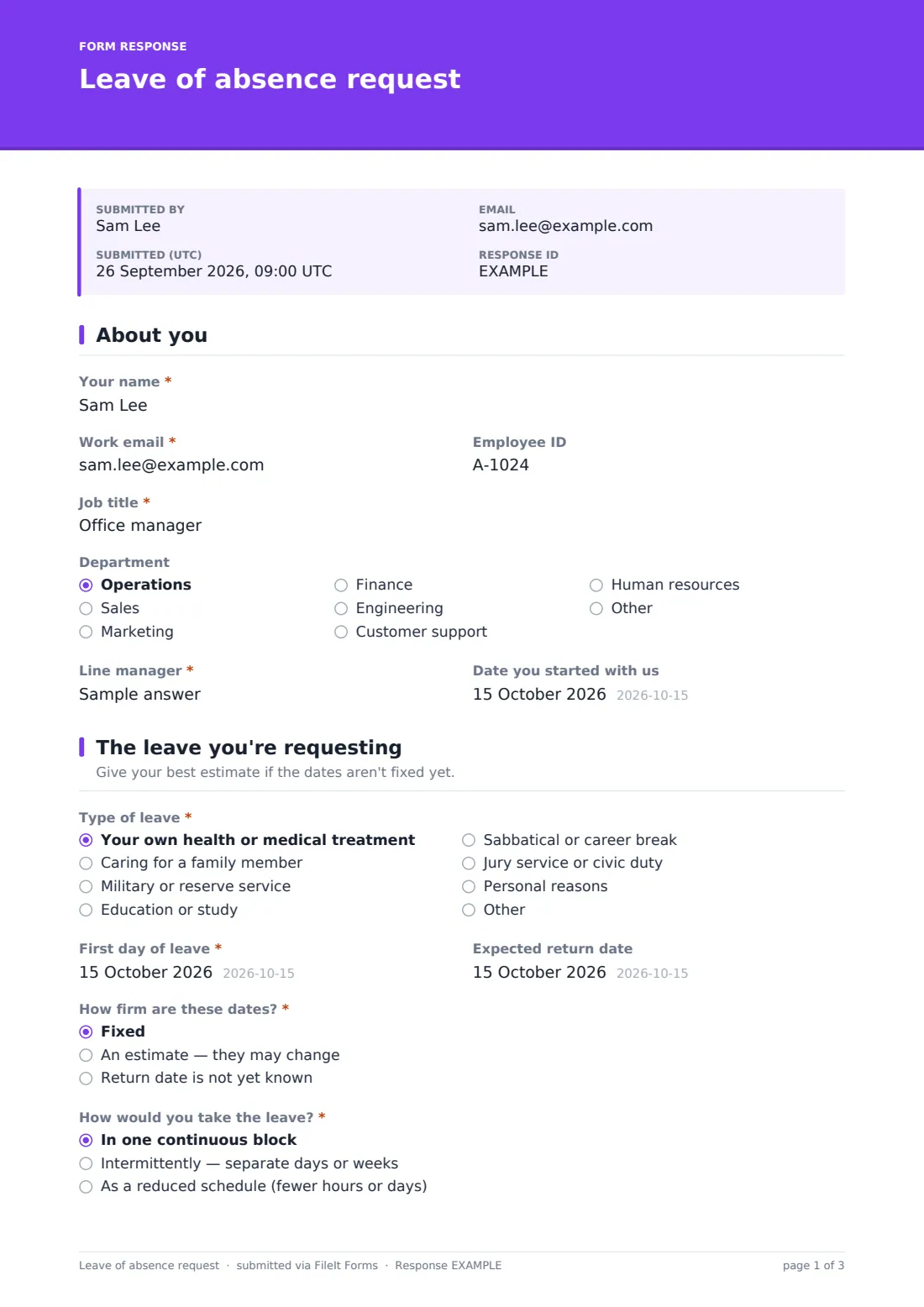
1 About you
- Your name*
- Work email*
- Employee ID
- Job title*
- Department Operations · Sales · Marketing · Finance · Engineering · Customer support · Human resources · Other
- Line manager*
- Date you started with us
2 The leave you're requesting
- Type of leave* Your own health or medical treatment · Caring for a family member · Military or reserve service · Education or study · Sabbatical or career break · Jury service or civic duty · Personal reasons
- First day of leave*
- Expected return date
- How firm are these dates?* Fixed · An estimate — they may change · Return date is not yet known
- How would you take the leave?* In one continuous block · Intermittently — separate days or weeks · As a reduced schedule (fewer hours or days)
- Describe the pattern you need* asked only when it applies
- Reason for the request*
- Supporting documents
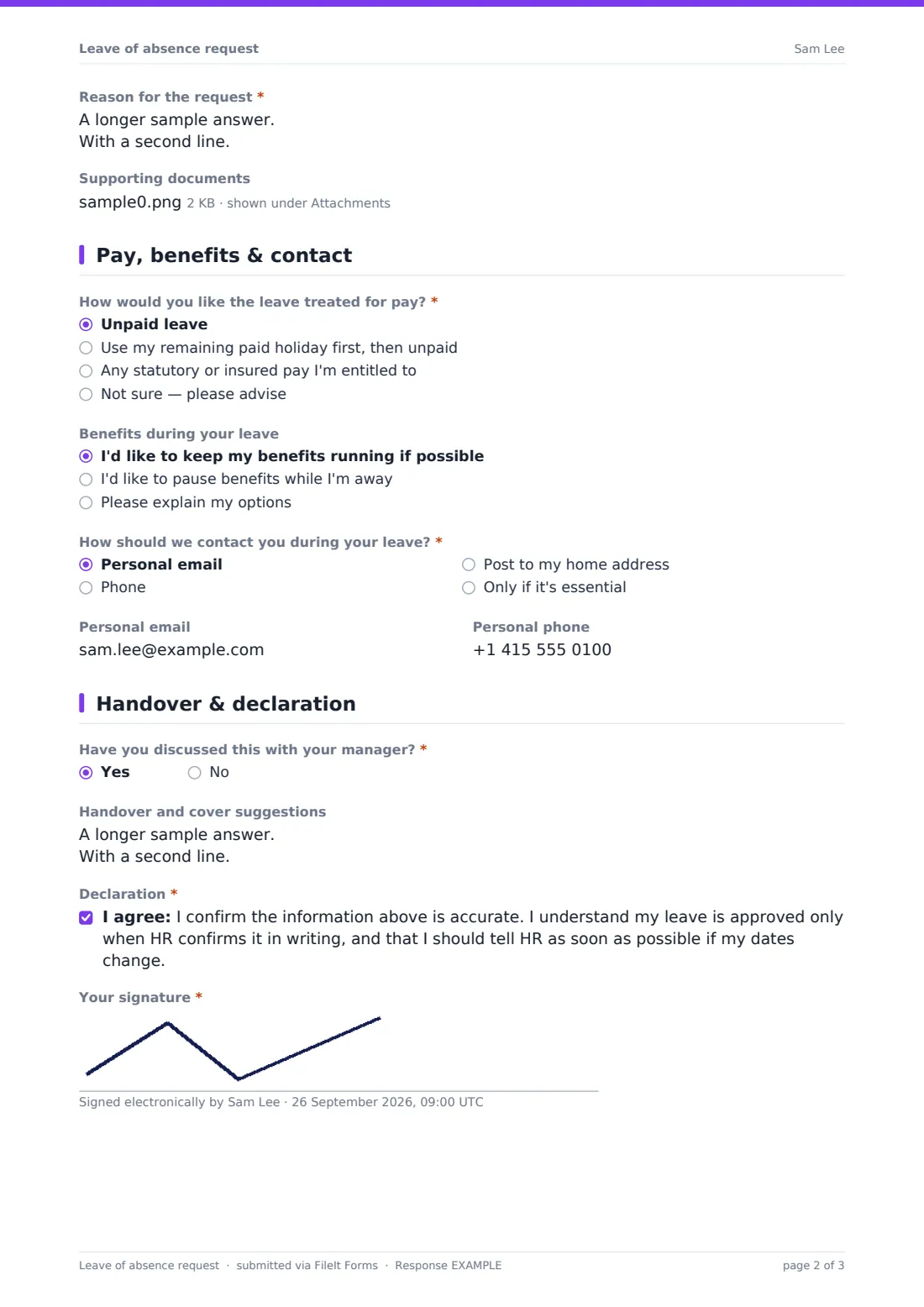
3 Pay, benefits & contact
- How would you like the leave treated for pay?* Unpaid leave · Use my remaining paid holiday first, then unpaid · Any statutory or insured pay I'm entitled to · Not sure — please advise
- Benefits during your leave I'd like to keep my benefits running if possible · I'd like to pause benefits while I'm away · Please explain my options
- How should we contact you during your leave?* Personal email · Phone · Post to my home address · Only if it's essential
- Personal email
- Personal phone
4 Handover & declaration
- Have you discussed this with your manager?*
- Handover and cover suggestions
- Declaration*
- Your signature*
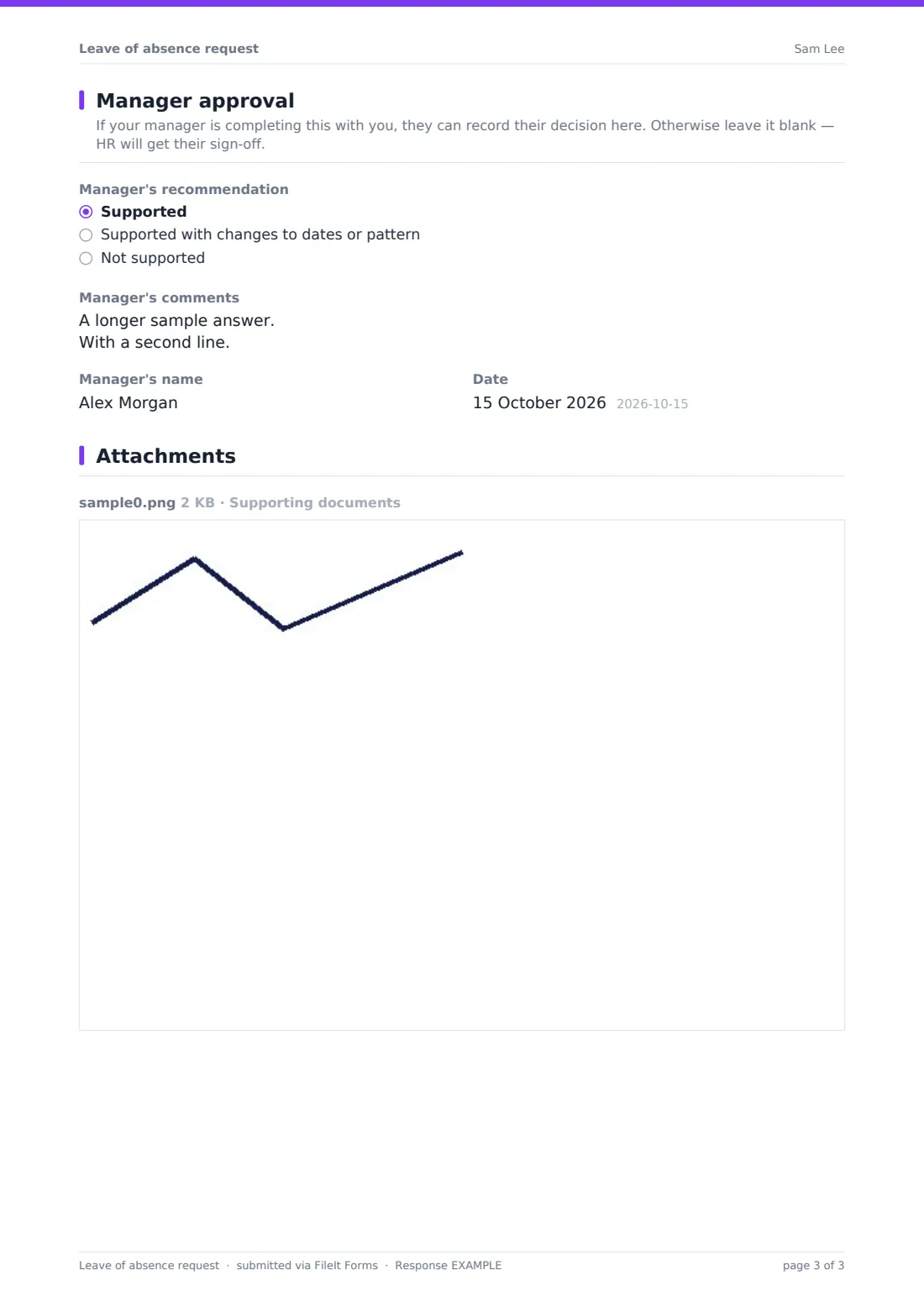
5 Manager approval
- Manager's recommendation Supported · Supported with changes to dates or pattern · Not supported
- Manager's comments
- Manager's name
- Date
The leave of absence request form, page by page
1 About you
The employee gives their name, work email, employee ID, job title, department, line manager and the date they started — length of service can affect eligibility for some types of leave.
2 The leave you're requesting
Employees choose the type of leave: their own health, caring for a family member, military or reserve service, education, a sabbatical, jury service or civic duty, personal reasons, or their own description. They give the first day of leave and, if they know it, the expected return date, and say whether the dates are fixed, an estimate or open-ended. If they need intermittent leave or a reduced schedule rather than one block, the form asks them to describe the pattern. A required reason box notes that medical leave doesn't need a diagnosis, and up to five supporting documents can be uploaded.
3 Pay, benefits & contact
The employee says how they'd like the leave treated for pay — unpaid, holiday first then unpaid, any statutory or insured pay, or 'not sure' — whether they'd like benefits kept running or paused, and how HR should contact them during the leave, with a personal email and phone.
4 Handover & declaration
The employee confirms whether they've discussed the request with their manager, adds handover and cover suggestions, accepts a declaration that leave is approved only when HR confirms it in writing, and signs.
5 Manager approval
An optional final page lets the manager record whether they support the request, support it with changes, or don't support it, with comments, their name and the date. It can be left blank if HR will get sign-off separately.
Make the template yours
- Rename or add leave types to match the categories in your leave policy
- Replace the pay options with the specific schemes your organisation offers
- Remove the manager page if approvals happen in a separate system
- Add HR's address to the notification emails so they see every request
- Set the vault folder so requests file with each employee's HR records
- Adjust the declaration to reference your policy by name
Tips for a better leave of absence request form
- Check eligibility and legal entitlements for each leave type before replying — they vary by location
- Only ask for the medical information your policy genuinely needs
- Confirm the outcome, dates and pay treatment in writing
- Agree how and how often you'll keep in touch during long leave
- Plan the employee's return before the leave starts, not the week before they come back
Every response becomes a PDF in your vault
Each request is saved as a PDF in your FileIt vault with the supporting documents attached, and the form owner is notified by email. With the respondent copy on, the employee gets a PDF of exactly what they submitted.
HR can review requests in the Responses table, open the PDF to see dates, pattern and documents together, and export to CSV to track who is on leave and when they're due back.
- Start from this template. It opens in the FileIt Forms designer — change any question, add pages, set the rules for when questions appear.
- Share it. Turn on a public link, or send it to people by email, each with their own link. They don’t need a FileIt account.
- Get the answers as PDFs. Each response is saved as a PDF in the vault folder you choose, with uploaded files attached — and listed in a Responses table you can export to CSV.
Leave of absence request form: frequently asked questions
Is this leave of absence form template free?
Yes — it's included with the Forms app on every FileIt account, including the free plan, alongside the rest of the template gallery.
Does submitting the form approve the leave?
No. The employee's declaration states that leave is approved only when HR confirms it in writing. The form records the request; the decision is yours.
Can employees request intermittent leave?
Yes. Choosing intermittent leave or a reduced schedule opens a question asking them to describe the pattern they need.
What documents can be uploaded?
Up to five files — PDFs, images or Word documents — such as a medical certificate, military orders, a course offer letter or a jury summons.
Does the form tell employees what they're entitled to?
No. It records their preferences for pay and benefits and notes that what's available depends on your policy and local law. HR confirms entitlement afterwards.
Can the manager sign off on the same form?
Yes — an optional last page records the manager's recommendation, comments, name and date. It's not required, so the employee can submit on their own.