What is the return-to-work interview form template?
A short conversation when someone comes back from sickness absence does a lot: it welcomes them back, checks they're well enough to be at work, spots anything work-related, and agrees any help they need. Recording it consistently also means absence patterns and adjustments aren't lost when a manager changes.
This return-to-work interview template walks a manager through the conversation in order. It captures the absence dates and how it was reported, the general reason and anything the employee chose to share, whether work played a part, and whether a fit note is needed or has been received — with an upload for the certificate.
The fitness page records whether the employee is fully fit, fit with adjustments, or needs occupational health or medical advice, and lists the adjustments agreed. The last page covers actions, a follow-up date and the employee's own comments. Every interview is filed as a PDF in your FileIt vault.
- Best for
- Managers and HR teams handling sickness absence
- Filled in by
- The line manager, during or after the meeting
- Time to complete
- About 5–10 minutes
- Includes
- Absence and reporting details, fit note upload, fitness to return, adjustments with a review date, manager signature
Who uses a return-to-work interview form?
- A manager meeting an employee back from a week off with flu
- Agreeing a phased return after surgery or a longer illness
- Checking whether an injury was caused or made worse at work
- Recording that a fit note is still outstanding
- Documenting a referral to occupational health for an ongoing condition
- Keeping consistent absence records across teams and managers
Questions on this return-to-work interview form
29 questions over 4 pages · includes signature, file upload, conditional questions, multiple pages, consent checkbox.
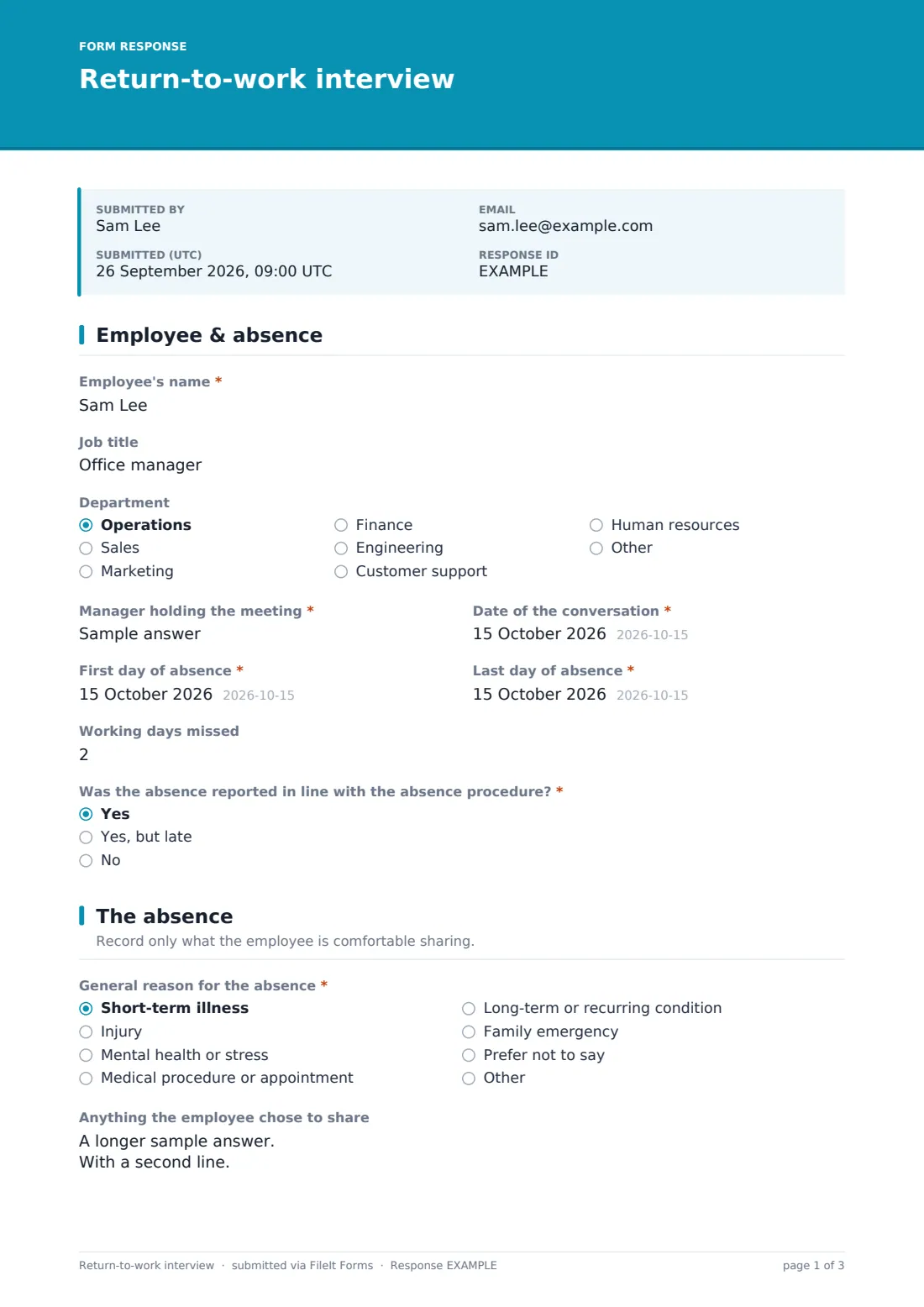
1 Employee & absence
- Employee's name*
- Job title
- Department Operations · Sales · Marketing · Finance · Engineering · Customer support · Human resources · Other
- Manager holding the meeting*
- Date of the conversation*
- First day of absence*
- Last day of absence*
- Working days missed
- Was the absence reported in line with the absence procedure?* Yes · Yes, but late · No
- What happened, and was the procedure explained again? asked only when it applies
2 The absence
- General reason for the absence* Short-term illness · Injury · Mental health or stress · Medical procedure or appointment · Long-term or recurring condition · Family emergency · Prefer not to say · Other
- Anything the employee chose to share
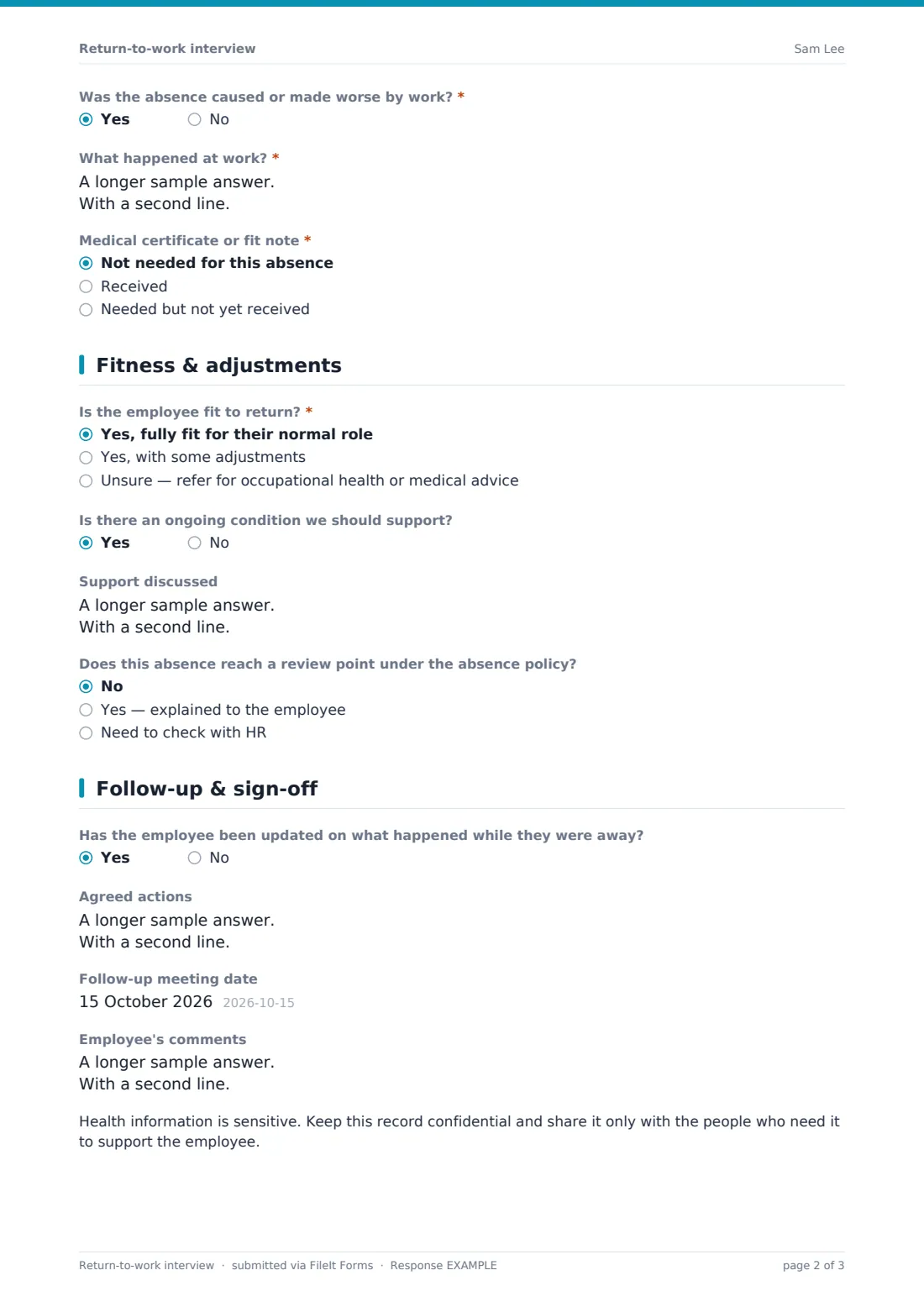
- Was the absence caused or made worse by work?*
- What happened at work?* asked only when it applies
- Medical certificate or fit note* Not needed for this absence · Received · Needed but not yet received
- Upload the certificate asked only when it applies
3 Fitness & adjustments
- Is the employee fit to return?* Yes, fully fit for their normal role · Yes, with some adjustments · Unsure — refer for occupational health or medical advice
- Adjustments agreed* asked only when it applies Phased return · Reduced hours · Altered or lighter duties · Workstation or equipment changes · Extra breaks · Time off for appointments · Working from home
- Details of the adjustments asked only when it applies
- Review the adjustments on asked only when it applies
- Is there an ongoing condition we should support?
- Support discussed asked only when it applies
- Does this absence reach a review point under the absence policy? No · Yes — explained to the employee · Need to check with HR
4 Follow-up & sign-off
- Has the employee been updated on what happened while they were away?
- Agreed actions
- Follow-up meeting date
- Employee's comments
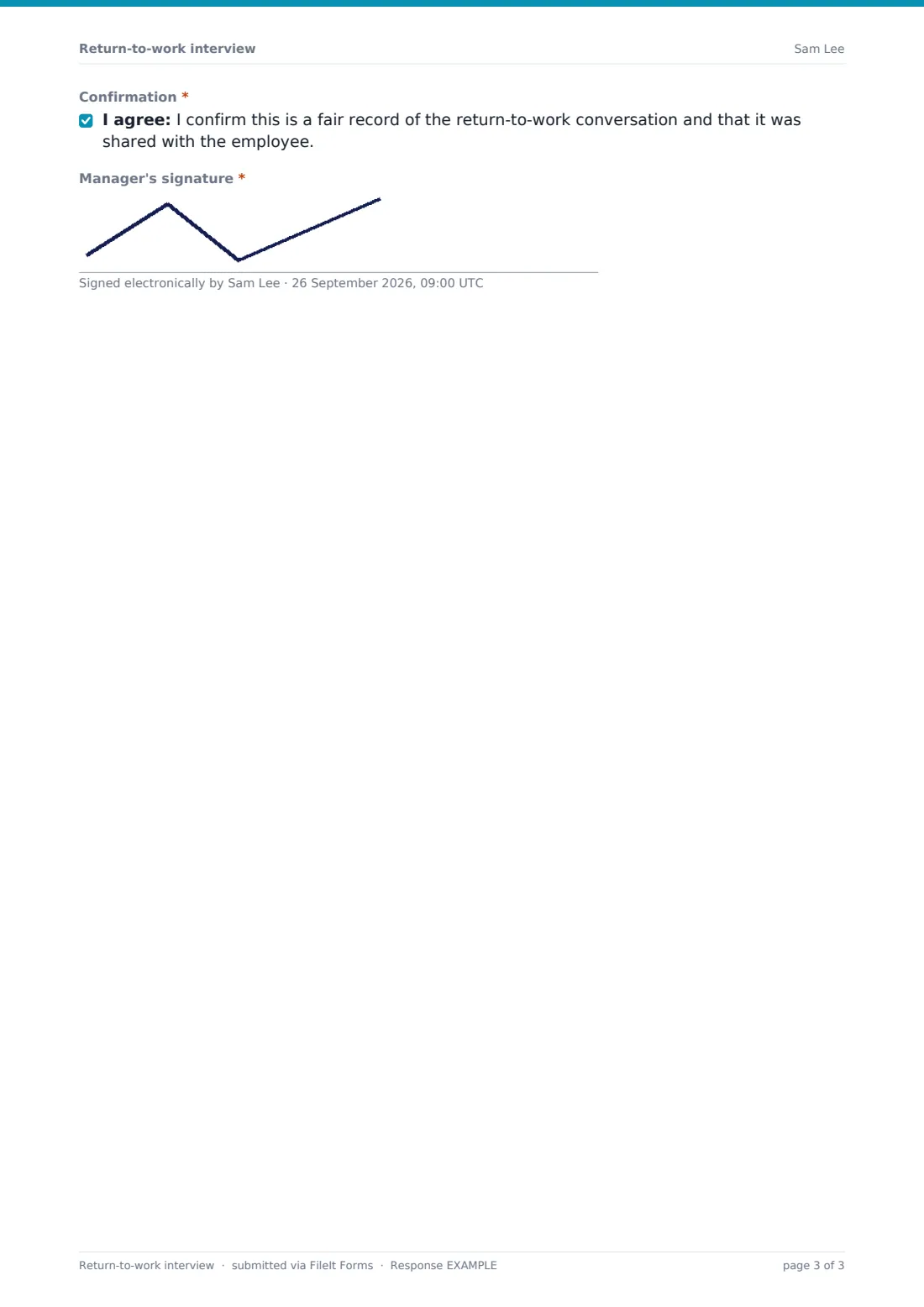
- Confirmation*
- Manager's signature*
The return-to-work interview form, page by page
1 Employee & absence
The manager records the employee's name, job title and department, their own name, the meeting date, the first and last days of absence and working days missed. They note whether the absence was reported in line with the procedure, late, or not at all, and if not, what happened.
2 The absence
A general reason — short-term illness, injury, mental health or stress, a medical procedure, a long-term condition, a family emergency, prefer not to say, or other — plus anything the employee chose to share. If the absence was caused or made worse by work, the form asks what happened and reminds the manager about incident reports. The fit note question records whether one isn't needed, has been received (with an upload) or is outstanding.
3 Fitness & adjustments
The manager records whether the employee is fully fit, fit with adjustments, or should be referred for advice. Adjustments can include a phased return, reduced hours, lighter duties, workstation changes, extra breaks, time off for appointments or working from home, with details and a review date. The page also covers ongoing conditions and the support discussed, and whether the absence reaches a review point under the absence policy.
4 Follow-up & sign-off
The manager notes whether the employee has been updated on what happened while they were away, records agreed actions, a follow-up date and the employee's comments, then confirms the record is fair and signs.
Make the template yours
- Edit the absence reason categories to match your absence reporting codes
- Add your absence policy's trigger points to the review-point question's help text
- Set the vault folder to a restricted HR location for health information
- Add HR to the notification emails so they see work-related absences quickly
- Adjust the list of adjustments to reflect the options you can realistically offer
Tips for a better return-to-work interview form
- Hold the conversation on the employee's first day back, or as soon as possible after
- Keep the tone welcoming — this is a check-in, not a disciplinary meeting
- Record only the health information the employee chooses to share and that you need
- Set a review date for any temporary adjustments so they don't drift on indefinitely
- Give the employee a copy and a chance to add their own comments
Every response becomes a PDF in your vault
Each interview is saved as a PDF in your FileIt vault, with any fit note attached, and the form owner is notified. Respondent copies are off by default because the form is filled by the manager.
HR can use the Responses table to see recent returns, follow up on outstanding fit notes and work-related absences, and export a CSV to spot absence patterns across teams.
- Start from this template. It opens in the FileIt Forms designer — change any question, add pages, set the rules for when questions appear.
- Share it. Turn on a public link, or send it to people by email, each with their own link. They don’t need a FileIt account.
- Get the answers as PDFs. Each response is saved as a PDF in the vault folder you choose, with uploaded files attached — and listed in a Responses table you can export to CSV.
Return-to-work interview form: frequently asked questions
Is this return-to-work interview template free?
Yes — it's included with the Forms app on every FileIt account, including the free plan, alongside the rest of the template gallery.
Who fills in the form — the manager or the employee?
The manager, during or straight after the conversation. There's a field for the employee's own comments.
Does the employee have to give a medical reason?
No. The reason is recorded as a general category, including 'Prefer not to say', and the details box is for anything the employee chose to share.
Can we upload a fit note?
Yes. Marking the fit note as received opens an upload for up to two files.
What if the absence was caused by work?
Answering yes opens a required question about what happened and a reminder to make sure an incident report has been completed.
Is the health information kept private?
Responses are filed in your vault like any other document, so choose a folder that only the right people can access. The template includes a reminder to keep the record confidential.