What is the academic leave request form template?
A leave of absence from study touches more than timetables. It can change what happens to this term's courses, a student's loan or scholarship, a visa, and a room in university housing. When the request comes in as an email, those questions often surface only after the leave has started.
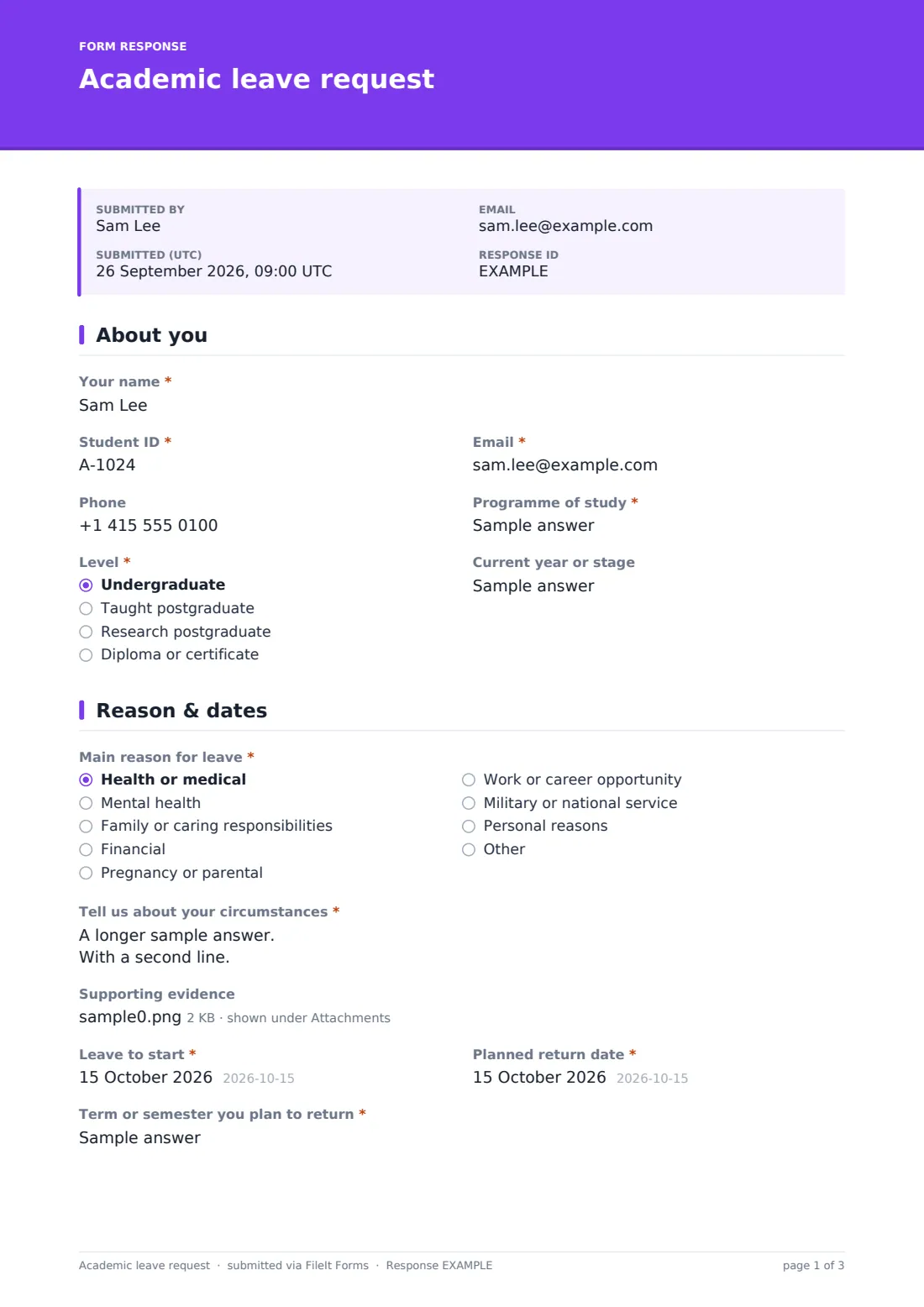
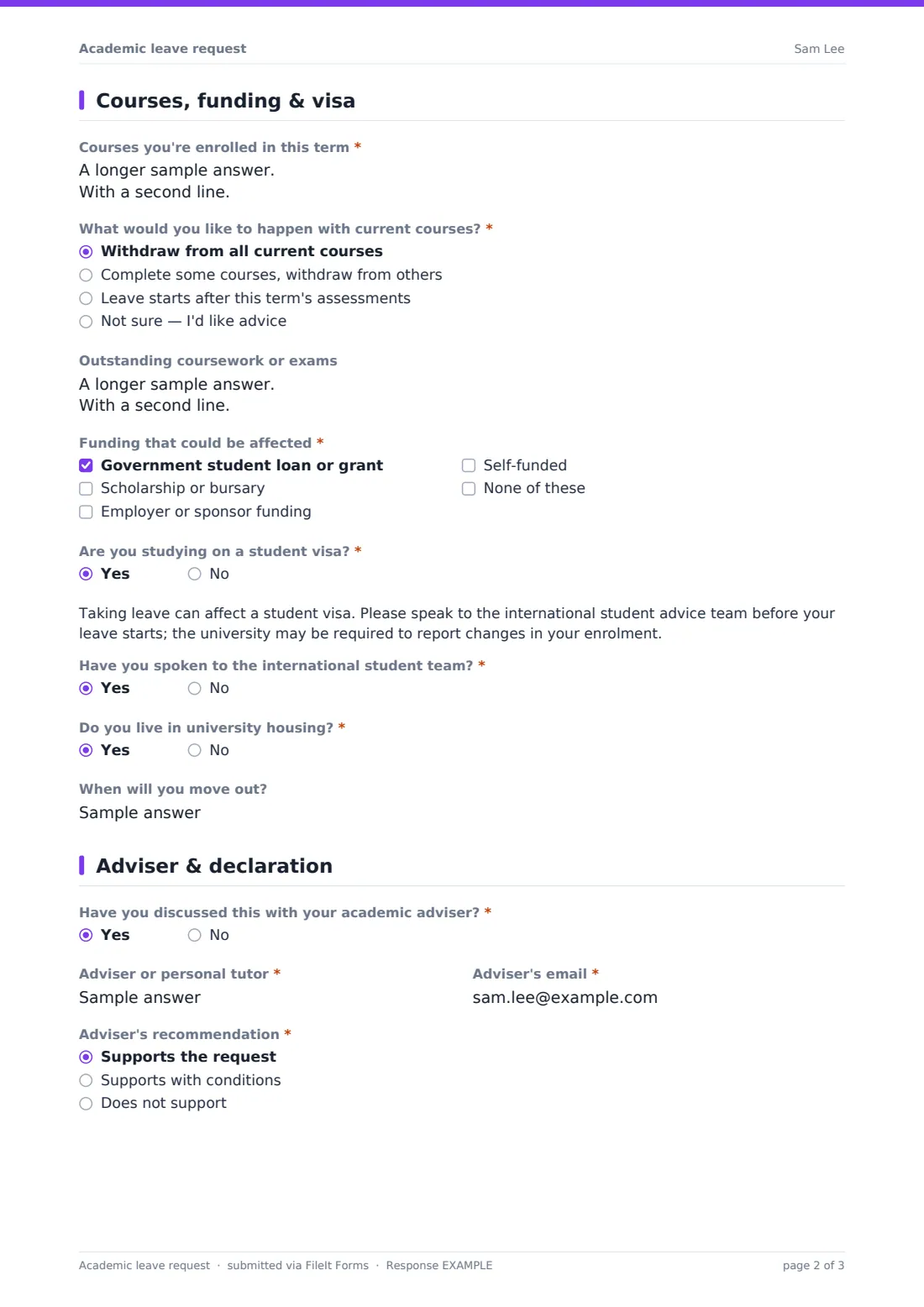
This template asks them upfront over four pages. The student gives their details, the reason and circumstances, optional evidence, and leave and return dates. A mental health reason shows a note about support services. The next page covers current courses and what should happen to them, outstanding assessments, funding that could be affected, visa status with a note to see the international team, and housing. The last page is for the adviser's recommendation and signature, then the student's declaration and signature.
The finished request is saved as a PDF in your FileIt vault, so the registry has one record per student, ready to approve.
- Best for
- University registries, college student services, graduate schools
- Filled in by
- The student, with the adviser completing the last page
- Time to complete
- About 10-15 minutes
- Includes
- Evidence upload, visa and support notes, course outcome follow-up, adviser and student signatures
Who uses a academic leave request form?
- A student asks for a medical leave mid-semester
- A postgraduate researcher pauses for parental leave
- An international student checks the visa impact before taking leave
- A student takes a year out for a work opportunity
- A registry replaces paper interruption forms
- An adviser records conditions for a student's return
Questions on this academic leave request form
30 questions over 4 pages · includes signature, file upload, conditional questions, multiple pages, consent checkbox.
1 About you
- Your name*
- Student ID*
- Email*
- Phone
- Programme of study*
- Level* Undergraduate · Taught postgraduate · Research postgraduate · Diploma or certificate
- Current year or stage
2 Reason & dates
- Main reason for leave* Health or medical · Mental health · Family or caring responsibilities · Financial · Pregnancy or parental · Work or career opportunity · Military or national service · Personal reasons
- Tell us about your circumstances*
- Supporting evidence asked only when it applies
- Leave to start*
- Planned return date*
- Term or semester you plan to return*
3 Courses, funding & visa
- Courses you're enrolled in this term*
- What would you like to happen with current courses?* Withdraw from all current courses · Complete some courses, withdraw from others · Leave starts after this term's assessments · Not sure — I'd like advice
- Which courses will you complete?* asked only when it applies
- Outstanding coursework or exams
- Funding that could be affected* Government student loan or grant · Scholarship or bursary · Employer or sponsor funding · Self-funded · None of these
- Are you studying on a student visa?*
- Have you spoken to the international student team?* asked only when it applies
- Do you live in university housing?*
- When will you move out? asked only when it applies
4 Adviser & declaration
- Have you discussed this with your academic adviser?*
- Adviser or personal tutor*
- Adviser's email*
- Adviser's recommendation* asked only when it applies Supports the request · Supports with conditions · Does not support
- Adviser's comments or conditions asked only when it applies
- Adviser's signature* asked only when it applies
- Student declaration*
- Student's signature*
The academic leave request form, page by page
1 About you
Your name, Student ID, email, programme and level are required, with optional phone and current year or stage.
2 Reason & dates
A required main reason, from health and caring responsibilities to finances, parental leave, work, service or personal reasons, and a description of the circumstances. Any reason except personal reasons shows an optional evidence upload, and mental health shows a note about support services. Then leave start, planned return date and the term the student plans to return.
3 Courses, funding & visa
Courses enrolled in this term and what should happen to them. Completing some courses asks which ones. Outstanding coursework or exams, any funding that could be affected, and whether the student is on a student visa, which shows advice and asks if they've spoken to the international team. Students in university housing say when they'll move out.
4 Adviser & declaration
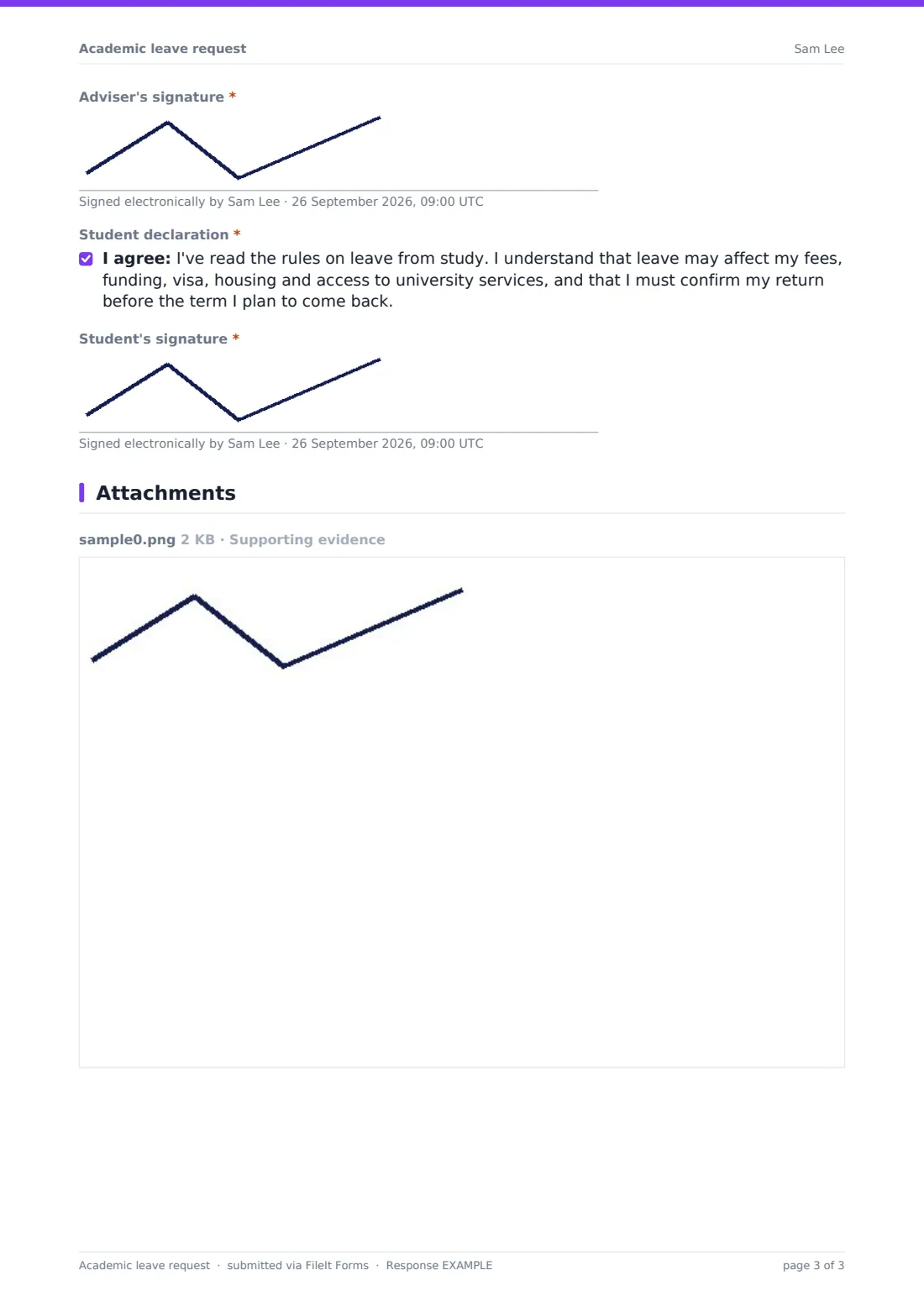
Whether the student has discussed it with their adviser, and the adviser's name and email. If they have, the adviser gives a recommendation (anything other than full support asks for comments or conditions) and signs; if not, a note explains the registry will contact the adviser. The student then agrees to the declaration and signs.
Make the template yours
- Replace the reasons with the categories your regulations use
- Add your maximum leave length to the dates help text
- Link your leave regulations in a paragraph on the first page
- Edit the visa note for your country's student visa rules
- Send the form to students as a personal link so the adviser can sign on the same response
- Add a fees question if your institution refunds tuition by withdrawal date
Tips for a better academic leave request form
- Check funding rules before approving the leave start date
- Agree a return check-in date with the student when you approve
- Store evidence documents in a restricted vault folder
- Use the Responses table to track planned returns each term
- Have your registry check the declaration wording against your regulations
Every response becomes a PDF in your vault
Each request is saved as a signed PDF in your vault with any evidence attached, and the registry is emailed. The student receives a copy when they give an email.
From the Responses table you can filter by return term and export a CSV to plan re-enrolment.
- Start from this template. It opens in the FileIt Forms designer — change any question, add pages, set the rules for when questions appear.
- Share it. Turn on a public link, or send it to people by email, each with their own link. They don’t need a FileIt account.
- Get the answers as PDFs. Each response is saved as a PDF in the vault folder you choose, with uploaded files attached — and listed in a Responses table you can export to CSV.
Academic leave request form: frequently asked questions
Is this academic leave request template free?
Yes. It's one of the Forms app's starter templates, available on every FileIt account, including the free plan.
Does the form explain what leave does to a visa or loan?
It asks about both and shows a note for visa holders, but the rules differ by country and funder. Students should get advice from your international and funding teams.
How does the adviser sign?
When the student has discussed the request with their adviser, the adviser adds a recommendation and signature on the last page of the same response before it's submitted. If not, the student names the adviser and the registry follows up.
Can students attach a doctor's letter?
Yes. Every reason except personal reasons shows an optional upload for up to three files.
Is this the same as the employee leave of absence template?
No. That one is for staff. This template is for students pausing their studies.
Do students need a FileIt account?
No. They fill it in from a link.