
What is the iT asset registration form template?
A spreadsheet asset register works until someone forgets to update it. Serial numbers get typed wrong, warranty dates aren't recorded, and when a laptop fails nobody can find the invoice. Registering each device through the same form, at the moment it arrives, keeps the details consistent.
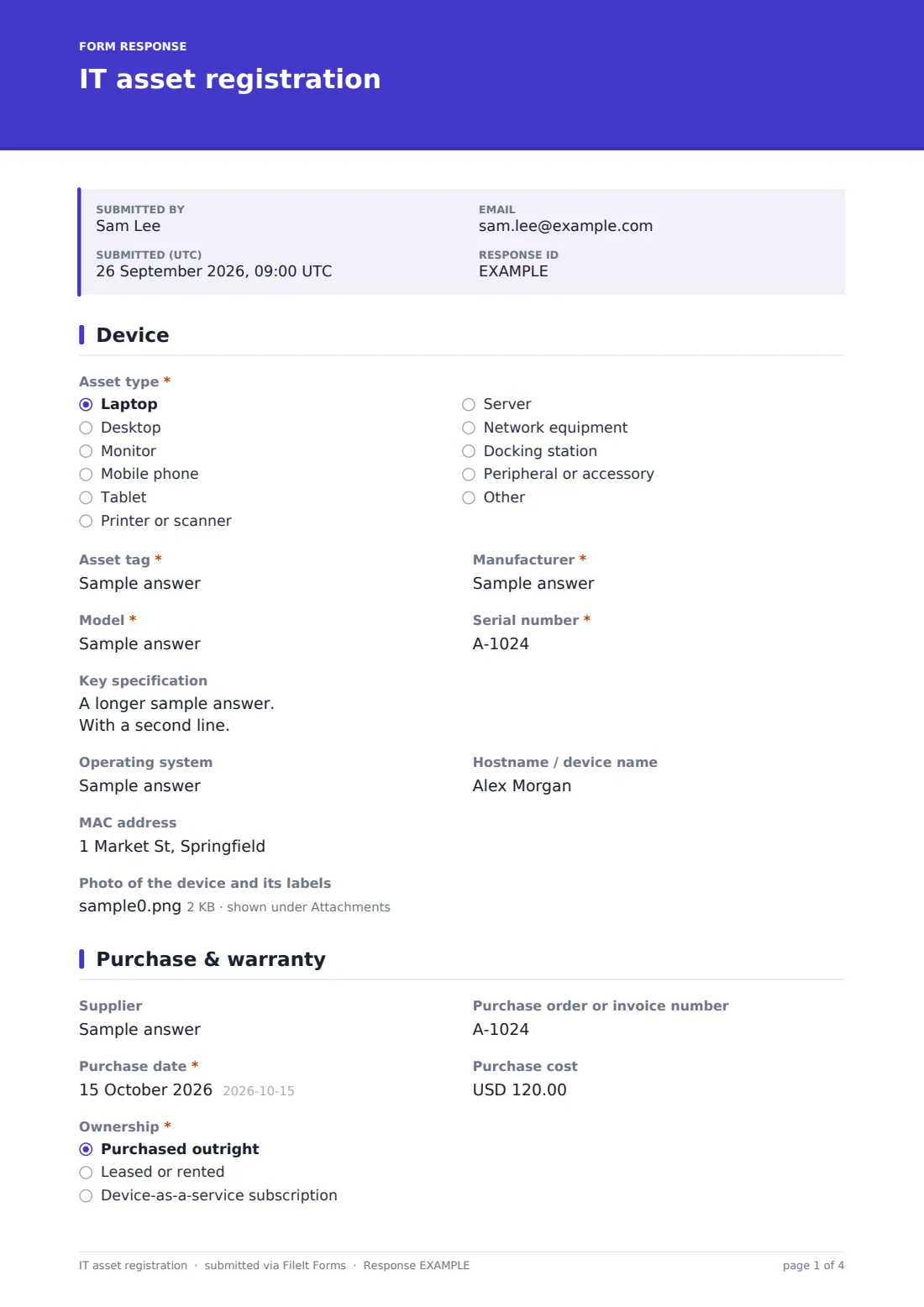
This IT asset registration form records the asset type, tag, manufacturer, model and serial number (with IMEI for phones and specs for laptops), the operating system, hostname and MAC address, and a photo. It then captures the supplier, order number, purchase date and cost, whether it's owned, leased or on a subscription, warranty end date and level, and the invoice. Finally it records who the device is assigned to, where it is, which cost centre it belongs to and which security controls are in place.
Each registration is saved as a PDF in your FileIt vault with the invoice and photos attached. Warranty and lease end dates are captured in every record, so you can sort the register by them when planning renewals.
- Best for
- IT teams, office managers and MSPs keeping a hardware inventory
- Filled in by
- The person who receives and sets up the device
- Time to complete
- About 3–5 minutes per device
- Includes
- Type-specific questions, lease and assignment logic, invoice and photo uploads
Who uses a iT asset registration form?
- Registering a batch of new laptops before handing them to new starters
- Recording phones issued to field staff with their IMEI numbers
- Building an asset register for an insurance or security questionnaire
- An MSP recording hardware at a new client site
- Tracking leased devices so they're returned on time
- Registering shared or pool devices in a school or clinic
Questions on this iT asset registration form
30 questions over 3 pages · includes file upload, conditional questions, multiple pages.
1 Device
- Asset type* Laptop · Desktop · Monitor · Mobile phone · Tablet · Printer or scanner · Server · Network equipment · Docking station · Peripheral or accessory · Other
- What kind of asset?* asked only when it applies
- Asset tag*
- Manufacturer*
- Model*
- Serial number*
- IMEI asked only when it applies
- Key specification asked only when it applies
- Operating system
- Hostname / device name
- MAC address
- Photo of the device and its labels
2 Purchase & warranty
- Supplier
- Purchase order or invoice number
- Purchase date*
- Purchase cost
- Ownership* Purchased outright · Leased or rented · Device-as-a-service subscription
- Lease or contract end date* asked only when it applies
- Warranty end date
- Warranty or support level Standard manufacturer warranty · Extended / next business day on-site · Accidental damage cover · None
- Invoice or warranty document
3 Assignment & security
- Status* Assigned to a person · Shared / pool device · In stock, not yet assigned · Out for repair
- Assigned to* asked only when it applies
- Their email asked only when it applies
- Date assigned asked only when it applies
- Location
- Department or cost centre
- Security in place Disk encryption enabled · Enrolled in device management · Antivirus / endpoint protection · Automatic updates on · Remote wipe available · Firmware / BIOS password set
- Notes
- Registered by*
The iT asset registration form, page by page
1 Device
The asset type comes from a dropdown, with a free-text box for anything unusual. The asset tag, manufacturer, model and serial number are required. Phones ask for an IMEI and laptops for a key specification. The operating system, hostname and MAC address are optional, and a photo of the device and its labels can be attached.
2 Purchase & warranty
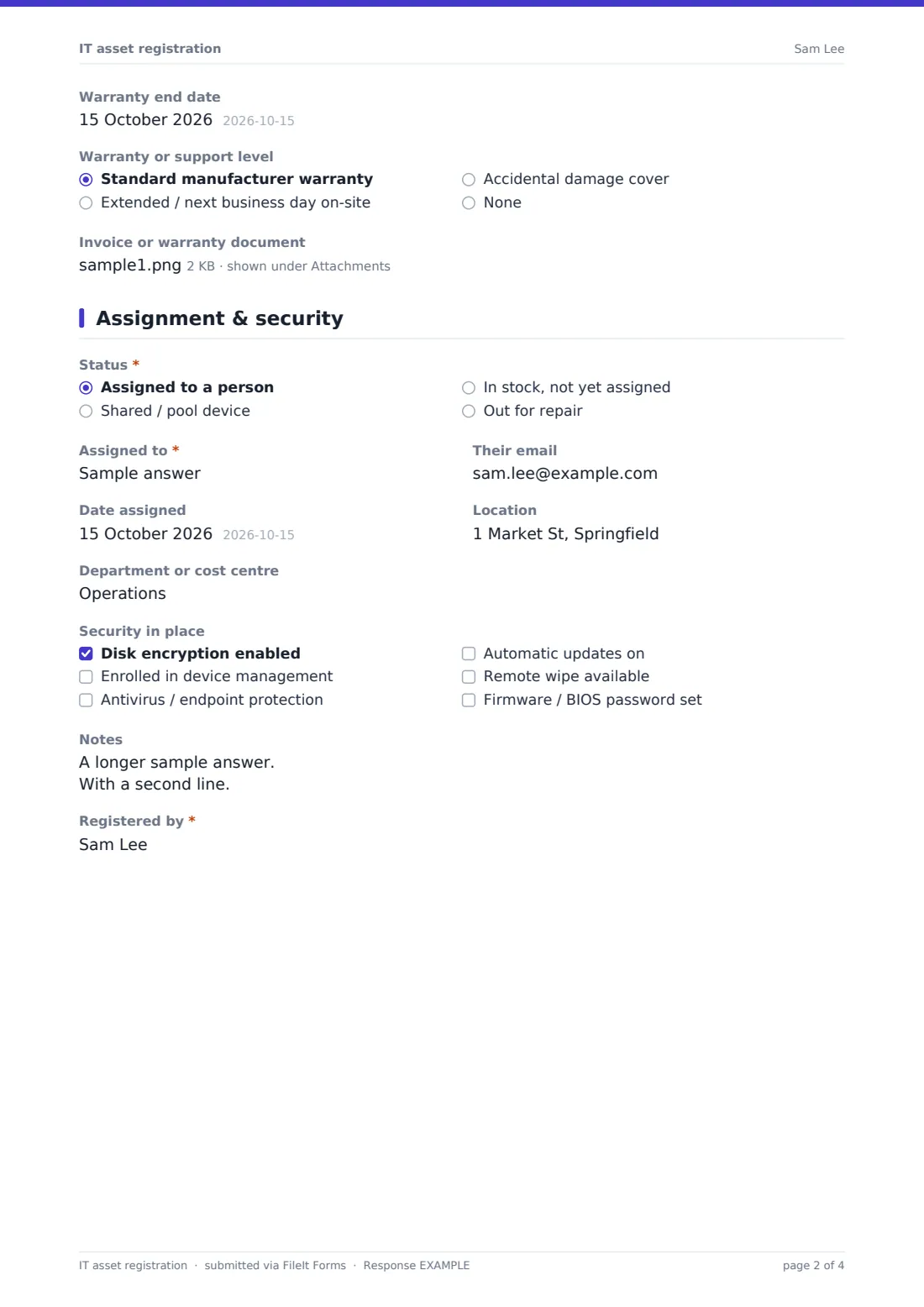
This page records the supplier, purchase order or invoice number, purchase date and cost. Choosing leased or subscription ownership asks for the lease or contract end date. The warranty end date and warranty level — standard, extended on-site, accidental damage or none — are captured with an upload for the invoice or warranty document.
3 Assignment & security
The device's status is assigned, shared, in stock or out for repair; assigned devices record the person, their email and the date. Location and cost centre follow, then a checklist of security controls — disk encryption, device management, endpoint protection, automatic updates, remote wipe and a firmware password. Notes and the name of the person registering the device complete the record.
Make the template yours
- Replace the asset types with the categories your register uses
- Change the currency on the purchase cost field
- Add a pattern to the asset tag field to enforce your numbering format
- Add a dropdown of your office locations instead of free text
- File registrations into a vault folder per asset type or per location
- Add a field for software licences bundled with the device
Tips for a better iT asset registration form
- Register devices before they're handed out — it's much harder afterwards
- Photograph the serial label rather than relying on typing it
- Record warranty end dates so you can plan replacements before cover runs out
- Keep the invoice with the record; warranty claims usually need proof of purchase
- Re-submit or update the record when a device changes hands
- Use the security checklist to spot devices that were never encrypted or enrolled
Every response becomes a PDF in your vault
Each registration is saved as a PDF in your FileIt vault with its photos and invoice. The form owner is emailed when a new asset is registered.
The Responses table and CSV export give you a sortable register — by type, location, purchase date or warranty end date — which you can use to plan refreshes or answer audit questions.
- Start from this template. It opens in the FileIt Forms designer — change any question, add pages, set the rules for when questions appear.
- Share it. Turn on a public link, or send it to people by email, each with their own link. They don’t need a FileIt account.
- Get the answers as PDFs. Each response is saved as a PDF in the vault folder you choose, with uploaded files attached — and listed in a Responses table you can export to CSV.
IT asset registration form: frequently asked questions
Is this IT asset registration template free?
Yes. It's a starter template in the FileIt Forms app, included on every plan including free.
Does it scan devices or pull details automatically?
No. The details are entered by the person registering the device. It doesn't connect to device management or discovery tools.
Can I register many devices at once?
Each submission registers one device. Multiple submissions are allowed, so the same person can work through a batch.
Can I record leased equipment?
Yes. Choosing leased or subscription asks for the lease or contract end date.
Can I change the fields?
Yes. Every question can be edited, removed or added to in the designer.
How do I record a device leaving the business?
Use the IT asset disposal record template alongside this one to document wiping and disposal.