What is the food temperature log form template?
Temperature control is one of the most important food safety checks a kitchen makes, and a written log is how you show it's happening. This template records storage temperatures for up to six fridges and freezers, core temperatures for cooked food, hot holding, cooling and reheating, at each check through the day.
The part that matters most is what happens when a reading is wrong. If anything is outside your limits, the form asks which unit or item, what the reading was, what you did — discarded, re-cooked, moved, adjusted, called an engineer — the recheck reading and time, and whether the manager was told.
Each log is saved as a signed PDF in your FileIt vault, so a month of temperature records is in one folder instead of on a clipboard sheet splashed with sauce.
- Best for
- Restaurants, cafés, care homes, schools and catering kitchens
- Filled in by
- The chef or staff member doing the check
- Time to complete
- 2–4 minutes per check
- Includes
- Six storage readings, cooking, hot-holding, cooling and reheating probes, corrective actions, signature
Who uses a food temperature log form?
- Recording fridge and freezer temperatures at opening and closing
- Probing chicken and burgers during service
- Checking a bain-marie of soup is being hot-held properly
- Logging a large batch of stock as it cools
- Recording what was done when a fridge was found running warm
- Keeping temperature records ready for a food safety inspection
Questions on this food temperature log form
36 questions over 4 pages · includes signature, conditional questions, multiple pages, consent checkbox.
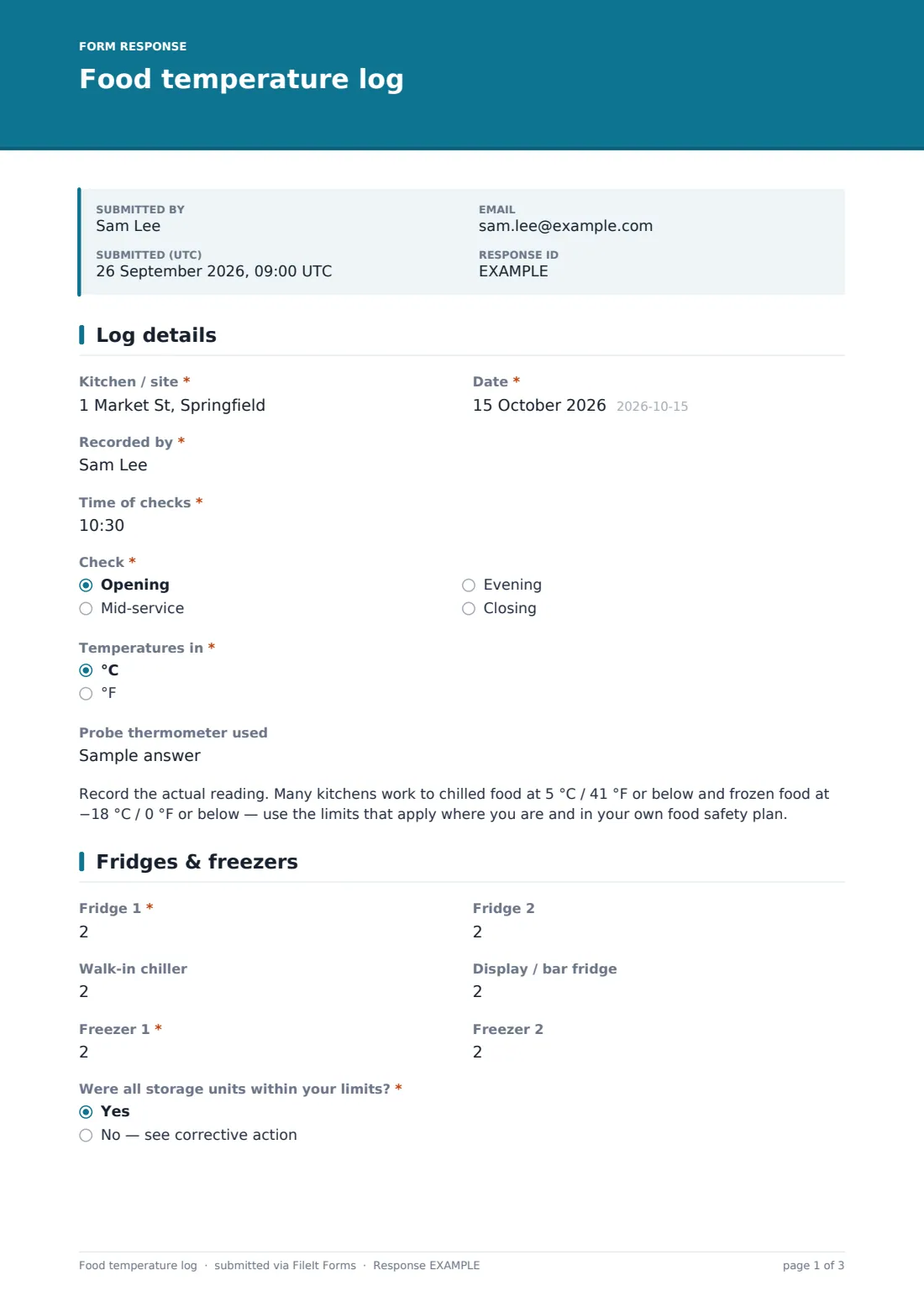
1 Log details
- Kitchen / site*
- Date*
- Recorded by*
- Time of checks*
- Check* Opening · Mid-service · Evening · Closing
- Temperatures in* °C · °F
- Probe thermometer used
2 Fridges & freezers
- Fridge 1*
- Fridge 2
- Walk-in chiller
- Display / bar fridge
- Freezer 1*
- Freezer 2
- Were all storage units within your limits?* Yes · No — see corrective action
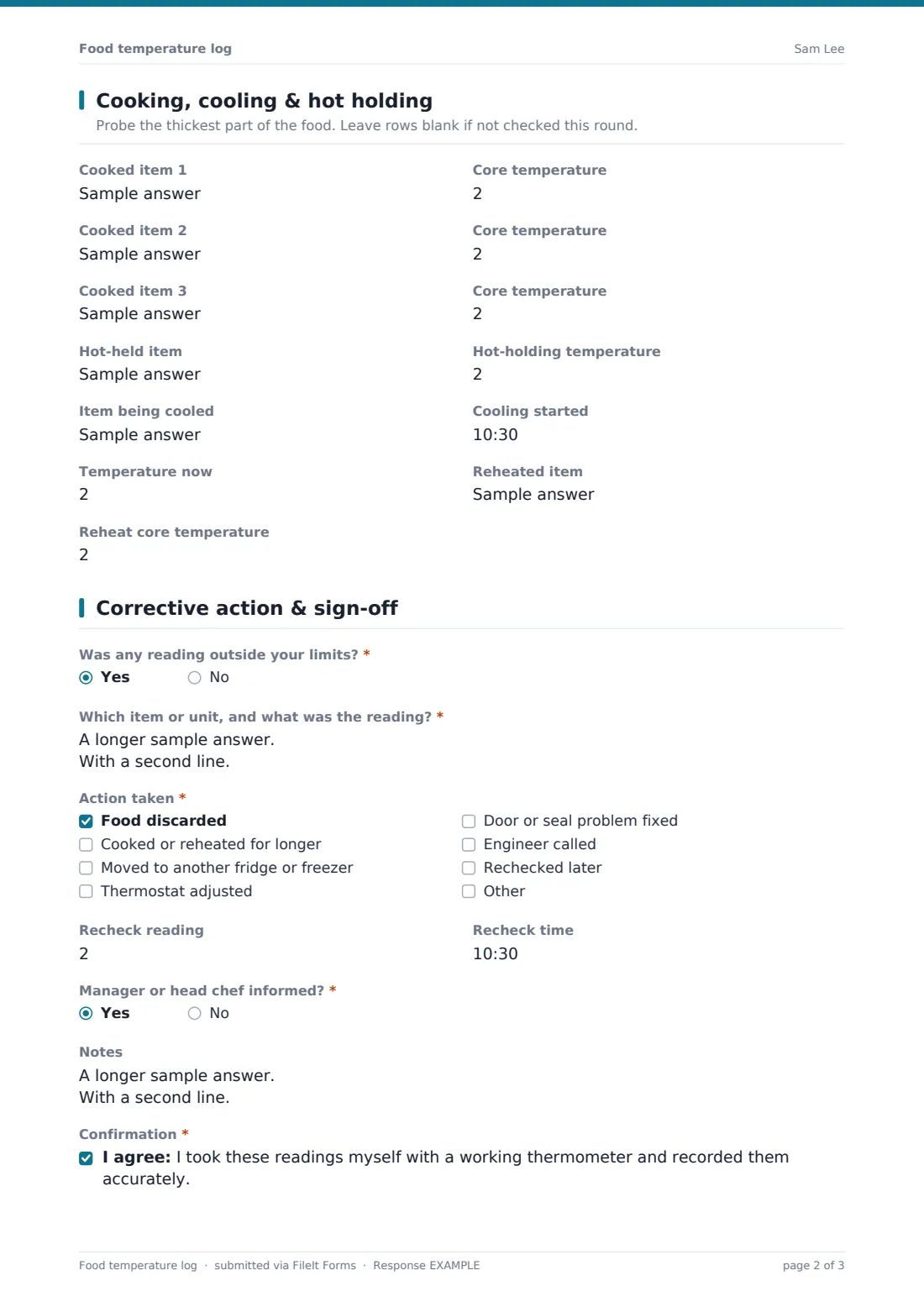
3 Cooking, cooling & hot holding
- Cooked item 1
- Core temperature asked only when it applies
- Cooked item 2 asked only when it applies
- Core temperature asked only when it applies
- Cooked item 3 asked only when it applies
- Core temperature asked only when it applies
- Hot-held item
- Hot-holding temperature asked only when it applies
- Item being cooled
- Cooling started asked only when it applies
- Temperature now asked only when it applies
- Reheated item
- Reheat core temperature asked only when it applies
4 Corrective action & sign-off
- Was any reading outside your limits?*
- Which item or unit, and what was the reading?* asked only when it applies
- Action taken* asked only when it applies Food discarded · Cooked or reheated for longer · Moved to another fridge or freezer · Thermostat adjusted · Door or seal problem fixed · Engineer called · Rechecked later
- Recheck reading asked only when it applies
- Recheck time asked only when it applies
- Manager or head chef informed?* asked only when it applies
- Notes
- Confirmation*
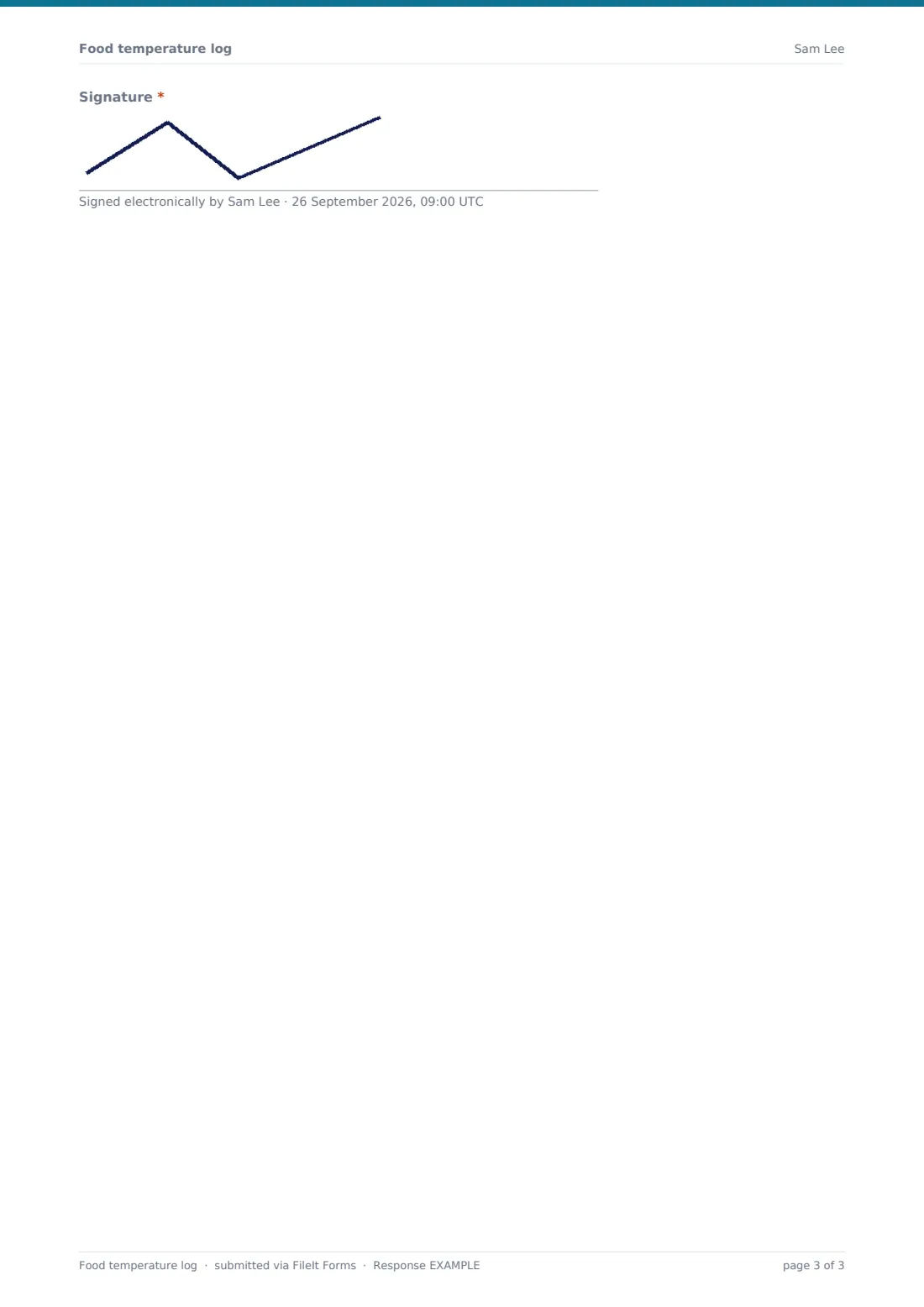
- Signature*
The food temperature log form, page by page
1 Log details
Site, date, who recorded it, the time and which check it is (opening, mid-service, evening or closing), °C or °F, and which probe was used. A note reminds staff to record the actual reading and use the limits that apply locally and in their food safety plan.
2 Fridges & freezers
Readings for Fridge 1 and 2, a walk-in chiller, a display or bar fridge and two freezers — Fridge 1 and Freezer 1 are required. Were all storage units within your limits? is answered Yes or No.
3 Cooking, cooling & hot holding
Up to three cooked items with core temperatures — each next row appears once the previous item is named — plus a hot-held item, an item being cooled (with the start time and current temperature) and a reheated item. Temperature boxes appear only when an item is filled in.
4 Corrective action & sign-off
Was any reading outside your limits? is required. Yes asks which item and reading, the action taken, a recheck reading and time, and whether the manager or head chef was told. Notes, a confirmation and a signature finish the log.
Make the template yours
- Rename the storage fields to match your equipment — 'Pastry fridge', 'Walk-in freezer 2'
- Add or remove cooked item rows
- Edit the note about limits to state the targets in your own food safety plan
- Add the head chef to notifications so out-of-range readings reach them straight away
- Put a QR code on each fridge that opens the form
- File logs in a folder per site per month
Tips for a better food temperature log form
- Clean the probe between foods and check its accuracy regularly
- Probe the thickest part of the food, away from bone
- Read fridges at the air or product probe consistently — don't switch methods day to day
- Recheck after any corrective action and record the recheck
- A fridge that's always borderline is telling you something — call the engineer
- Don't fill in the log in advance or from memory
Every response becomes a PDF in your vault
When the log is submitted, FileIt saves a signed PDF in the vault folder you chose and notifies the form owner. Because the corrective-action questions are part of the same record, the manager sees at once whether anything was out of range.
Use the Responses table to look back over a week or a month, filter by site, and export to CSV if you want to chart fridge temperatures over time. The form records what you tell it; it doesn't connect to wireless temperature sensors.
- Start from this template. It opens in the FileIt Forms designer — change any question, add pages, set the rules for when questions appear.
- Share it. Turn on a public link, or send it to people by email, each with their own link. They don’t need a FileIt account.
- Get the answers as PDFs. Each response is saved as a PDF in the vault folder you choose, with uploaded files attached — and listed in a Responses table you can export to CSV.
Food temperature log form: frequently asked questions
Is this food temperature log free?
Yes. It's part of the Forms app on every FileIt account, including the free plan.
What temperatures should my fridges and freezers be?
That depends on the rules where you operate and your own food safety plan. The form includes commonly used targets as a note, but always follow the limits that apply to you.
Does the form warn staff if a reading is too high?
It doesn't judge readings automatically. Staff answer whether any reading was outside your limits, and a yes opens the corrective-action questions.
Can I log more fridges?
Yes. Add more number fields in the designer, one per unit.
Do staff need an account?
No. They can fill it in from a shared link or a QR code.
Does this replace our HACCP plan?
No. It's a monitoring record that supports your food safety plan, not the plan itself.