What is the food waste log form template?
You can't reduce food waste you don't measure. A food waste log records what was thrown away each service, why — spoiled in storage, past its date, prep trimmings, over-production, plate waste, dropped — how much it weighed and roughly what it cost.
Staff add up to five items, each with a reason, weight and cost; the next row appears only when the previous one is filled in, so a quiet day takes a minute. Covers served lets you compare busy and quiet days fairly, and the final page records totals, where the waste went (including anything donated), what drove most of it and ideas to reduce it.
Every log is saved to your FileIt vault as a PDF, and the Responses table exports to CSV so you can add up waste by reason, week or site.
- Best for
- Restaurants, cafés, hotels, school and staff canteens, caterers
- Filled in by
- Kitchen staff at the end of each service
- Time to complete
- 2–3 minutes
- Includes
- Five item rows with reason, weight and cost, covers, totals, disposal route, reduction ideas, photo
Who uses a food waste log form?
- A restaurant tracking over-production of rice and bread at dinner
- A hotel breakfast buffet measuring plate waste
- A school kitchen comparing waste on different menu days
- A café recording pastries unsold at close and donated
- A caterer measuring waste per event against guest numbers
- A group reporting food waste figures in its sustainability report
Questions on this food waste log form
34 questions over 3 pages · includes file upload, conditional questions, multiple pages.
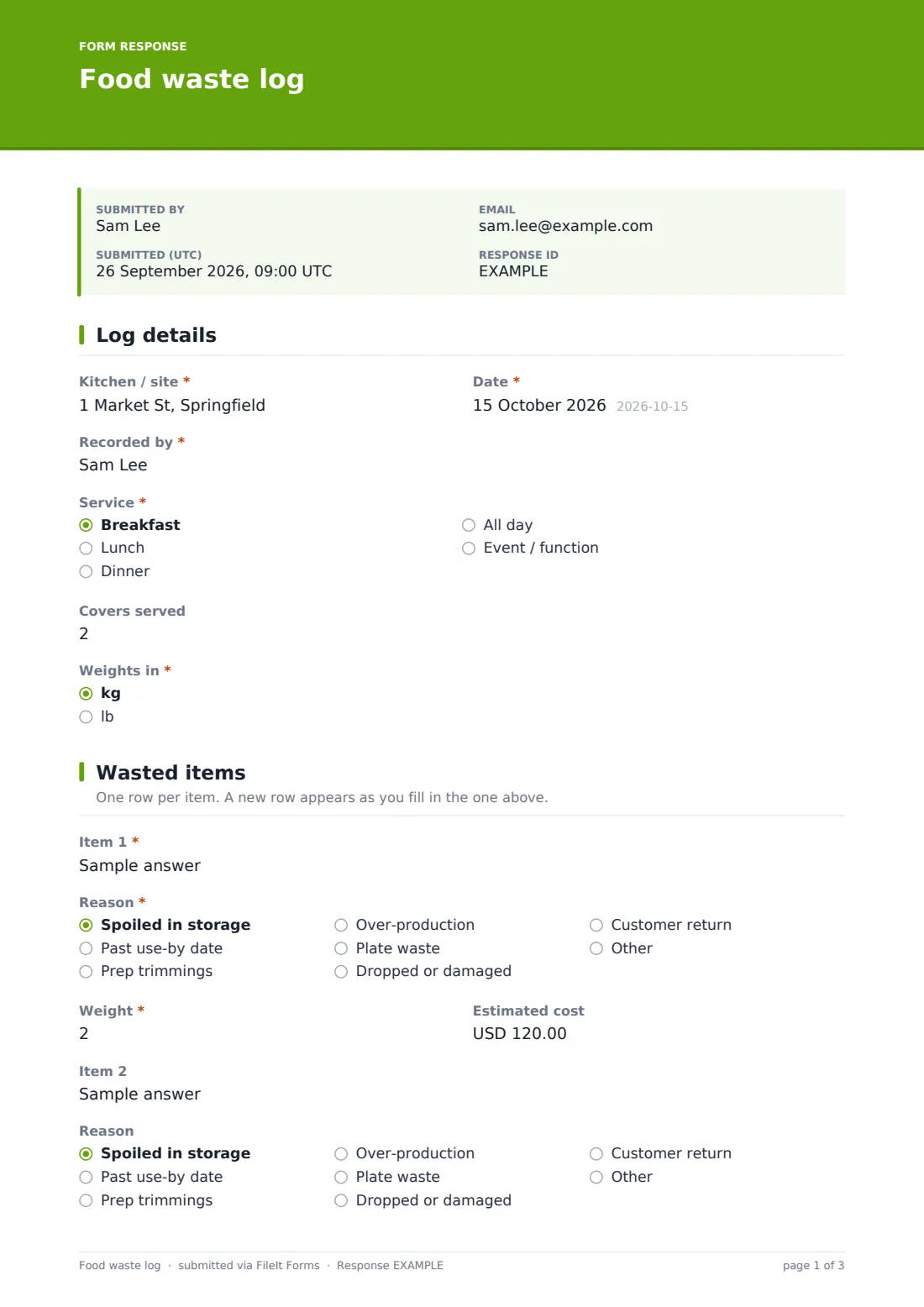
1 Log details
- Kitchen / site*
- Date*
- Recorded by*
- Service* Breakfast · Lunch · Dinner · All day · Event / function
- Covers served
- Weights in* kg · lb
2 Wasted items
- Item 1*
- Reason* asked only when it applies Spoiled in storage · Past use-by date · Prep trimmings · Over-production · Plate waste · Dropped or damaged · Customer return · Other
- Weight* asked only when it applies
- Estimated cost asked only when it applies
- Item 2 asked only when it applies
- Reason asked only when it applies Spoiled in storage · Past use-by date · Prep trimmings · Over-production · Plate waste · Dropped or damaged · Customer return · Other
- Weight asked only when it applies
- Estimated cost asked only when it applies
- Item 3 asked only when it applies
- Reason asked only when it applies Spoiled in storage · Past use-by date · Prep trimmings · Over-production · Plate waste · Dropped or damaged · Customer return · Other
- Weight asked only when it applies
- Estimated cost asked only when it applies
- Item 4 asked only when it applies
- Reason asked only when it applies Spoiled in storage · Past use-by date · Prep trimmings · Over-production · Plate waste · Dropped or damaged · Customer return · Other
- Weight asked only when it applies
- Estimated cost asked only when it applies
- Item 5 asked only when it applies
- Reason asked only when it applies Spoiled in storage · Past use-by date · Prep trimmings · Over-production · Plate waste · Dropped or damaged · Customer return · Other
- Weight asked only when it applies
- Estimated cost asked only when it applies
- Any other items asked only when it applies
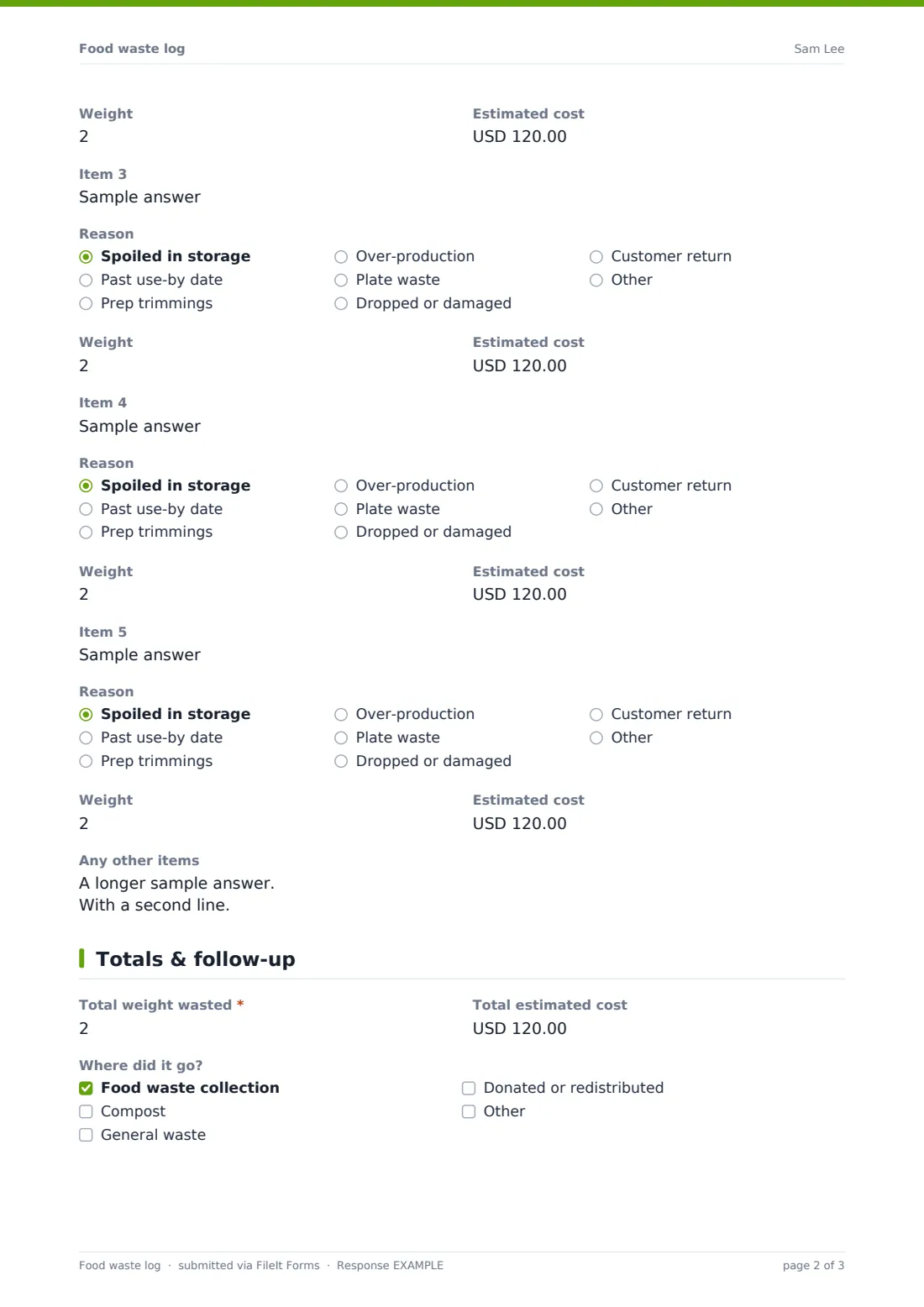
3 Totals & follow-up
- Total weight wasted*
- Total estimated cost
- Where did it go? Food waste collection · Compost · General waste · Donated or redistributed
- Donated to asked only when it applies
- What drove most of today's waste?
- Ideas to reduce it
- Photo of the waste
The food waste log form, page by page
1 Log details
Site, date, who recorded it, which service (breakfast, lunch, dinner, all day or an event), covers served and whether weights are in kg or lb.
2 Wasted items
Item 1 is required: its name, a reason (spoiled in storage, past use-by, prep trimmings, over-production, plate waste, dropped or damaged, customer return, other), the weight and an estimated cost. Items 2 to 5 appear one at a time as each is filled in, and a free-text box after item 5 takes anything else.
3 Totals & follow-up
Total weight (required) and total cost, where the waste went — food waste collection, compost, general waste, donated — with a Donated to field when relevant, what drove most of the waste today, ideas to reduce it and an optional photo.
Make the template yours
- Edit the reasons to match the categories you report on
- Change the currency on the cost fields
- Add more item rows if you routinely log more than five
- Put a QR code on the waste bins so logging is quick
- File logs by site and month for reporting
- Make the photo required if you audit unusually large waste entries
Tips for a better food waste log form
- Weigh, don't guess — even kitchen scales beat estimates
- Log it every service for a few weeks before drawing conclusions
- Plate waste often points at portion sizes; over-production at forecasting
- Share the totals with the team — people waste less when they see the number
- Use the cost figure, not just weight, when prioritising what to fix
- Follow your local rules before donating food or sending it for animal feed
Every response becomes a PDF in your vault
Each log is saved as a PDF in the vault folder you chose, and the form owner is notified.
Export the Responses table to CSV to total waste by reason, item, service or week. The form doesn't calculate trends itself, but a simple spreadsheet of the export shows where to act first.
- Start from this template. It opens in the FileIt Forms designer — change any question, add pages, set the rules for when questions appear.
- Share it. Turn on a public link, or send it to people by email, each with their own link. They don’t need a FileIt account.
- Get the answers as PDFs. Each response is saved as a PDF in the vault folder you choose, with uploaded files attached — and listed in a Responses table you can export to CSV.
Food waste log form: frequently asked questions
Is this food waste log template free?
Yes. It's part of the Forms app on every FileIt account, including the free plan.
Can I log more than five items?
Yes. Use the free-text box after item 5, or add more rows in the designer.
Does it add up the totals for me?
No — staff enter the totals. Exporting to CSV makes it easy to add up across many days.
Can I track donated food?
Yes. Tick Donated or redistributed and a field appears for who received it.
Do staff need an account?
No. They can fill it in from a link or a QR code.
Can I compare sites?
Yes, if each site uses the same form: filter or export the responses by the Kitchen / site answer.