What is the recipe costing card form template?
Most kitchens price new dishes by gut feel, then discover months later that a popular plate barely makes money. A recipe costing card fixes that by writing down every ingredient, what it costs, how many portions the batch really yields and what the dish needs to sell for to hit the kitchen's target food cost.
This template walks a chef through the dish, the full ingredient list with line costs and a waste allowance, the yield and portion size, and finally the pricing: target food cost percentage, suggested selling price, the menu price chosen, the actual food cost at that price and the gross profit per portion.
The form doesn't do the arithmetic for you, so work it out on a calculator or in your spreadsheet and record the results. Each card is saved as a PDF in FileIt, giving you a dated record of each dish's cost to compare against when supplier prices change.
- Best for
- Head chefs, kitchen managers, caterers and food businesses setting menu prices
- Filled in by
- The chef or manager costing the dish
- Time to complete
- 10 to 20 minutes per dish, depending on the number of ingredients
- Includes
- Ingredient list with line costs, yield and portion, target and actual food cost %, gross profit and a dish photo
Who uses a recipe costing card form?
- A head chef costing every dish before a new seasonal menu launches
- A café owner checking whether a best-selling sandwich is priced high enough
- A caterer costing per-head menus for event quotes
- A group operator keeping the same costing format across several sites
- A kitchen manager re-costing dishes after a supplier price rise
- A culinary student practising food cost calculations
Questions on this recipe costing card form
27 questions over 4 pages · includes file upload, conditional questions, multiple pages.
1 The dish
- Dish name*
- Menu section* Starter · Main · Side · Dessert · Bar snack · Breakfast · Special · Batch or prep recipe
- Restaurant or outlet
- Costed by*
- Date costed*
- Recipe version
2 Ingredients
- Ingredients and costs*
- Number of ingredients
- Total ingredient cost for the batch*
- Allowance for trim, waste and spoilage (%)
- Where the prices come from
3 Yield and portion
- Batch yield*
- Yield unit* Portions · kg · g · litres · ml · Each
- Portions per batch*
- Portion size*
- Food cost per portion*
- Garnish, sauce or side cost per portion not listed above
4 Pricing
- Target food cost (%)*
- Suggested selling price (cost per portion divided by target %)*
- Menu price chosen*
- Menu price is* Including sales tax or VAT · Excluding sales tax or VAT
- Actual food cost at the menu price (%)*
- Gross profit per portion*
- Method notes or recipe card reference
- Photo of the plated dish
- Status* Draft · Approved for menu · Needs re-costing · Retired
- Approved by asked only when it applies
The recipe costing card form, page by page
1 The dish
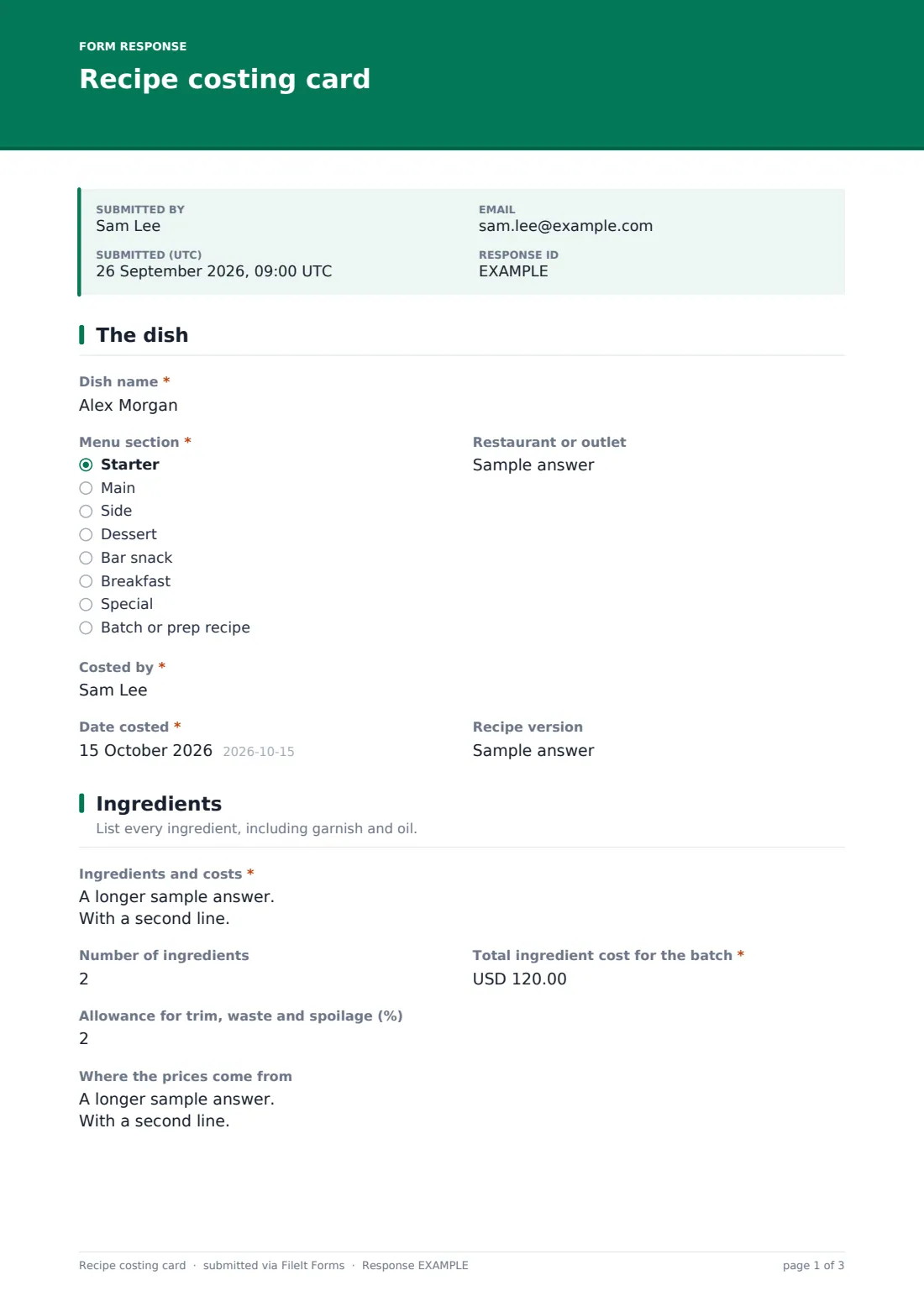
Start with the dish name, its menu section (starter, main, side, dessert, bar snack, breakfast, special or a batch or prep recipe), the restaurant or outlet, who costed it, the date and a version label such as the menu season.
2 Ingredients
List every ingredient on its own line with the quantity used, the purchase price and pack size, and the line cost. Then record the number of ingredients, the total ingredient cost for the batch, a percentage allowance for trim, waste and spoilage, and where the prices came from, such as a supplier price list or a recent invoice.
3 Yield and portion
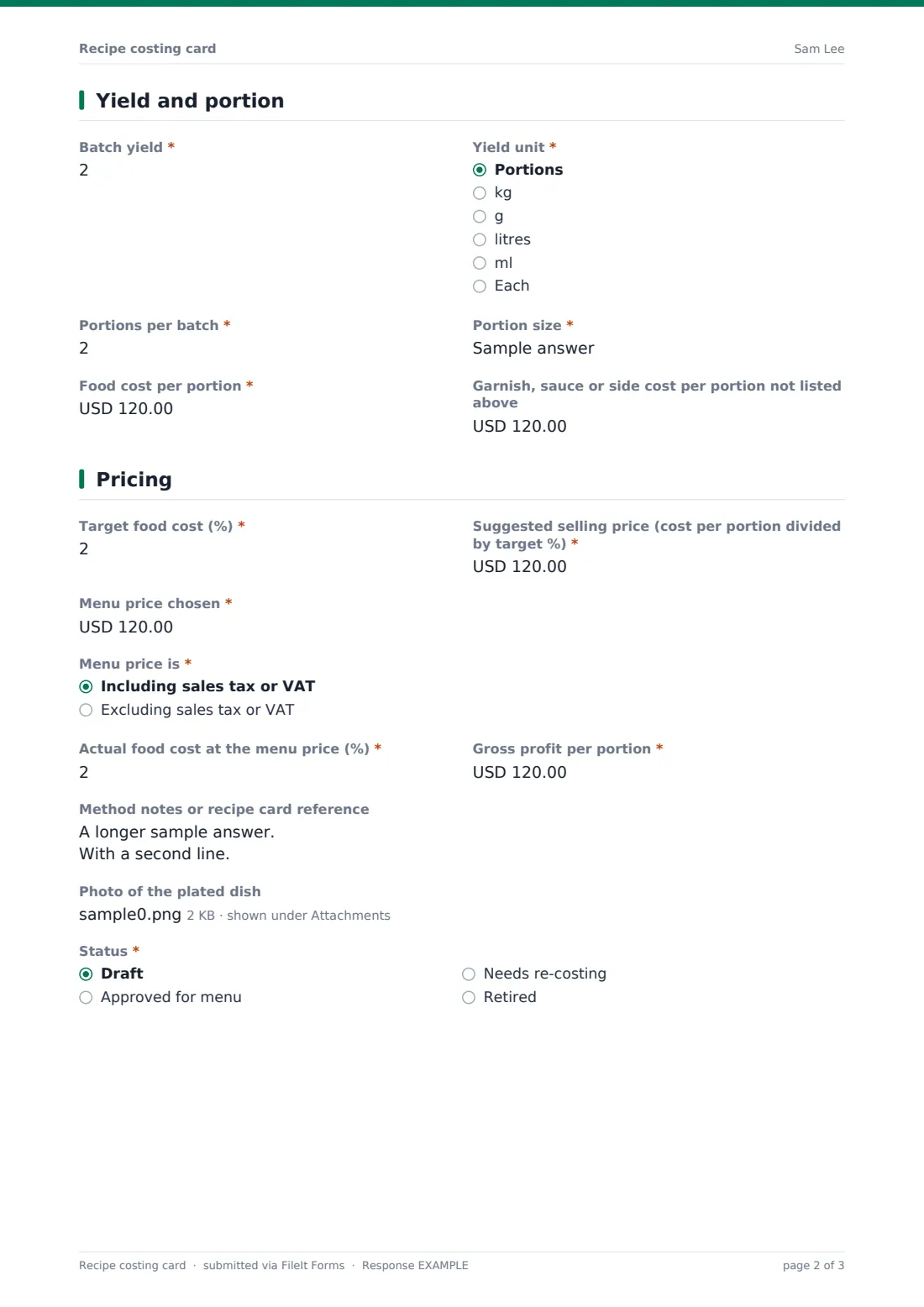
Enter the batch yield and its unit, the number of portions per batch and the portion size. Record the food cost per portion and any garnish, sauce or side cost that isn't already in the ingredient list.
4 Pricing
Set the target food cost percentage and the suggested selling price that follows from it, then the menu price actually chosen and whether it includes sales tax or VAT. Record the actual food cost percentage at that price and the gross profit per portion. Finish with method notes, a photo of the plated dish and a status: draft, approved for menu, needs re-costing or retired. Approved cards also ask who approved them.
Make the template yours
- Change the currency on the cost fields to the one your kitchen buys in
- Edit the menu sections to match your own menu
- Add a labour or packaging cost line if you cost takeaway dishes
- Set a default target food cost in the help text so every chef uses the same benchmark
- File cards into vault folders by menu or by outlet
- Add an allergen checklist if you want costing and allergen information on one card
Tips for a better recipe costing card form
- Cost from the price you actually pay, not the list price, and note the date of the price you used
- Weigh what's left after trimming and cooking at least once: yield is where most costings go wrong
- Include oil, seasoning and garnish, even if each one is small
- Remember to remove sales tax or VAT from the menu price before working out food cost percentage
- Re-cost your highest-volume dishes first whenever supplier prices move
Every response becomes a PDF in your vault
Each costing card is saved as a PDF in your FileIt vault with the dish photo attached, and you can be notified when a new card is submitted for approval.
From the Responses table you can compare dishes side by side, filter by status to find cards that need re-costing, and export everything to CSV for your menu engineering spreadsheet.
- Start from this template. It opens in the FileIt Forms designer — change any question, add pages, set the rules for when questions appear.
- Share it. Turn on a public link, or send it to people by email, each with their own link. They don’t need a FileIt account.
- Get the answers as PDFs. Each response is saved as a PDF in the vault folder you choose, with uploaded files attached — and listed in a Responses table you can export to CSV.
Recipe costing card form: frequently asked questions
Is this recipe costing card free?
Yes. It's one of the ready-made templates in the FileIt Forms app, available on every account including the free plan.
Does the form calculate the food cost for me?
No. FileIt Forms doesn't do calculations. Work the numbers out on a calculator or spreadsheet and record the results on the card.
How do I work out the suggested selling price?
Divide the food cost per portion by your target food cost percentage. For example, a cost of 3.00 at a 30% target gives a selling price of 10.00, before any sales tax or VAT.
Can I attach a photo of the dish?
Yes. You can attach up to three photos or a PDF of the plated dish or the full recipe.
Can I change the currency?
Yes. Each cost field has a currency setting you can change in the designer.
Can several chefs use the same form?
Yes. Share the link with your team and every card is filed in the same place, with the name of the chef who costed it.