
What is the credit note request form template?
Credits are often agreed on a call and then passed to finance in a quick message, with no invoice number, no reason and no sign that anyone approved it. This credit note request form, also called a credit memo request, gives finance what it needs to raise the credit and gives you a record of why it was issued.
The requester identifies the customer and invoice, says whether it's been paid, and chooses a full or partial credit, listing the lines if partial. They pick a reason, such as a pricing error, damaged goods, returns, short delivery or goodwill, and explain what happened, with evidence attached. Returns ask whether the goods are back yet.
Each request is filed as a PDF in your vault, and the Responses table helps you see credits by reason, including an optional 'could this have been avoided?' question that helps you find the causes.
- Best for
- Businesses issuing invoices and occasional credits
- Filled in by
- Sales, customer service or account managers
- Time to complete
- About 4 minutes
- Includes
- Partial credit lines, returns follow-up, evidence upload, settlement choice, approver
Who uses a credit note request form?
- An account manager agrees a credit for a price that should have had a discount
- Customer service credits goods that arrived damaged
- A warehouse confirms returned stock so the customer's credit can be raised
- A duplicate invoice needs cancelling with a matching credit
- A manager approves a goodwill credit after a service failure
- Finance reviews a quarter's credits by reason to find avoidable ones
Questions on this credit note request form
23 questions over 3 pages · includes file upload, conditional questions, multiple pages, consent checkbox.
1 Customer & invoice
- Your name*
- Email*
- Department
- Customer name*
- Customer account number
- Invoice number*
- Invoice date*
- Invoice total*
- Has the customer paid the invoice?* Not yet · Partly · Paid in full
- Copy of the invoice
2 The credit
- Credit for* The whole invoice · Part of it
- Credit amount*
- Which lines or items?* asked only when it applies
- Reason* Pricing or discount error · Damaged or faulty goods · Goods returned · Short or wrong delivery · Service issue or goodwill · Duplicate invoice · Order cancelled · Other
- Have the goods been received back?* asked only when it applies Yes, received and checked · Not yet — raise the credit when they arrive
- Return or RMA reference asked only when it applies
- Explain what happened*
- Supporting evidence
3 Settlement & approval
- How should the credit be used?* Against this invoice · Left on the account for future invoices · Refunded to the customer
- Could this have been avoided? No — outside our control · Yes — a process or system issue · Yes — a one-off mistake · Yes — a supplier or carrier issue
- Approved by*
- Approver's email
- Declaration*
The credit note request form, page by page
1 Customer & invoice
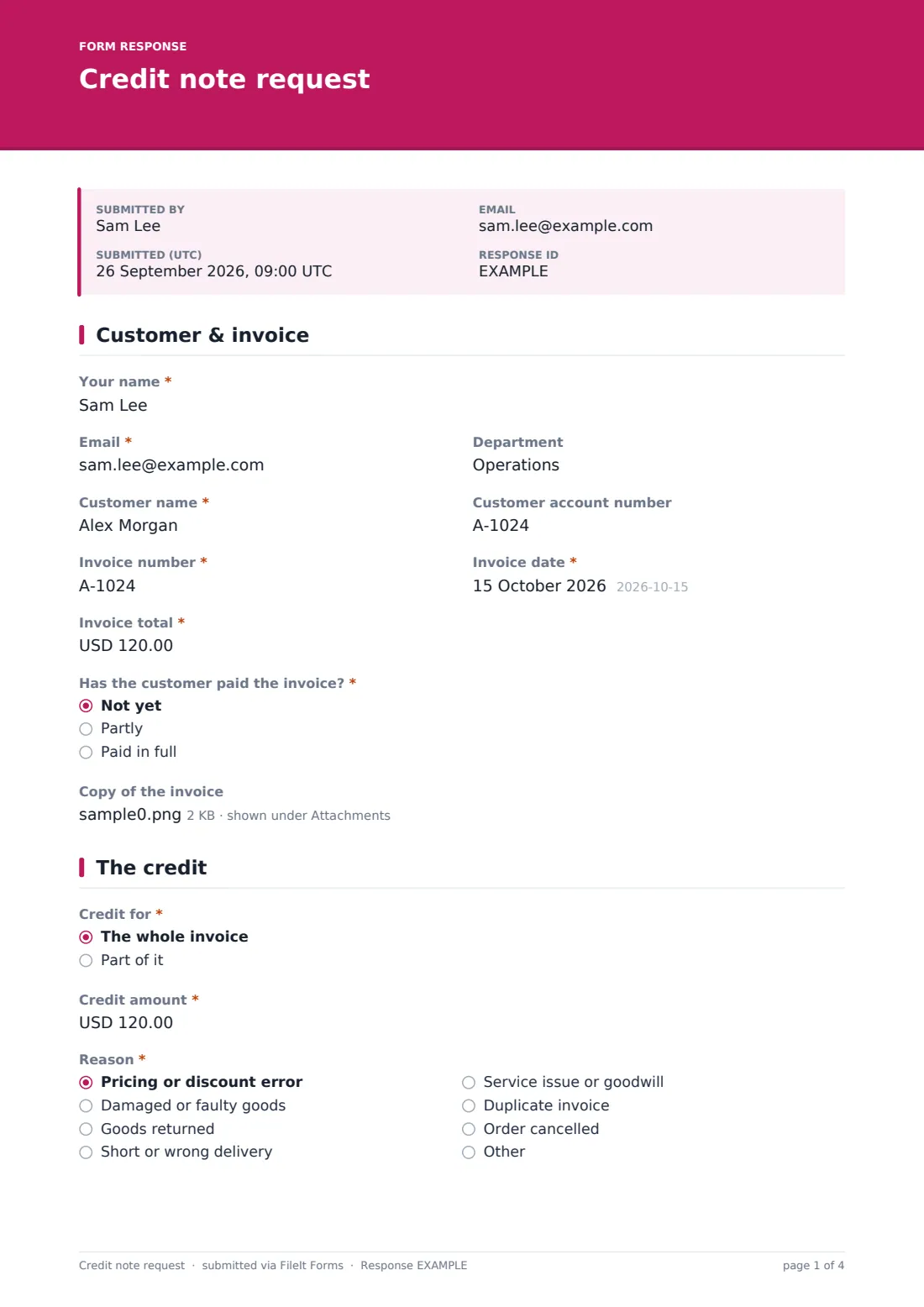
The requester's name, email and department, the customer's name and account number, and the invoice number, date and total. They say whether the customer has paid it (not yet, partly, in full) and can attach a copy.
2 The credit
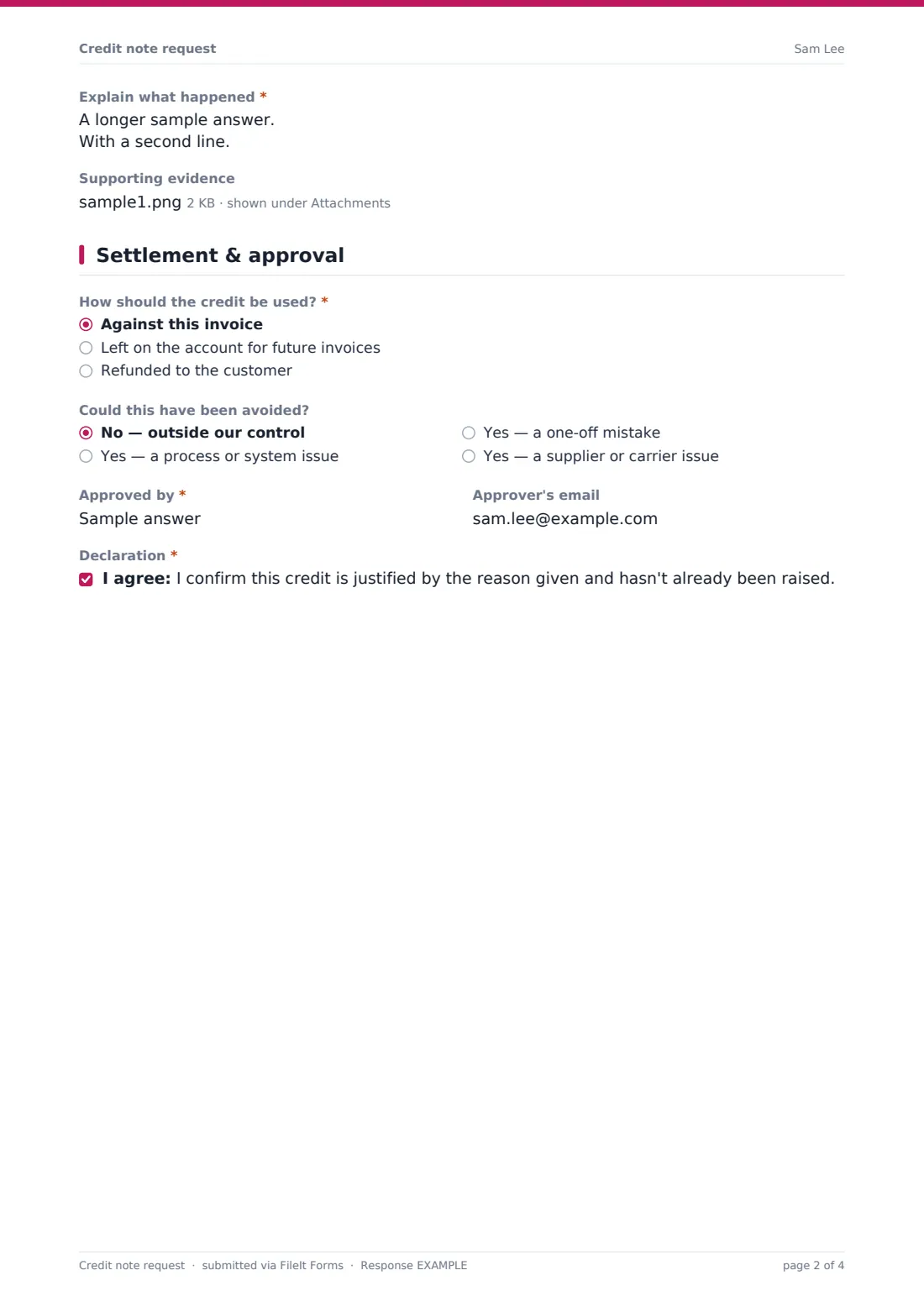
Whether the credit is for the whole invoice or part of it, and the amount including tax. Partial credits ask which lines or items. The reason dropdown covers pricing errors, damaged goods, returns, short or wrong delivery, service issues or goodwill, duplicate invoices, cancelled orders and other. For returns the form asks whether the goods are back and for the return reference. An explanation is required, and up to five files of evidence can be attached.
3 Settlement & approval
How the credit is used: against this invoice, left on the account, or refunded. Refunds show a note not to add bank or card details here. An optional question asks whether the credit could have been avoided, then the approver is named and the requester confirms the credit is justified and hasn't been raised already.
Make the template yours
- Change the reason list to match your own credit reason codes
- Set the currency on the amount fields
- Put your approval limits in the Settlement & approval page description
- Make the evidence upload required if every credit must be backed by a customer email, delivery note or photo
- Add the finance or billing inbox to notifications
- Remove the root-cause question if you don't track it
Tips for a better credit note request form
- Always tie a credit to a specific invoice; unallocated credits are hard to reconcile later
- Wait for returned goods to be checked before crediting unless you've agreed otherwise
- Review credits by reason every quarter; repeated pricing errors usually point to a system fix
- Keep goodwill credits approved by someone other than the requester
- Tell the customer when the credit has been raised and how it will be applied
Every response becomes a PDF in your vault
The request becomes a PDF with the invoice copy and evidence, filed in the vault folder you choose. You're emailed as soon as it arrives, and can add finance or the approver.
Finance raises the credit note in your accounting system and applies it as requested. The Responses table and CSV export give you a log of credits by customer, reason and amount.
- Start from this template. It opens in the FileIt Forms designer — change any question, add pages, set the rules for when questions appear.
- Share it. Turn on a public link, or send it to people by email, each with their own link. They don’t need a FileIt account.
- Get the answers as PDFs. Each response is saved as a PDF in the vault folder you choose, with uploaded files attached — and listed in a Responses table you can export to CSV.
Credit note request form: frequently asked questions
Is this credit note request template free?
Yes. It's one of the ready-made templates in the Forms app on every FileIt account, including the free plan. Use it as it is or change any question in the designer.
Does the form create the credit note?
No. It collects the request and approval. Finance raises the credit note itself in your accounting system.
Can we request a credit for only some lines on an invoice?
Yes. Choose 'Part of it' and the form asks which lines or items the credit covers.
What about refunds to the customer?
Choose the refund option. A note reminds the requester not to put bank or card details on the form; finance arranges the refund with the customer directly.
Do staff need a FileIt account to request a credit?
No. Share the form by public link or send personal email invitations, and anyone can fill it in and submit it without creating an account.
How is this different from the invoice dispute form?
An invoice dispute is filled in by the customer to query a bill. This form is internal: your team asks finance to issue a credit, often after a dispute has been agreed.