What is the product return request form template?
A product return request form replaces a scattered mix of emails, phone calls and support tickets with one consistent place for customers to tell you what they're returning, why, and what they'd like instead. It captures the order number, the item, the reason and even photos in a single submission, so nothing gets missed on the first message.
Handling returns by email alone means every customer describes their problem differently, photos arrive as separate attachments that are easy to lose, and it can take several back-and-forth messages just to gather the basics. A structured form asks the right follow-up questions automatically — for example, only asking for photos and packaging condition when the item arrived damaged or faulty.
This template comes with FileIt's Forms app, included on every FileIt account including the free plan. Customers fill it in without ever needing a FileIt account of their own, and every submission — including any photos attached — is saved as a PDF in your vault, filed under whichever folder you choose for returns.
- Best for
- Online and retail businesses handling returns, refunds and exchanges
- Filled in by
- Customers requesting a return for something they've ordered
- Time to complete
- About 4 minutes
- Includes
- Conditional questions by reason, photo upload, refund/exchange/credit/repair options
Who uses a product return request form?
- A customer received the wrong size and wants an exchange
- An item arrived damaged and the customer needs to send photos for the warehouse team
- A customer simply changed their mind within your return window
- A faulty product needs a repair rather than a straight refund
- A customer wants a collection arranged instead of dropping the parcel off themselves
- Your returns team screens incoming requests by reason before approving a label
Questions on this product return request form
20 questions over 3 pages · includes file upload, conditional questions, multiple pages, consent checkbox.
1 Your order
- Name*
- Email used for the order*
- Phone
- Order number*
- Order or delivery date
2 The item
- Item being returned*
- Quantity*
- Reason for return* Changed my mind · Wrong size or fit · Not as described · Faulty or stopped working · Arrived damaged · Wrong item sent · Arrived too late · Other
- What's wrong with it?* asked only when it applies
- Was the outer packaging damaged too? asked only when it applies
- What did you receive instead?* asked only when it applies
- Please tell us more* asked only when it applies
- Condition of the item* Unopened, in original packaging · Opened but unused · Used · Damaged / faulty
- Photos of the item
3 What you'd like
- What would you like?* Refund to original payment method · Exchange · Store credit · Repair
- Exchange for* asked only when it applies
- How will you send it back? Drop off at a post office / parcel point · Please arrange a collection · Return in store
- Collection address* asked only when it applies
- Anything else?
- Returns policy*
The product return request form, page by page
1 Your order
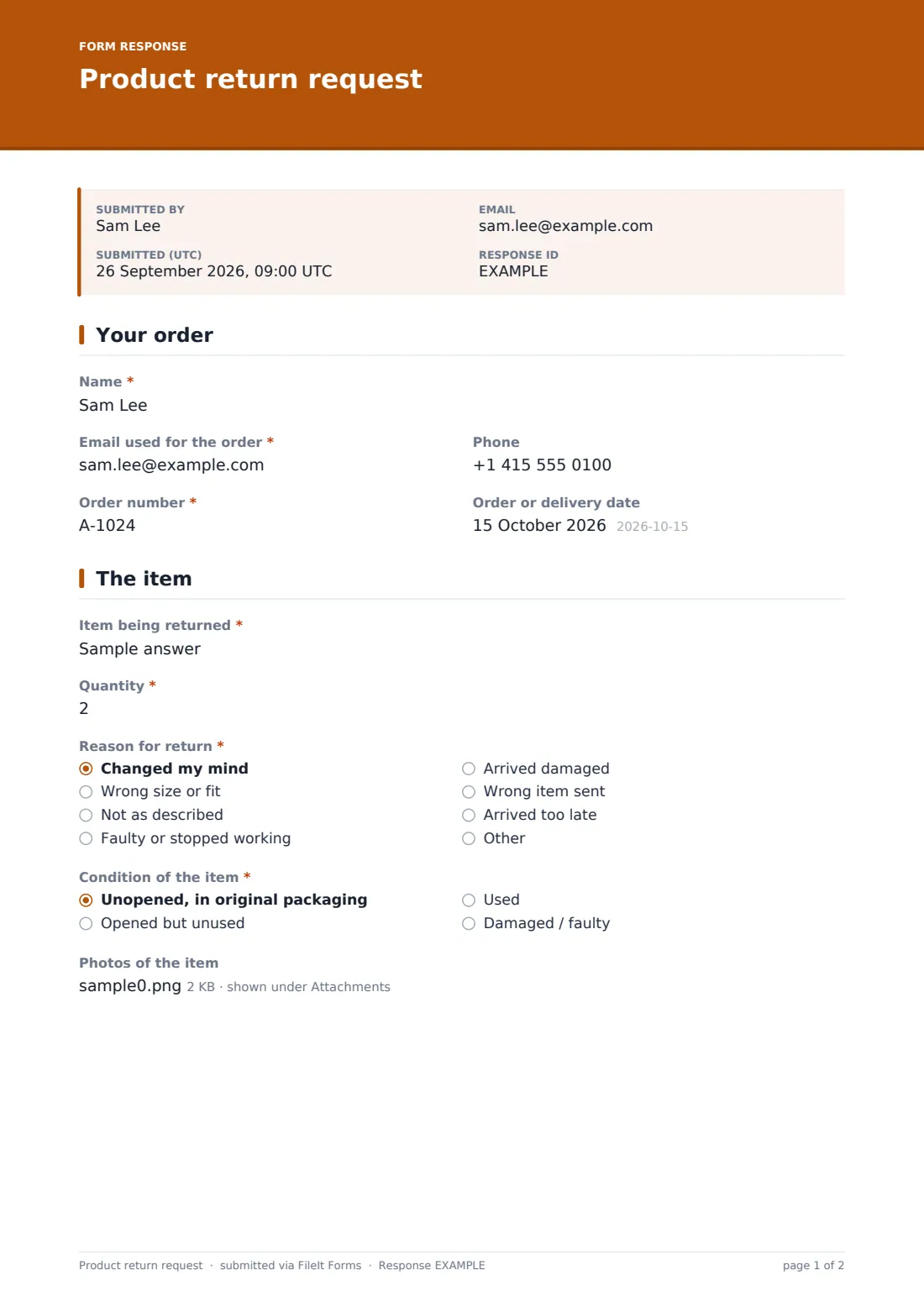
The form starts with Name, Email used for the order and an optional Phone, followed by the Order number and Order or delivery date. Asking for the order number up front means your team can pull up the original purchase before reading any further detail, rather than searching for it later.
2 The item
Item being returned and Quantity identify exactly what's coming back, and Reason for return — changed my mind, wrong size, not as described, faulty, damaged, wrong item, arrived too late, or other — decides what the form asks next. A faulty item prompts a required description of what's wrong and when the customer noticed; a damaged item asks whether the outer packaging was damaged too; a wrong item asks what was received instead.
Condition of the item, from unopened to damaged/faulty, and an optional Photos of the item upload — flagged as required for damaged, faulty or wrong items — give your team what they need to assess the return without asking a follow-up question.
3 What you'd like
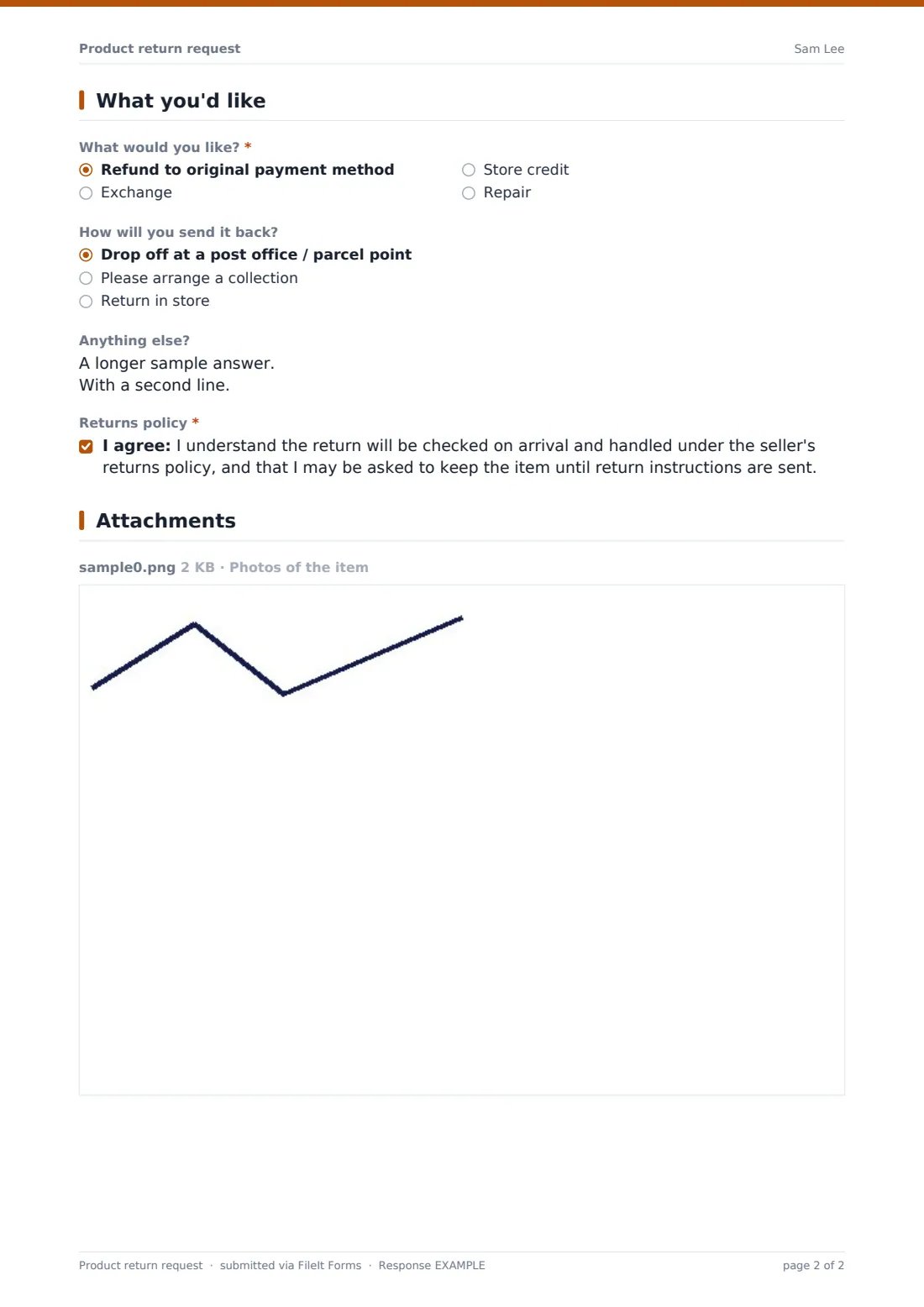
What would you like? offers a refund to the original payment method, an exchange, store credit or a repair, with an Exchange for field appearing only when an exchange is chosen. How will you send it back? covers drop-off, a requested collection, or in-store return, with a Collection address field that only appears if a collection is needed. The form ends with a consent statement confirming the customer understands the item will be checked on arrival and handled under your returns policy.
Make the template yours
- Adjust the accepted reasons to match products you actually sell, such as adding a size-guide link for exchanges
- Make photos required for every reason, not just damaged, faulty or wrong items
- Route the vault folder by product line or by store, so different teams see only their own returns
- Add a closing date if you're running a limited returns window for a seasonal sale
- Turn on a PDF copy to the customer so they have a written record of what they submitted
- Add a maximum number of responses if you want to cap requests during a promotional period
Tips for a better product return request form
- Ask for photos whenever a claim is about damage or a fault — it speeds up your decision and avoids a second message
- Set a clear expectation for how long processing takes so customers don't chase you the next day
- Keep your returns policy statement short and link out to the full policy elsewhere
- Review reasons regularly — a spike in one category is often a signal about a product or a courier
- Only ask for a collection address when it's actually needed, to keep the form quick for drop-off returns
- Confirm receipt in writing as soon as the parcel arrives back with you
Every response becomes a PDF in your vault
The moment a customer submits a return request, FileIt converts it — including any uploaded photos — into a PDF titled with the customer's name and the date, and files it in the vault folder you've set up for returns. Because owner notification and a customer copy are both switched on by default in this template, your team is alerted straight away and the customer has a receipt of exactly what they asked for.
From there, most businesses work through the Responses table, filtering by reason or resolution type, opening each PDF to check photos and condition, and exporting a day's returns to CSV to log against orders in another system. The usual next step is sending return instructions or a shipping label, and updating the customer once the item has been checked.
- Start from this template. It opens in the FileIt Forms designer — change any question, add pages, set the rules for when questions appear.
- Share it. Turn on a public link, or send it to people by email, each with their own link. They don’t need a FileIt account.
- Get the answers as PDFs. Each response is saved as a PDF in the vault folder you choose, with uploaded files attached — and listed in a Responses table you can export to CSV.
Product return request form: frequently asked questions
Is this product return request form template free?
Yes. It's included with the Forms app on every FileIt account, including the free plan.
Do customers need a FileIt account to request a return?
No. Customers use the link you share and submit the form without ever creating a FileIt account.
How do I get return requests as PDFs?
Every submission, including any photos, is automatically saved as a PDF in the vault folder you choose, and the full list is browsable and exportable to CSV from the Responses table.
Can customers upload photos of a damaged or faulty item?
Yes. The photo upload field accepts common image formats and PDFs, up to 10 MB per file, and is flagged as needed whenever the reason given is damage, a fault or the wrong item.
Can I offer a refund, exchange, store credit or repair?
Yes — What would you like? lets the customer choose any of those four outcomes, and an exchange automatically opens a field to specify the replacement they want.
Does this form process the actual refund or payment?
No. FileIt collects the return request as a PDF and files it for you; the payments, e-commerce or refund itself still runs through your own payment provider or store platform.
Can I change the reasons or conditions listed?
Yes. Every option, question and page in the designer can be edited to match how your business categorises returns.
Can I limit how many return requests come in?
Yes — you can set a maximum number of responses, a closing date, or both, from the form's settings.