What is the quote request form template?
A quote request form gives a prospective client one place to describe what they need priced, instead of an email that says little more than "can you give me a quote?" It asks for the scope of work, budget range, timeline and location up front, so the first thing a business does with a new enquiry is respond with a real number, not a list of clarifying questions.
A bare contact form or a generic "get in touch" email address tends to produce vague enquiries that take several exchanges to turn into a usable brief. A structured quote request form asks for the details that actually drive a price — quantities, site conditions, reference files — the first time, cutting the back-and-forth before a quote can even be prepared.
This template is built with FileIt's Forms app, included on every FileIt account including the free plan. Prospective clients fill it in without needing a FileIt account, and every request — including any files they attach — is automatically saved as a PDF in your vault, filed under whichever folder you use for new enquiries.
- Best for
- Trades, agencies, consultants and any service business that quotes before booking work
- Filled in by
- Prospective clients requesting a price for a job
- Time to complete
- About 5 minutes
- Includes
- Service picker, budget ranges, timeline flexibility, file upload for plans or photos
Who uses a quote request form?
- A homeowner requests a quote for a repair or installation job
- A business asks for pricing on an ongoing support contract
- A prospective client compares quotes from several providers before choosing one
- Someone uploads photos or a floor plan so the quote reflects the actual site
- A consultant screens enquiries by budget range before offering a call
- A returning client requests a new quote and flags how they heard about the business again
Questions on this quote request form
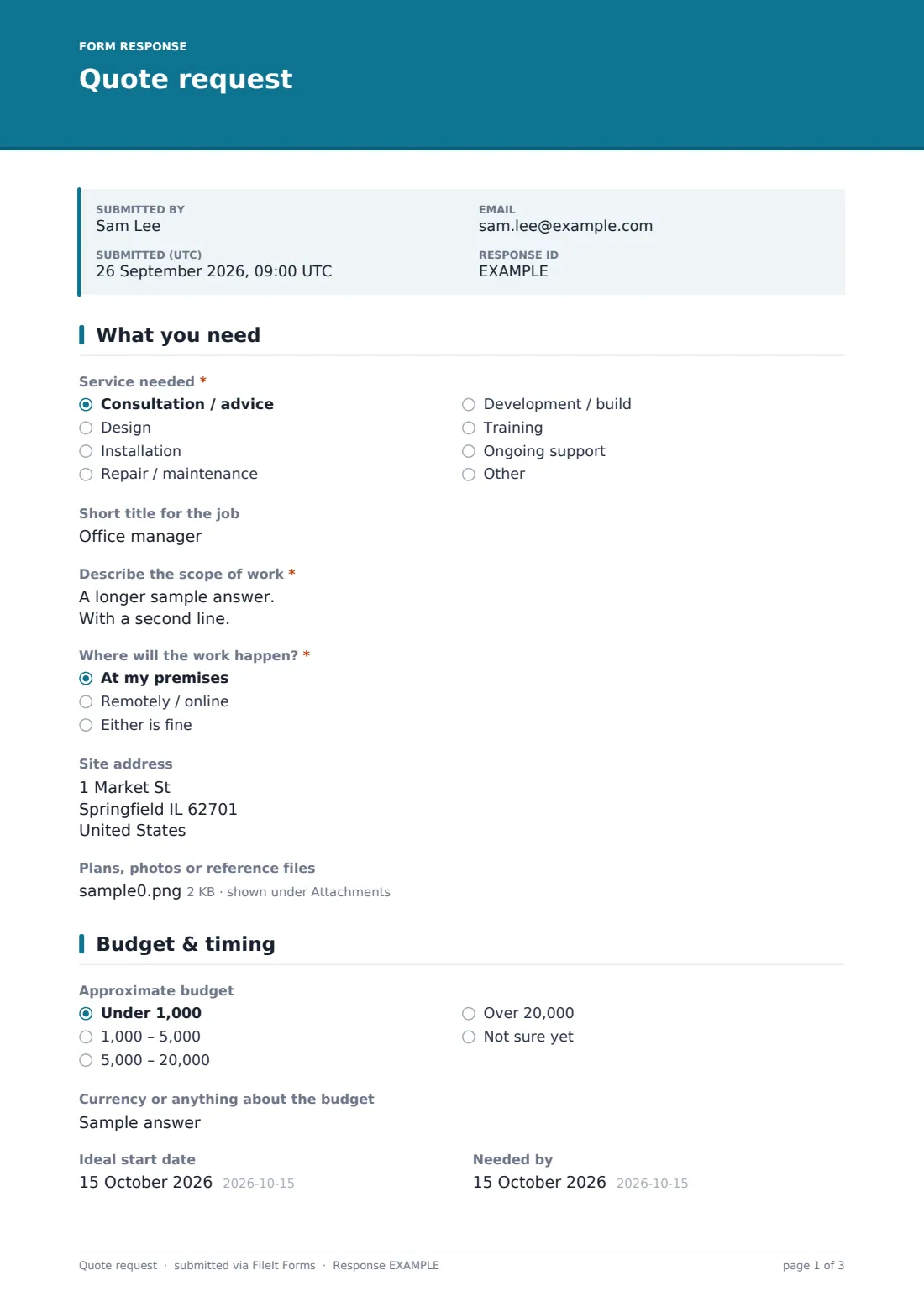
20 questions over 3 pages · includes file upload, conditional questions, multiple pages.
1 What you need
- Service needed* Consultation / advice · Design · Installation · Repair / maintenance · Development / build · Training · Ongoing support · Other
- Which service?* asked only when it applies
- Short title for the job
- Describe the scope of work*
- Where will the work happen?* At my premises · Remotely / online · Either is fine
- Site address asked only when it applies
- Plans, photos or reference files
2 Budget & timing
- Approximate budget Under 1,000 · 1,000 – 5,000 · 5,000 – 20,000 · Over 20,000 · Not sure yet
- Currency or anything about the budget asked only when it applies
- Ideal start date
- Needed by
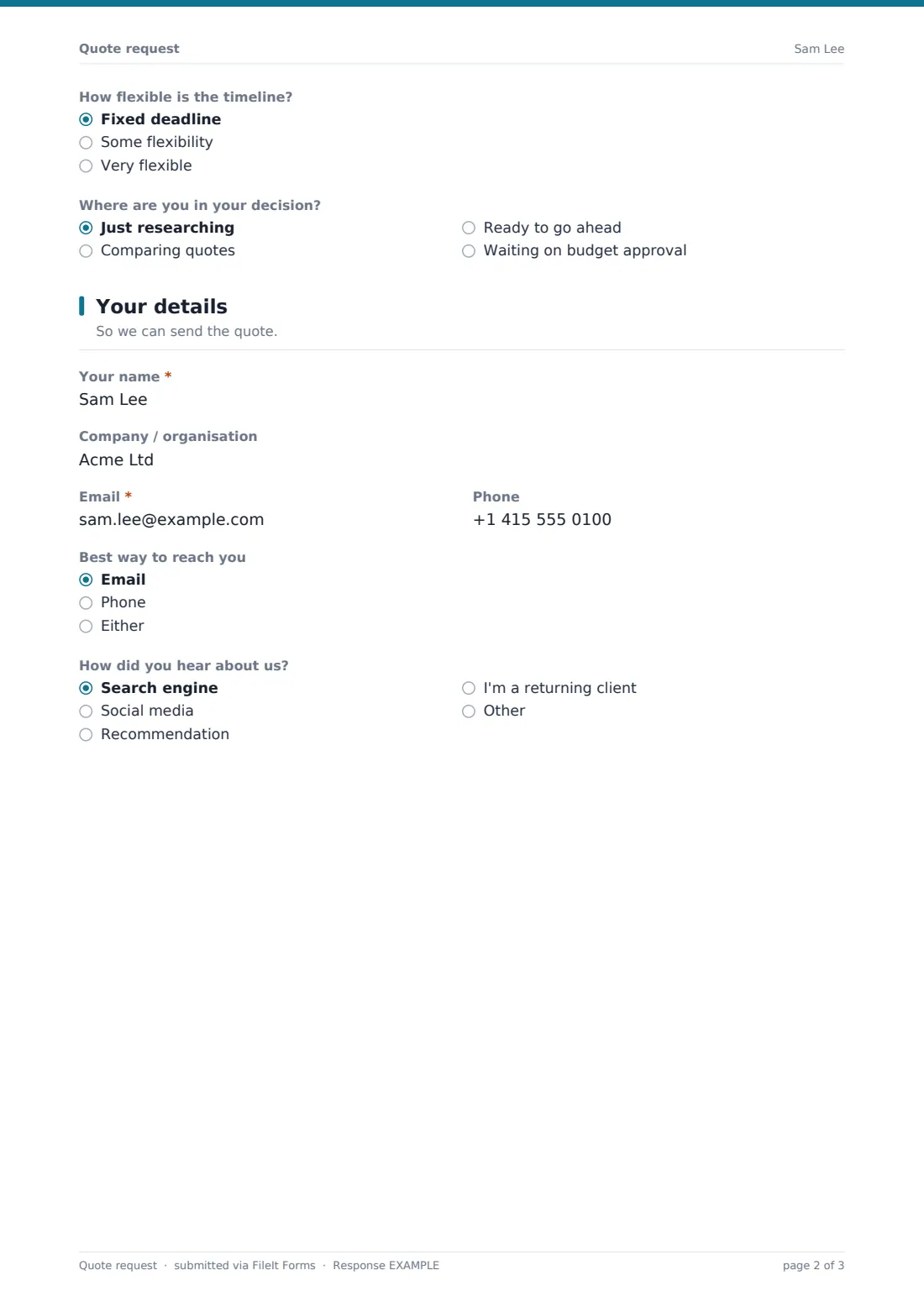
- How flexible is the timeline? Fixed deadline · Some flexibility · Very flexible
- Where are you in your decision? Just researching · Comparing quotes · Ready to go ahead · Waiting on budget approval
3 Your details
- Your name*
- Company / organisation
- Email*
- Phone
- Best way to reach you Email · Phone · Either
- Best time to call asked only when it applies
- How did you hear about us? Search engine · Social media · Recommendation · I'm a returning client · Other
The quote request form, page by page
1 What you need
Service needed offers common categories — consultation, design, installation, repair, development, training or ongoing support — with an Other option that opens a free-text field. Describe the scope of work is the core question, prompting size, quantities and what's already in place, and Where will the work happen? branches into an optional Site address field whenever work is on-site. Plans, photos or reference files lets the client attach drawings, site photos or a spec document directly to the request.
2 Budget & timing
Approximate budget offers ranges from under 1,000 up to over 20,000, plus a not-sure-yet option, so a business can gauge fit before investing time in a detailed quote. Ideal start date and Needed by capture timing, and How flexible is the timeline? — fixed deadline, some flexibility, or very flexible — helps prioritise urgent jobs. Where are you in your decision? closes the page with researching, comparing quotes, ready to go ahead, or waiting on budget approval, a useful signal for how to follow up.
3 Your details
Your name, Company / organisation, Email and Phone collect contact details, and Best way to reach you plus an optional Best time to call make sure the follow-up happens the way the client actually prefers. How did you hear about us? rounds out the form, giving the business a simple way to track which channels bring in enquiries.
Make the template yours
- Replace the generic service list with your own service categories and pricing tiers
- Add conditional questions specific to your trade, such as square footage for a flooring quote
- Set the vault folder so quote requests file straight into a sales or new-enquiries folder
- Turn on a PDF copy to the client so they have a record of exactly what they asked for
- Add a closing date if you're only accepting new enquiries for a limited period
- Change the currency shown in the budget note to match your market
Tips for a better quote request form
- Ask for photos or plans whenever the price depends on seeing the actual site or item
- Use the budget range question to filter out enquiries that are unlikely to be a good fit early
- Reply quickly to anyone marked "ready to go ahead" — they're the most likely to convert
- Keep the scope-of-work question open-ended but give a strong placeholder example to guide clients
- Track how did you hear about us answers over time to see which marketing is actually working
- Set expectations on turnaround time in your confirmation message so clients know when to expect a reply
Every response becomes a PDF in your vault
The moment a client submits a quote request, FileIt saves it — including any attached plans or photos — as a PDF named with the client's name, and files it in the vault folder you've set up for enquiries. With owner notification and a client copy both switched on by default, your team hears about it immediately and the client has a written record of their request.
From there, most businesses work through the Responses table, filtering by budget or urgency, opening the PDF to review scope and any attachments, and preparing a quote outside FileIt using whatever pricing or invoicing tool they already use. Exporting to CSV makes it easy to track enquiries and follow-up status in a spreadsheet or CRM.
- Start from this template. It opens in the FileIt Forms designer — change any question, add pages, set the rules for when questions appear.
- Share it. Turn on a public link, or send it to people by email, each with their own link. They don’t need a FileIt account.
- Get the answers as PDFs. Each response is saved as a PDF in the vault folder you choose, with uploaded files attached — and listed in a Responses table you can export to CSV.
Quote request form: frequently asked questions
Is this quote request form template free?
Yes. It's included with the Forms app on every FileIt account, including the free plan.
Do clients need a FileIt account to request a quote?
No. Clients fill in and submit the form using only the link you share, without needing a FileIt account.
How do I get quote requests as PDFs?
Every submission, including attached files, is automatically saved as a PDF in the vault folder you choose, and the full list is browsable and exportable to CSV from the Responses table.
Can clients attach photos or plans with their request?
Yes. The Plans, photos or reference files question accepts PDFs, images, Word and Excel files, up to 10 MB each and up to five files per request.
Does FileIt calculate or send the actual quote?
No. FileIt collects the request and saves it as a PDF for you — pricing, proposals and invoicing still happen through your own process or software.
Can I change the service list to match what my business offers?
Yes. Every option in the designer, including the service dropdown and budget ranges, can be edited to fit your business.
Can I ask different questions depending on the service selected?
Yes — conditional logic lets you show extra questions only when a particular service or answer is chosen.
Can I limit how many quote requests I receive at once?
Yes, you can set a maximum number of responses or a closing date from the form's settings.