What is the speaker proposal form template?
A call for papers usually means dozens of proposals landing as separate emails, each formatted differently, some missing a bio or a headshot. This speaker proposal form template gives every submitter the same structure — talk title, abstract, format and level, plus their bio and a photo — so your review team can compare proposals side by side instead of hunting through inboxes.
Because it's an online form, speakers fill it in at their own pace, and conditional questions only appear when they're relevant: pick "Hands-on workshop" as the format and the form asks what attendees will need; say you haven't spoken before and it offers a speaker mentor. A public link works well for an open call for papers, or you can email a shortlist of people you'd like to invite.
Every submission becomes a PDF in your FileIt vault the moment it's sent, headshot and all, so your programme committee is working from one filed record per proposal rather than a scattered set of attachments.
- Best for
- Conference organisers, meetup groups and event committees running a call for papers
- Filled in by
- The prospective speaker
- Time to complete
- About 10 minutes
- Includes
- Headshot upload, conditional logic by talk format and speaking experience, two consent statements
Who uses a speaker proposal form?
- An open call for papers for a tech or industry conference
- A local meetup group looking for its next few speakers
- A workshop day that needs proposals for hands-on sessions specifically
- A panel event collecting names of people willing to take part
- An internal company conference sourcing talks from staff
- A speaker bureau or community collecting a pipeline of potential speakers for future events
Questions on this speaker proposal form
24 questions over 3 pages · includes file upload, conditional questions, multiple pages, consent checkbox.
1 About you
- Your name*
- Email*
- Phone
- Job title
- Company or organisation
- Pronouns
- Where you'd travel from
- Short bio*
- Headshot
- Website and social profiles
2 Your talk
- Talk title*
- Format* Talk (30 minutes) · Lightning talk (5–10 minutes) · Hands-on workshop (90 minutes) · Panel discussion
- What will attendees need for the workshop?* asked only when it applies
- Audience level* Beginner · Intermediate · Advanced · Everyone
- Abstract*
- Key takeaways
- Notes for the reviewers
3 Experience & logistics
- Have you spoken at an event before?*
- Recent talks asked only when it applies
- Would you like a speaker mentor to help you prepare? asked only when it applies
- Will you need travel support? No, I'm covered · Help with travel · Help with accommodation · Help with travel and accommodation
- Accessibility needs on stage or at the venue
- Recording
- Your proposal*
The speaker proposal form, page by page
1 About you
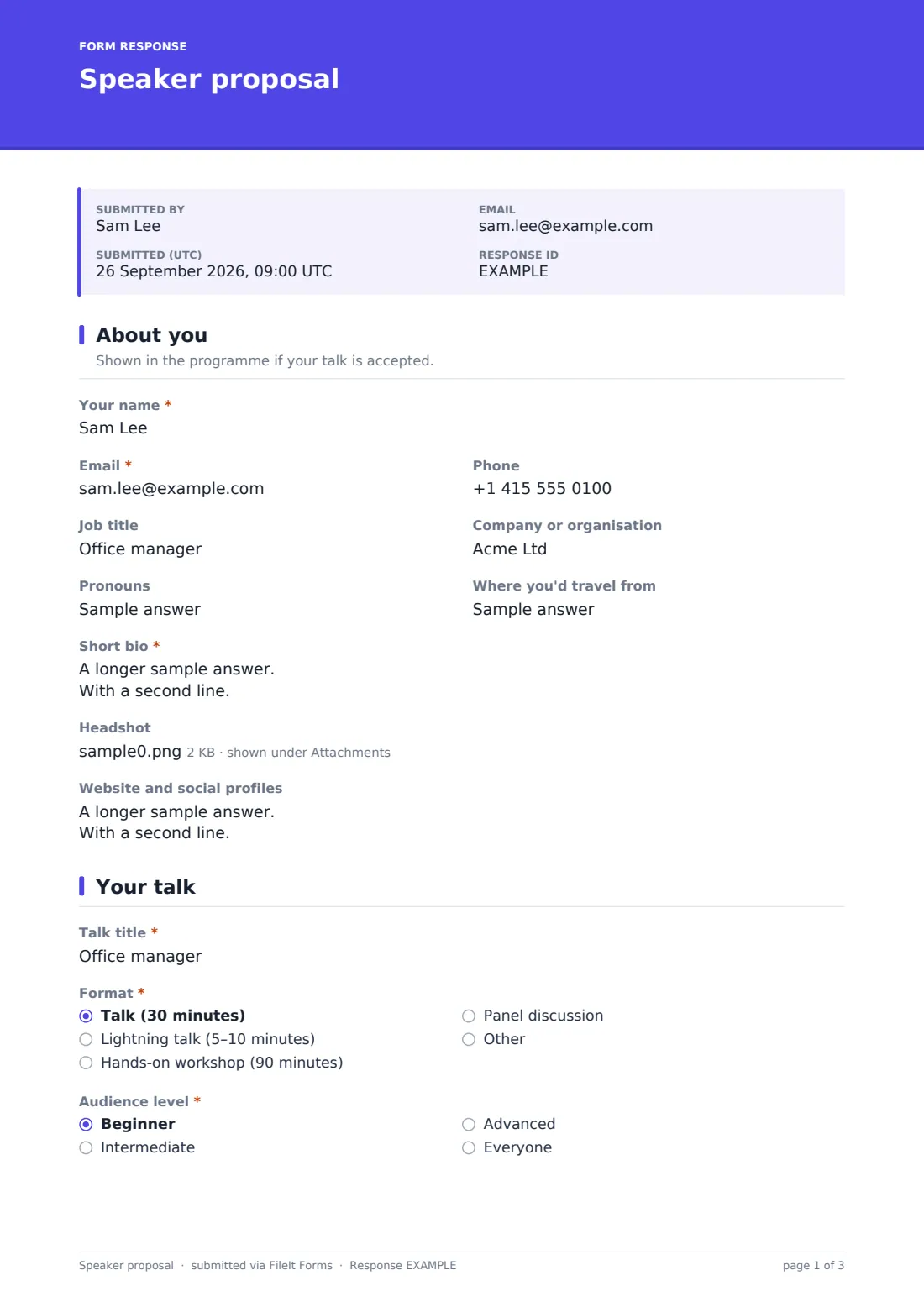
This page collects what will appear in the programme if the talk is accepted: name, email, phone, job title, company, and — optionally — pronouns and where they'd be travelling from. It asks for a short bio written in the third person, a headshot (ideally square, at least 800×800px), and a place to list a website and social profiles, one per line.
2 Your talk
Here the speaker picks a talk title and a format — a 30-minute talk, a 5–10 minute lightning talk, a 90-minute hands-on workshop, a panel discussion, or their own option via "Other." Choosing "Hands-on workshop" adds a question asking what attendees will need, such as laptops, software to install, or a maximum group size.
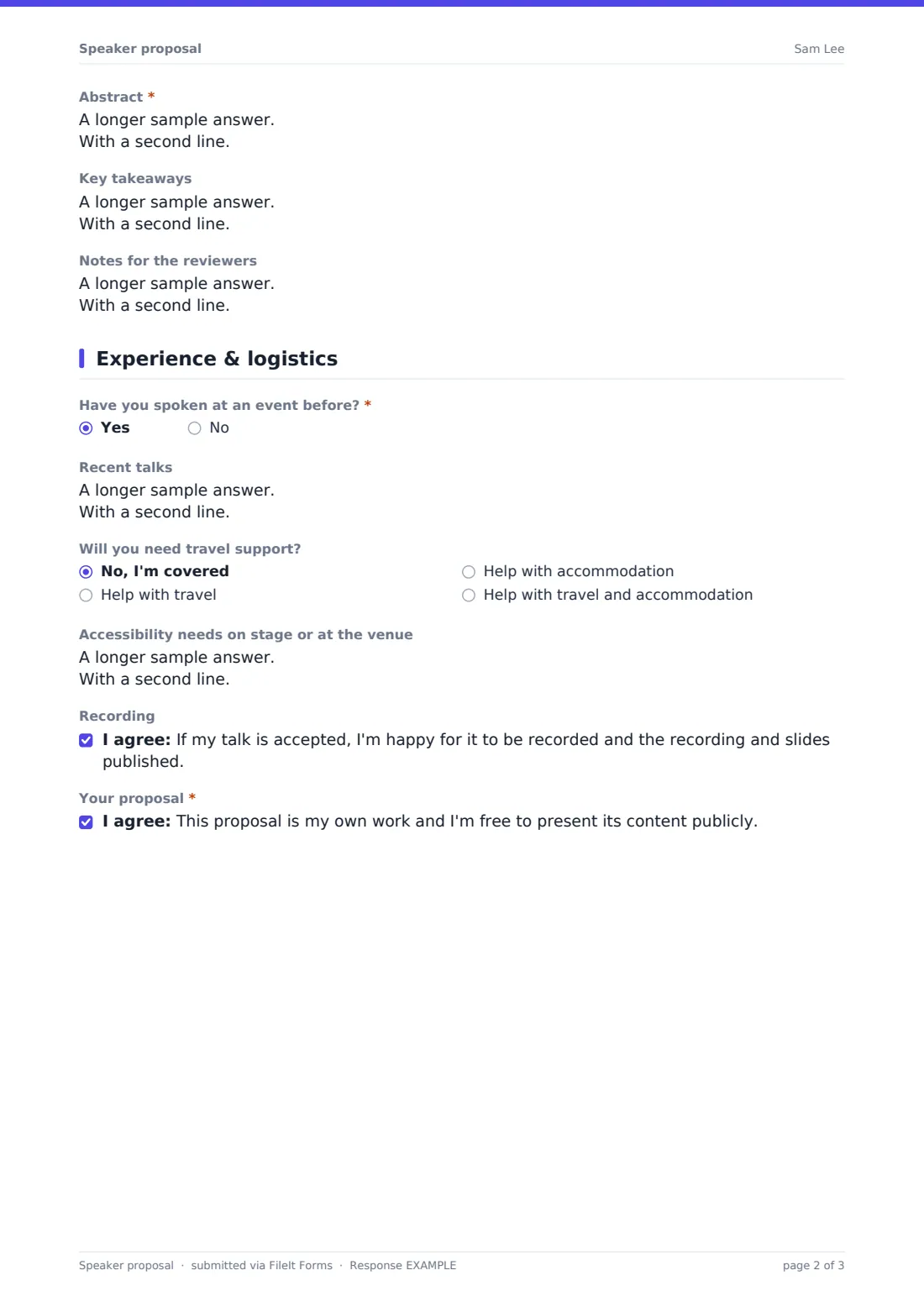
The form then asks for the audience level (beginner, intermediate, advanced or everyone), the abstract that will appear in the programme, optional key takeaways, and a private notes field for the review team only — useful for an outline, or the "why now, why me" that doesn't belong in public copy.
3 Experience & logistics
The form asks whether the speaker has presented before. Answer "Yes" and it asks for recent talks, with a link to slides or a recording; answer "No" and it instead offers a speaker mentor to help with preparation. It also covers whether travel or accommodation support is needed, any accessibility needs at the venue, and two consent statements — one about recording and publishing the talk if accepted, and one confirming the proposal is original work the speaker is free to present.
Make the template yours
- Add your event's submission deadline as the form's closing date so it stops accepting proposals automatically
- Set a maximum number of responses if you can only realistically review a certain number of talks
- Add a track or topic dropdown if your event has multiple themed tracks
- Turn on emailed requests to invite specific people you'd like to hear from, alongside a public link for open submissions
- Adjust the format options to match how your event actually runs (add a fireside chat or demo slot, for example)
- Change the confirmation message to tell speakers when they'll hear back
Tips for a better speaker proposal form
- Keep the abstract character limit generous but not unlimited — it forces speakers to be clear about what attendees will actually learn
- Ask for a headshot early; chasing it after acceptance always takes longer than getting it up front
- If you offer a mentor to first-time speakers, follow up personally rather than leaving it to the form alone
- Use the private notes field to ask reviewers to focus on content and fit, not polish — first drafts of proposals are often rougher than the eventual talk
- Set expectations about response time in the confirmation message so people aren't left wondering
Every response becomes a PDF in your vault
As soon as a speaker submits, FileIt saves their answers — including the headshot and any links — as a PDF in your vault, and you get an email notification so nothing sits unnoticed. If you've turned on a copy for the respondent, the speaker also gets a PDF of what they submitted for their own records.
From there, most organisers work through the Responses table together as a committee: filtering by format or level, opening individual PDFs to discuss, and exporting everything to CSV if they want to score proposals in a spreadsheet before making final picks.
- Start from this template. It opens in the FileIt Forms designer — change any question, add pages, set the rules for when questions appear.
- Share it. Turn on a public link, or send it to people by email, each with their own link. They don’t need a FileIt account.
- Get the answers as PDFs. Each response is saved as a PDF in the vault folder you choose, with uploaded files attached — and listed in a Responses table you can export to CSV.
Speaker proposal form: frequently asked questions
Is this speaker proposal form template free?
Yes — it's included with the Forms app on every FileIt account, including the free plan, along with more than 160 other ready-made templates.
Do speakers need a FileIt account to submit a proposal?
No. Anyone with the link can fill in and submit the form; no account or sign-up is required on their end.
How do we collect all the proposals afterwards?
Every submission is saved as its own PDF in your vault automatically, and you can also browse and filter all responses in a table, or export the lot to CSV for scoring.
Can I only show the workshop question to people proposing a workshop?
Yes — that's built into the template already using conditional logic, and you can add similar conditions of your own to any question in the designer.
Can I invite specific people instead of using a public link?
Yes. You can send personal, pre-filled email invitations to a shortlist of potential speakers, or keep the link public for an open call — or do both.
Can I limit how many proposals we receive?
You can set a maximum number of responses or a closing date, and the form will stop accepting new submissions once either is reached.
Can speakers update their proposal after submitting?
The form is a one-time submission per response, so if a speaker needs to change details, the simplest approach is to have them submit again — you can allow multiple submissions in the form's settings and use the latest one.