What is the software renewal review form template?
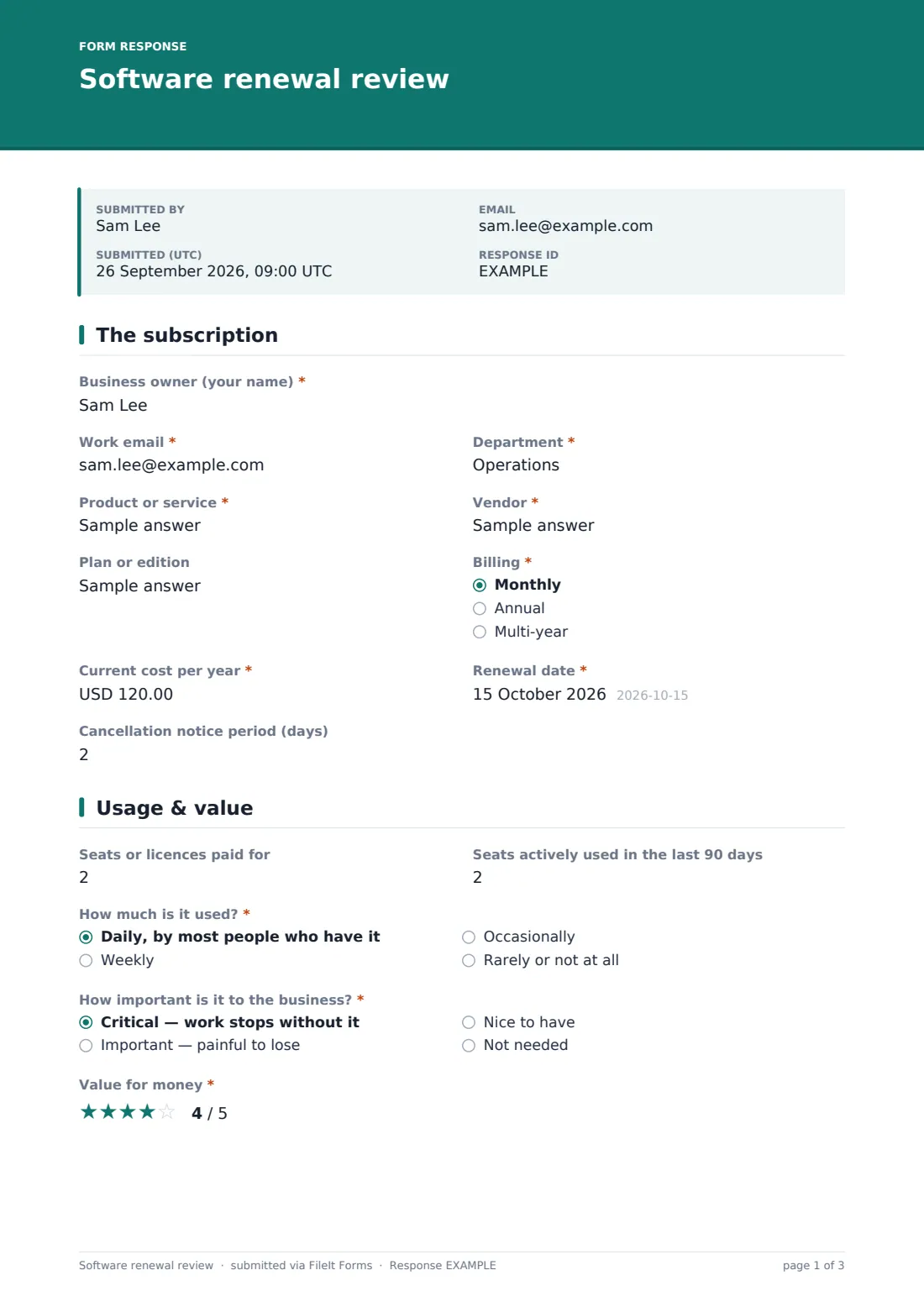
Software subscriptions tend to renew automatically, often for another year, and often with more seats than anyone is using. A software renewal review form puts a short, structured check in front of each tool's business owner ahead of the renewal date: what it costs, how many seats are actually used, how important it is, whether something else already does the job, and what they recommend.
This template collects the facts finance and IT need to act — "Current cost per year", "Renewal date", the cancellation notice period, "Seats or licences paid for" against "Seats actively used in the last 90 days" — along with a value-for-money rating, the data the tool holds and any security concerns. The recommendation at the end asks for specifics: how many seats to keep, why an upgrade is needed, or an exit plan if it should be cancelled.
It runs on FileIt's Forms app. Send it to each owner by email with a deadline, and every review is filed as a PDF in your vault alongside the quote or invoice they upload.
- Best for
- IT, finance and operations teams managing software spend
- Filled in by
- The business owner of each subscription
- Time to complete
- About 5–8 minutes
- Includes
- Seat counts, value rating, user satisfaction scale, data and security questions, conditional recommendation follow-ups
Who uses a software renewal review form?
- Reviewing each SaaS subscription 60–90 days before it renews
- An annual software spend review across every department
- Spotting tools that overlap with something you already pay for
- Right-sizing seat counts before a true-up
- Collecting exit plans for tools you've decided to cancel
- Building a renewal calendar from the dates owners confirm
Questions on this software renewal review form
31 questions over 4 pages · includes file upload, conditional questions, multiple pages, ratings.
1 The subscription
- Business owner (your name)*
- Work email*
- Department*
- Product or service*
- Vendor*
- Plan or edition
- Billing* Monthly · Annual · Multi-year
- Current cost per year*
- Renewal date*
- Cancellation notice period (days)
2 Usage & value
- Seats or licences paid for
- Seats actively used in the last 90 days
- How much is it used?* Daily, by most people who have it · Weekly · Occasionally · Rarely or not at all
- How important is it to the business?* Critical — work stops without it · Important — painful to lose · Nice to have · Not needed
- Value for money*
- How satisfied are users?
- Does another tool we already pay for do the same job?*
- Which tool?* asked only when it applies
3 Security & alternatives
- What data does it hold?* No business data · Internal documents · Customer or personal data · Financial data · Passwords or keys · Source code
- Do users sign in with single sign-on?
- Any security incidents or concerns with this vendor this year?*
- What happened?* asked only when it applies
- Is the price changing at renewal?* Staying the same · Going up · Going down · Don't know yet
- New cost per year* asked only when it applies
- Alternatives considered
- Renewal quote or invoice
4 Recommendation
- Your recommendation* Renew as is · Renew with fewer seats or a lower plan · Renew with more seats or a higher plan · Replace with another tool · Cancel
- How many seats should we renew?* asked only when it applies
- Why the upgrade?* asked only when it applies
- Exit plan — data export, who's affected, when to tell users* asked only when it applies
- Anything else finance or IT should know?
The software renewal review form, page by page
1 The subscription
The owner gives their name, email and department, then the product, vendor, plan, billing frequency, current yearly cost and renewal date. The cancellation notice period has a reminder that many contracts need 30–90 days' notice.
2 Usage & value
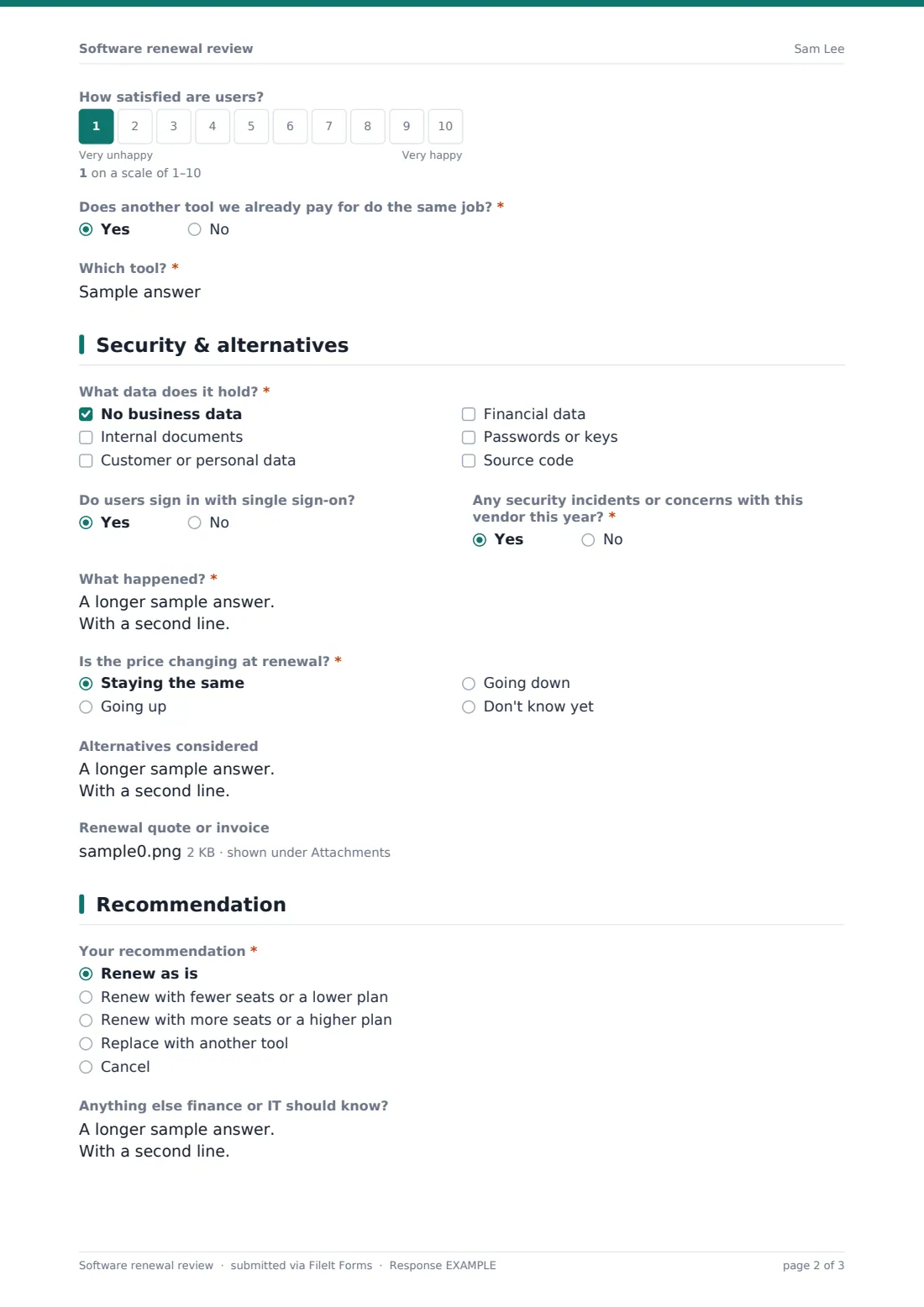
Seats paid for and seats actively used in the last 90 days sit side by side. The owner says how much it's used and "How important is it to the business?", from critical to not needed, then rates value for money out of five and user satisfaction on a 1–10 scale. If another tool already does the same job, the form asks which.
3 Security & alternatives
A checklist records what data the tool holds, from none to customer data, financial data, passwords or source code. The owner says whether single sign-on is used and whether there were security incidents or concerns this year, with a follow-up if so. "Is the price changing at renewal?" asks for the new cost when it's going up. Alternatives and up to two files — the renewal quote or invoice — complete the page.
4 Recommendation
Renew as is, renew with fewer seats or a lower plan, upgrade, replace or cancel. Reducing asks how many seats to renew, upgrading asks why, and cancelling asks for an exit plan covering data export and telling users. A final box catches anything else finance or IT should know.
Make the template yours
- Change the currency on the cost questions to match your billing
- Send the form to each owner by email with an expiry so reviews come back on time
- Add a dropdown of cost centres if finance needs one
- Remove the security page for low-risk tools, or duplicate the form for each tier
- File reviews into a vault folder per financial year
- Add an approval signature for the budget holder
Tips for a better software renewal review form
- Send reviews well before the notice period, not before the renewal date
- Compare seats used with seats paid for — the gap is usually the quickest saving
- Ask about overlap; two tools doing one job is common after mergers or team changes
- Take the exit plan seriously before cancelling a tool that holds data
- Keep the quote with the review so the decision can be checked later
- Repeat the review every renewal, not just once
Every response becomes a PDF in your vault
Each review is saved as a PDF in your vault with the quote or invoice attached, and you're notified by email. The owner gets their own copy to refer to.
Export the Responses table to CSV to build a renewal list sorted by date or cost, and open any review's PDF when it's time to negotiate with the vendor.
- Start from this template. It opens in the FileIt Forms designer — change any question, add pages, set the rules for when questions appear.
- Share it. Turn on a public link, or send it to people by email, each with their own link. They don’t need a FileIt account.
- Get the answers as PDFs. Each response is saved as a PDF in the vault folder you choose, with uploaded files attached — and listed in a Responses table you can export to CSV.
Software renewal review form: frequently asked questions
Is this software renewal review template free?
Yes. It's part of the Forms app included on every FileIt account, including the free plan.
Does FileIt cancel or renew subscriptions?
No. The form records the owner's review and recommendation. You act on it with the vendor.
Can I send it to several owners at once?
Yes. From the Share tab, paste a list of names and emails and each person gets their own link.
Can I change the currency?
Yes. Select either cost question in the designer and change its currency.
Why ask about seats used in the last 90 days?
It's a simple way to see how many licences are actually needed compared with how many you pay for.
Does the owner need a FileIt account?
No. They fill it in from the link in the email.