What is the supplier evaluation form template?
A supplier review that lives only in someone's head, or scattered across old emails, is hard to act on and even harder to defend later if a relationship needs to change. This supplier evaluation form template gives whoever runs the review — procurement, operations, or a department lead — a consistent scorecard: rate the same nine performance areas every time, check the same compliance points, and land on one of four clear recommendations.
The form adapts to what's found: rating overall performance below 3 opens a question asking specifically what needs to improve, and choosing any recommendation other than "Retain as is" asks for the actions agreed or required. That keeps a straightforward, positive review quick to complete while making sure problems get properly documented when they come up.
Every completed evaluation is saved as a PDF in your FileIt vault automatically, with any supporting documents like certificates or incident logs attached — a dated, filed record of exactly how a supplier was assessed and why.
- Best for
- Procurement teams, operations managers and small businesses reviewing suppliers
- Filled in by
- The person conducting the evaluation
- Time to complete
- About 10 minutes
- Includes
- A nine-point performance rating grid, a compliance checklist, conditional follow-up questions, file upload
Who uses a supplier evaluation form?
- A scheduled annual or quarterly review of a key supplier
- Checking a new supplier's performance after their first few months
- Documenting a formal review after repeated quality or delivery problems
- Comparing several suppliers against the same criteria before renewing a contract
- Tracking whether required insurance and certifications are still valid
- Recording the reasoning behind a decision to retain, place on review, or replace a supplier
Questions on this supplier evaluation form
20 questions over 4 pages · includes signature, file upload, conditional questions, multiple pages, ratings.
1 Supplier & review period
- Supplier name*
- Supplier / account number
- What do they supply? Raw materials · Components / parts · Finished goods · Services · IT / software · Logistics · Facilities · Other
- Review period from*
- Review period to*
- Evaluator*
- Evaluator email*
- Department
2 Performance
- Performance ratings* 1 Poor · 2 Fair · 3 Good · 4 Very good · 5 Excellent · N/A
- Overall rating*
- What needs to improve?* asked only when it applies
- Strengths
- Number of quality or delivery incidents in the period
3 Compliance
- Compliance checks Yes · No · Not sure · N/A
- Compliance gaps or expiring documents
- Supporting documents
4 Recommendation
- Recommendation* Retain — continue as is · Retain with an improvement plan · Put under review · Replace / phase out
- Actions agreed or required* asked only when it applies
- Next review date
- Evaluator signature
The supplier evaluation form, page by page
1 Supplier & review period
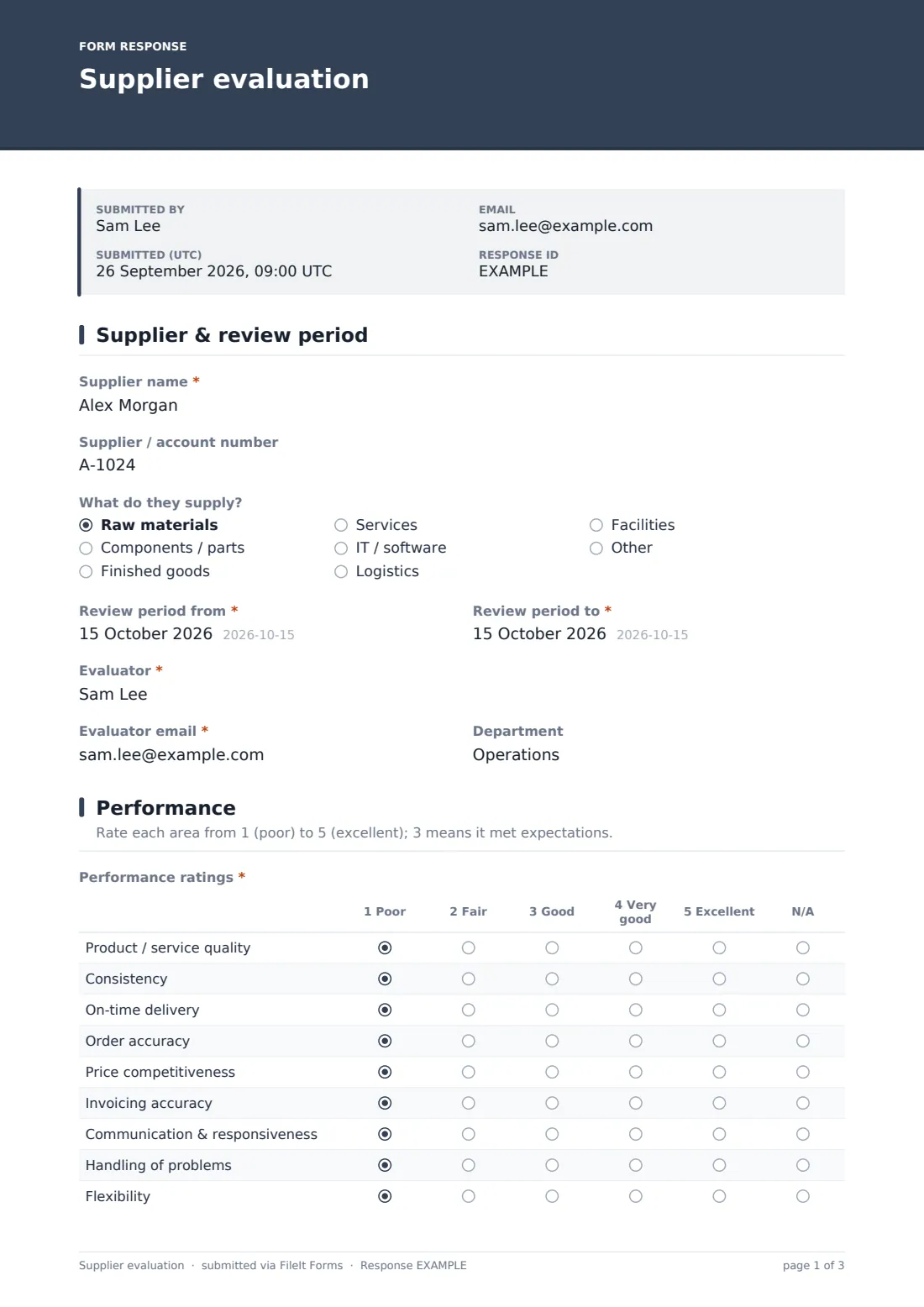
The form starts with the supplier's name and account number, what they supply (raw materials, components, finished goods, services, IT, logistics, facilities or other), and the review period being assessed. It also records who's completing the evaluation and their department.
2 Performance
This page is the heart of the scorecard: a rating grid covering product or service quality, consistency, on-time delivery, order accuracy, price competitiveness, invoicing accuracy, communication and responsiveness, handling of problems, and flexibility — each scored from 1 (poor) to 5 (excellent), or marked not applicable.
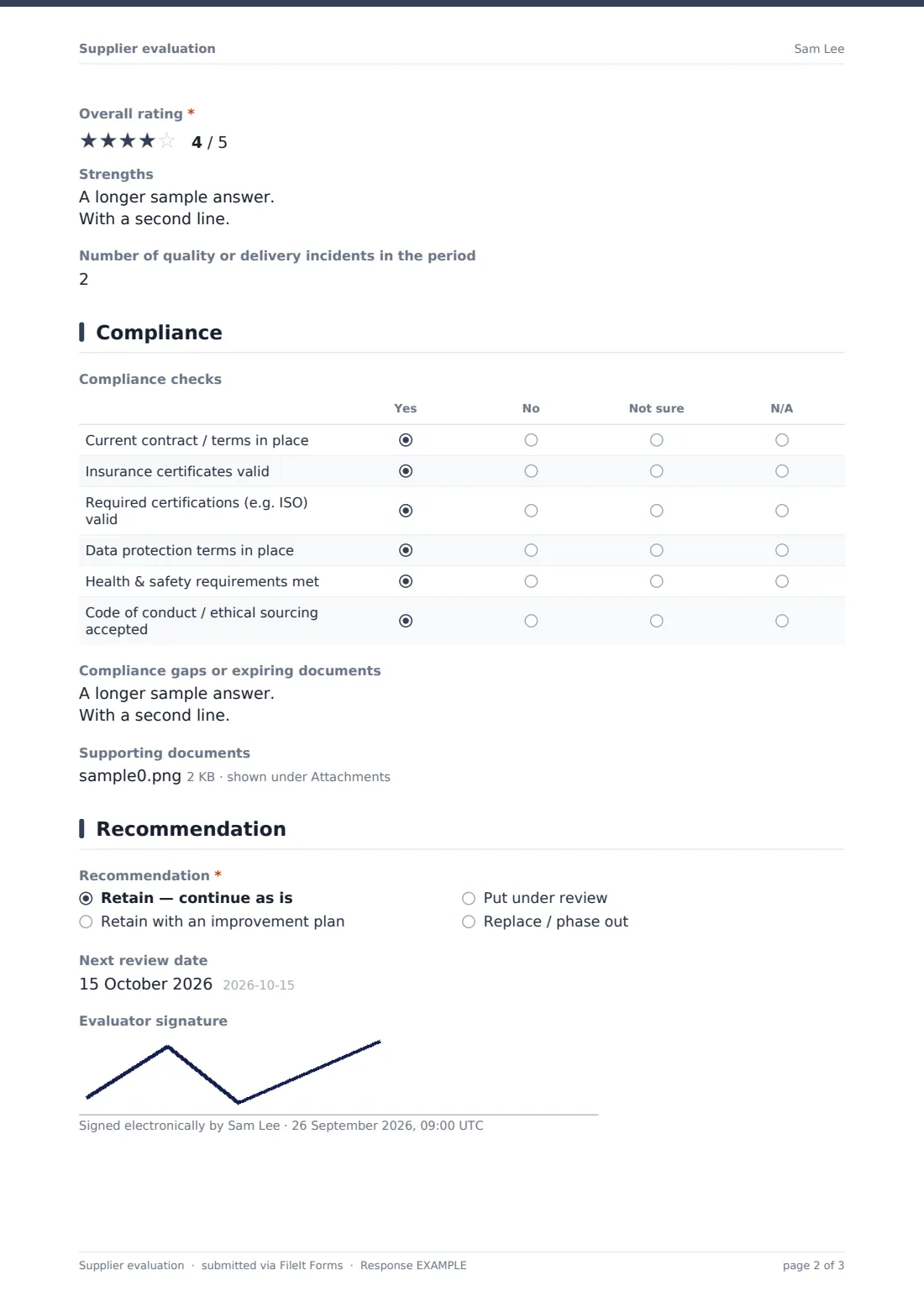
An overall star rating follows. If it comes in below 3, the form opens a question asking specifically what needs to improve, with space for concrete examples like dates and order numbers. There's also room to note strengths, and a count of quality or delivery incidents during the period.
3 Compliance
A second grid checks whether the essentials are in place: a current contract or terms, valid insurance certificates, required certifications such as ISO standards, data protection terms, health and safety requirements, and an accepted code of conduct or ethical sourcing agreement — each marked yes, no, not sure, or not applicable. Any gaps or documents nearing expiry can be described in a free-text field, and supporting evidence like certificates or audit reports can be attached directly.
4 Recommendation
The evaluation closes with a clear recommendation: retain as is, retain with an improvement plan, put under review, or replace and phase out. Choosing anything other than "Retain as is" opens a question for the actions agreed or required, and the form records a next review date and the evaluator's signature.
Make the template yours
- Adjust the performance criteria to match what matters most for your industry or supplier type
- Add categories to the "What do they supply?" dropdown to reflect your own supplier base
- Set a recurring closing date or reminder if you review suppliers on a fixed schedule
- File evaluations into a vault folder per supplier, so each supplier's history builds up in one place over time
- Add a weighted scoring note if certain criteria matter more than others for a particular supplier
- Turn on notifications to a wider procurement or leadership team for any evaluation recommending review or replacement
Tips for a better supplier evaluation form
- Base low scores on specific, dated examples rather than a general impression — it makes any follow-up conversation with the supplier much easier
- Review compliance documents against their actual expiry dates, not just whether they were provided at some point
- Share the outcome and any improvement plan with the supplier directly, not just internally
- Keep evaluations on a consistent schedule so trends over time are meaningful, not just a snapshot
- Use the strengths field even for suppliers you're reviewing critically — it keeps the record balanced and useful
Every response becomes a PDF in your vault
As soon as an evaluation is submitted, FileIt saves it as a PDF in your vault, complete with any attached certificates or audit reports, and you receive an email notification straight away.
From there, most teams use the Responses table to track suppliers by recommendation status, open a specific supplier's evaluation history when preparing for a contract renewal, and export the full set to CSV to build a wider supplier scorecard or share with leadership.
- Start from this template. It opens in the FileIt Forms designer — change any question, add pages, set the rules for when questions appear.
- Share it. Turn on a public link, or send it to people by email, each with their own link. They don’t need a FileIt account.
- Get the answers as PDFs. Each response is saved as a PDF in the vault folder you choose, with uploaded files attached — and listed in a Responses table you can export to CSV.
Supplier evaluation form: frequently asked questions
Is this supplier evaluation form template free?
Yes — it's included with the Forms app on every FileIt account, including the free plan, alongside more than 160 other ready-made templates.
Does the evaluator need a FileIt account?
No, but since this is typically completed by someone on your own team, you may already have an account — either way, filling in the form doesn't require one.
Where are completed evaluations stored?
Every submission is saved automatically as a PDF in your FileIt vault, and you can review, filter and export all evaluations from the Responses table.
Does the form ask for more detail when a score is low?
Yes — an overall rating below 3 automatically opens a question asking what specifically needs to improve, using conditional logic already built into the template.
Can I attach supporting documents to an evaluation?
Yes — there's a dedicated upload field for certificates, audit reports or incident logs, which are saved together with the evaluation PDF.
Can I track compliance separately from performance?
Yes — the form has a dedicated compliance section covering contracts, insurance, certifications and more, separate from the performance ratings.
Can this evaluation be shared with the supplier?
You can export or share the completed PDF with the supplier directly if you choose to — the form itself doesn't send it automatically, so you control what's shared and when.