What is the resignation notice form template?
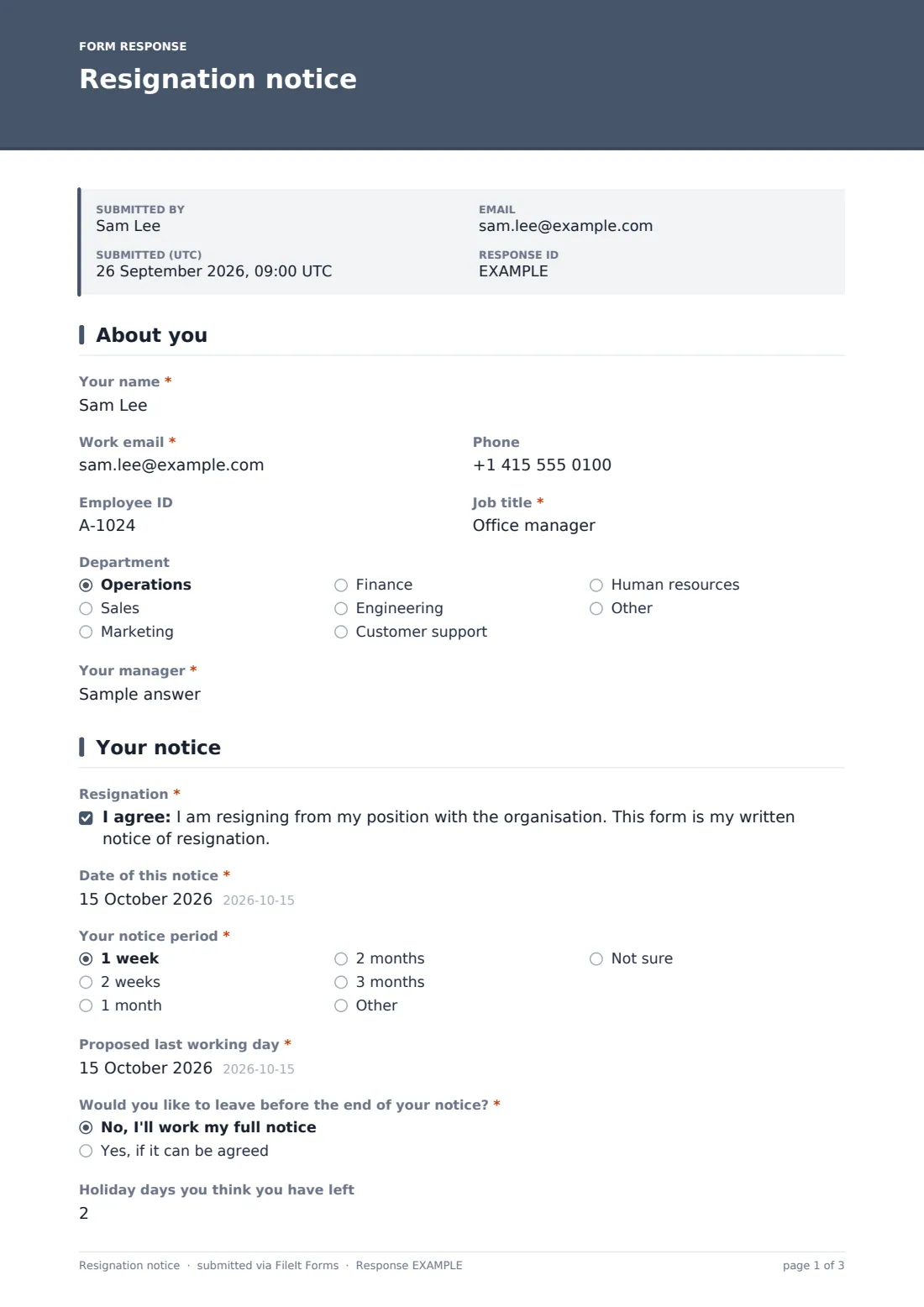
Resignations arrive in all shapes: a heartfelt letter, a two-line email, or a conversation that nobody writes down. Then HR has to chase the details. Which notice period applies? What's the actual last day? Is there holiday to take or pay? Who has the laptop? This template gives employees a clear way to resign that answers those questions at the start.
The employee confirms their resignation, the date of notice, the notice period in their contract and their proposed last working day. They can ask to leave early and say how much holiday they think they have left. The reason for leaving and any feedback are entirely optional. The final page covers handover plans, company property to return, and personal contact details for after they leave.
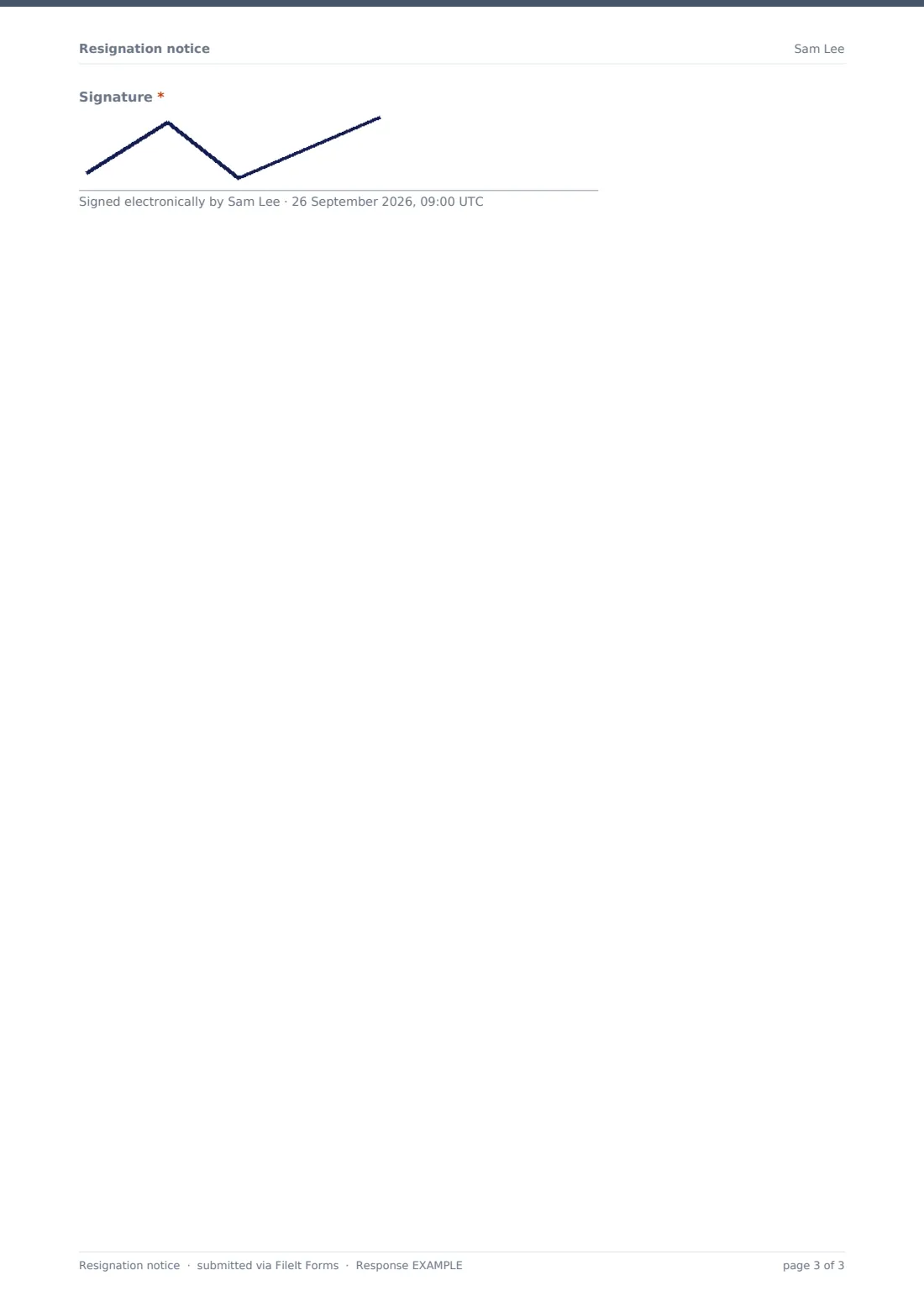
The signed notice is saved as a PDF in your FileIt vault, dated and ready for payroll and the offboarding process.
- Best for
- Employers who want resignations in writing, with the details needed to process a leaver
- Filled in by
- The employee who is resigning
- Time to complete
- About 5 minutes
- Includes
- Notice period and last day, early release and holiday questions, optional reason, handover and property return
Who uses a resignation notice form?
- Giving employees a standard way to hand in their notice
- Receiving resignations from remote staff who can't hand over a letter in person
- Capturing holiday and early-release requests at the point of resignation
- Starting handover planning from the day notice is given
- Collecting personal contact details for final pay and tax documents
- Spotting workplace-related reasons for leaving and offering a conversation with HR
Questions on this resignation notice form
26 questions over 4 pages · includes signature, conditional questions, multiple pages, consent checkbox.
1 About you
- Your name*
- Work email*
- Phone
- Employee ID
- Job title*
- Department Operations · Sales · Marketing · Finance · Engineering · Customer support · Human resources · Other
- Your manager*
2 Your notice
- Resignation*
- Date of this notice*
- Your notice period* 1 week · 2 weeks · 1 month · 2 months · 3 months · Other · Not sure
- Proposed last working day*
- Would you like to leave before the end of your notice?* No, I'll work my full notice · Yes, if it can be agreed
- Preferred earlier date* asked only when it applies
- Holiday days you think you have left
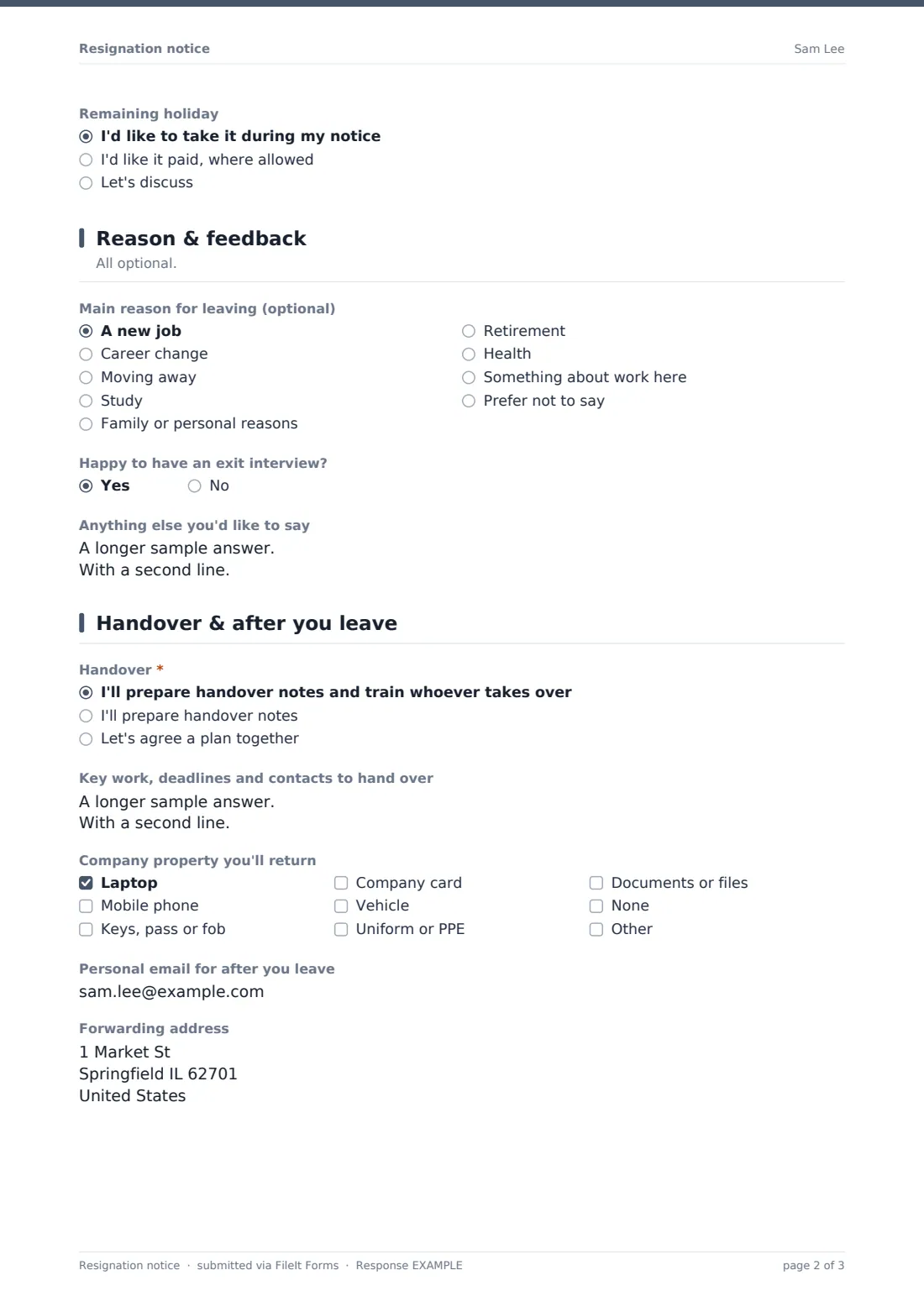
- Remaining holiday asked only when it applies I'd like to take it during my notice · I'd like it paid, where allowed · Let's discuss
3 Reason & feedback
- Main reason for leaving (optional) A new job · Career change · Moving away · Study · Family or personal reasons · Retirement · Health · Something about work here · Prefer not to say
- Would you like to tell us more? asked only when it applies
- Would you like to talk to HR about this? asked only when it applies
- Happy to have an exit interview?
- Anything else you'd like to say
4 Handover & after you leave
- Handover* I'll prepare handover notes and train whoever takes over · I'll prepare handover notes · Let's agree a plan together
- Key work, deadlines and contacts to hand over
- Company property you'll return Laptop · Mobile phone · Keys, pass or fob · Company card · Vehicle · Uniform or PPE · Documents or files · None
- Personal email for after you leave
- Forwarding address
- Signature*
The resignation notice form, page by page
1 About you
The employee gives Your name, Work email, Phone, Employee ID, Job title, Department and Your manager.
2 Your notice
A required statement confirms that the form is their written notice of resignation. They add the Date of this notice, their notice period as stated in their contract, and the Proposed last working day. If they'd like to leave early, the form asks for a preferred earlier date. They can enter how many holiday days they think they have left. If they have some, they choose whether to take them during notice, have them paid where allowed, or discuss it.
3 Reason & feedback
Everything here is optional. The employee can pick a main reason for leaving, from a new job or relocation to retirement or prefer not to say. Choosing Something about work here offers space to say more and asks whether they'd like to talk to HR. They can say whether they'd have an exit interview and add a closing message.
4 Handover & after you leave
The employee chooses a handover approach and can list key work, deadlines and contacts. They tick company property they'll return, such as laptop, phone, keys, company card, vehicle, uniform or documents. They can give a personal email and forwarding address for final pay and tax documents, then sign.
Make the template yours
- Replace the notice period options with the periods in your contracts
- Remove the paid-holiday option if your policy or local law doesn't allow it
- Add your offboarding contact to notifications so the leaver process starts straight away
- File resignations into each employee's vault folder alongside their contract
- Link your exit interview or offboarding checklist in the confirmation message
- Keep the one-response-per-browser setting the template uses, or switch it off if leavers might share a device
Tips for a better resignation notice form
- Acknowledge every resignation in writing and confirm the last working day
- Check the notice period and holiday balance against the contract before agreeing dates
- Follow up quickly if someone says they're leaving because of something at work
- Start the handover plan in the first week of notice, not the last
- Keep the tone warm. People remember how their departure was handled
Every response becomes a PDF in your vault
When the employee submits, FileIt saves the signed resignation as a PDF in your vault and notifies the form owner. The employee receives a copy as proof of when they gave notice.
HR usually confirms the last working day and holiday position in writing, then starts offboarding: handover, property return, final pay and, where offered, an exit interview. The dated PDF stays on file with the employee's records.
- Start from this template. It opens in the FileIt Forms designer — change any question, add pages, set the rules for when questions appear.
- Share it. Turn on a public link, or send it to people by email, each with their own link. They don’t need a FileIt account.
- Get the answers as PDFs. Each response is saved as a PDF in the vault folder you choose, with uploaded files attached — and listed in a Responses table you can export to CSV.
Resignation notice form: frequently asked questions
Is this resignation notice template free?
Yes. It's included in FileIt's Forms app on every account, including the free plan, and you can edit every question.
Does the employee need a FileIt account to resign?
No. You share the form as a link and employees fill it in and submit it without an account.
Does the form work out the last working day?
No. The employee proposes a last day based on their notice period. HR confirms the actual date against the contract.
Do employees have to give a reason?
No. The whole reason and feedback page is optional, and includes Prefer not to say.
Can an employee ask to leave before their notice ends?
Yes. They can ask for early release and give a preferred date. Whether it's agreed is up to you.
Is submitting the form legally valid notice?
The form records a signed, dated written resignation. Whether that meets the notice requirements in a particular contract or jurisdiction is something to check with your own advisers.