What is the password reset request form template?
Password resets are among the most common requests any IT team handles, and among the most abused: someone phoning the helpdesk and claiming to be a colleague is a classic way into an organisation. A reset request should always say who's asking, for which system, and how IT will confirm it's really them.
This password reset request form collects the requester's details and a callback number, the system affected, what's wrong — forgotten password, locked account, expired password, lost MFA device or a suspected compromise — and how they'd like their identity verified. It reminds users throughout never to type a password into the form.
Each request is saved as a PDF in your FileIt vault, giving IT a simple record of who asked for which reset and when.
- Best for
- IT helpdesks, office managers and small businesses without a self-service reset tool
- Filled in by
- Staff who are locked out, or a colleague on their behalf
- Time to complete
- About 2–3 minutes
- Includes
- Follow-ups for MFA loss and suspected compromise, screenshot upload, verification choice
Who uses a password reset request form?
- A small business giving staff one place to ask for a reset instead of messaging whoever knows the admin password
- An IT helpdesk handling locked accounts after a password expiry policy change
- A school IT team resetting staff logins at the start of term
- An employee who got a new phone and lost access to their authenticator app
- A user who entered their password on a suspicious page and needs it changed fast
- A managed service provider taking reset requests from client staff
Questions on this password reset request form
19 questions over 3 pages · includes file upload, conditional questions, multiple pages, consent checkbox.
1 About you
- Your name*
- Work email*
- Phone number we can call you on*
- Username or login
- Department or team
- Employee or staff ID
- Your manager's name
2 The problem
- Which system?* Computer sign-in (Windows / Mac) · Email and Microsoft 365 / Google Workspace · VPN / remote access · Single sign-on portal · Finance or accounting system · HR / payroll system · CRM · Phone or voicemail PIN · Something else
- System name* asked only when it applies
- What do you need?* I've forgotten my password · My account is locked · My password has expired and I can't change it · I've lost access to my two-step verification (MFA) device · I think someone else knows my password
- What happened to your verification method?* asked only when it applies I have a new phone · My phone was lost or stolen · The authenticator app was removed or reset · My phone number changed
- What makes you think so?* asked only when it applies
- When did the problem start?
- Error message you see
- Screenshot of the error
3 Verification
- How should we verify your identity?* Call me back on the number above · Confirm with my manager · I'll come to the IT desk with photo ID · Video call with my ID
- How urgent is it?* I can wait until the next working day · I need it today · I'm completely blocked from working
- Where are you working today? Office · Home / remote · Travelling
- Declaration*
The password reset request form, page by page
1 About you
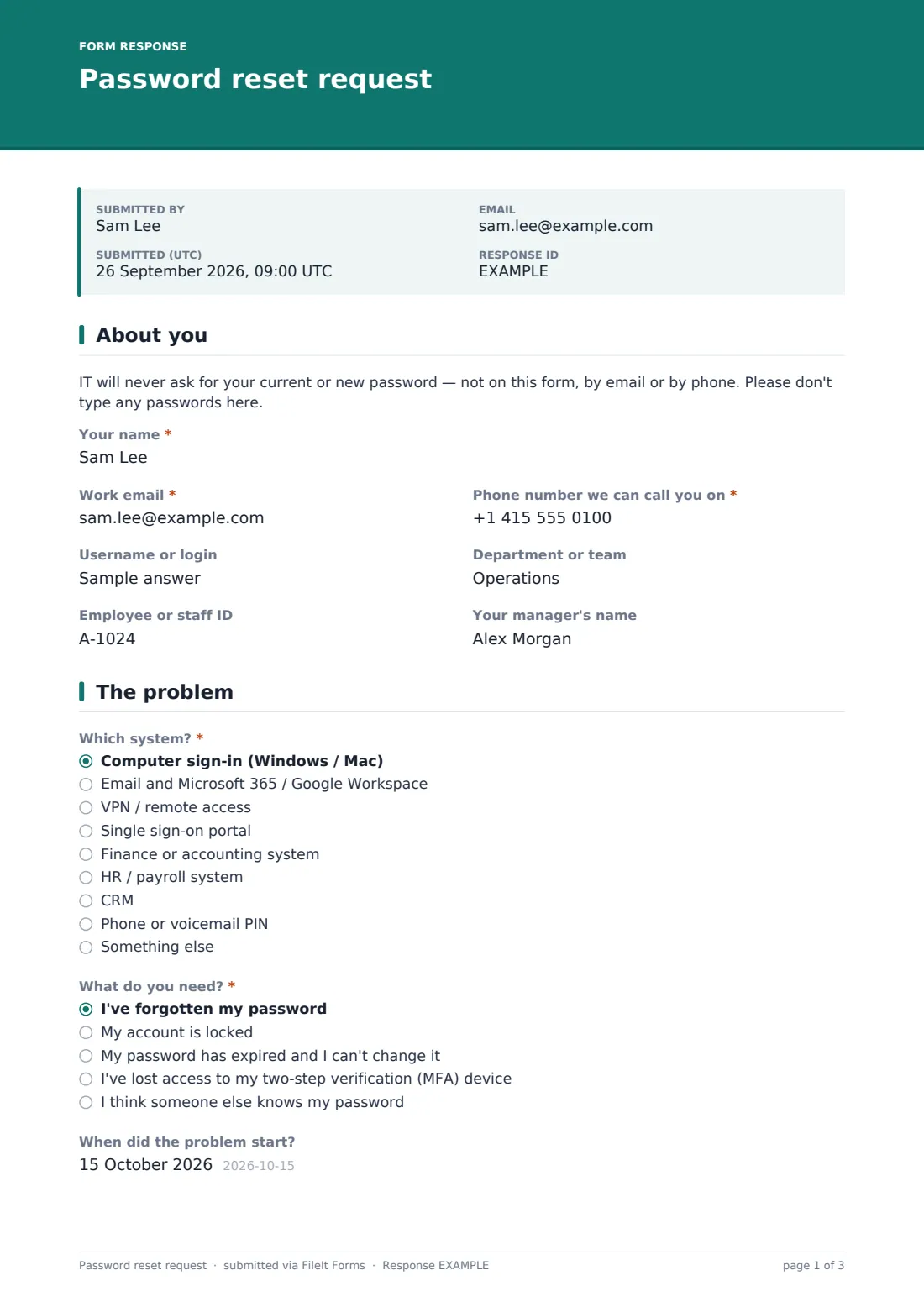
A note at the top tells users IT will never ask for their password. The requester gives their name, work email — or a personal one if email is the thing they're locked out of — a phone number IT can call, their username, department, staff ID and manager's name.
2 The problem
The user picks the system from a dropdown, from computer sign-in and email through VPN, single sign-on, finance, HR, CRM and phone PINs, with a free-text box if it's something else. They say what they need: a forgotten password, a locked or expired account, lost MFA access — which asks what happened to the device — or a suspected compromise, which shows a note to call the helpdesk immediately and asks what makes them think so. The start date, exact error message and a screenshot finish the page.
3 Verification
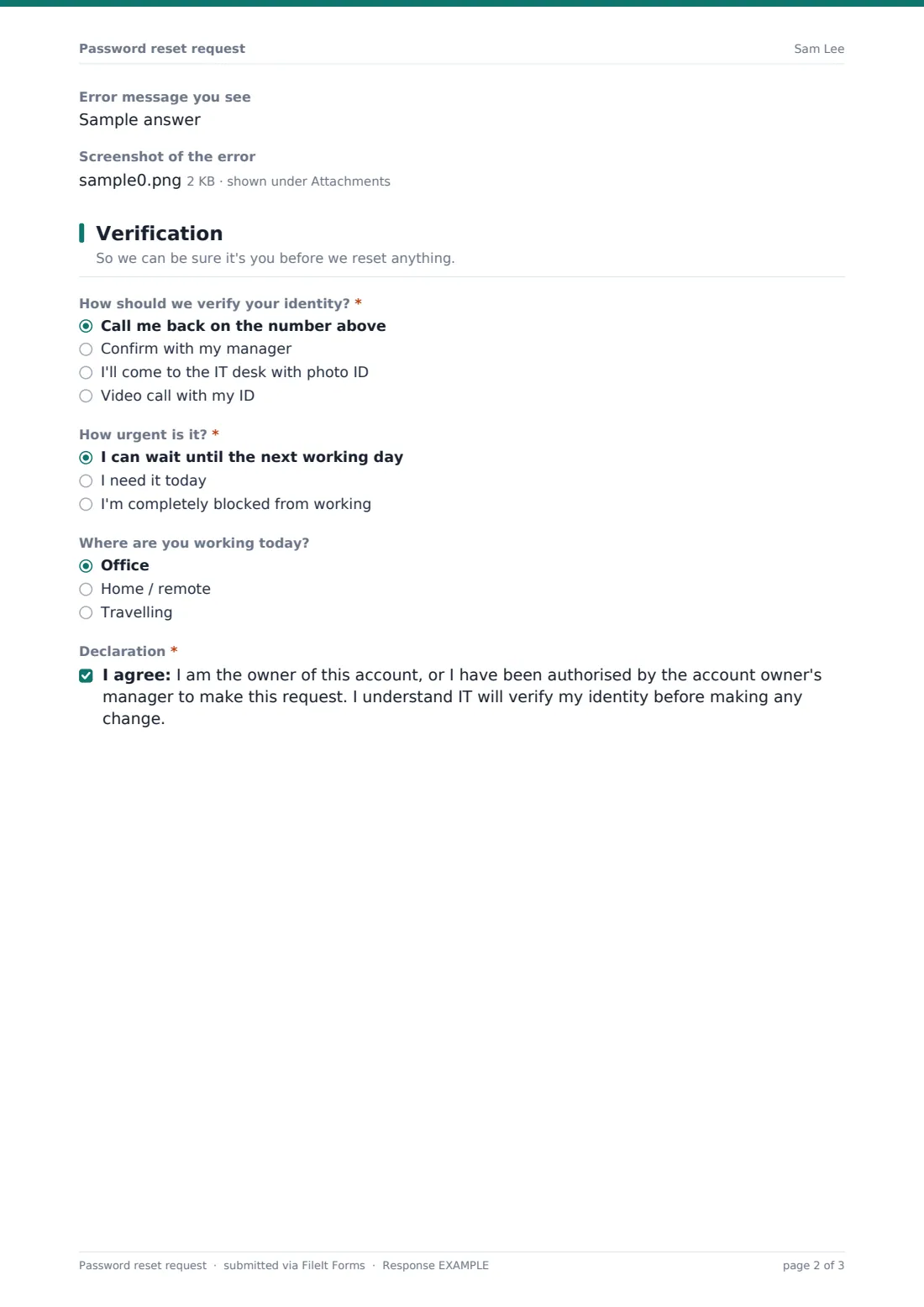
The user chooses how IT should confirm their identity: a call back on the number given, confirmation with their manager, a visit to the IT desk with photo ID, or a video call with their ID. They set the urgency and where they're working, then confirm they own the account or are authorised to request the change.
Make the template yours
- Replace the system list with the applications your organisation actually uses
- Remove verification methods your team doesn't offer, such as video calls
- Put your helpdesk phone number in the compromised-account note
- Turn on notifications to a shared IT inbox so resets aren't left waiting
- Add a location dropdown if you support several offices
- Link to your self-service reset page in the cover text if you have one
Tips for a better password reset request form
- Always verify identity through a channel you already trust, such as the phone number in your HR records, not just the one typed into the form
- Treat MFA resets with extra care — they're a common target for social engineering
- Respond to suspected compromises immediately, and check sign-in logs for the account
- Force a password change at next sign-in rather than sending a new password by email
- Review repeated lockouts for the same user; they can point to a stuck device or an attack
- Delete screenshots from the request once resolved if they show anything sensitive
Every response becomes a PDF in your vault
The request is saved as a PDF in your FileIt vault and, with notifications on, emailed to the form owner or your IT inbox straight away. The requester can receive a copy at the email they entered.
IT verifies the person using the method they chose and makes the change in the relevant system — FileIt doesn't reset passwords itself. The Responses table gives you a list of reset requests over time, which you can export to CSV.
- Start from this template. It opens in the FileIt Forms designer — change any question, add pages, set the rules for when questions appear.
- Share it. Turn on a public link, or send it to people by email, each with their own link. They don’t need a FileIt account.
- Get the answers as PDFs. Each response is saved as a PDF in the vault folder you choose, with uploaded files attached — and listed in a Responses table you can export to CSV.
Password reset request form: frequently asked questions
Is this password reset request form free?
Yes. It's a starter template in the FileIt Forms app, available on every plan including free.
Does FileIt reset the password automatically?
No. The form collects and records the request. Your IT team verifies the person and resets the password in the system concerned.
How can someone fill this in if they're locked out of their email?
They can open the public link from any device — a phone or a colleague's computer — and give a personal email and phone number instead.
Should users ever enter a password on the form?
No. The form tells them not to at the top and again on the screenshot upload. If someone does, delete the response.
Can I make it available only to our staff?
You can share the link internally only, or send personal links to specific people. Anyone with a public link can open it, so pair it with a proper identity check before resetting anything.
What happens with a suspected compromise?
The form shows a message asking the user to call the helpdesk right away and asks why they think the account is compromised. Your team should follow its own incident process from there.