What is the key handover record form template?
Keys are small, easy to lose and expensive to replace once a lock has to be changed. A key handover record captures exactly what was given out or returned, to whom, on what date, with the key numbers or fob serials, and gets both the key holder and the landlord or agent to sign.
The same form works in both directions. At the start of a tenancy or contractor job it records what was issued and, for temporary access, the date it ends. At move-out or job completion it records what came back, and if anything is missing or damaged it asks which items and whether a replacement or lock-change charge applies.
Every handover is saved as a signed PDF in your FileIt vault, so the property's key history is in one place when a tenant leaves or a contractor's access needs to be checked.
- Best for
- Landlords, letting agents, property managers and facilities teams
- Filled in by
- The person handing over or receiving the keys, with the key holder signing
- Time to complete
- About 3 minutes
- Includes
- Item-by-item quantity grid, key numbers, missing-item follow-up, photo, two signatures
Who uses a key handover record form?
- Issuing front door keys, a mailbox key and a building fob at the start of a tenancy
- Collecting keys at the end of a tenancy and noting one missing fob
- Giving a contractor temporary access with an end date for returning the keys
- Handing a set of keys to a cleaner or a property manager for a holiday let
- Replacing a lost key and recording the new key number
- Keeping a running key register for a small office, workshop or storage unit
Questions on this key handover record form
27 questions over 3 pages · includes signature, file upload, conditional questions, multiple pages, consent checkbox, ratings.
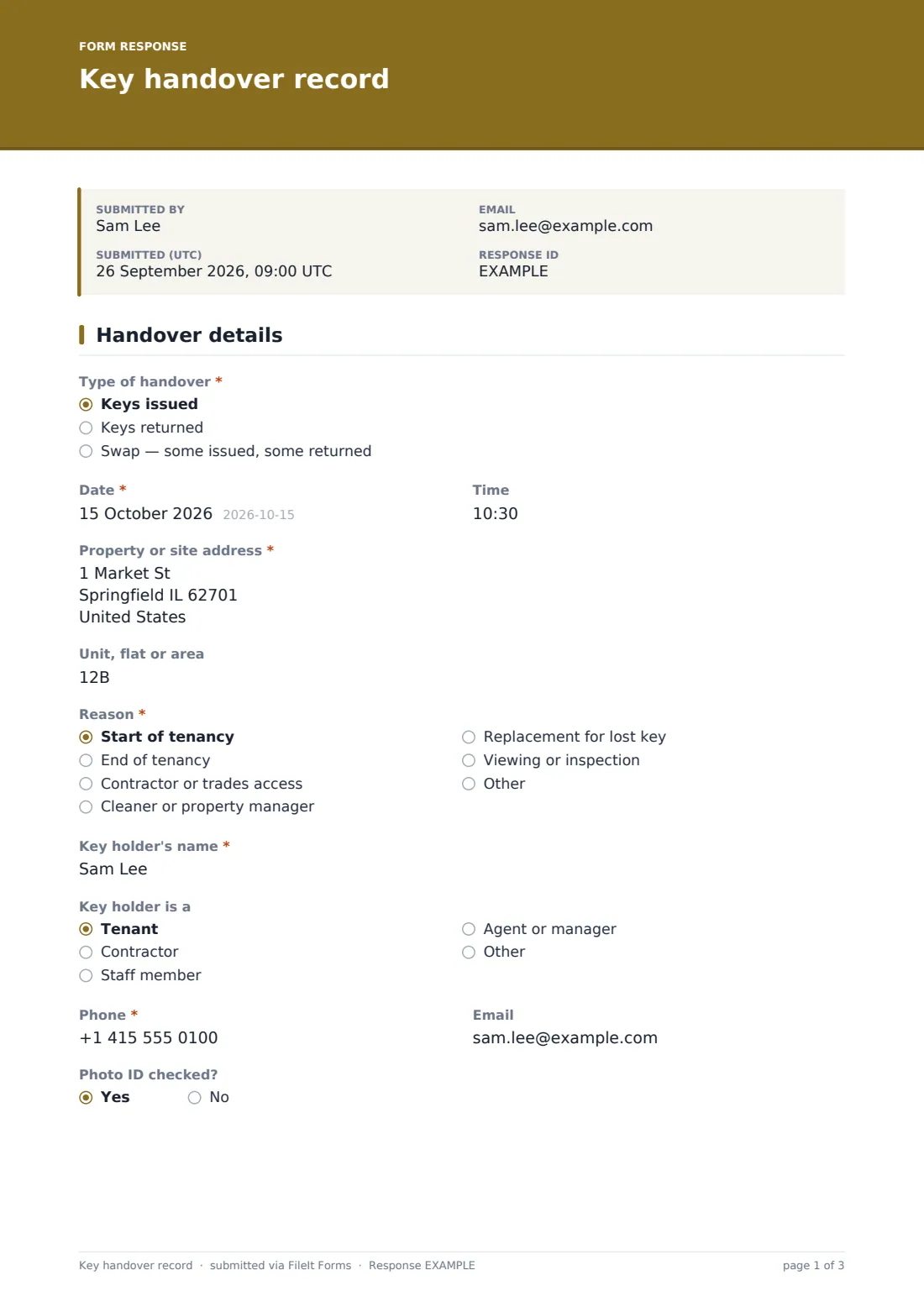
1 Handover details
- Type of handover* Keys issued · Keys returned · Swap — some issued, some returned
- Date*
- Time
- Property or site address*
- Unit, flat or area
- Reason* Start of tenancy · End of tenancy · Contractor or trades access · Cleaner or property manager · Replacement for lost key · Viewing or inspection · Other
- Other reason* asked only when it applies
- Key holder's name*
- Key holder is a Tenant · Contractor · Staff member · Agent or manager · Other
- Company asked only when it applies
- Phone*
- Photo ID checked?
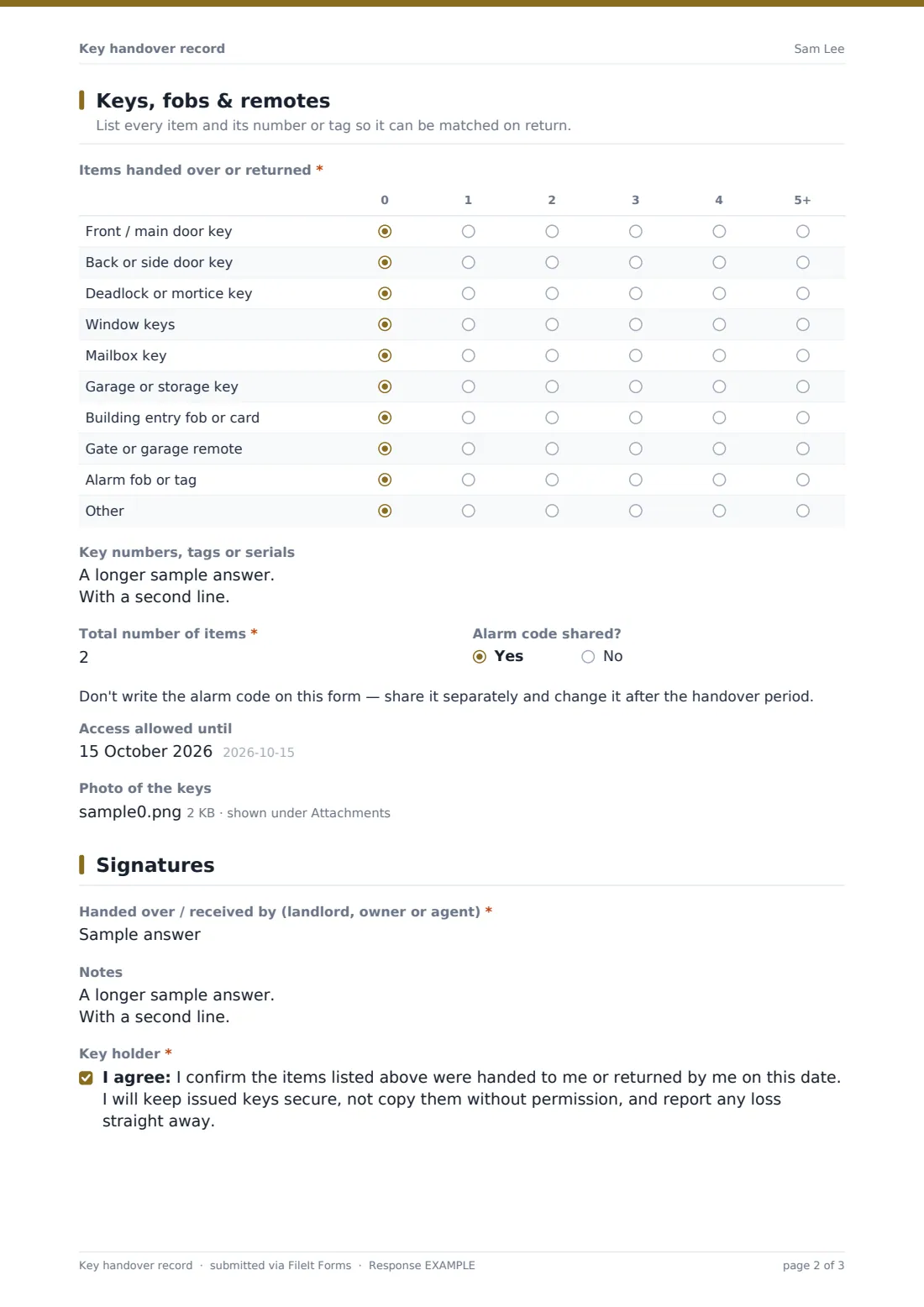
2 Keys, fobs & remotes
- Items handed over or returned* 0 · 1 · 2 · 3 · 4 · 5+
- Key numbers, tags or serials
- Total number of items*
- Alarm code shared?
- Access allowed until asked only when it applies
- Were all expected keys returned?* asked only when it applies Yes, all returned · No — some are missing · Returned, but some are damaged
- Which items are missing or damaged?* asked only when it applies
- Replacement or lock-change charge asked only when it applies
- Photo of the keys
3 Signatures
- Handed over / received by (landlord, owner or agent)*
- Notes
- Key holder*
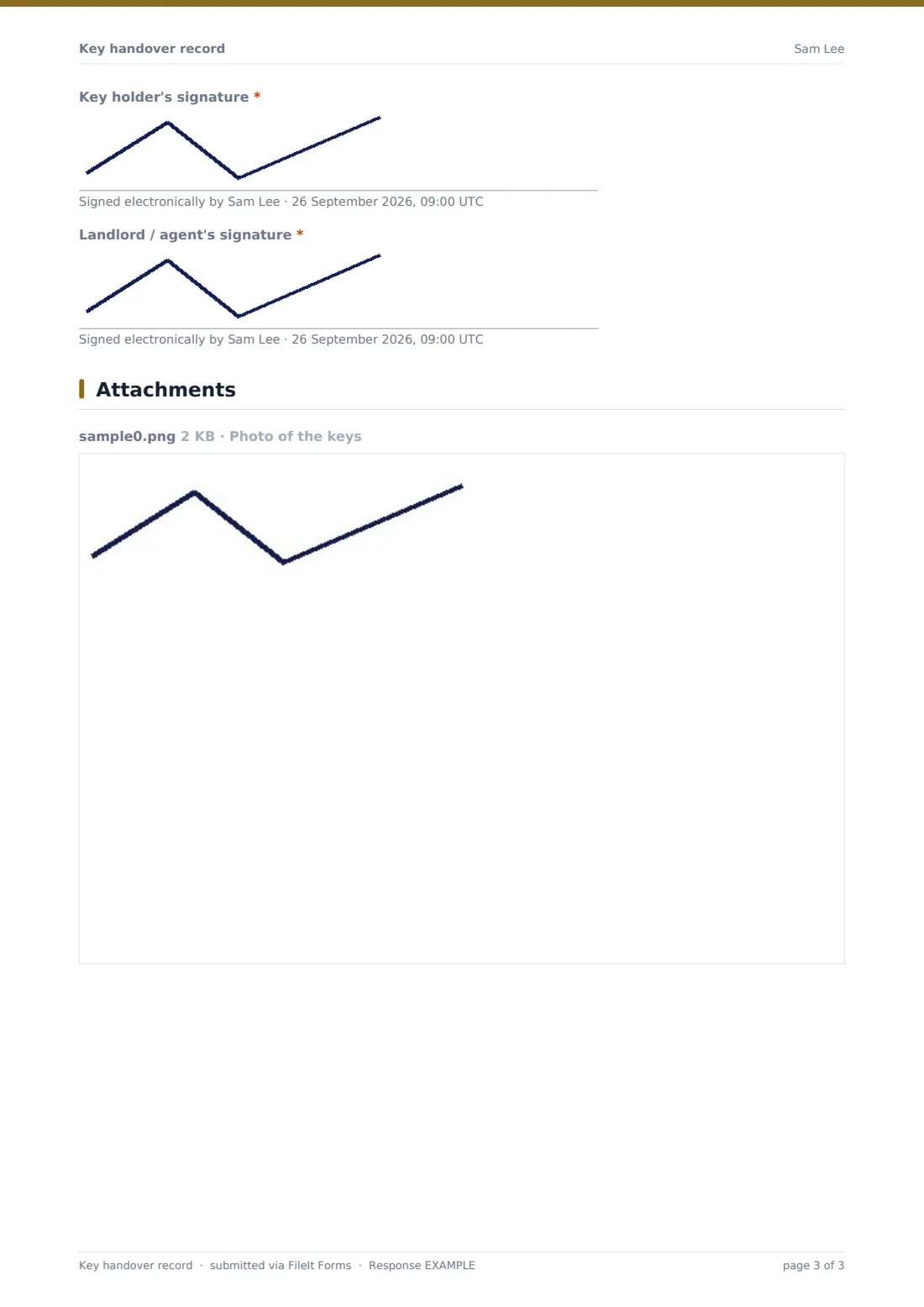
- Key holder's signature*
- Landlord / agent's signature*
The key handover record form, page by page
1 Handover details
Choose whether keys are being issued, returned or swapped, then record the date and time, the property address and the unit or area. Reason covers the start or end of a tenancy, contractor access, cleaners, lost-key replacements and viewings, with Other opening a text field. The key holder's name, phone and email follow, along with who they are (tenant, contractor, staff, agent) — contractors are asked for their company — and whether photo ID was checked.
2 Keys, fobs & remotes
A grid lists each item type — main, back and deadlock keys, window and mailbox keys, garage or storage keys, entry fobs, gate remotes, alarm tags — with a quantity from 0 to 5+. Key numbers, tags or serials are recorded underneath, plus a total. If an alarm code was shared, a note reminds you not to write the code on the form.
For issued keys there's an Access allowed until date. For returns the form asks whether everything came back; missing or damaged items reveal a required description and an optional replacement or lock-change charge. A photo of the keys laid out finishes the page.
3 Signatures
The landlord or agent's name, any notes, and the key holder's confirmation that the listed items were handed over or returned, that they'll keep issued keys secure and not copy them, and that they'll report a loss. Both the key holder and the landlord or agent sign.
Make the template yours
- Rename the rows in the items grid to match your building — a bike store key, a pool fob, a padlock
- Change the currency on the replacement charge
- Make the photo required if you want visual proof of every handover
- File handovers into each property's folder so its key history sits next to the lease
- Remove the contractor questions if you only use it for tenants
- Add a second key-holder name and signature when keys are shared by joint tenants
Tips for a better key handover record form
- Number or tag every key before it's issued — it makes returns much quicker to check
- Count the keys together, in front of the key holder, before either of you signs
- Set an end date for contractor access and follow up when it passes
- Never record alarm codes or safe combinations on the form itself
- If a key is missing at move-out, decide on a lock change quickly rather than waiting
- Keep a photo of each full set so you know what a complete return looks like
Every response becomes a PDF in your vault
Once signed and submitted, the handover is saved as a PDF — the item grid, key numbers, photo and both signatures — in the vault folder you chose, and the form owner is notified. The key holder receives a copy by email if emailed copies are turned on.
Over time the Responses table becomes a key register: filter by property or key holder to see who has what, and export to CSV if you need a full list. The form doesn't remind anyone to return keys, so diary the Access allowed until date yourself.
- Start from this template. It opens in the FileIt Forms designer — change any question, add pages, set the rules for when questions appear.
- Share it. Turn on a public link, or send it to people by email, each with their own link. They don’t need a FileIt account.
- Get the answers as PDFs. Each response is saved as a PDF in the vault folder you choose, with uploaded files attached — and listed in a Responses table you can export to CSV.
Key handover record form: frequently asked questions
Is this key handover template free?
Yes. It's part of the Forms app on every FileIt account, including the free plan.
Does the key holder need a FileIt account to sign?
No. They can sign on your device during the handover, or you can send them the link — no account needed.
Can I use the same form for issuing and returning keys?
Yes. Type of handover switches between issued, returned and a swap, and the questions about missing items appear only when keys are coming back.
Does it track keys that are overdue?
It records an Access allowed until date for issued keys, but it doesn't send overdue reminders. Use the Responses table or your calendar to follow up.
Should I record alarm codes here?
No. The form only asks whether a code was shared and reminds you to pass it on separately and change it later.
Can I charge for missing keys?
You can record a replacement or lock-change charge on the form. Whether and how much you can charge depends on your agreement with the key holder and local rules.
Do I get a PDF of each handover?
Yes — every submission is saved as a signed PDF in your vault.