What is the workplace facilities survey form template?
Facilities teams hear about problems one complaint at a time. An occupant survey gives the whole picture — comfort, workspace, amenities, cleaning and maintenance — so you can prioritise with evidence and show improvement over time.
This template asks where people work and how often, then rates comfort and workspace, amenities from restrooms to Wi-Fi and lockers, cleaning and reception, how maintenance requests were handled, and whether people feel safe in and around the building.
At the end, anyone can report a specific problem with its location and photos, and leave an email for an update. Each response is saved as a PDF in your FileIt vault.
- Best for
- Facilities managers, office managers and landlords of multi-tenant buildings
- Filled in by
- Building occupants, anonymously unless they want an update
- Time to complete
- About 5 minutes
- Includes
- Two satisfaction grids, maintenance response questions, a safety question and an issue report with photos
Who uses a workplace facilities survey form?
- An annual occupant satisfaction survey across buildings
- Checking comfort after an HVAC change or office refit
- Measuring a cleaning or facilities contractor's service
- Prioritising a facilities budget
- Understanding how hot-desking is working
- Collecting issues from a floor or site in one sweep
Questions on this workplace facilities survey form
22 questions over 5 pages · includes file upload, conditional questions, multiple pages, ratings.
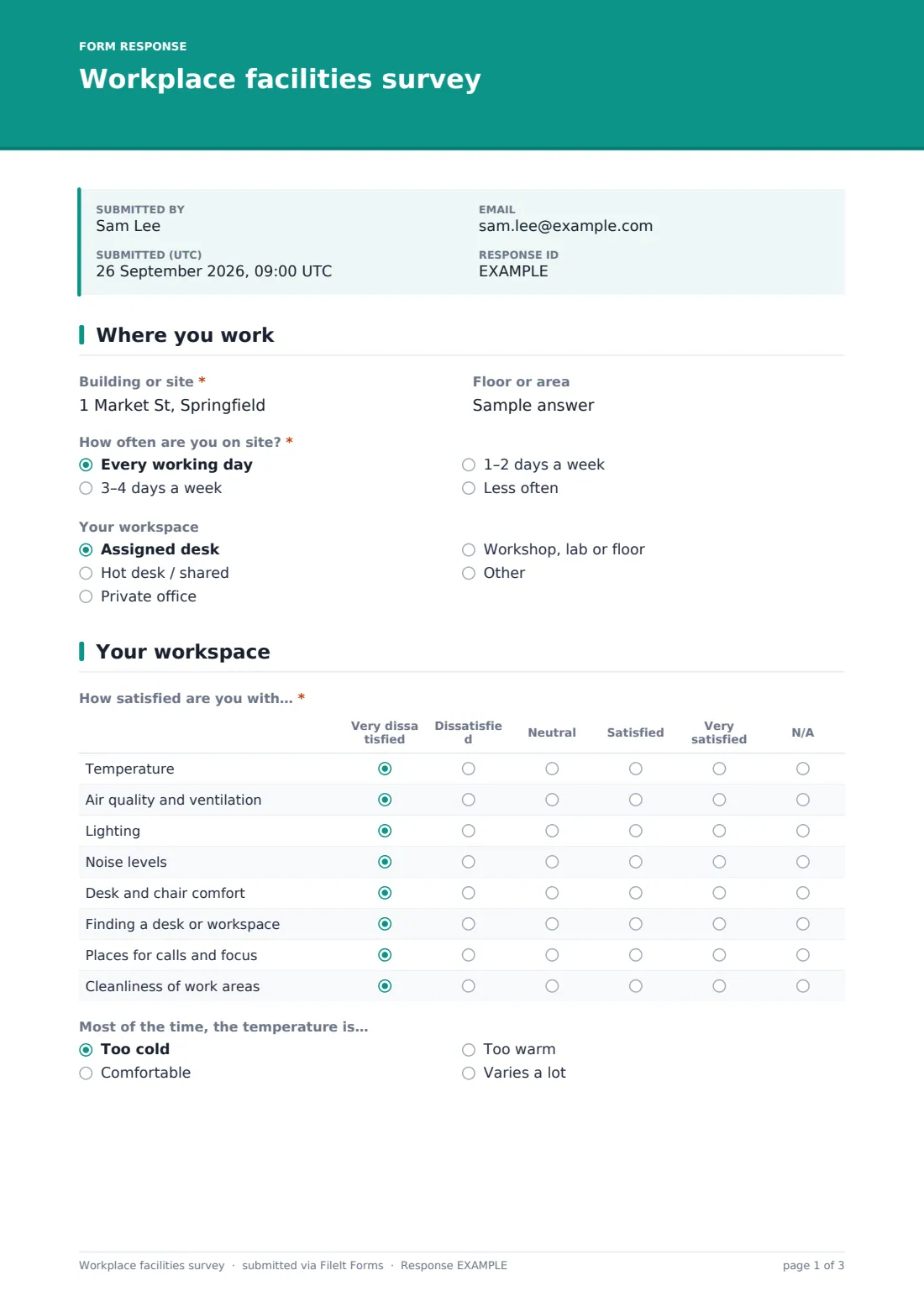
1 Where you work
- Building or site*
- Floor or area
- How often are you on site?* Every working day · 3–4 days a week · 1–2 days a week · Less often
- Your workspace Assigned desk · Hot desk / shared · Private office · Workshop, lab or floor
2 Your workspace
- How satisfied are you with…* Very dissatisfied · Dissatisfied · Neutral · Satisfied · Very satisfied · N/A
- Most of the time, the temperature is… Too cold · Comfortable · Too warm · Varies a lot
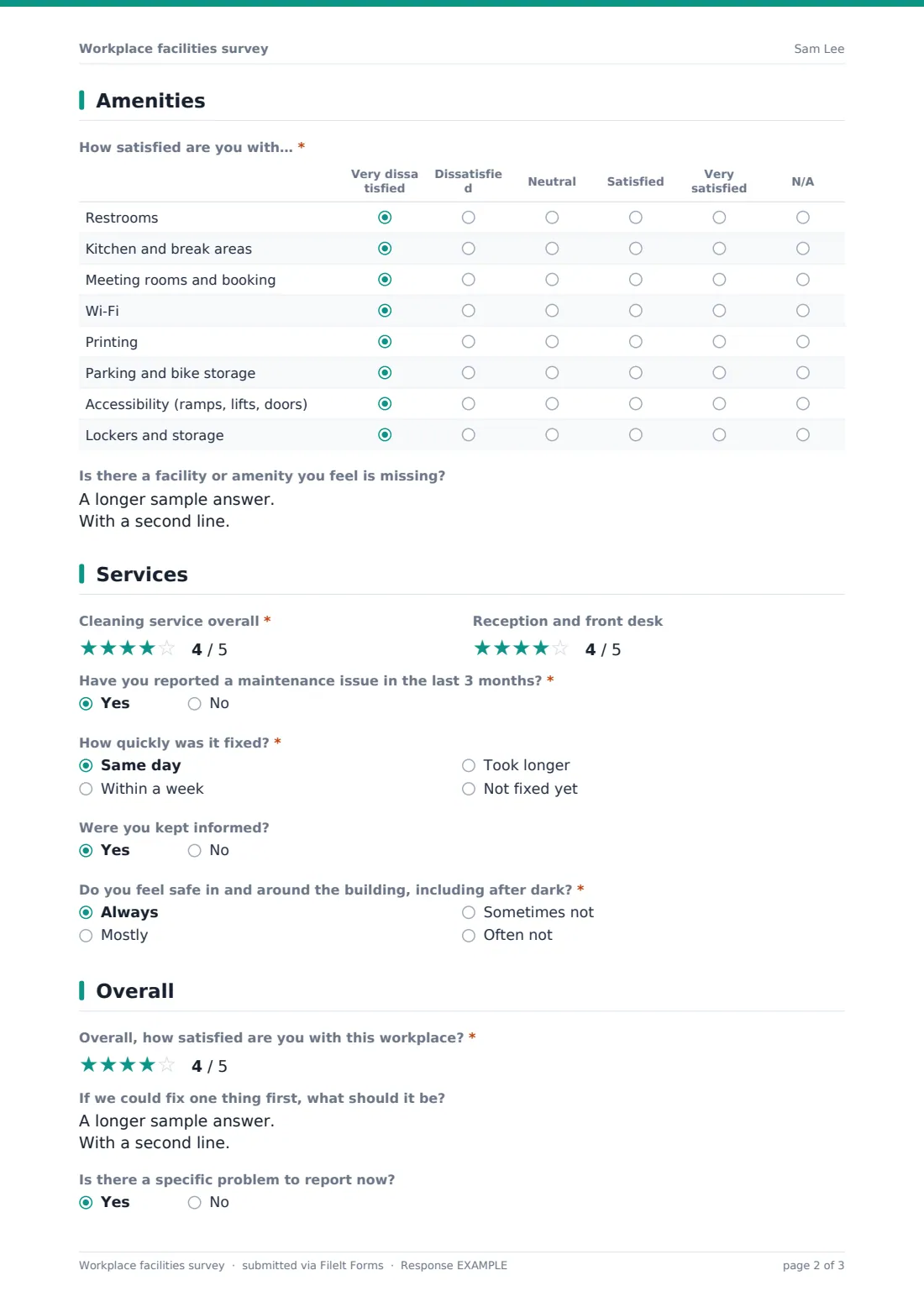
3 Amenities
- How satisfied are you with…* Very dissatisfied · Dissatisfied · Neutral · Satisfied · Very satisfied · N/A
- Is there a facility or amenity you feel is missing?
4 Services
- Cleaning service overall*
- Reception and front desk
- Have you reported a maintenance issue in the last 3 months?*
- How quickly was it fixed?* asked only when it applies Same day · Within a week · Took longer · Not fixed yet
- Were you kept informed? asked only when it applies
- Do you feel safe in and around the building, including after dark?* Always · Mostly · Sometimes not · Often not
- What, if anything, makes you feel less safe? asked only when it applies
5 Overall
- Overall, how satisfied are you with this workplace?*
- If we could fix one thing first, what should it be?
- Is there a specific problem to report now?
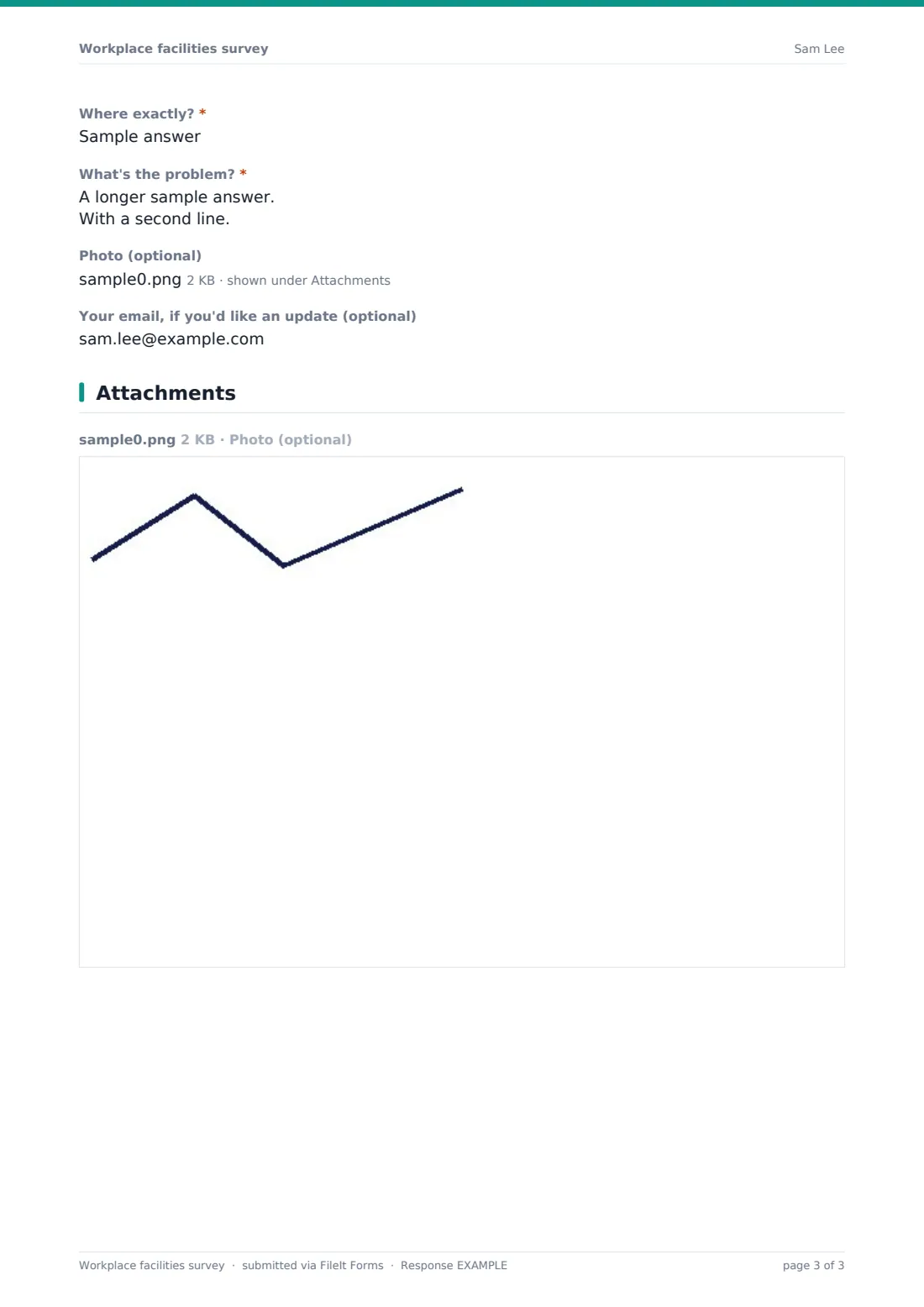
- Where exactly?* asked only when it applies
- What's the problem?* asked only when it applies
- Photo (optional) asked only when it applies
- Your email, if you'd like an update (optional) asked only when it applies
The workplace facilities survey form, page by page
1 Where you work
Building or site (required), floor or area, how often they're on site, and whether they have an assigned desk, hot desk, private office or workshop space.
2 Your workspace
A grid from Very dissatisfied to Very satisfied (or N/A) rates temperature, air quality, lighting, noise, desk and chair comfort, finding a workspace, places for calls and focus, and cleanliness. A quick question asks whether the temperature is usually too cold, comfortable, too warm or varies a lot.
3 Amenities
A second grid covers restrooms, kitchens and break areas, meeting rooms and booking, Wi-Fi, printing, parking and bike storage, accessibility, and lockers. An open question asks what's missing.
4 Services
Star ratings for cleaning and reception, then whether they've reported a maintenance issue in the last three months — if so, how quickly it was fixed and whether they were kept informed. A required question asks whether they feel safe in and around the building, including after dark, with a follow-up for any answer other than 'Always'.
5 Overall
A required overall star rating and the one thing to fix first. A yes/no lets them report a specific problem: exact location, description, up to three photos and an optional email for an update.
Make the template yours
- Add your buildings as a dropdown instead of free text
- Edit amenity rows to match what your building offers, such as a gym or canteen
- Add NotifyEmails for your helpdesk so reported issues reach them
- Change the timeframe in the maintenance question
- Duplicate per building so responses file separately
- Put a QR code in lifts, kitchens and restrooms
Tips for a better workplace facilities survey form
- Run it in both summer and winter if temperature is a common complaint
- Treat reported problems as work orders, and reply to anyone who left an email
- Share a 'you said, we did' update after each round
- Compare results by floor to find local issues
- Keep urgent issues out of the survey — link your helpdesk in the cover
- Track the same rows each year to show progress
Every response becomes a PDF in your vault
Each response is saved as a PDF titled with the date in the vault folder you choose, with any photos attached, and you're notified by email.
In the Responses table, filter by building, floor or reported issue and export to CSV to average scores for each area.
- Start from this template. It opens in the FileIt Forms designer — change any question, add pages, set the rules for when questions appear.
- Share it. Turn on a public link, or send it to people by email, each with their own link. They don’t need a FileIt account.
- Get the answers as PDFs. Each response is saved as a PDF in the vault folder you choose, with uploaded files attached — and listed in a Responses table you can export to CSV.
Workplace facilities survey form: frequently asked questions
Is this workplace facilities survey free?
Yes. It's a starter template in the FileIt Forms app, and every question can be edited.
Is it anonymous?
Yes. An email is only asked for if someone reports a specific problem and wants an update — and even then it's optional.
Can people upload photos of problems?
Yes, up to three photos when reporting a specific issue.
Should people use this for urgent repairs?
No. The cover asks people to report urgent issues straight away. Use your usual maintenance request process for those.
Can I use it for several buildings?
Yes. Respondents enter their building, or you can make a copy per building.
Do occupants need an account?
No. They open the link or scan a QR code.