

What is the exhibitor & vendor booth registration form template?
Booking exhibitors usually starts with a friendly email and ends with a chase for power requirements, a missing insurance certificate and a logo that arrives the night before the guide goes to print. This template asks for everything up front: the business details for the event guide, which days they'll attend, the stand type and size, electricity and furniture, what they're selling, and the compliance documents your venue will ask you for.
Questions only appear when they matter. A vendor who says they'll sell food is asked for a food business registration number and hygiene certificate; one using gas or cooking equipment is asked to describe it and their fire safety arrangements; anyone unloading at the stand gives a vehicle registration and size so you can plan the access schedule.
Each application is saved as a signed PDF in your FileIt vault with the uploaded logo, insurance certificate and risk assessment attached, so the floor plan, the invoice run and the venue's paperwork all come from one record per exhibitor.
- Best for
- Trade show, market, fair and expo organisers allocating stands
- Filled in by
- A business or group applying for a stand
- Time to complete
- About 10 minutes
- Includes
- Stand size and type, electricity details, furniture hire, food and gas questions, insurance upload, signature
Who uses a exhibitor & vendor booth registration form?
- A weekend craft or makers' market taking stall applications from local sellers
- A trade show or industry expo selling shell scheme and space-only stands
- A farmers' market that needs food registration numbers from every producer
- A school or community fair collecting details from charity and business stalls
- A festival allocating outdoor pitches with vehicle access and power
- A conference sponsor area where each sponsor books a table or booth
Questions on this exhibitor & vendor booth registration form
39 questions over 4 pages · includes signature, file upload, conditional questions, multiple pages, consent checkbox.
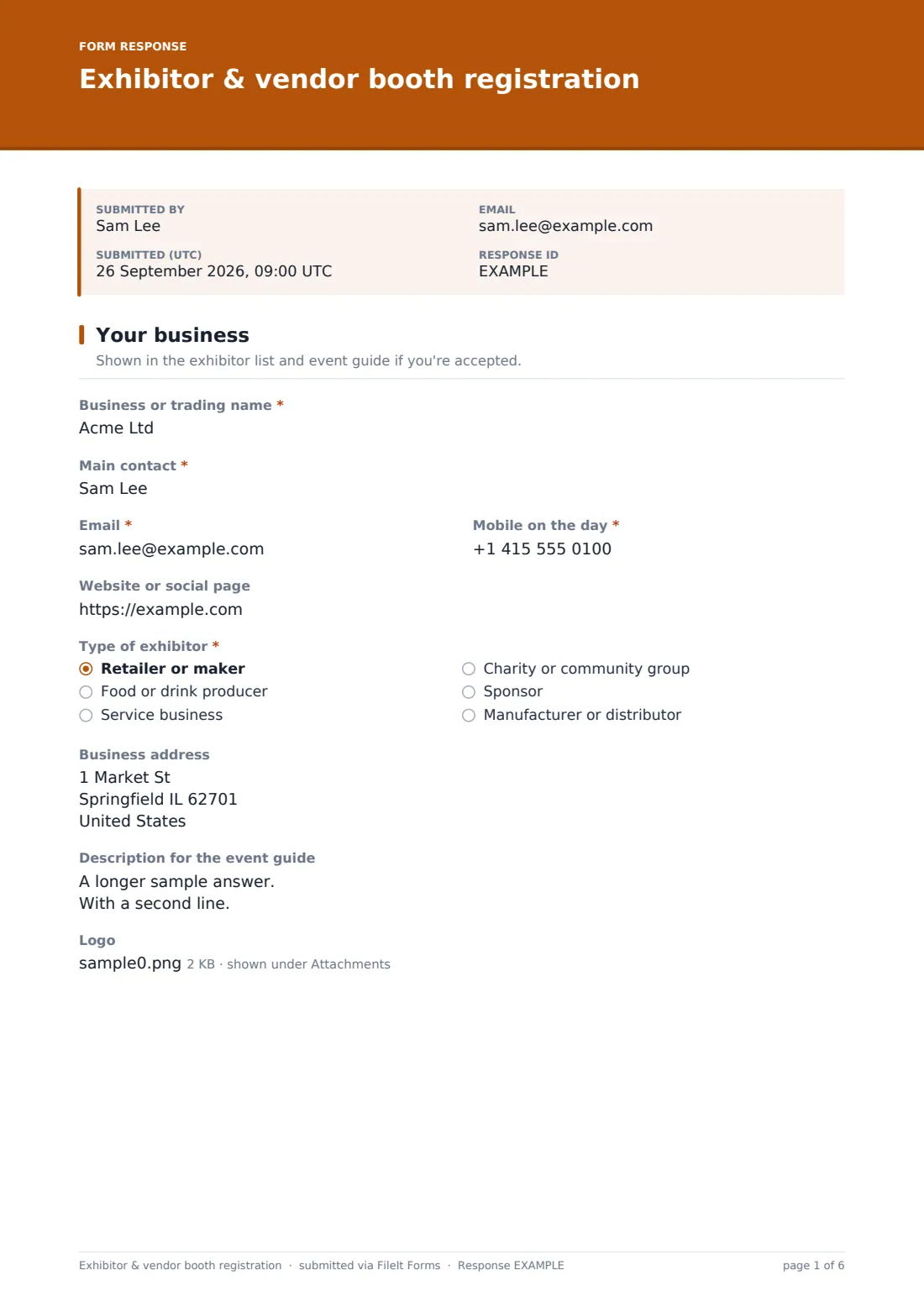
1 Your business
- Business or trading name*
- Main contact*
- Email*
- Mobile on the day*
- Website or social page
- Type of exhibitor* Retailer or maker · Food or drink producer · Service business · Charity or community group · Sponsor · Manufacturer or distributor
- Business address
- Description for the event guide
- Logo
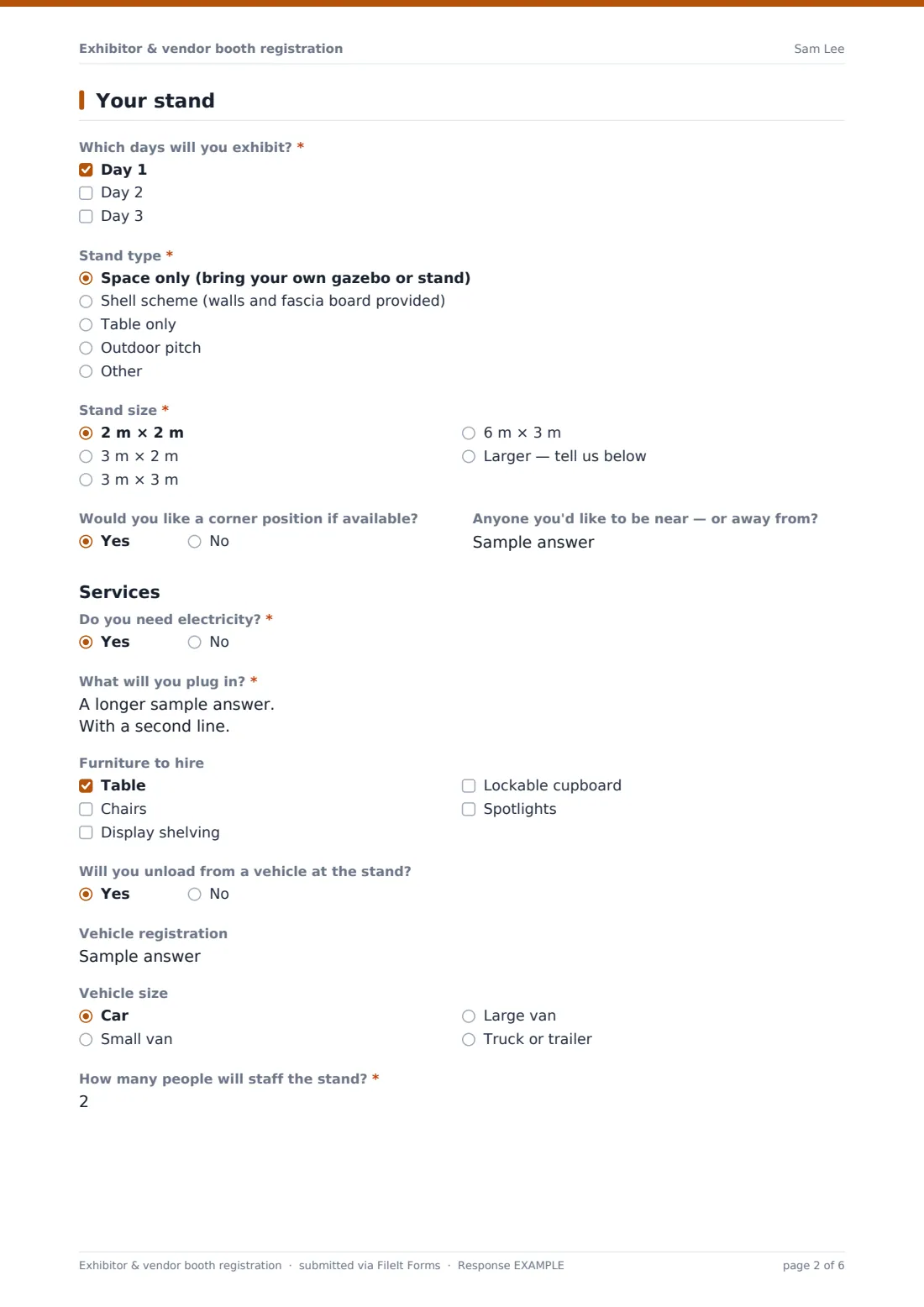
2 Your stand
- Which days will you exhibit?* Day 1 · Day 2 · Day 3
- Stand type* Space only (bring your own gazebo or stand) · Shell scheme (walls and fascia board provided) · Table only · Outdoor pitch
- Stand size* 2 m × 2 m · 3 m × 2 m · 3 m × 3 m · 6 m × 3 m · Larger — tell us below
- Size you need* asked only when it applies
- Would you like a corner position if available?
- Anyone you'd like to be near — or away from?
- Do you need electricity?*
- What will you plug in?* asked only when it applies
- Furniture to hire Table · Chairs · Display shelving · Lockable cupboard · Spotlights
- Will you unload from a vehicle at the stand?
- Vehicle registration asked only when it applies
- Vehicle size asked only when it applies Car · Small van · Large van · Truck or trailer
- How many people will staff the stand?*
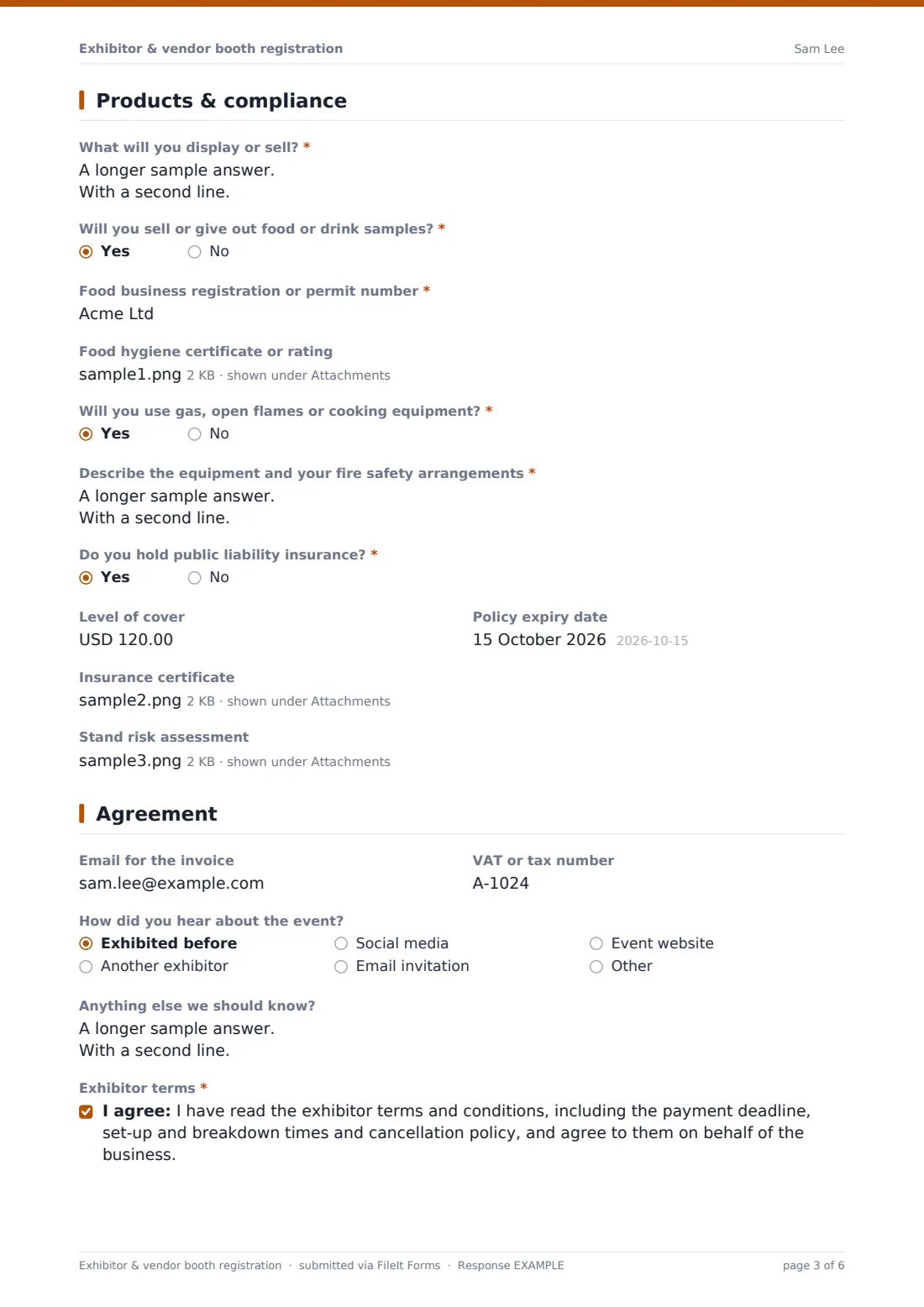
3 Products & compliance
- What will you display or sell?*
- Will you sell or give out food or drink samples?*
- Food business registration or permit number* asked only when it applies
- Food hygiene certificate or rating asked only when it applies
- Will you use gas, open flames or cooking equipment?*
- Describe the equipment and your fire safety arrangements* asked only when it applies
- Do you hold public liability insurance?*
- Level of cover asked only when it applies
- Policy expiry date asked only when it applies
- Insurance certificate asked only when it applies
- Stand risk assessment
4 Agreement
- Email for the invoice
- VAT or tax number
- How did you hear about the event? Exhibited before · Another exhibitor · Social media · Email invitation · Event website · Other
- Anything else we should know?
- Exhibitor terms*
- Signature*
The exhibitor & vendor booth registration form, page by page
1 Your business
The first page collects what goes in the event guide: the business or trading name, the main contact, email, a mobile number for set-up day, a website, the type of exhibitor, the business address, a short guide description of about 50 words and an optional logo upload.
2 Your stand
Exhibitors tick which days they'll attend, choose a stand type — space only, shell scheme, table only or outdoor pitch — and a stand size. Picking "Larger" opens a box for the exact size. They can ask for a corner or name neighbours they'd like to be near. Saying yes to electricity opens a required question listing appliances and wattage. There's a furniture hire checklist, and saying they'll unload from a vehicle opens fields for the registration and vehicle size. The page ends with how many people will staff the stand.
3 Products & compliance
Vendors describe what they'll display or sell. Food or drink sellers are asked for a food business registration or permit number and can upload a hygiene certificate. Anyone using gas, open flames or cooking equipment must describe it and their fire safety arrangements. Saying they hold public liability insurance opens the cover amount, the policy expiry date and a certificate upload, and a stand risk assessment can be attached.
4 Agreement
The last page takes an invoice email and tax number if different, how they heard about the event, any notes, a required agreement to your exhibitor terms and a signature.
Make the template yours
- Rename Day 1, Day 2 and Day 3 to your actual event dates
- Match the stand sizes and types to your floor plan, and add the price to each option label if that helps exhibitors choose
- Change the currency on the insurance cover question and mention the minimum cover your venue requires in its help text
- Remove the food and gas questions for an indoor trade show that doesn't allow them
- Set a closing date for applications and a maximum number of responses if space is limited
- File applications into a folder per event and year, with the business name in the document title
Tips for a better exhibitor & vendor booth registration form
- Ask for wattage, not just "yes to power" — a few kettles and heaters on one circuit is how breakers trip on the morning of the show
- Chase the insurance certificate before allocating a stand rather than on the day; the expiry date field makes lapsed policies easy to spot
- Keep the guide description short so it fits your printed programme without editing
- Tell exhibitors in the confirmation message when they'll hear back and when payment is due
- Use the "near to" answers as a hint only — make clear in the help text that placement isn't guaranteed
Every response becomes a PDF in your vault
When a business applies, FileIt saves the signed application as a PDF in your chosen vault folder with the logo, insurance certificate, hygiene certificate and risk assessment attached, and emails you a notification. If a copy for the respondent is on, the exhibitor gets the same PDF for their records.
Most organisers then work from the Responses table: filtering by day, stand type or power, exporting to CSV to draw up the floor plan and electrical schedule, and checking insurance expiry dates before confirming each stand.
- Start from this template. It opens in the FileIt Forms designer — change any question, add pages, set the rules for when questions appear.
- Share it. Turn on a public link, or send it to people by email, each with their own link. They don’t need a FileIt account.
- Get the answers as PDFs. Each response is saved as a PDF in the vault folder you choose, with uploaded files attached — and listed in a Responses table you can export to CSV.
Exhibitor & vendor booth registration form: frequently asked questions
Is this exhibitor registration form template free?
Yes. It's included in the Forms app on every FileIt account, including the free plan, and you can edit every question.
Do exhibitors need a FileIt account to apply?
No. Share a public link on your event website or email each business its own link — they apply without creating an account.
Can I take stand payments through this form?
No, FileIt forms don't process payments. The form records the stand they've asked for and an invoice email, and you invoice separately once you've confirmed their place.
Can exhibitors upload their insurance certificate?
Yes. Anyone who says they hold public liability insurance sees the cover amount, expiry date and a certificate upload. Uploaded files are attached to the application PDF in your vault.
Will food vendors see different questions?
Yes. Saying they'll sell food or drink opens a required food registration number and a hygiene certificate upload. Other exhibitors never see those questions.
Can I stop applications when the hall is full?
Yes. Set a maximum number of responses or a closing date in the form settings and the form stops accepting applications automatically.