What is the employee recognition nomination form template?
Recognition works best when it's specific. "Great job this quarter" is kind, but "stayed late three nights to get the customer's migration done and then wrote up the fix for everyone" is the kind of thing people remember. This template is built to draw out that kind of detail.
Anyone can nominate a single colleague or a whole team. They pick the award or category, describe what happened and the difference it made, tick the qualities it showed, and can attach a customer email or screenshot as evidence. They also say whether the recognition should be public or private, because not everyone wants their name read out at the all-hands.
Every nomination is filed as a PDF in your FileIt vault. The awards panel has one place to review them, and you keep a record of who was recognised and why.
- Best for
- Employee-of-the-month schemes, annual staff awards and ongoing peer recognition programmes
- Filled in by
- Any employee, manager or, if you share it more widely, customers and partners
- Time to complete
- About 5 minutes
- Includes
- Individual or team nominations, award categories, impact questions and a public-or-private recognition choice
Who uses a employee recognition nomination form?
- A monthly employee-of-the-month scheme with nominations from across the business
- Collecting nominations for annual staff awards in several categories
- A peer-to-peer thank-you programme open all year round
- Recognising a whole team after a big launch, a difficult migration or a busy season
- Letting customers or partners nominate staff who gave them great service
- Gathering real examples of company values in action for internal communications
Questions on this employee recognition nomination form
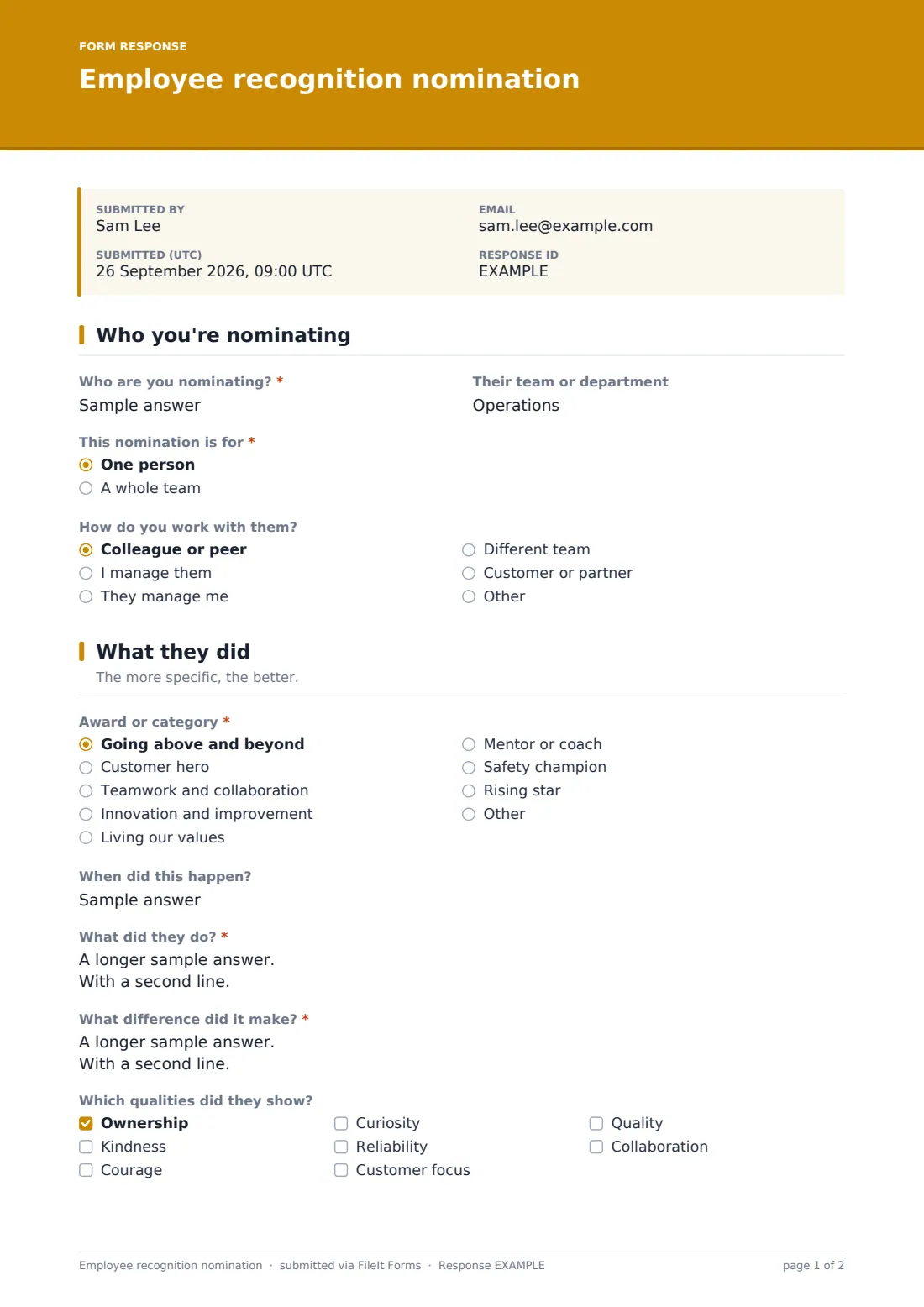
17 questions over 3 pages · includes file upload, conditional questions, multiple pages.
1 Who you're nominating
- Who are you nominating?*
- Their team or department
- This nomination is for* One person · A whole team
- Who's in the team? asked only when it applies
- How do you work with them? Colleague or peer · I manage them · They manage me · Different team · Customer or partner
2 What they did
- Award or category* Going above and beyond · Customer hero · Teamwork and collaboration · Innovation and improvement · Living our values · Mentor or coach · Safety champion · Rising star
- When did this happen?
- What did they do?*
- What difference did it make?*
- Which qualities did they show? Ownership · Kindness · Courage · Curiosity · Reliability · Customer focus · Quality · Collaboration
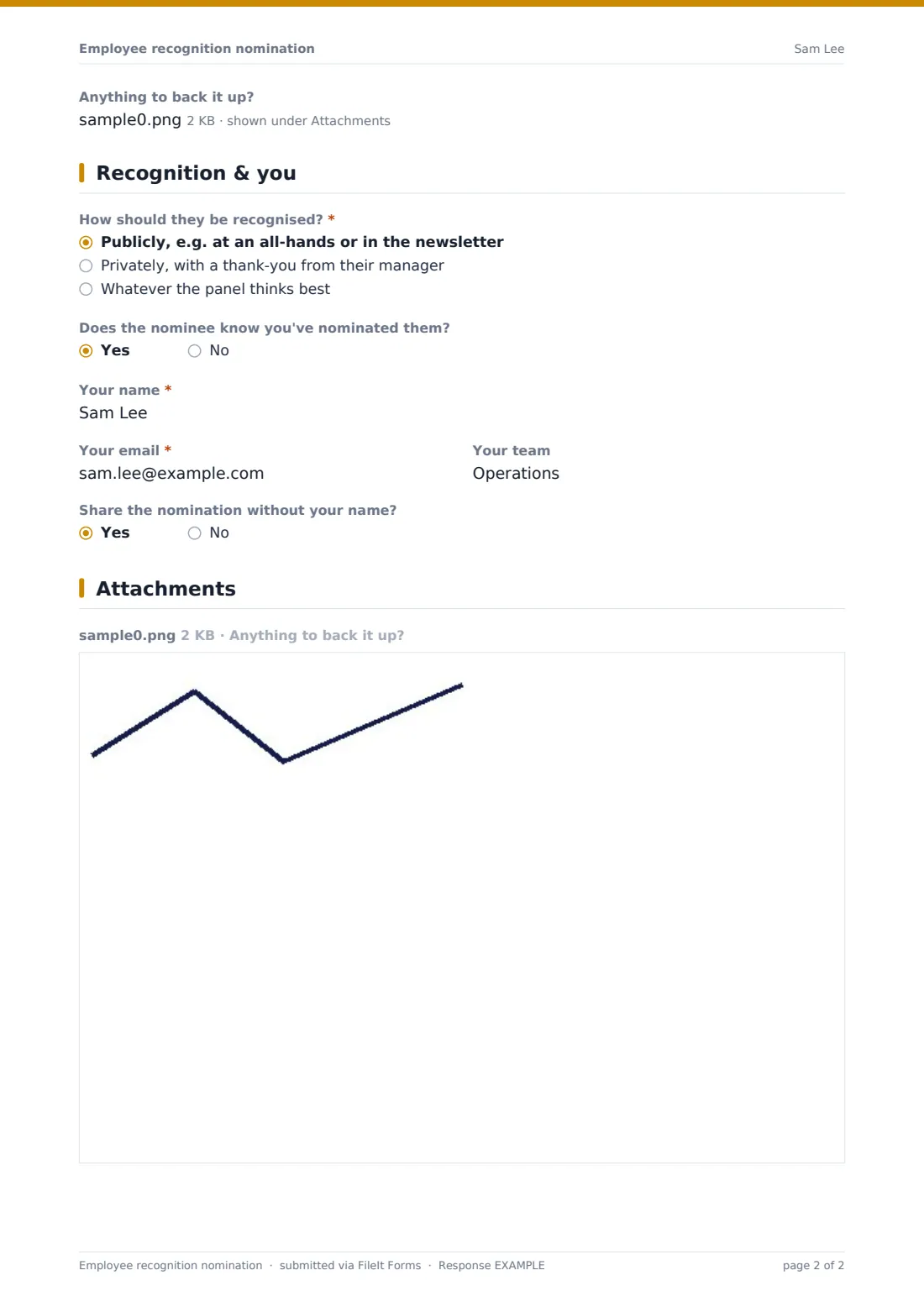
- Anything to back it up?
3 Recognition & you
- How should they be recognised?* Publicly, e.g. at an all-hands or in the newsletter · Privately, with a thank-you from their manager · Whatever the panel thinks best
- Does the nominee know you've nominated them?
- Your name*
- Your email*
- Your team
- Share the nomination without your name?
The employee recognition nomination form, page by page
1 Who you're nominating
The nominator names the person or team and their department, and says whether the nomination is for one person or a whole team. A team nomination opens a field to list the members. They also say how they work with the nominee, for example as a peer, manager, report, another team, or a customer or partner.
2 What they did
The nominator picks an Award or category, such as going above and beyond, customer hero, teamwork, innovation, living our values, mentor, safety champion or rising star, or writes their own. They note when it happened. Two required questions ask What did they do? and What difference did it make? A checklist captures the qualities shown, and an optional upload takes up to three pieces of evidence.
3 Recognition & you
The nominator says whether the recognition should be public, private, or left to the panel, and whether the nominee knows about it. They give their name, email and team, and can ask for the nomination to be shared without their name. The panel still sees who nominated.
Make the template yours
- Replace the award categories with your own awards or company values
- Replace the qualities checklist with the exact wording of your values
- Set a close date for each round of employee-of-the-month or annual awards
- Add the awards panel's emails to notifications so nominations reach them straight away
- Remove the evidence upload if you'd rather keep nominations quick and informal
- Share the form link in your intranet, newsletter or team chat so it's always easy to find
Tips for a better employee recognition nomination form
- Ask nominators for a specific moment rather than a general impression. It makes judging fairer and the recognition more meaningful
- Respect the public-or-private choice, because some people find public praise uncomfortable
- Share winning nominations with the nominee's manager too, so it feeds into their review
- Recognise teams as well as individuals so shared effort doesn't go unnoticed
- Thank nominators as well. It keeps the scheme alive
Every response becomes a PDF in your vault
Each nomination is saved as a PDF in your FileIt vault, and the form owner gets an email. The nominator gets a copy too.
The awards panel usually reviews nominations in the Responses table, filtering by award category or date. Winning nominations can be shared with the nominee and their manager or quoted in internal announcements, and the full history stays filed for later rounds.
- Start from this template. It opens in the FileIt Forms designer — change any question, add pages, set the rules for when questions appear.
- Share it. Turn on a public link, or send it to people by email, each with their own link. They don’t need a FileIt account.
- Get the answers as PDFs. Each response is saved as a PDF in the vault folder you choose, with uploaded files attached — and listed in a Responses table you can export to CSV.
Employee recognition nomination form: frequently asked questions
Is this recognition nomination template free?
Yes. It's included in FileIt's Forms app on every account, including the free plan, and you can edit every question.
Do people need a FileIt account to nominate someone?
No. You share the form as a link and anyone with it can submit a nomination without an account.
Can people nominate a whole team?
Yes. Choosing A whole team opens a field to list the team members.
Can nominations be anonymous?
The nominator can ask for the nomination to be shared without their name. The panel still sees who submitted it, so nominations stay accountable.
Can customers nominate staff?
Yes. Share the form link with customers or partners. They can pick Customer or partner when saying how they work with the nominee.
Can I change the award categories?
Yes. The award list and the qualities checklist are ordinary questions you can edit in the designer.
How do we review nominations?
All nominations appear in the Responses table, where you can filter by award and export them, and each one is filed as a PDF.