What is the promotion recommendation form template?
Promotions decided in a corridor conversation are hard to explain later, to the person who got one or to the person who didn't. A written recommendation makes the manager set out what's changing, why the employee is ready, and what it costs, before anyone signs off.
This template asks for the details approvers and HR need. It covers the employee's current role and time in it, the proposed title, grade, effective date and salary, and whether the increase is budgeted. Readiness is rated across six areas and backed by concrete evidence. The form also asks whether the current role needs backfilling and who the second-level approver is.
Every recommendation is saved as a signed PDF in your FileIt vault. That gives HR a consistent record for each promotion round and makes it easier to check decisions were made on the same basis across teams.
- Best for
- Organisations that want promotions proposed and approved in a consistent, documented way
- Filled in by
- The employee's line manager
- Time to complete
- About 15-20 minutes
- Includes
- Pay and budget questions, a readiness grid, evidence fields, and approver details with a signature
Who uses a promotion recommendation form?
- A company running a twice-yearly promotion round with nominations from every manager
- A manager making the case to move a strong performer into a vacant senior position
- Promoting an individual contributor into their first people-management role
- An HR team comparing promotion cases across departments on the same criteria
- A small business formalising how pay and title changes are proposed and approved
- Keeping a record of why each promotion was made, for later pay-equity reviews
Questions on this promotion recommendation form
31 questions over 4 pages · includes signature, file upload, conditional questions, multiple pages, consent checkbox, ratings.
1 Employee
- Your name (recommending manager)*
- Work email*
- Your job title
- Employee being recommended*
- Employee ID
- Department* Operations · Sales · Marketing · Finance · Engineering · Customer support · Human resources · Other
- Start date with the organisation
- Current job title*
- Time in current role (months)*
2 Proposed change
- Proposed job title*
- Proposed grade or level
- Type of change* Promotion to a more senior role · Progression within the same role family · Move into a new or vacant position · First move into managing people
- How many direct reports will they have?* asked only when it applies
- Will their current role need backfilling?
- How will the current role be covered? asked only when it applies
- Proposed effective date*
- Current base salary
- Proposed base salary*
- Is the increase within budget?* Yes, budgeted · No, needs approval · Not sure
3 Readiness & evidence
- Most recent performance rating* Outstanding · Exceeds expectations · Meets expectations · Not yet rated
- How ready are they for the new role?* Ready now · Nearly ready · Development needed
- Evidence of readiness*
- Why does the business need this role filled at this level?*
- Development areas and how you'll support them
- Supporting documents
4 Approval
- Have you discussed this with the employee?*
- Second-level approver (your manager or department head)*
- Approver's email
- HR partner
- Declaration*
- Recommending manager's signature*
The promotion recommendation form, page by page
1 Employee
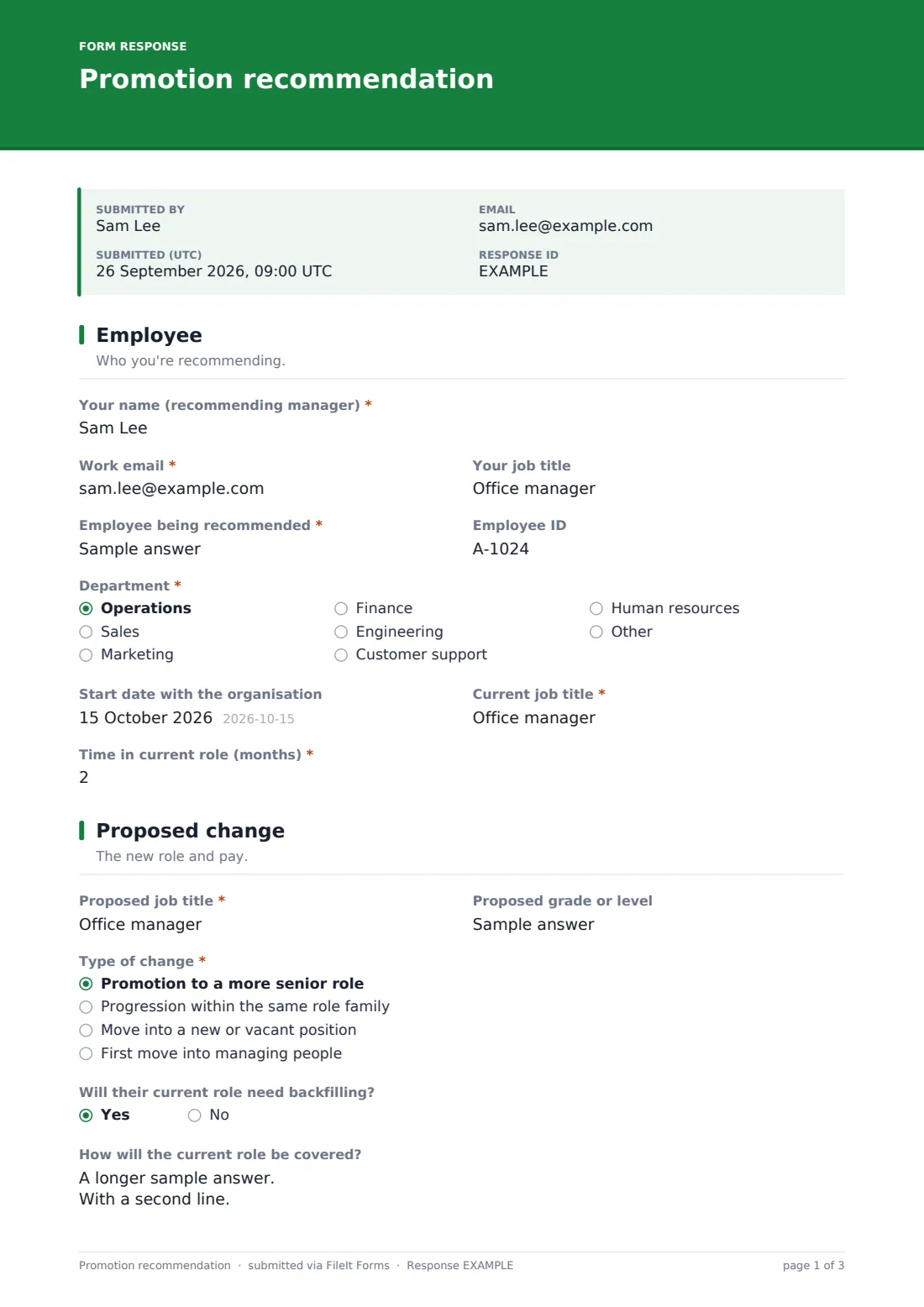
The recommending manager gives their name, email and job title, then the employee's name, Employee ID, Department, start date, Current job title and Time in current role in months.
2 Proposed change
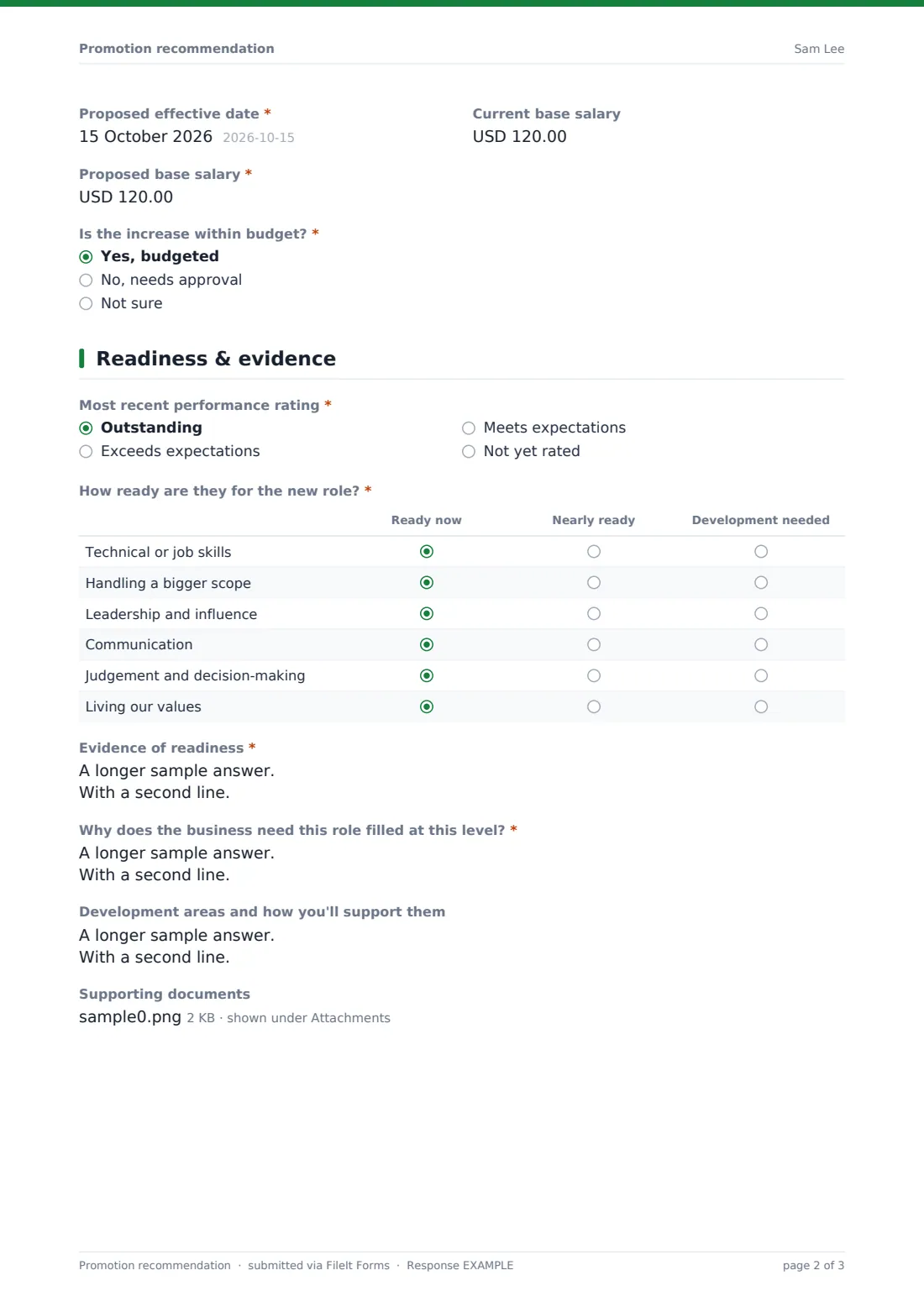
The manager enters the Proposed job title and grade and picks the Type of change: a promotion, progression in the same role family, a move into a new or vacant position, or a first move into managing people. That last choice asks how many direct reports they'll have. A backfill question asks how the current role will be covered. The page closes with the Proposed effective date, current and proposed base salary, and whether the increase is within budget.
3 Readiness & evidence
The manager records the Most recent performance rating. A readiness grid rates technical skills, bigger scope, leadership, communication, judgement and values as Ready now, Nearly ready or Development needed. Two required fields ask for Evidence of readiness and the business case for the role at this level. Development areas and supporting documents, such as reviews or the new job description, are optional.
4 Approval
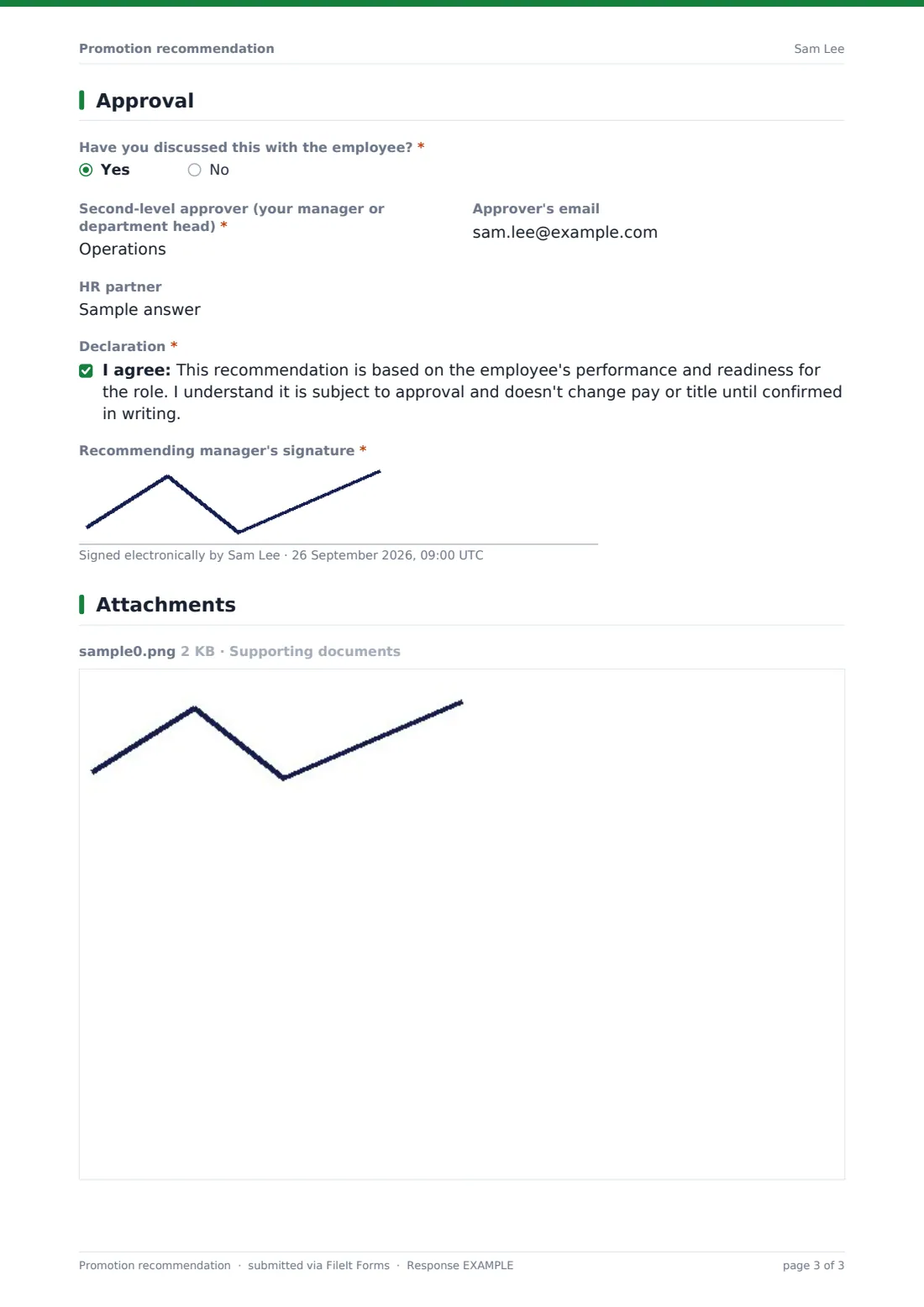
The manager says whether they've discussed the recommendation with the employee. They name the second-level approver, with an optional email, and the HR partner. They then accept a declaration that the recommendation is subject to approval and changes nothing until confirmed in writing, and sign.
Make the template yours
- Replace the readiness rows with your own competency framework or career-level expectations
- Change the salary currency, or remove the salary fields if HR sets pay after approval
- Add the HR team's address to notifications so every recommendation reaches them straight away
- Set a close date to match the end of your promotion round's nomination window
- Add a required link to the calibration or talent review where the case was discussed
- File approved recommendations in each employee's vault folder alongside their contract changes
Tips for a better promotion recommendation form
- Lead with evidence of the person already doing the bigger job, not just time served in the current one
- Check the budget before submitting. An unbudgeted increase will need a separate conversation
- Plan the backfill early, because a promotion that leaves a gap nobody covers creates new problems
- Be careful about raising expectations before approval, and agree with HR when and how the employee is told
- Apply the same readiness criteria to everyone you consider, not just the person you're recommending
Every response becomes a PDF in your vault
When the manager submits, FileIt saves the signed recommendation as a PDF in your vault and emails the form owner, usually HR. The manager gets a copy for their own records.
HR typically reviews recommendations in the Responses table, where they can compare proposed salaries, readiness ratings and budget status side by side before calibration. The PDF then goes to the named approvers, and once confirmed it can be filed with the employee's records.
- Start from this template. It opens in the FileIt Forms designer — change any question, add pages, set the rules for when questions appear.
- Share it. Turn on a public link, or send it to people by email, each with their own link. They don’t need a FileIt account.
- Get the answers as PDFs. Each response is saved as a PDF in the vault folder you choose, with uploaded files attached — and listed in a Responses table you can export to CSV.
Promotion recommendation form: frequently asked questions
Is this promotion recommendation template free?
Yes. It's included in FileIt's Forms app on every account, including the free plan, and you can edit every question.
Do managers need a FileIt account to submit a recommendation?
No. You share the form as a link and managers fill it in and submit it without an account.
Does submitting the form promote the employee?
No. The form records the recommendation and says clearly that nothing changes until it's approved and confirmed in writing. Approval happens outside the form.
Can the approver sign the form too?
The template names the second-level approver and HR partner. If you need their signatures on the same record, add more signature fields in the designer.
Can I change the salary currency?
Yes. Each salary field has a currency setting you can change in the designer.
Can we attach reviews or feedback as evidence?
Yes. There's an optional upload field for up to five supporting documents.
Can we compare recommendations across the company?
Yes. All submissions appear in the Responses table, where you can filter and export them.