What is the salary review request form template?
A salary review request form gives an employee a clear, structured place to make the case for a pay increase, regrade or market adjustment, instead of an informal conversation that's easy to under-prepare for or a request that gets lost in a busy manager's inbox. It asks for role changes, achievements and evidence, in that order, so the strongest case gets made every time.
A quick chat in a corridor rarely captures the full picture, and a manager juggling several requests can struggle to compare them fairly without something written down. A form creates a consistent, dated record of exactly what was asked for and why, which is fairer for the employee and easier for HR to process alongside other requests.
This template runs on FileIt's Forms app, included on every FileIt account including the free plan. Employees fill it in themselves, and the request — along with any supporting documents — is automatically saved as a PDF and filed in your vault, ready for a manager or HR to review confidentially.
- Best for
- Employees requesting a pay or grade review, and the HR teams processing them
- Filled in by
- The employee making the request
- Time to complete
- About 15 minutes
- Includes
- Role-change and market-data questions, supporting-document upload, confidentiality-minded declaration
Who uses a salary review request form?
- An employee whose responsibilities have grown significantly since their last review
- Someone requesting a market-rate adjustment after researching comparable roles
- An employee asking for a regrade or promotion alongside a pay increase
- A team member documenting key achievements ahead of an annual pay review cycle
- An employee attaching performance feedback or certificates as supporting evidence
- HR standardising how every pay review request is submitted and considered across the company
Questions on this salary review request form
23 questions over 4 pages · includes file upload, conditional questions, multiple pages, consent checkbox.
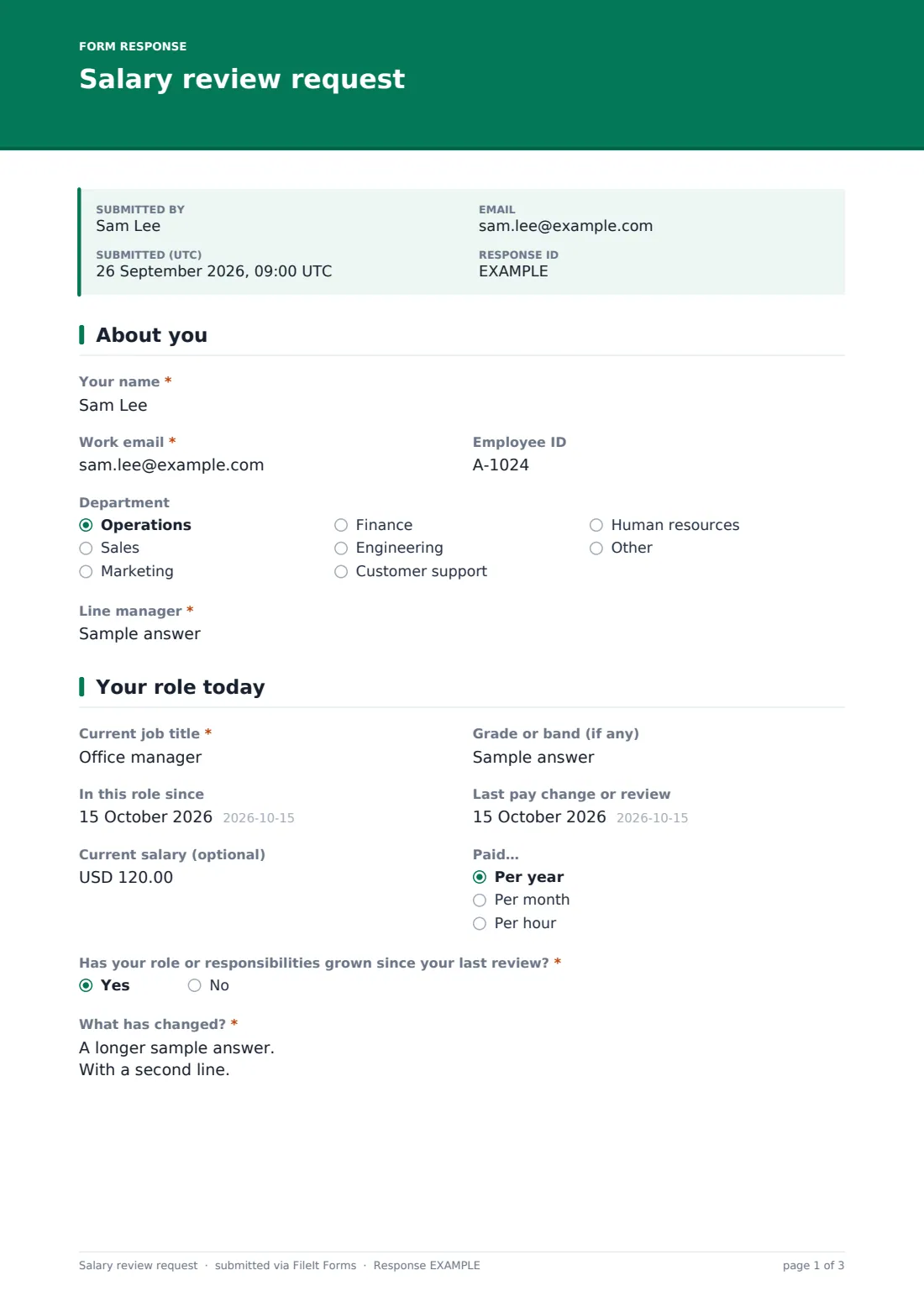
1 About you
- Your name*
- Work email*
- Employee ID
- Department Operations · Sales · Marketing · Finance · Engineering · Customer support · Human resources · Other
- Line manager*
2 Your role today
- Current job title*
- Grade or band (if any)
- In this role since
- Last pay change or review
- Current salary (optional)
- Paid… Per year · Per month · Per hour
- Has your role or responsibilities grown since your last review?*
- What has changed?* asked only when it applies
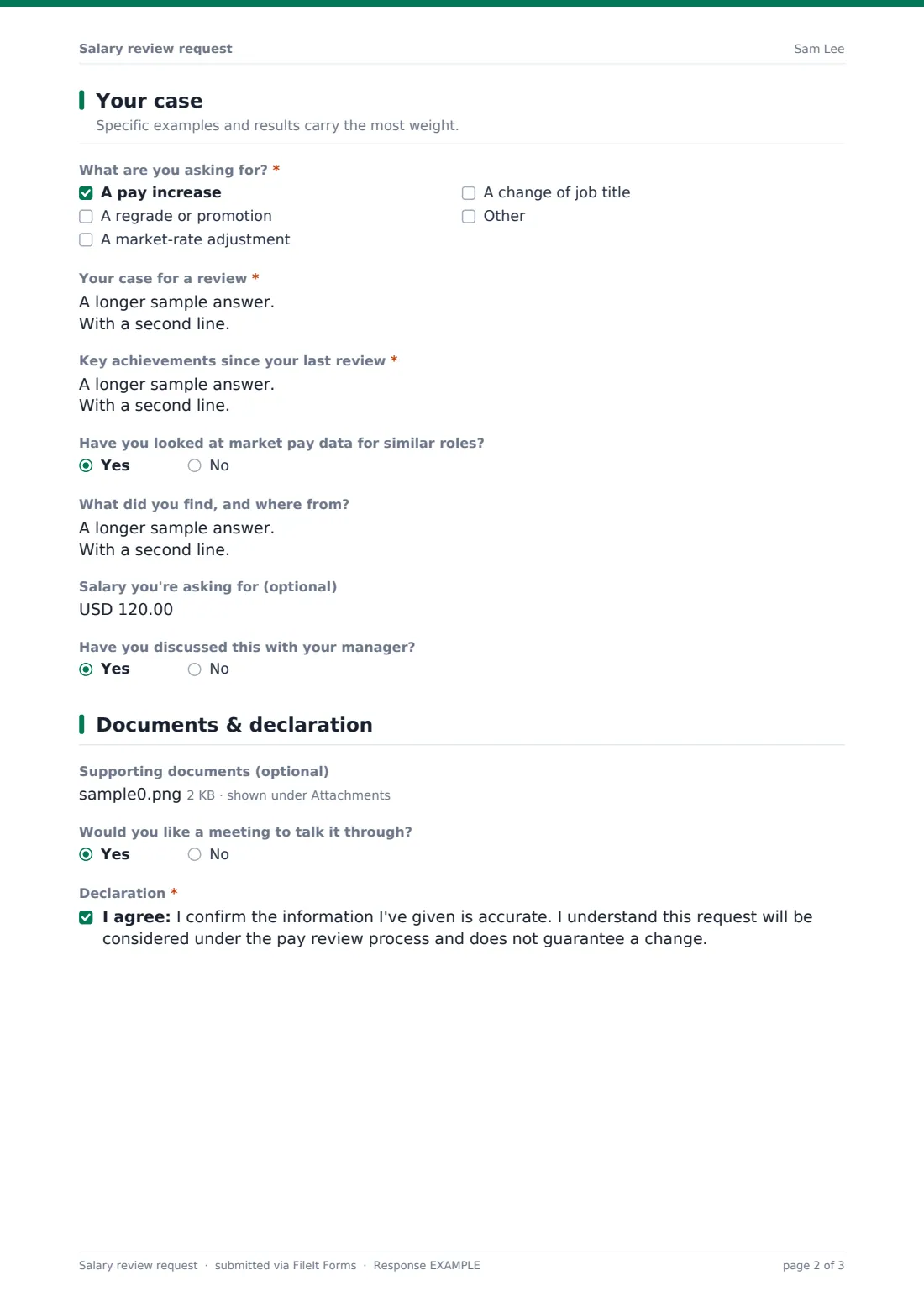
3 Your case
- What are you asking for?* A pay increase · A regrade or promotion · A market-rate adjustment · A change of job title
- Your case for a review*
- Key achievements since your last review*
- Have you looked at market pay data for similar roles?
- What did you find, and where from? asked only when it applies
- Salary you're asking for (optional)
- Have you discussed this with your manager?
4 Documents & declaration
- Supporting documents (optional)
- Would you like a meeting to talk it through?
- Declaration*
The salary review request form, page by page
1 About you
The form opens with Your name, Work email, an optional Employee ID, Department, and Line manager — enough for HR to route the request to the right approver without extra back-and-forth.
2 Your role today
Current job title, Grade or band, In this role since and Last pay change or review establish the baseline the request is being measured against. Current salary is optional, since HR can look it up instead, and Has your role or responsibilities grown since your last review? opens a required field describing new duties, people managed, budgets or skills whenever the answer is yes — the core evidence behind most successful requests.
3 Your case
What are you asking for? offers a pay increase, a regrade or promotion, a market-rate adjustment, or a change of job title, and Your case for a review plus Key achievements since your last review are both long-answer fields designed to hold specific, concrete examples rather than general statements. Have you looked at market pay data for similar roles? opens a field for what was found and where, and Salary you're asking for is optional but gives the reviewer a clear number to consider. Have you discussed this with your manager? closes the page.
4 Documents & declaration
Supporting documents lets the employee attach feedback, results, market data or certificates, and Would you like a meeting to talk it through? flags whether they'd prefer a conversation alongside the written request. The form ends with a declaration confirming the information given is accurate and that the request will be considered under the pay review process without guaranteeing a change.
Make the template yours
- Add a field for the employee's most recent performance rating if your HR system tracks one
- Route requests into a private, restricted-access folder so only HR and the relevant manager can open them
- Turn off the employee's own copy if your policy is to keep requests confidential until a decision is made
- Add a closing date if pay reviews are only considered during a set annual window
- Adjust the currency on the salary fields to match your primary market
- Add a checkbox confirming the employee understands your standard pay review timeline
Tips for a better salary review request form
- Encourage employees to lead with specific achievements and numbers rather than general statements
- Ask for market data where it exists, since it gives a review a stronger, evidence-based footing
- Keep every submitted request confidential and share it only with people directly involved in the decision
- Respond within a set timeframe, even if the answer is that the request needs more time to consider
- Compare requests fairly across the team, especially when several arrive around the same review cycle
- Record the outcome of every request so managers can see the full history at the next review
Every response becomes a PDF in your vault
As soon as an employee submits the form, FileIt saves it — along with any supporting documents — as a PDF named with the employee's name, and files it in the vault folder you've set up for pay review requests. With owner notification and a copy to the employee both switched on by default, HR is alerted immediately and the employee has a confidential record of what they submitted.
From there, most HR teams and managers use the Responses table to track outstanding requests, open each PDF alongside performance records, and export details to CSV to review pay decisions as a batch. The usual next step, as the confirmation message notes, is the employee hearing about next steps from their manager or HR.
- Start from this template. It opens in the FileIt Forms designer — change any question, add pages, set the rules for when questions appear.
- Share it. Turn on a public link, or send it to people by email, each with their own link. They don’t need a FileIt account.
- Get the answers as PDFs. Each response is saved as a PDF in the vault folder you choose, with uploaded files attached — and listed in a Responses table you can export to CSV.
Salary review request form: frequently asked questions
Is this salary review request form template free?
Yes. It's included with the Forms app on every FileIt account, including the free plan.
Does the employee need a FileIt account to submit a request?
No. Employees fill in and submit the form using only the link you share — no FileIt account is needed.
How do I get requests as PDFs?
Every submission, including attached documents, is automatically saved as a PDF in the vault folder you choose, and the full set is browsable and exportable to CSV from the Responses table.
Does submitting this form guarantee a pay increase?
No. The form's own declaration makes clear the request will be considered under your pay review process and does not guarantee a change — the decision remains with the manager or HR.
Can employees attach supporting evidence?
Yes. The Supporting documents question accepts PDFs, images, Word and Excel files, up to 10 MB each and up to five files per request.
Is this kept confidential?
FileIt encrypts answers at rest and lets you control exactly who can access the vault folder the request is filed in, so you can restrict it to HR and the relevant manager.
Can I change the questions to match our own review process?
Yes. Every field, including the request-type options and declaration wording, can be edited in the designer.
Can I limit when requests can be submitted?
Yes — you can add a closing date if your organisation only accepts pay review requests during a set annual window.