What is the award nomination form template?
Nominations that arrive by email are hard to judge fairly: one is a single line, another is four pages with no clear point. This template asks every nominator the same questions — the category, who the nominee is, a one-sentence summary, their achievements, the impact of those achievements and what makes them stand out — so the panel has comparable material for every entry.
The form works for self-nominations and for nominating someone else. Nominating someone else asks for your relationship to them and whether they know; choosing a team asks how many people are in it. Nominators can also rate the nominee against five criteria in a grid, attach up to five files of supporting evidence and name a second supporter.
Each nomination is saved as a PDF in your FileIt vault with its evidence attached, ready to share with the judging panel or file by category.
- Best for
- Awards programmes, industry bodies, councils, schools and companies running recognition awards
- Filled in by
- A nominator, or the nominee for a self-nomination
- Time to complete
- About 15 minutes
- Includes
- Award category, individual, team or organisation nominee, achievements and impact, criteria grid, evidence upload
Who uses a award nomination form?
- An annual industry awards night with several categories
- A town or council's community champion awards
- Volunteer of the year awards for a charity or club
- A school or university's student achievement awards
- A company's internal excellence awards open to all staff
- A lifetime achievement award for a professional association
Questions on this award nomination form
28 questions over 4 pages · includes file upload, conditional questions, multiple pages, consent checkbox, ratings.
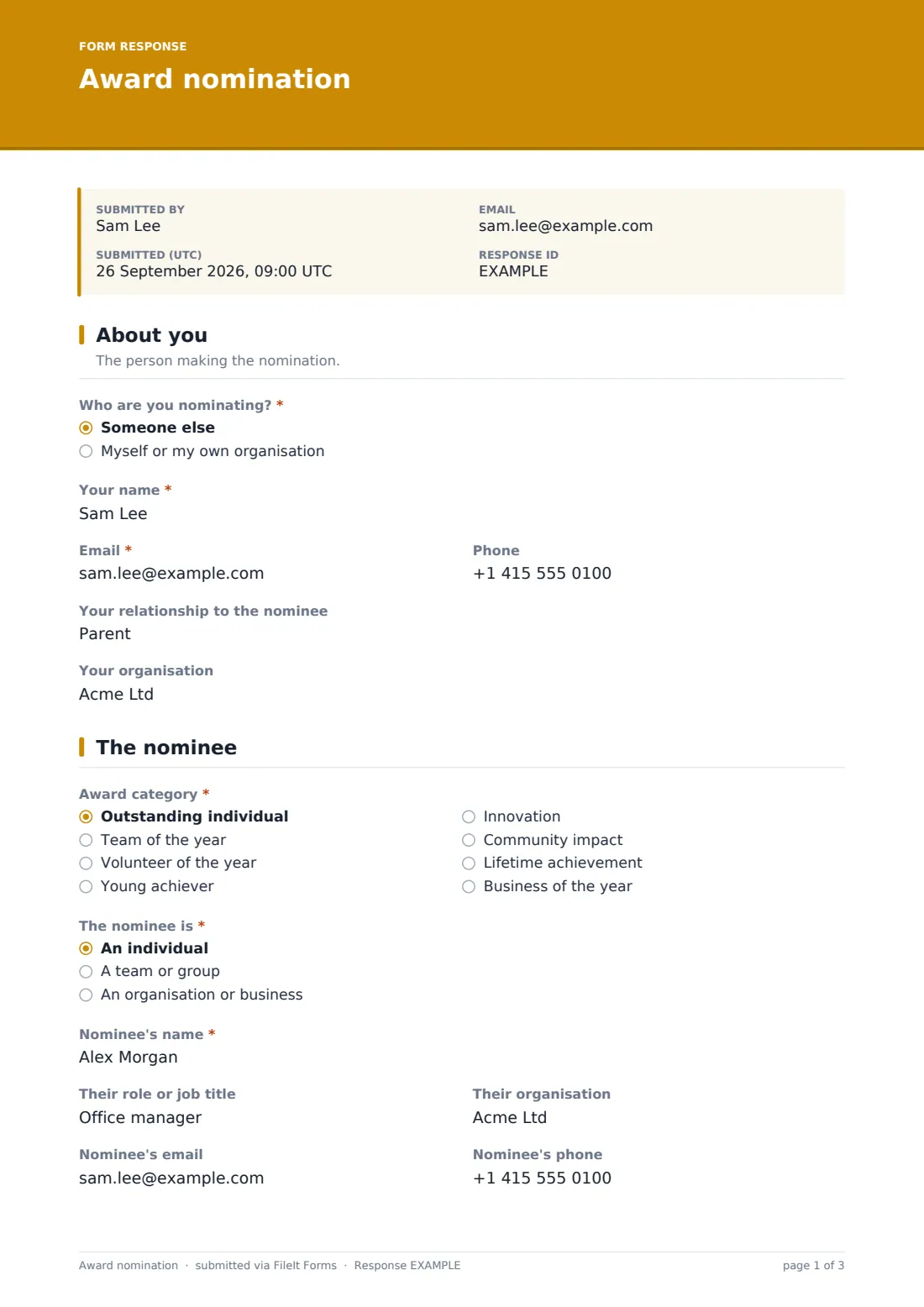
1 About you
- Who are you nominating?* Someone else · Myself or my own organisation
- Your name*
- Email*
- Phone
- Your relationship to the nominee asked only when it applies
- Your organisation
2 The nominee
- Award category* Outstanding individual · Team of the year · Volunteer of the year · Young achiever · Innovation · Community impact · Lifetime achievement · Business of the year
- The nominee is* An individual · A team or group · An organisation or business
- Nominee's name*
- Their role or job title asked only when it applies
- Their organisation asked only when it applies
- Number of people in the team asked only when it applies
- Nominee's email
- Nominee's phone
- Town or region
- Does the nominee know you're nominating them? asked only when it applies
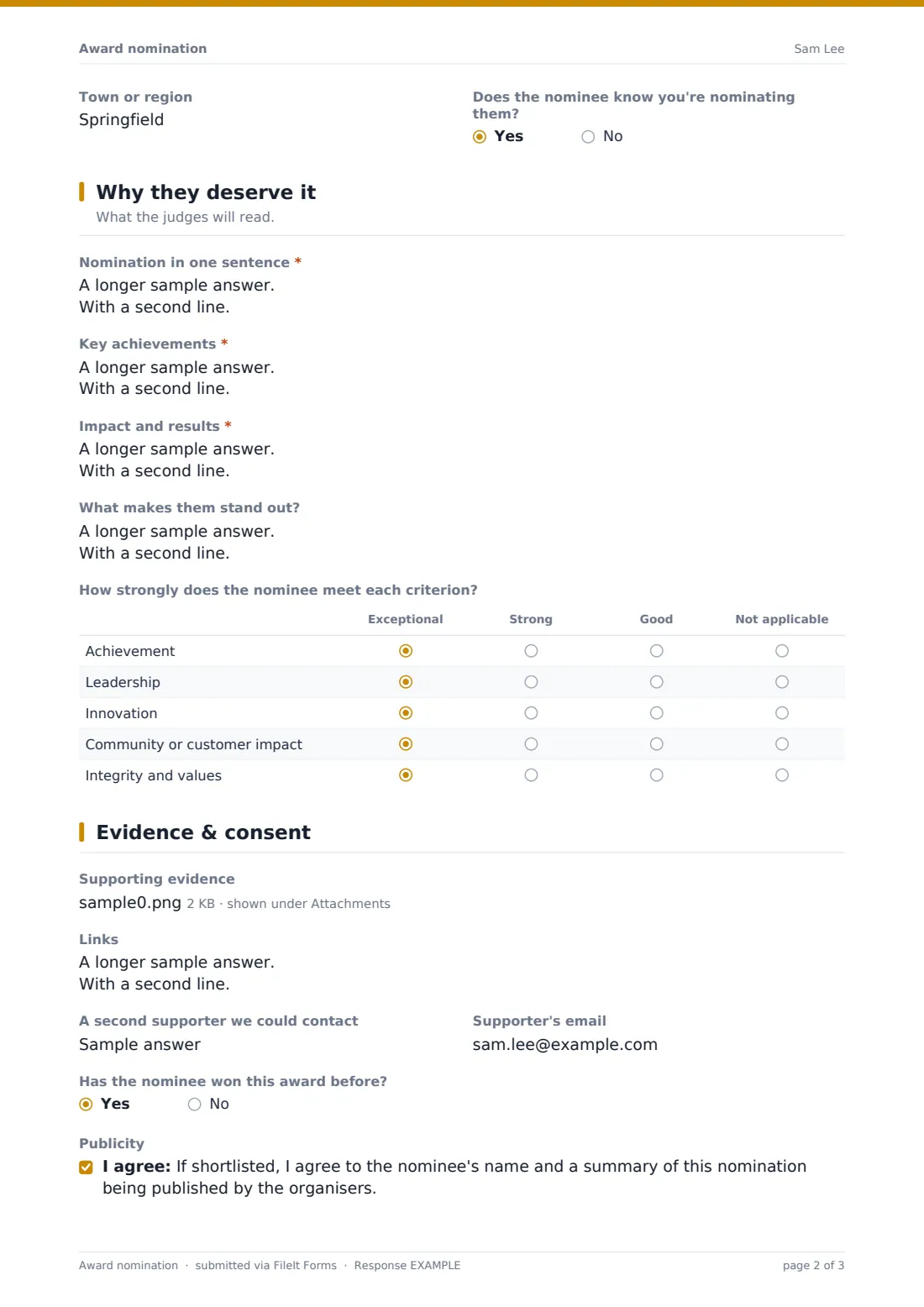
3 Why they deserve it
- Nomination in one sentence*
- Key achievements*
- Impact and results*
- What makes them stand out?
- How strongly does the nominee meet each criterion? Exceptional · Strong · Good · Not applicable
4 Evidence & consent
- Supporting evidence
- Links
- A second supporter we could contact
- Supporter's email asked only when it applies
- Has the nominee won this award before?
- Publicity
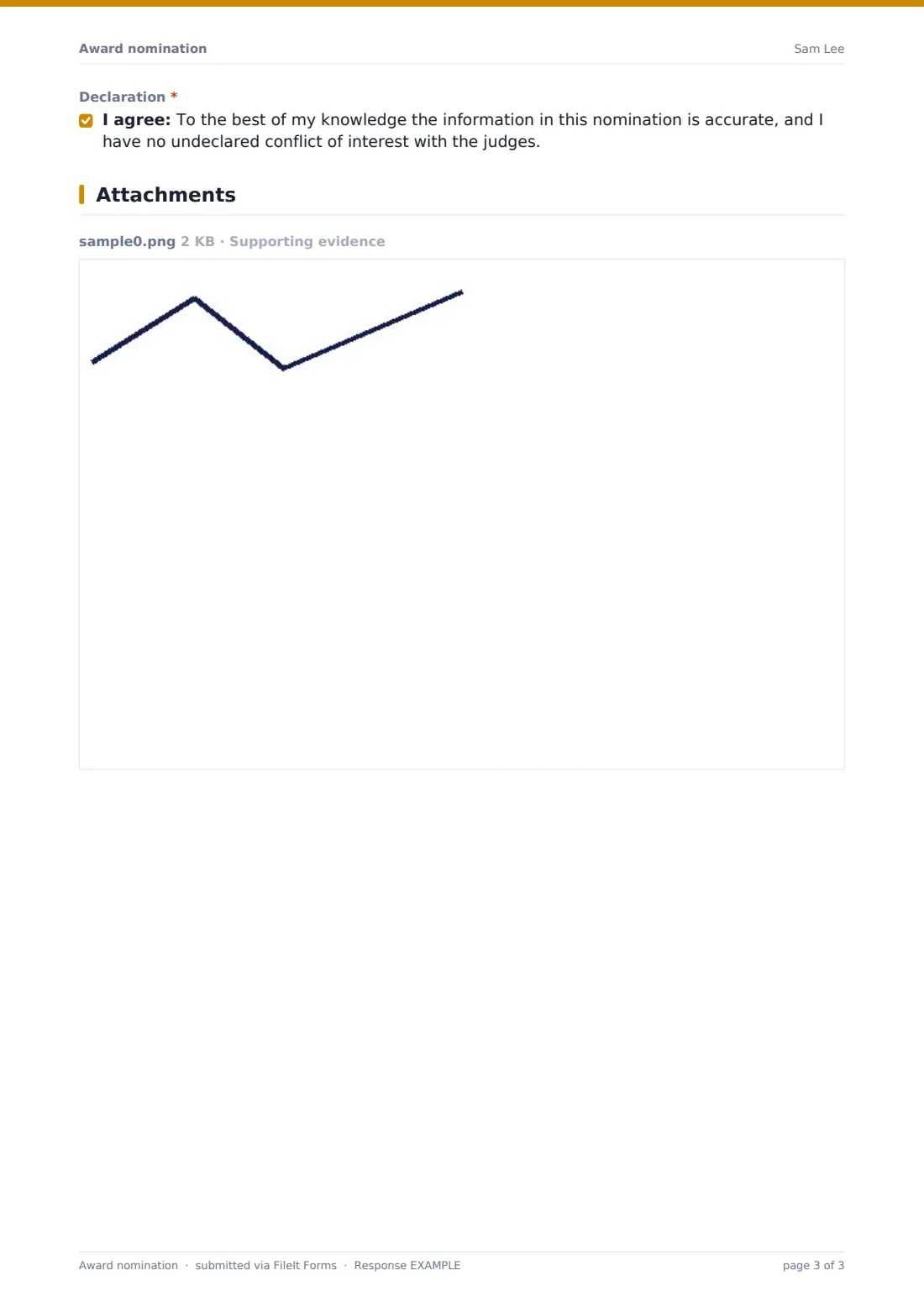
- Declaration*
The award nomination form, page by page
1 About you
The nominator first says whether they're nominating someone else or themselves, then gives their name, email and phone. Nominating someone else opens a question about their relationship to the nominee, and there's an optional organisation field.
2 The nominee
The nominator picks an award category and says whether the nominee is an individual, a team or an organisation. Individuals get a role question; individuals and teams get an organisation question; teams are asked how many people are in them. Every nomination includes the nominee's name, email, phone and town, and nominations for someone else ask whether the nominee knows.
3 Why they deserve it
This is the heart of the nomination: a one-sentence summary, key achievements, impact and results with figures where possible, what makes them stand out, and a grid rating the nominee from Exceptional to Not applicable on achievement, leadership, innovation, community or customer impact, and integrity.
4 Evidence & consent
Nominators can upload up to five supporting files, add links, and name a second supporter — entering a supporter's name opens their email. The form asks whether the nominee has won before, offers an optional publicity consent and ends with a required declaration of accuracy and no undeclared conflict of interest.
Make the template yours
- Replace the example categories with your own award categories
- Edit the criteria grid rows to match your published judging criteria
- Remove the self-nomination option if your awards only accept nominations from others
- Set a closing date so nominations stop automatically when the deadline passes
- Add your judges' email addresses to the notification list
- File nominations into a folder per award year, with the nominee's name in the document title
Tips for a better award nomination form
- Publish the judging criteria alongside the form; nominations written against the criteria are much easier to score
- Ask for specific examples in your help text — judges remember "raised $4,000 for the food bank" more than "very generous"
- Export the Responses table by category so each judge gets only the nominations they're scoring
- Contact shortlisted nominees who didn't know they were nominated before publishing any names
- Keep the one-sentence summary short; it makes a useful headline for the shortlist announcement
Every response becomes a PDF in your vault
Each nomination is saved as a PDF in your chosen vault folder with the supporting evidence attached, and you get an email notification. If the respondent copy is on, the nominator gets a PDF of exactly what they submitted.
When nominations close, filter the Responses table by category, export to CSV to build a scoring sheet, and share the individual PDFs with each judge.
- Start from this template. It opens in the FileIt Forms designer — change any question, add pages, set the rules for when questions appear.
- Share it. Turn on a public link, or send it to people by email, each with their own link. They don’t need a FileIt account.
- Get the answers as PDFs. Each response is saved as a PDF in the vault folder you choose, with uploaded files attached — and listed in a Responses table you can export to CSV.
Award nomination form: frequently asked questions
Is this award nomination form template free?
Yes. It's included in the Forms app on every FileIt account, including the free plan, and you can change any question.
Can people nominate themselves?
Yes. The first question asks whether the nomination is for someone else or for themselves. You can remove the self-nomination option if your rules don't allow it.
Can nominators upload letters of support?
Yes. Up to five files — letters, press coverage, photos or reports — can be attached, and they're saved with the nomination PDF.
Do nominators need a FileIt account?
No. Anyone with the link can submit a nomination without signing up.
How do I share nominations with the judges?
Each nomination is a PDF in your vault, and the Responses table can be filtered by category and exported to CSV for scoring.
Can the same person submit several nominations?
Yes, multiple responses are allowed by default, so someone can nominate different people or enter several categories.