What is the scholarship application form template?
A scholarship application form gathers everything a selection panel needs from a student in one place: academic background, a personal statement, two referees and a transcript, instead of applicants emailing separate documents that arrive at different times and in different formats. It's built to make comparing applicants fair and straightforward.
Collecting applications by email means chasing missing transcripts, formatting essays that arrive as different file types, and manually tracking which referees have actually replied. A form asks for every required element up front and won't let an applicant submit without the essentials, so a panel isn't left waiting on paperwork before it can even start reviewing.
This template runs on FileIt's Forms app, included on every FileIt account including the free plan. Applicants fill it in without needing a FileIt account of their own, and every application — essay, transcript and any other files — is automatically saved as a PDF in your vault, ready for the selection panel to review.
- Best for
- Schools, colleges, foundations and organisations awarding scholarships or bursaries
- Filled in by
- Students applying for funding
- Time to complete
- About 25–30 minutes
- Includes
- Personal statement, two referee sections, financial-need question, transcript upload and signature
Who uses a scholarship application form?
- A foundation running an annual scholarship for students entering higher education
- A school awarding a bursary based on financial need alongside academic merit
- A postgraduate funding body collecting a personal statement and academic record together
- An applicant listing awards, leadership and volunteering alongside their grades
- A panel comparing essays and referee input across a shortlist of applicants
- An organisation tracking whether applicants have applied for or received other funding this year
Questions on this scholarship application form
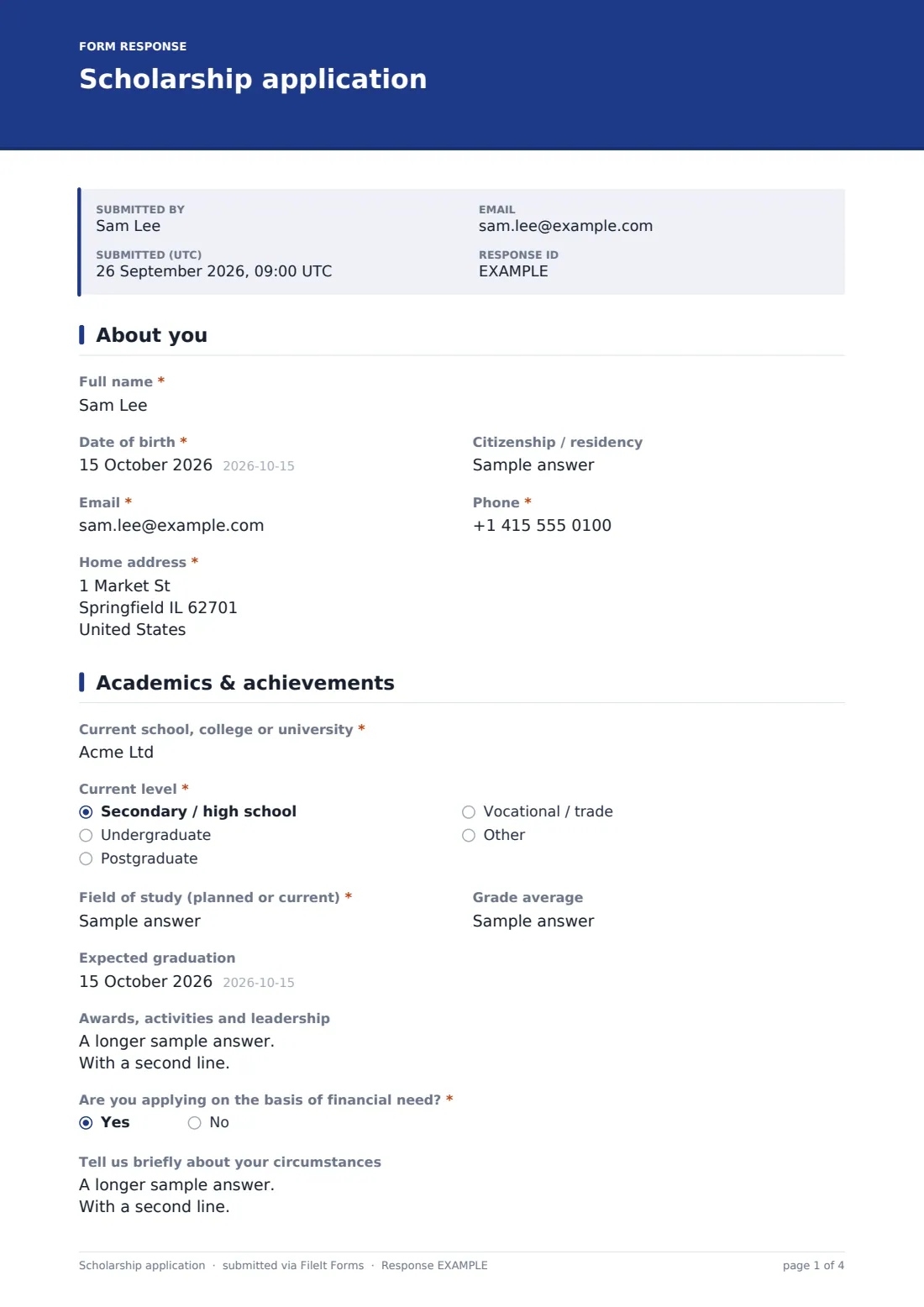
32 questions over 5 pages · includes signature, file upload, conditional questions, multiple pages, consent checkbox.
1 About you
- Full name*
- Date of birth*
- Citizenship / residency
- Email*
- Phone*
- Home address*
2 Academics & achievements
- Current school, college or university*
- Current level* Secondary / high school · Undergraduate · Postgraduate · Vocational / trade · Other
- Field of study (planned or current)*
- Grade average
- Expected graduation
- Awards, activities and leadership
- Are you applying on the basis of financial need?*
- Tell us briefly about your circumstances asked only when it applies
- Amount requested (if applicable)
3 Personal statement
- Your essay*
- Or upload it instead (optional)
4 References
- Name*
- Role / relationship*
- Email*
- Phone
- Name*
- Role / relationship*
- Email*
- Phone
5 Documents & declaration
- Transcript or latest report*
- Other supporting documents (optional)
- Have you applied for or received other scholarships or grants this year?*
- Which, and how much? asked only when it applies
- How did you hear about this scholarship? School or teacher · Website · Social media · Friend or family · Other
- Declaration*
- Signature*
The scholarship application form, page by page
1 About you
The form collects Full name, Date of birth, optional Citizenship / residency, Email, Phone and Home address — the basic identifying information every application needs before academic detail is considered.
2 Academics & achievements
Current school, college or university, Current level (from secondary through postgraduate or vocational), Field of study, Grade average and Expected graduation set the academic baseline. Awards, activities and leadership is a generous open field for anything the applicant is proud of, from academic prizes to caring responsibilities. Are you applying on the basis of financial need? opens an optional, confidential statement about circumstances and an Amount requested field whenever relevant.
3 Personal statement
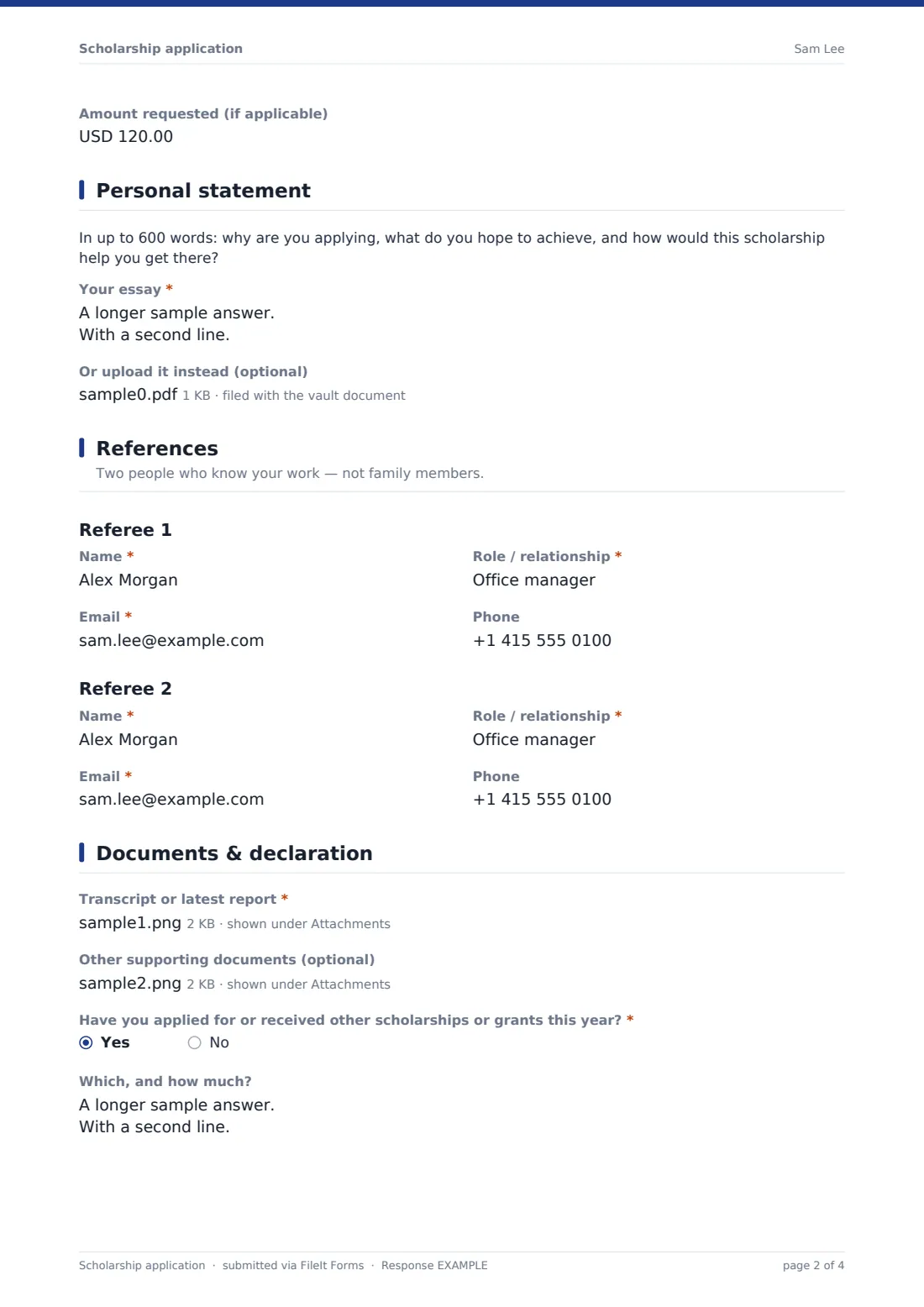
A short prompt asks, in up to 600 words, why the applicant is applying, what they hope to achieve, and how the scholarship would help them get there. The Your essay field holds the answer directly in the form, with an optional file upload for anyone who'd rather write it elsewhere — while still being asked to paste a short summary into the main field.
4 References
Two clearly labelled referee sections — Referee 1 and Referee 2 — each ask for a name, role or relationship, email and phone. The description on this page reminds applicants that referees should be people who know their work, not family members, which keeps the quality of references consistent across every application.
5 Documents & declaration
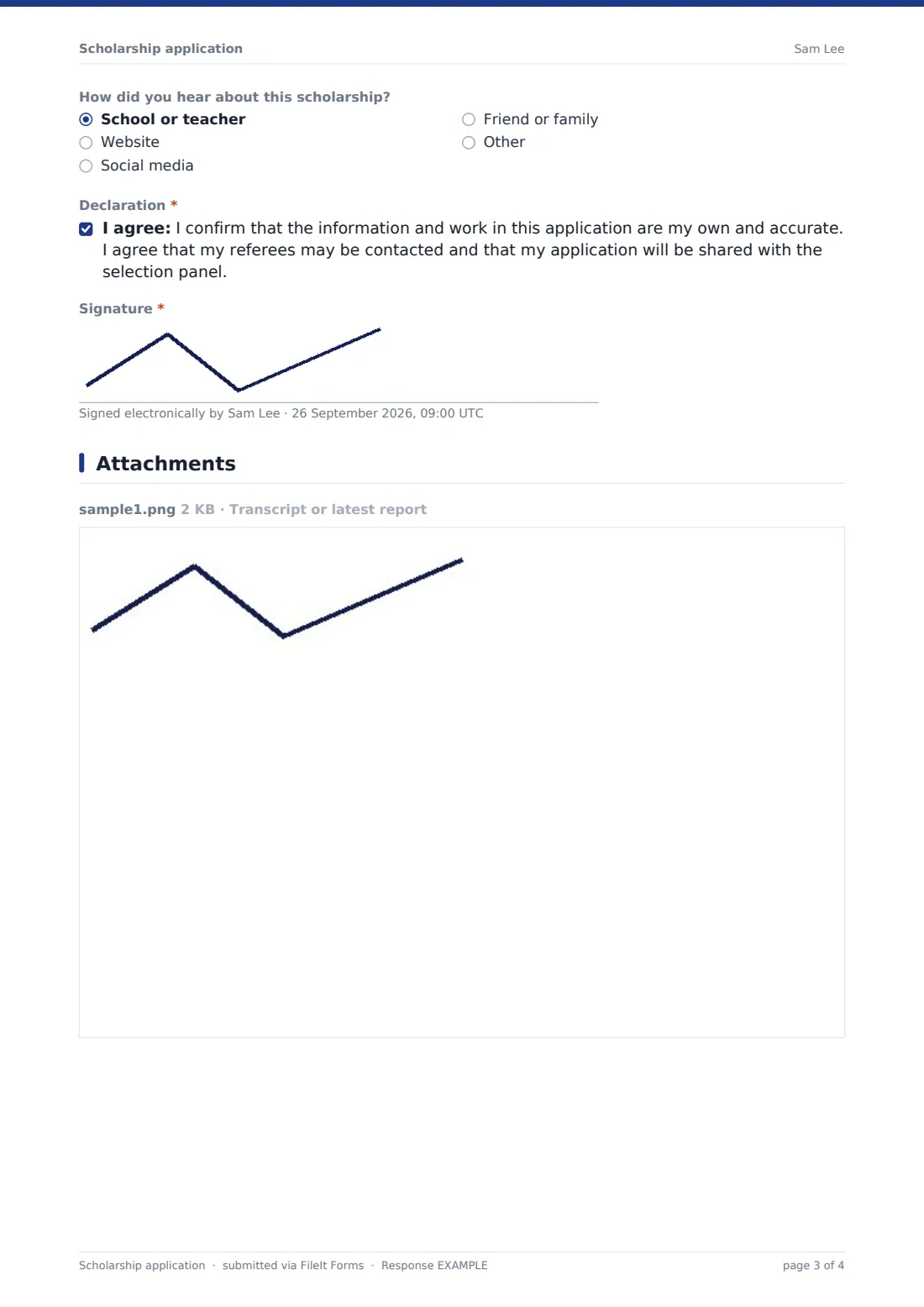
A required Transcript or latest report upload (an unofficial copy is accepted at this stage) and an optional upload for other supporting documents like a portfolio or proof of income round out the evidence. Have you applied for or received other scholarships or grants this year? and How did you hear about this scholarship? close out the practical questions, before a declaration confirming the application and essay are the applicant's own work, that referees may be contacted, and that the application will be shared with the selection panel — sealed with a signature.
Make the template yours
- Adjust the essay word count or prompt to match your own scholarship's focus and values
- Add eligibility questions specific to your award, such as a required field of study or age range
- Route applications into a folder only the selection panel can access
- Turn on a maximum number of responses if your scholarship has a capped number of applicants per round
- Add a closing date matching your application deadline so late submissions aren't possible
- Adjust the currency on the requested-amount field to match your funding programme
Tips for a better scholarship application form
- Give applicants a clear word count for the essay and stick to it when reviewing, for fairness across the pool
- Contact referees promptly once applications close, since replies can take a week or more
- Keep financial-need statements confidential and share them only with people who need to see them for the decision
- Accept unofficial transcripts at this stage to avoid delaying strong applications over paperwork
- Track other-funding answers to avoid over-committing scholarship funds to the same student
- Let unsuccessful applicants know the outcome, even briefly — it's a small courtesy that's easy to overlook at scale
Every response becomes a PDF in your vault
As soon as a student submits their application, FileIt saves it — essay, transcript and any other files included — as a PDF named with the applicant's name, and files it in the vault folder you've set up for this scholarship round. With owner notification and a copy to the applicant both switched on by default, your team is alerted right away and the applicant has a written record of everything they submitted.
From there, most panels use the Responses table to see every application at a glance, open each PDF to read the essay and check documents, and export the list to CSV to track referee contact and scoring. As the confirmation message tells applicants, referees and applicants may be contacted again if the panel needs anything further before a decision.
- Start from this template. It opens in the FileIt Forms designer — change any question, add pages, set the rules for when questions appear.
- Share it. Turn on a public link, or send it to people by email, each with their own link. They don’t need a FileIt account.
- Get the answers as PDFs. Each response is saved as a PDF in the vault folder you choose, with uploaded files attached — and listed in a Responses table you can export to CSV.
Scholarship application form: frequently asked questions
Is this scholarship application form template free?
Yes. It's included with the Forms app on every FileIt account, including the free plan.
Do applicants need a FileIt account to apply?
No. Applicants fill in and submit the form using only the link you share, without ever needing a FileIt account.
How do I get applications as PDFs?
Every submission, including the essay, transcript and any other files, is automatically saved as a PDF in the vault folder you choose, and the full list is browsable and exportable to CSV.
Can applicants upload their essay instead of typing it into the form?
Yes. There's an optional file upload for the essay for anyone who'd rather write it elsewhere, alongside the main essay field where they're still asked to paste a short summary.
Does FileIt contact the referees for me?
No. FileIt collects the referees' contact details as part of the application; reaching out to referees — by phone, email, or by sending them their own FileIt form — is done by your team.
Can I change the essay prompt or word count?
Yes. Every question, including the essay prompt and maximum length, can be edited in the designer to match your scholarship's own focus.
Is financial information kept confidential?
FileIt encrypts answers at rest and lets you control who can access the vault folder applications are filed in, so you can restrict sensitive financial-need answers to your selection panel.
Can I limit the number of applications I receive?
Yes — you can set a maximum number of responses or a closing date that matches your scholarship's own application deadline.