

What is the school enrolment form template?
A school enrollment form takes a new family through every section admissions needs to open a student's file: the student's own details, parents and guardians, education history, health and emergency information, and the documents to prove it all, in one guided sequence. It's built to replace a thick paper pack with something a parent can complete from home.
A paper enrollment pack is easy to fill in inconsistently, and chasing a missing birth certificate or proof of address after the fact slows down every admission. A form makes required documents and required fields clear from the start, and only asks for extra detail — like a court order or additional learning support — when a parent's own answers say it's relevant.
This template runs on FileIt's Forms app, included on every FileIt account including the free plan. Parents fill it in without needing a FileIt account of their own, and every completed enrollment — with uploaded documents attached — becomes a PDF automatically filed in your vault under the student's name.
- Best for
- Schools handling new student admissions and enrollment
- Filled in by
- A parent or legal guardian, on behalf of the student
- Time to complete
- About 15 minutes
- Includes
- Two-guardian support, custody and support-needs branching, ID and document upload, signature
Who uses a school enrolment form?
- A family enrolling a child starting school for the first time
- A student transferring in from another school partway through the year
- A family with two guardians, each needing their own contact details on file
- A student who has received prior learning support or has an individual education plan
- A family with a custody arrangement the school needs on record before collection day
- Admissions collecting siblings' names to link records for families with more than one child at the school
Questions on this school enrolment form
41 questions over 5 pages · includes signature, file upload, conditional questions, multiple pages, consent checkbox.
1 Student
- Student's legal name*
- Preferred name
- Date of birth*
- Gender Female · Male · Non-binary · Prefer to self-describe · Prefer not to say
- Gender (self-described) asked only when it applies
- Nationality
- Language(s) spoken at home
- Year / grade applying for*
- Preferred start date*
- Home address*
2 Parents & guardians
- Name*
- Relationship to the student* Mother · Father · Step-parent · Legal guardian · Grandparent · Foster carer · Other
- Email*
- Mobile phone*
- Add a second parent or guardian?*
- Name* asked only when it applies
- Relationship to the student* asked only when it applies Mother · Father · Step-parent · Legal guardian · Grandparent · Foster carer · Other
- Mobile phone asked only when it applies
- Email asked only when it applies
- Are there any court orders or custody arrangements the school should know about?*
- Please give details* asked only when it applies
3 Education history
- Current or previous school
- Dates attended asked only when it applies
- Reason for leaving asked only when it applies
- Has the student received learning support or an individual education plan?*
- What support, and for what? asked only when it applies
- Does the student have siblings at this school (or applying)?
- Siblings' names and year / grade asked only when it applies
4 Health & emergency
- Any medical conditions, allergies or regular medication?*
- Please give details* asked only when it applies
- Dietary requirements None · Vegetarian · Vegan · Halal · Kosher · Gluten-free · Dairy-free · Nut-free
- Contact name*
- Relationship*
- Phone*
5 Documents & consent
- Birth certificate or passport*
- Proof of address
- Latest school report asked only when it applies
- Court or custody order* asked only when it applies
- Permissions The school may use photos of my child in newsletters and on its website · My child may take part in walking trips in the local area · Staff may give basic first aid and contact emergency services if needed
- Declaration*
- Parent or guardian signature*
The school enrolment form, page by page
1 Student
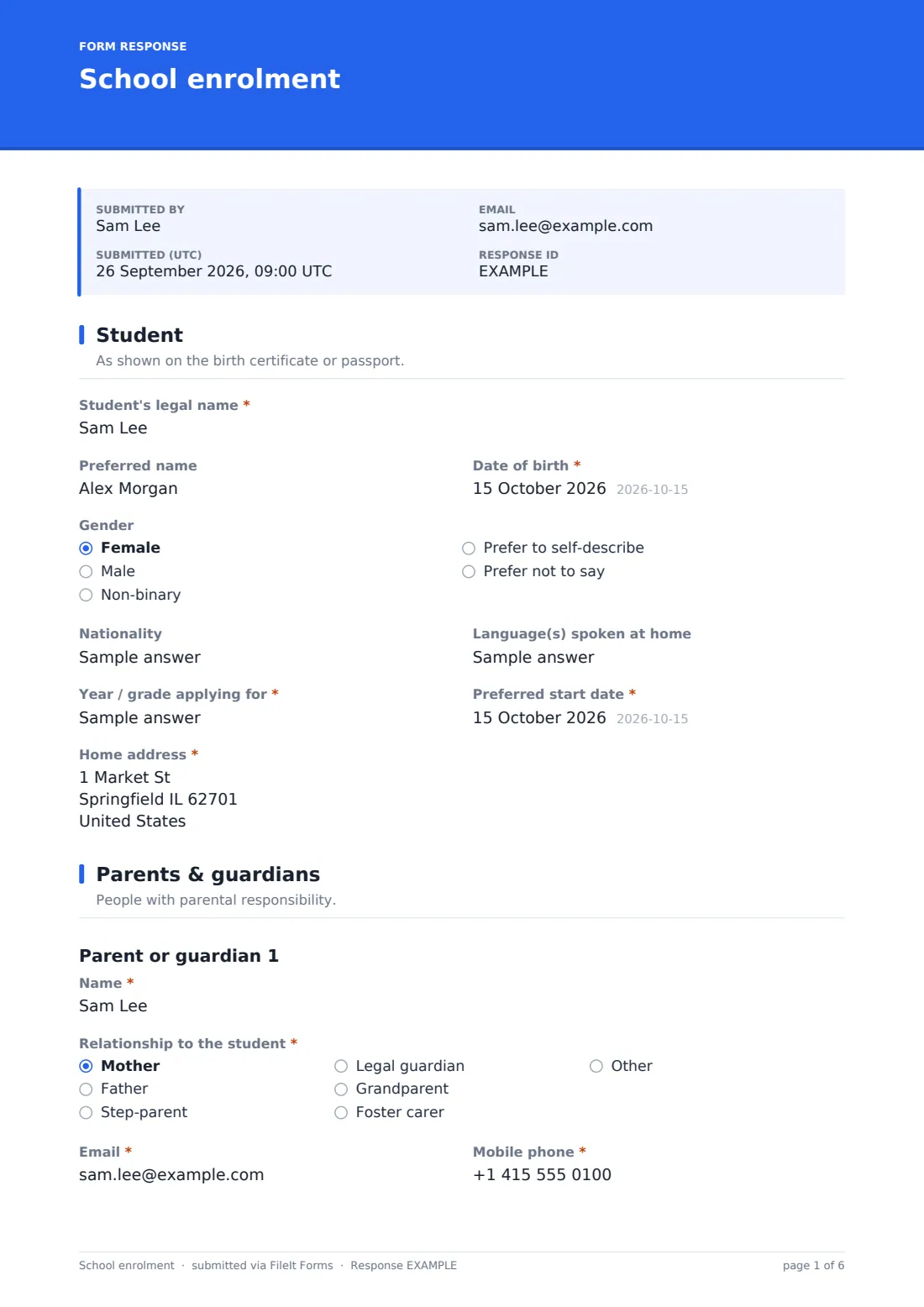
The form asks for the Student's legal name (as shown on their birth certificate or passport), an optional preferred name, Date of birth, an optional gender field including a self-describe option, Nationality, Language(s) spoken at home, Year / grade applying for, Preferred start date, and Home address. Capturing legal name and preferred name separately means the school's records and the student's everyday experience can both be respected from day one.
2 Parents & guardians
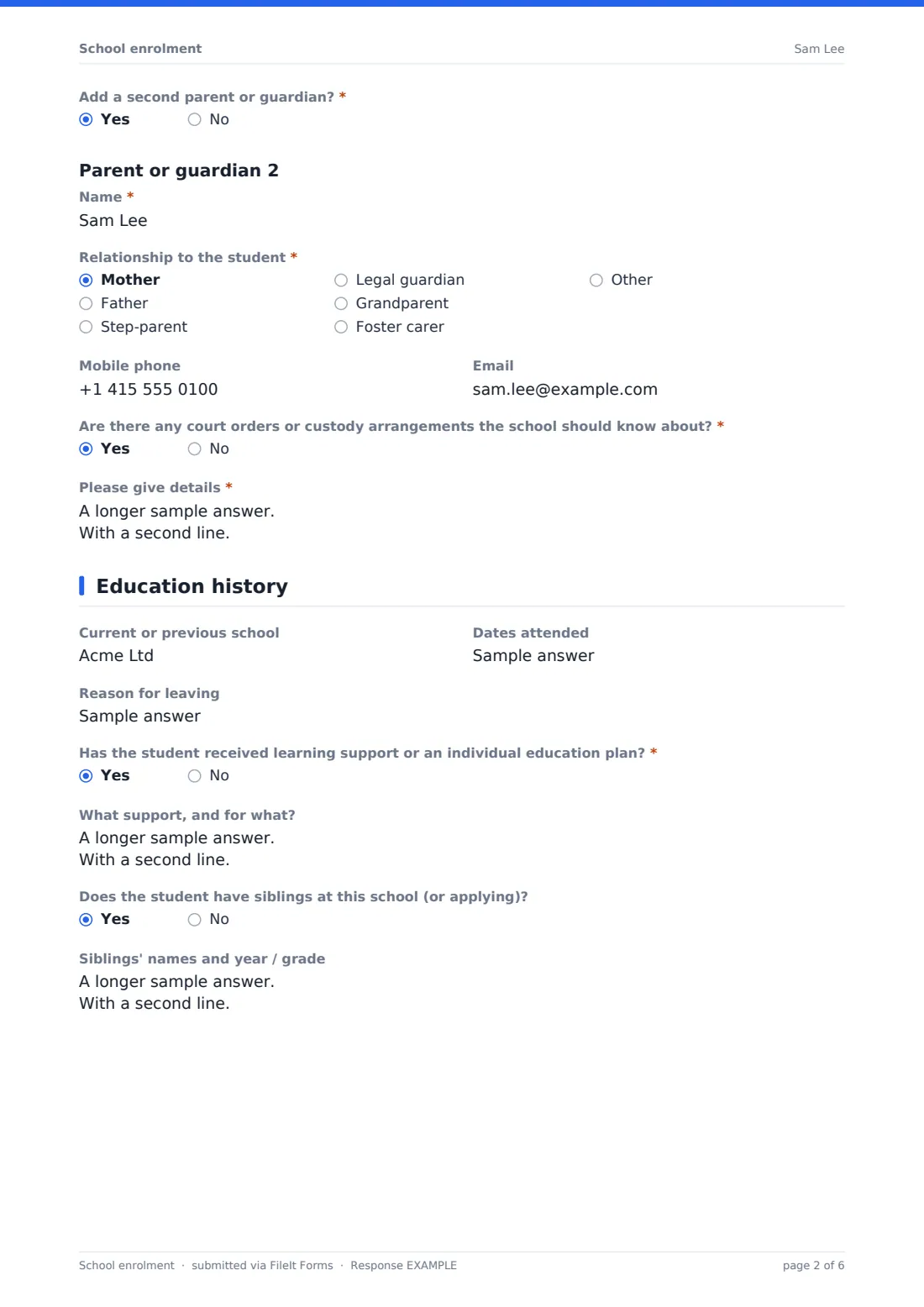
Parent or guardian 1's name, relationship to the student, email and mobile phone are required, and Add a second parent or guardian? opens a matching set of fields for a second guardian whenever a family answers yes. Are there any court orders or custody arrangements the school should know about? is a required question, and a yes opens a details field covering who may and may not collect the student — information the office needs on hand, not buried in a filing cabinet.
3 Education history
Current or previous school, Dates attended and Reason for leaving apply to any student transferring in, left blank for a first-time starter. Has the student received learning support or an individual education plan? opens a details field describing the support and what it was for, covering everything from dyslexia support to a gifted programme. Does the student have siblings at this school? opens a field for their names and year or grade, helping the office link family records.
4 Health & emergency
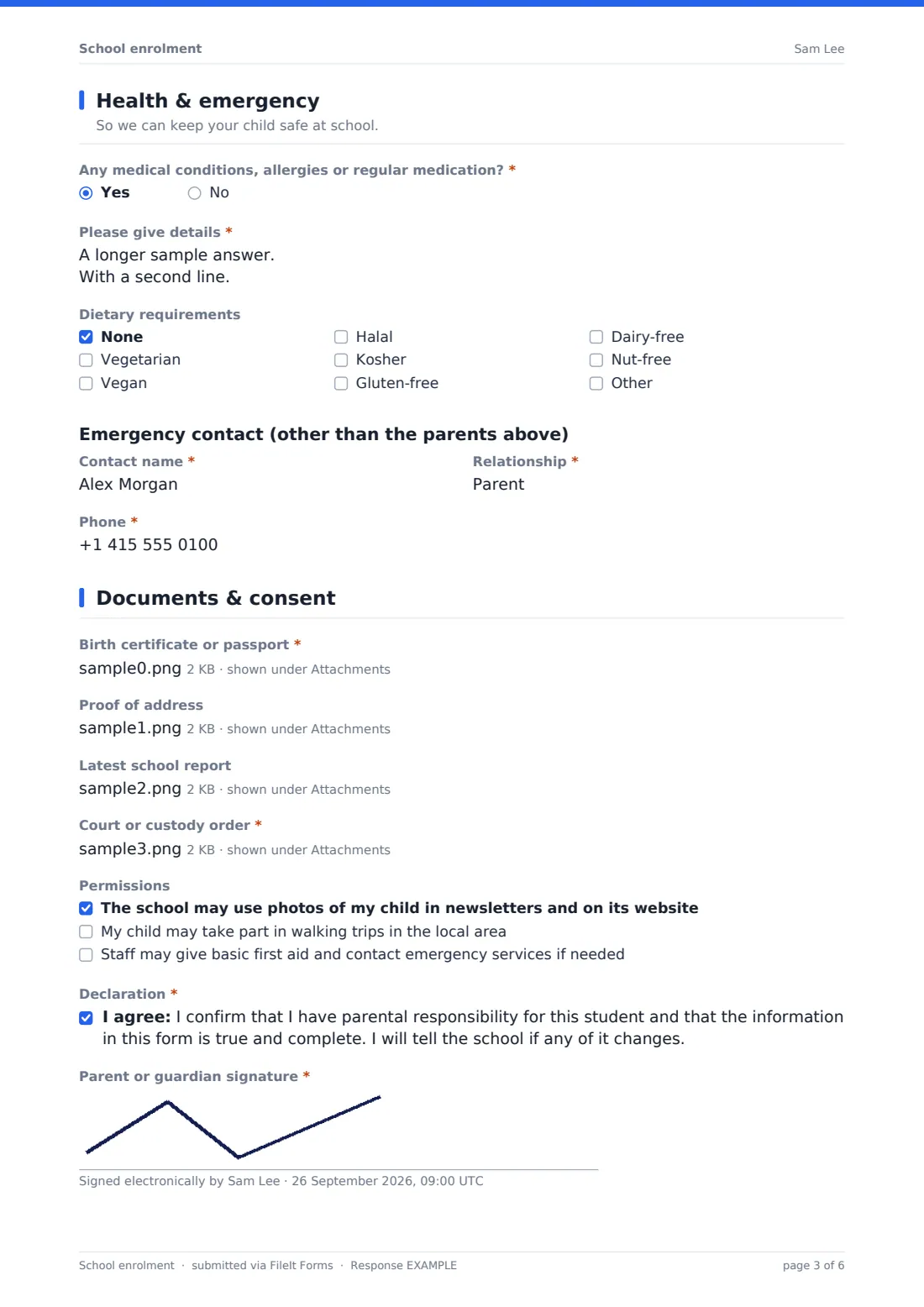
Any medical conditions, allergies or regular medication? is required, and a yes opens a detailed field covering condition, medication, dose and what staff should do in an emergency. Dietary requirements is a checkbox list for the kitchen, and a dedicated Emergency contact section — separate from the parents already given — captures a name, relationship and phone for anyone else who should be called if a parent can't be reached.
5 Documents & consent
Birth certificate or passport is a required upload, alongside optional proof of address, a school report for transferring students, and a required court or custody order whenever custody arrangements were flagged earlier. Permissions checkboxes cover photo use in newsletters, local walking trips, and staff giving basic first aid, and the parent finishes with a declaration confirming they have parental responsibility and that the information is true, closed with a signature.
Make the template yours
- Add year-specific questions with conditional logic, for example uniform sizing only for younger year groups
- Route each enrollment into a folder named for the student, ready for the rest of their school file
- Turn off the parent's own copy if your admissions policy prefers the school to be the only recipient
- Add a closing date for each admissions round or intake year
- Adjust the permissions checkboxes to match your own school's photo and trip policies
- Add a field for a preferred language for school communications if your community is multilingual
Tips for a better school enrolment form
- Make required documents clear up front so applications aren't held up waiting for a birth certificate or proof of address
- Handle custody information carefully and make sure it reaches whoever manages student collection, not just admissions
- Ask about learning support early so the right resources are ready before the student's first day
- Keep medical details accessible to the staff who actually need them in an emergency
- Confirm receipt of the enrollment promptly, even if a decision or place isn't confirmed yet
- Review permission checkboxes each year in case your policies on photos or trips have changed
Every response becomes a PDF in your vault
As soon as a parent submits the enrollment form, FileIt saves it — including the birth certificate, proof of address and any other uploaded documents — as a PDF named with the student's name, and files it in the vault folder you've set up for admissions. With owner notification and a copy to the parent both switched on by default, your admissions team is alerted immediately and the family has a written record of what they submitted.
From there, most schools use the Responses table to track new enrollments, open each PDF to review documents and flagged needs like custody arrangements or learning support, and export details to CSV for your student information system. As the confirmation message notes, admissions typically follows up directly about next steps.
- Start from this template. It opens in the FileIt Forms designer — change any question, add pages, set the rules for when questions appear.
- Share it. Turn on a public link, or send it to people by email, each with their own link. They don’t need a FileIt account.
- Get the answers as PDFs. Each response is saved as a PDF in the vault folder you choose, with uploaded files attached — and listed in a Responses table you can export to CSV.
School enrolment form: frequently asked questions
Is this school enrollment form template free?
Yes. It's included with the Forms app on every FileIt account, including the free plan.
Do parents need a FileIt account to enrol their child?
No. Parents fill in and submit the form using only the link you share, without ever needing a FileIt account.
How do I get enrollments as PDFs?
Every submission, including uploaded documents, is automatically saved as a PDF in the vault folder you choose, and the full list is browsable and exportable to CSV from the Responses table.
Can parents upload the birth certificate and other documents?
Yes. Birth certificate or passport is a required upload, with optional uploads for proof of address, a school report, and a required upload for a court or custody order where relevant.
Can two parents or guardians both be listed?
Yes. The form supports a second parent or guardian, with their own contact details, whenever a family indicates there's a second guardian to add.
How is sensitive information like custody arrangements handled?
FileIt encrypts answers at rest, and you control who in your school can access the vault folder enrollments are filed in, so sensitive details reach only the staff who need them.
Can I edit the questions to match our own admissions process?
Yes. Every question, section and required document can be edited, added to or removed in the designer.
Can I limit enrollment to a specific intake period?
Yes — you can set a closing date matching your admissions round, or a maximum number of responses if intake is capped.