What is the internship application form template?
Sorting through internship applications sent as a pile of emails, each with a differently formatted CV attached, makes it hard to compare candidates fairly. This template puts every applicant through the same set of questions — their studies, when they're available, which areas interest them, and what they hope to learn — so responses land in one place and are easy to scan side by side.
Because the form adapts to each applicant, someone changing career rather than studying skips the education questions entirely, and a student whose course requires the internship gets an extra box to explain what their course needs from the placement. That keeps the form quick for everyone while still gathering the right detail for each situation.
Every submission — including the uploaded CV and any portfolio files — becomes a single PDF filed in your FileIt vault, so hiring managers can review, compare and store applications without juggling a separate inbox full of attachments.
- Best for
- Employers hiring interns, placement students or graduate trainees
- Filled in by
- The applicant
- Time to complete
- About 10 minutes
- Includes
- Conditional questions for students vs. career-changers, part-time availability, CV and portfolio uploads
Who uses a internship application form?
- A company running a summer internship programme for university students
- A small business offering a work-experience placement to a local school or college student
- A start-up hiring a part-time intern alongside other work or study commitments
- An organization accepting applications from recent graduates as well as current students
- A team that needs internship candidates to confirm they have the right to take up a placement in the country involved
- A design, marketing or engineering team that wants a portfolio or work samples alongside the CV
- A career-changer applying for a placement to move into a new field, where the usual education questions don't apply
Questions on this internship application form
29 questions over 5 pages · includes file upload, conditional questions, multiple pages, consent checkbox.
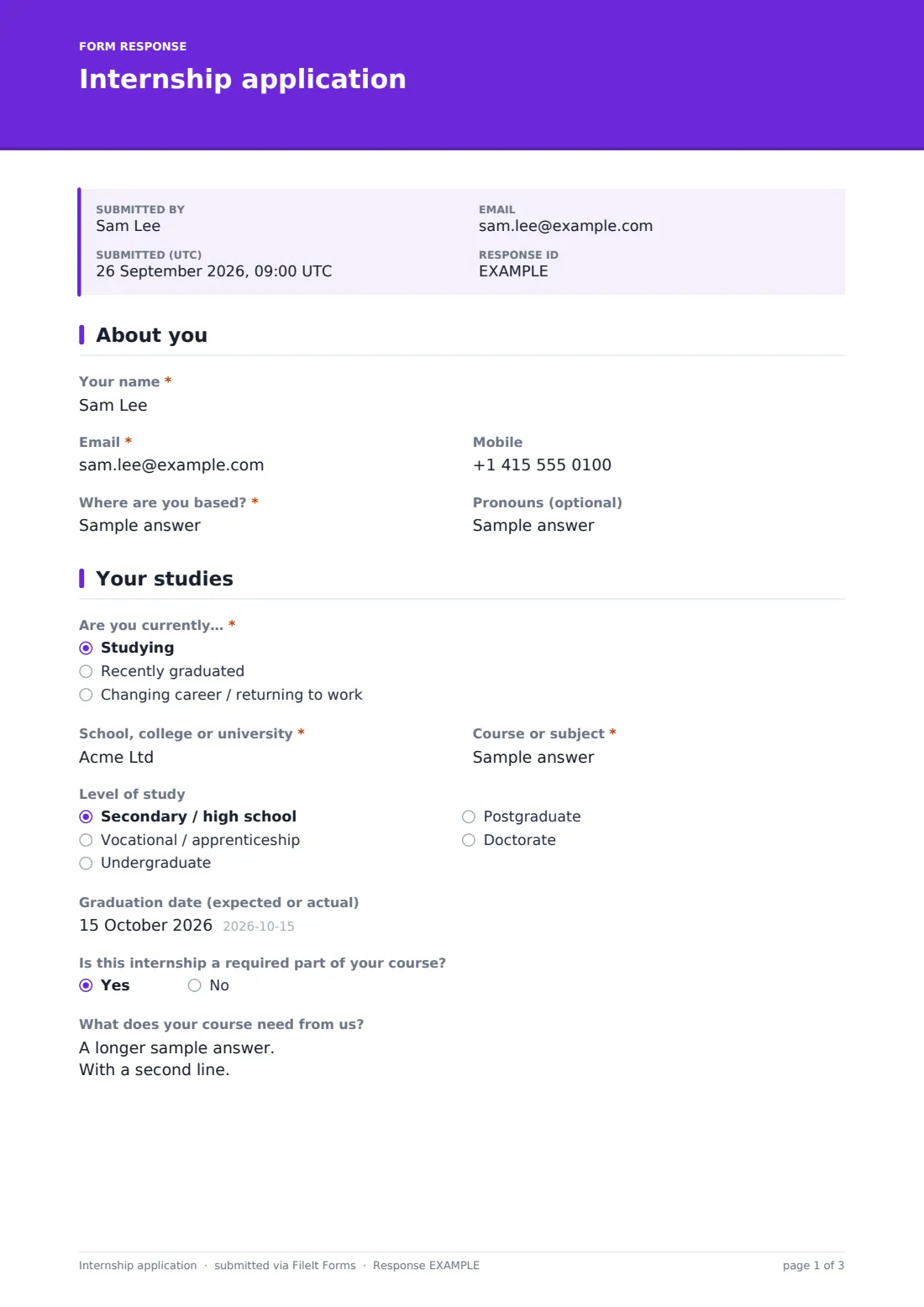
1 About you
- Your name*
- Email*
- Mobile
- Where are you based?*
- Pronouns (optional)
2 Your studies
- Are you currently…* Studying · Recently graduated · Changing career / returning to work
- School, college or university* asked only when it applies
- Course or subject* asked only when it applies
- Level of study asked only when it applies Secondary / high school · Vocational / apprenticeship · Undergraduate · Postgraduate · Doctorate
- Graduation date (expected or actual) asked only when it applies
- Is this internship a required part of your course? asked only when it applies
- What does your course need from us? asked only when it applies
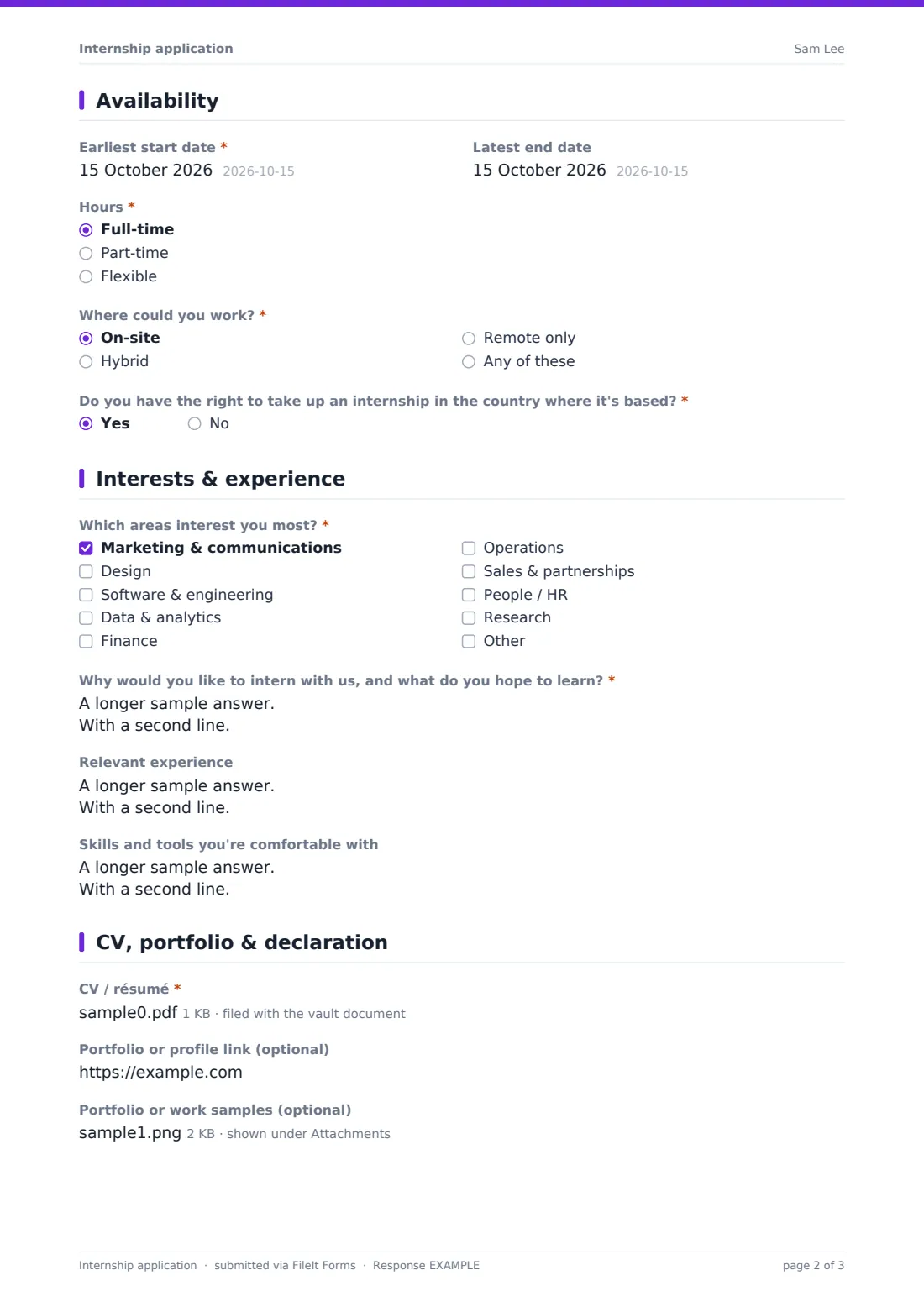
3 Availability
- Earliest start date*
- Latest end date
- Hours* Full-time · Part-time · Flexible
- Which days can you work? asked only when it applies Monday · Tuesday · Wednesday · Thursday · Friday
- Where could you work?* On-site · Hybrid · Remote only · Any of these
- Do you have the right to take up an internship in the country where it's based?*
- Tell us about your visa or permit situation asked only when it applies
4 Interests & experience
- Which areas interest you most?* Marketing & communications · Design · Software & engineering · Data & analytics · Finance · Operations · Sales & partnerships · People / HR · Research
- Why would you like to intern with us, and what do you hope to learn?*
- Relevant experience
- Skills and tools you're comfortable with
5 CV, portfolio & declaration
- CV / résumé*
- Portfolio or profile link (optional)
- Portfolio or work samples (optional)
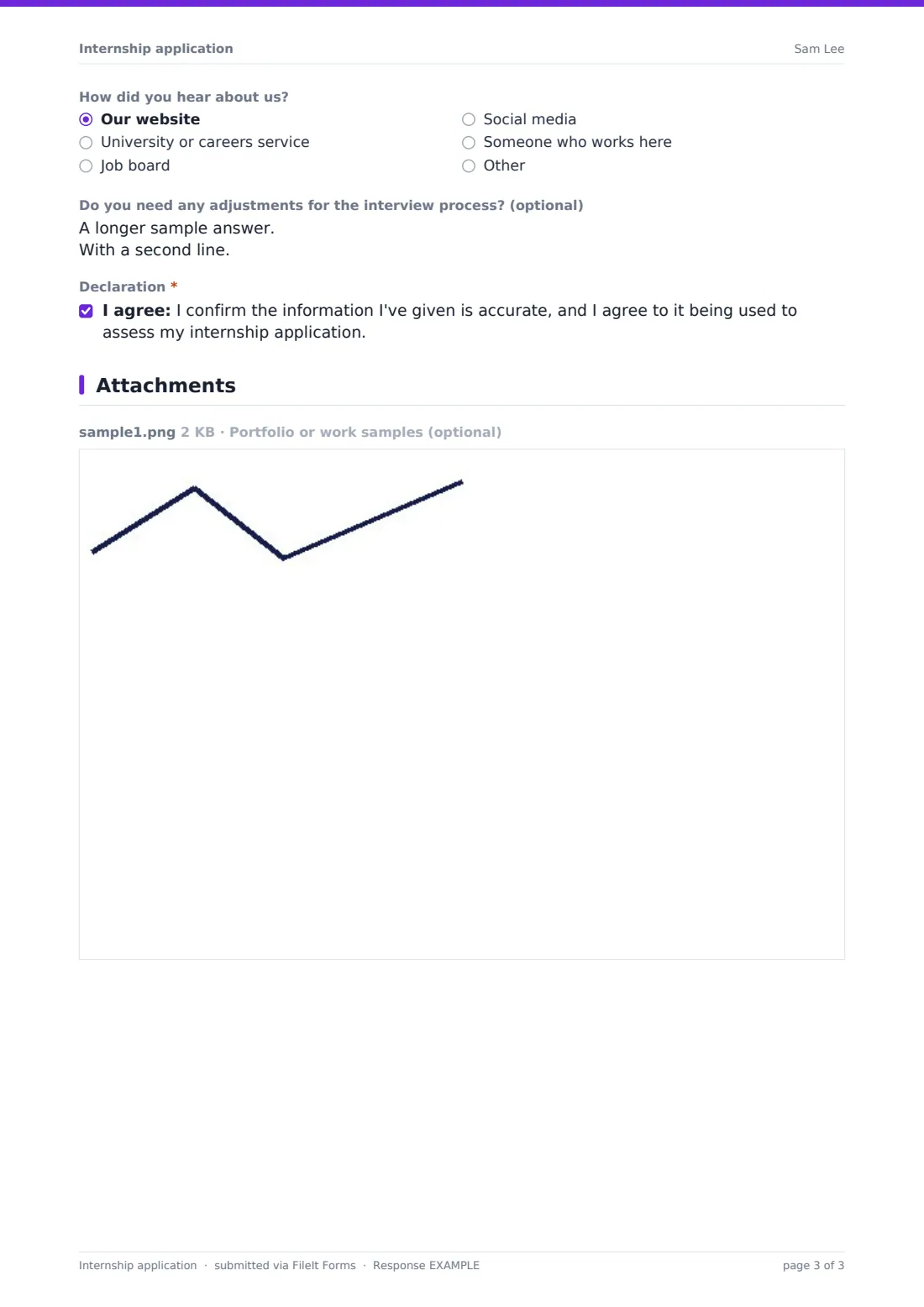
- How did you hear about us? Our website · University or careers service · Job board · Social media · Someone who works here
- Do you need any adjustments for the interview process? (optional)
- Declaration*
The internship application form, page by page
1 About you
The form opens with the applicant's name, email, mobile, where they're based, and an optional pronouns field. Keeping this page short means candidates can get straight into the parts of the application that actually help you assess fit.
2 Your studies
An "Are you currently…" choice between studying, recently graduated, or changing career sets up the rest of the page: choosing "changing career" hides the school, course and level-of-study questions entirely, since they don't apply. Students and recent graduates fill in their institution, course, level of study and graduation date instead.
If someone says they're studying, a follow-up yes/no question asks whether the internship is a required part of their course, and answering Yes opens a box to describe what the course needs from the placement — for example a minimum number of hours, a supervisor report, or a formal placement agreement.
3 Availability
This page asks for the earliest start date, latest end date, and whether the applicant is looking for full-time, part-time or flexible hours; choosing part-time opens a checklist of which weekdays they can work. A separate question asks whether they could work on-site, hybrid, remote only, or any of these.
A right-to-work yes/no question closes the page, and answering No opens a box for the applicant to describe their visa or permit situation so it can be discussed early rather than after an offer is made.
4 Interests & experience
Applicants pick up to three areas that interest them most — marketing, design, software, data, finance, operations, sales, people, or research, with room to name something else — then explain why they'd like to intern with the organization and what they hope to learn. Optional boxes for relevant experience (coursework, part-time jobs, volunteering or clubs all count) and for skills and tools they're comfortable with round out the picture.
5 CV, portfolio & declaration
The final page requires a CV or résumé upload and accepts an optional portfolio link plus up to five portfolio files or work samples. A "how did you hear about us" question and an optional box for interview adjustments come next, followed by a declaration that the information given is accurate and can be used to assess the application.
Make the template yours
- Add a question specific to your programme, such as a preferred team or project area
- Remove the portfolio upload if it doesn't apply to the role, or make it required for design and creative internships
- Set a closing date so applications stop being accepted once your intake round ends
- Set a maximum number of responses if you can only realistically review a fixed number of applications
- Route notifications to the specific hiring manager or team running the internship programme
- File applications into a dedicated vault folder per intake year or programme
- Add conditional logic so a specific department's application asks an extra screening question only for that team
Tips for a better internship application form
- Ask only for what you'll actually use when shortlisting — extra fields add friction for candidates who are often applying to several places at once
- Make the "why would you like to intern with us" question specific enough that generic, copy-pasted answers stand out
- Give students who need the internship for course credit a way to flag deadlines or supervisor requirements early
- Set a closing date and a confirmation message that tells candidates roughly when to expect to hear back
- Review the right-to-work and visa answers early in the process so logistics don't derail an offer at the last minute
- Keep the accessibility/adjustments question genuinely optional and reassure candidates it won't affect their application
Every response becomes a PDF in your vault
Each completed application is saved as a PDF in your FileIt vault, with the CV and any portfolio files attached to it, and the hiring team is notified by email. If a copy to the respondent is switched on, the applicant also receives their own PDF confirming what they submitted.
From there, most teams use the Responses table to filter and shortlist candidates, opening each PDF in turn, and export the list to CSV if they need to share it with other interviewers or track applications through a wider hiring process.
- Start from this template. It opens in the FileIt Forms designer — change any question, add pages, set the rules for when questions appear.
- Share it. Turn on a public link, or send it to people by email, each with their own link. They don’t need a FileIt account.
- Get the answers as PDFs. Each response is saved as a PDF in the vault folder you choose, with uploaded files attached — and listed in a Responses table you can export to CSV.
Internship application form: frequently asked questions
Is this internship application form template free?
Yes. It's included in FileIt's Forms app on every plan, including free, and every question can be edited to fit your programme.
Do applicants need a FileIt account to apply?
No. Share the form by public link on a careers page or job board, or email it directly to candidates — no account is needed to apply.
How do I get each application as a PDF?
Every submission is automatically saved as a PDF in your vault, complete with the uploaded CV and portfolio files attached, and you can turn on an emailed copy for the applicant too.
Can I stop taking applications after a certain date?
Yes — set a closing date or a maximum number of responses in the form's settings and it will stop accepting new applications automatically.
What if an applicant is changing careers rather than a current student?
The form adapts automatically: choosing "changing career / returning to work" hides the school, course and graduation-date questions since they don't apply.
Can I require a portfolio for some roles but not others?
You can duplicate the template and make the portfolio upload required on the version you use for design, engineering or other portfolio-based roles.
Can more than one person apply using the same link?
Yes, the form allows multiple responses, so the same public link works for your whole applicant pool.