What is the contest entry form template?
A competition lives or dies on its entries being complete: the file, the category, who made it, and clear permission to publish it if it wins. This contest entry form takes the upload and the details in one step, so you're not matching email attachments to entrants after the closing date.
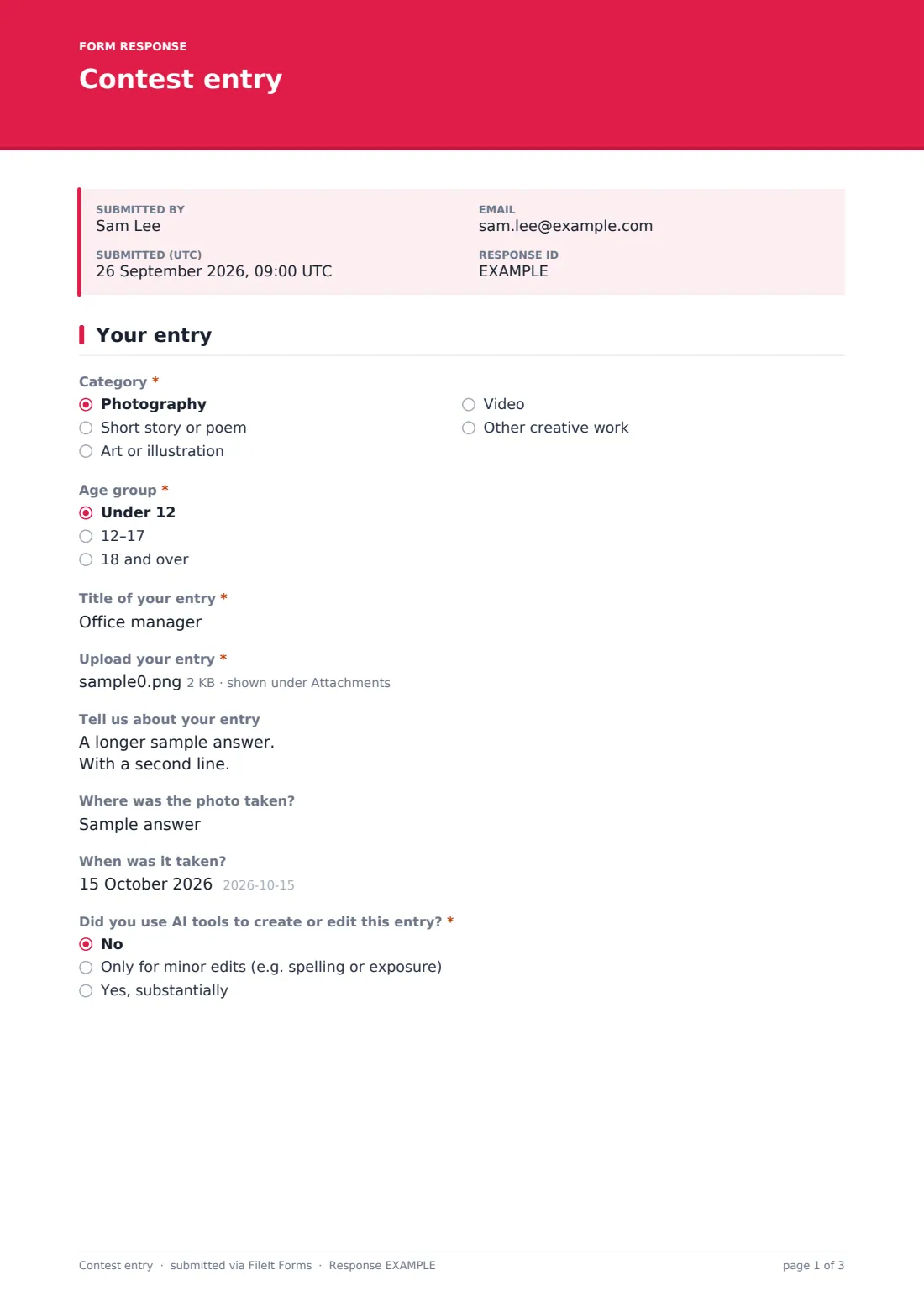
The form changes with the entry. Photographers are asked where and when the photo was taken, writers give a word count and video entrants paste a link instead of uploading a file. Entrants under 18 are asked for a date of birth, a parent or guardian's name and email and a separate guardian consent. Every entrant says whether AI tools were used, which is becoming a standard question in creative competitions.
Every entry is saved as a PDF in your FileIt vault with the uploaded files attached, and the three consent statements — original work, the rules and permission to publish — are recorded on the same page.
- Best for
- Clubs, schools, libraries, councils, publications and brands running creative competitions
- Filled in by
- The entrant, or a parent for young entrants
- Time to complete
- About 5 minutes
- Includes
- Category and age group, file upload of up to 3 files, AI-use question, guardian consent for under-18s, consent to publish
Who uses a contest entry form?
- A camera club's annual photography competition
- A library or school short story and poetry contest
- A council's young artists competition with under-12 and teen categories
- A brand's social media photo contest with a prize
- A talent show taking video audition entries
- A community calendar competition choosing twelve winning photos
Questions on this contest entry form
24 questions over 3 pages · includes file upload, conditional questions, multiple pages, consent checkbox.
1 Your entry
- Category* Photography · Short story or poem · Art or illustration · Video · Other creative work
- Age group* Under 12 · 12–17 · 18 and over
- Title of your entry*
- Upload your entry* asked only when it applies
- Link to your video* asked only when it applies
- Tell us about your entry
- Where was the photo taken? asked only when it applies
- When was it taken? asked only when it applies
- Word count asked only when it applies
- Did you use AI tools to create or edit this entry?* No · Only for minor edits (e.g. spelling or exposure) · Yes, substantially
2 About you
- Your name*
- Email*
- Phone
- Name to show if your entry is published
- Town or city
- Date of birth asked only when it applies
- Parent or guardian's name* asked only when it applies
- Parent or guardian's email* asked only when it applies
- How did you hear about the competition? Social media · School or club · Newsletter · Friend or family · Poster or flyer · Other
3 Rules & consent
- Original work*
- Competition rules*
- Consent to publish*
- Parent or guardian consent* asked only when it applies
- Updates
The contest entry form, page by page
1 Your entry
Entrants pick a category — photography, short story or poem, art or illustration, video or other creative work — and an age group, give the entry a title and upload up to three files — video entries paste a link to the video instead. There's a short description, then category-specific questions: photo location and date for photography, word count for writing. Everyone answers whether AI tools were used.
2 About you
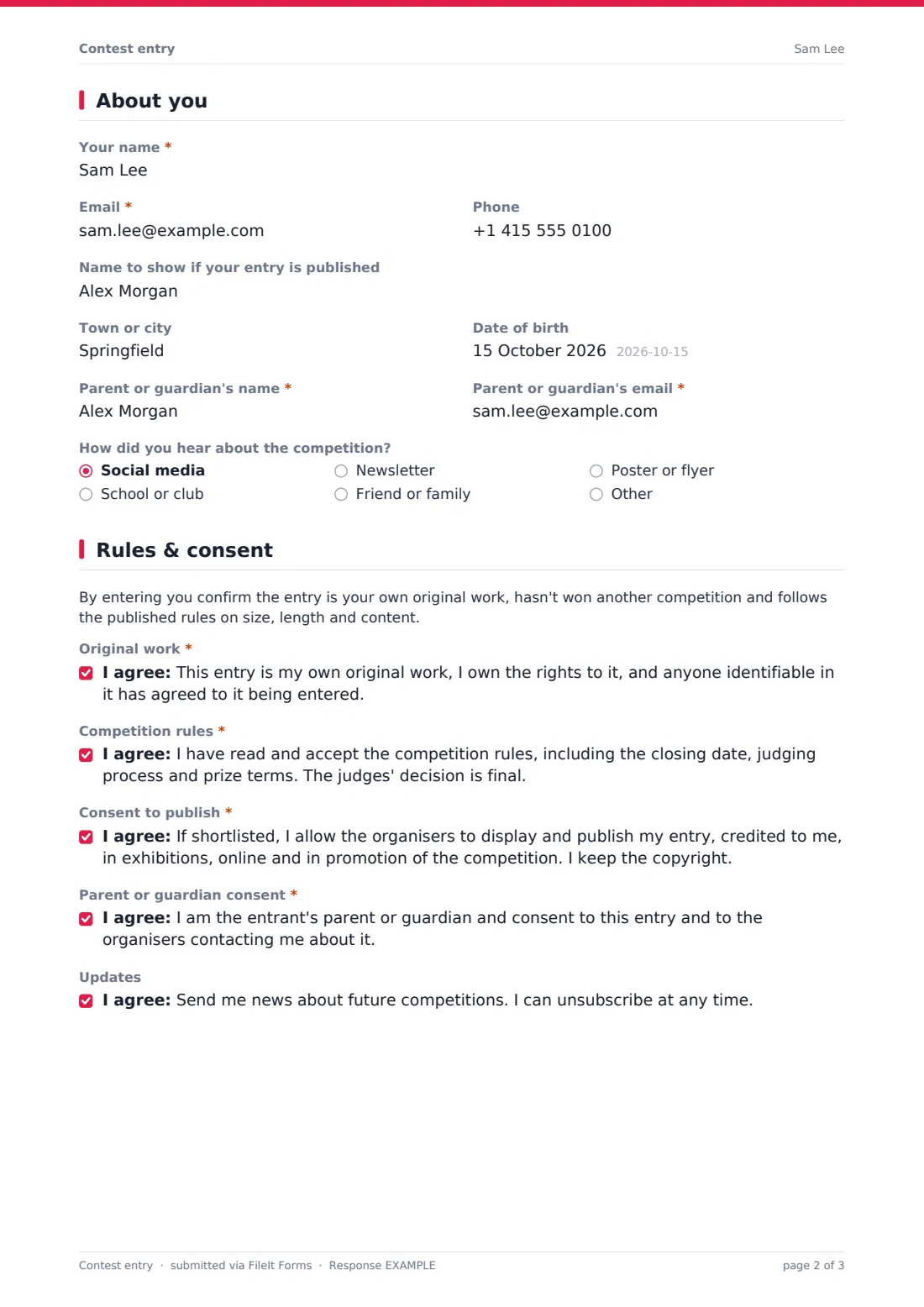
The entrant gives their name, email, phone, a display name for publication and their town. Entrants under 18 are asked for a date of birth and a required parent or guardian name and email. The page ends with how they heard about the competition.
3 Rules & consent
A short note sums up the rules, followed by three required consents: that the work is original and the entrant owns the rights, that they accept the competition rules, and permission to publish if shortlisted while keeping their copyright. Young entrants also need a parent or guardian consent. An optional box signs them up for news of future competitions.
Make the template yours
- Rename the categories and age groups to match your competition
- Narrow the accepted file types — photography-only contests can accept just JPG and PNG
- Add a link to your full rules in the rules paragraph
- Set a closing date and time so late entries are refused automatically
- Turn off multiple responses if each person may only enter once
- Drop the AI question or make it stricter depending on your rules
Tips for a better contest entry form
- State file size and format limits in the upload help text — it saves a lot of re-entries
- Keep entrant details off the judging copy if you judge anonymously; export entries by title instead of name
- Make sure your rules say what happens to entries after the competition, and match that to the consent to publish
- For under-18 entrants, contact the guardian email, not the entrant, when announcing prizes
- Reply to every entrant with the result, not only the winners
Every response becomes a PDF in your vault
Each entry is filed as a PDF in your vault with the uploaded work attached, and you're notified by email. The entrant receives a copy as confirmation that their entry arrived, if you've turned that on.
After the closing date, filter the Responses table by category and age group, download the attached files for the judges, and export to CSV to record scores and contact winners.
- Start from this template. It opens in the FileIt Forms designer — change any question, add pages, set the rules for when questions appear.
- Share it. Turn on a public link, or send it to people by email, each with their own link. They don’t need a FileIt account.
- Get the answers as PDFs. Each response is saved as a PDF in the vault folder you choose, with uploaded files attached — and listed in a Responses table you can export to CSV.
Contest entry form: frequently asked questions
Is this contest entry form template free?
Yes. It's part of the Forms app on every FileIt account, including the free plan, and you can edit every question.
What file types can entrants upload?
By default JPG, PNG, PDF and Word documents, up to three files per entry. You can change the accepted types in the designer.
How does the form handle entrants under 18?
Choosing an under-18 age group opens a date of birth, a required parent or guardian name and email, and a separate guardian consent.
Can people enter more than once?
Multiple responses are allowed by default. Turn that off in the settings if your rules allow one entry per person.
Does the form pick a winner?
No. It collects and files the entries; judging happens however you choose, using the PDFs and the exported Responses table.
Do entrants need a FileIt account?
No. Anyone with the link can enter without signing up.