What is the website usability survey form template?
Analytics show where visitors click and where they leave, but not why. A short usability survey fills that gap by asking visitors directly what they came to do, whether they managed it, and what made it hard.
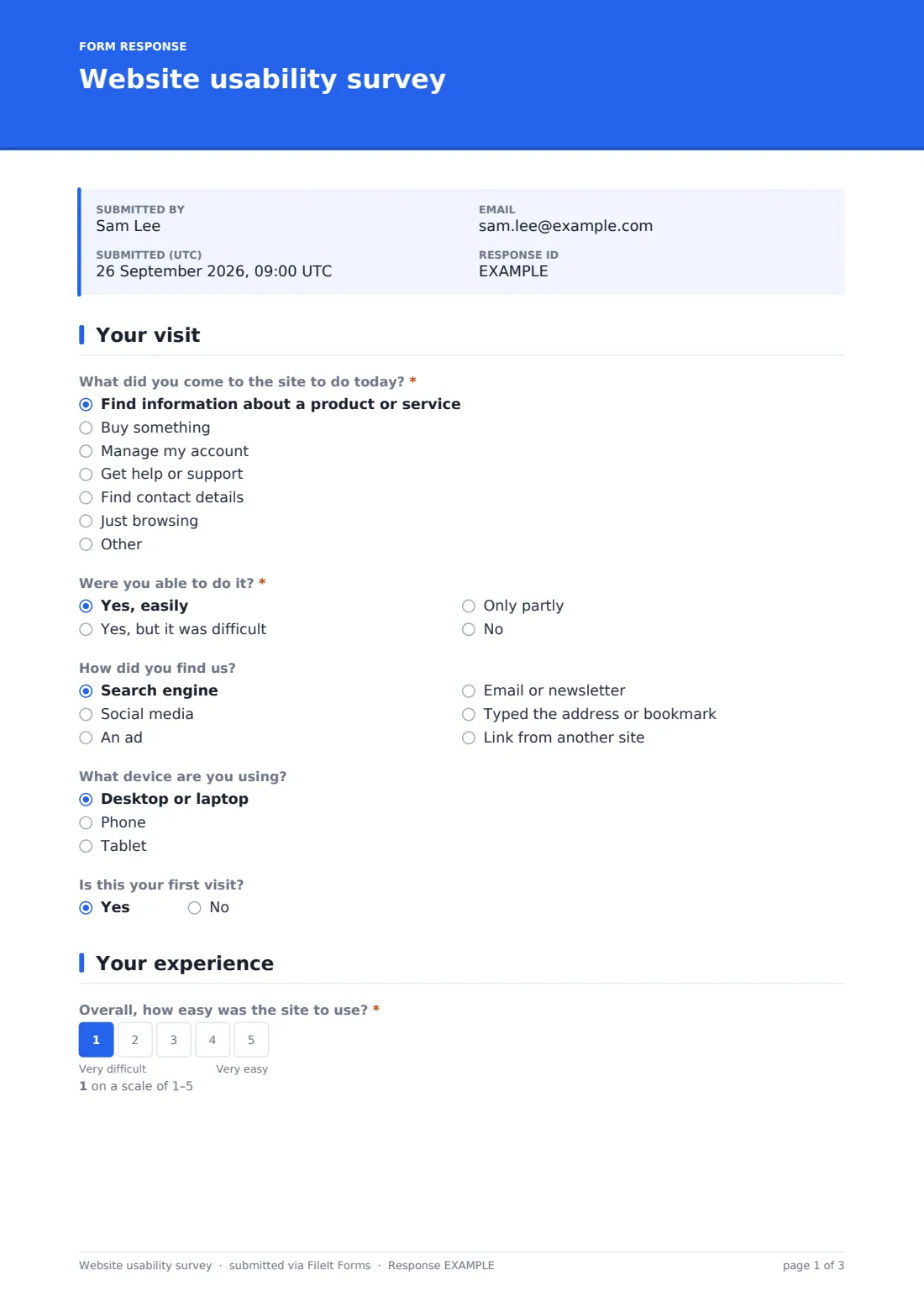
This website usability survey asks for the purpose of the visit and whether it was successful; anyone who didn't succeed easily is asked what stopped them. Visitors rate overall ease of use and specific areas such as navigation, search, clarity, readability, speed, look and feel and forms, tick any problems they ran into, and can share the page address and a screenshot.
Every response is saved as a PDF in your FileIt vault, with screenshots attached, so your web team has concrete examples to fix rather than general impressions.
- Best for
- Businesses, nonprofits, schools and public bodies with a website
- Filled in by
- Website visitors
- Time to complete
- About 2 minutes
- Includes
- Task success question, 1–5 ease scale, area rating grid, problem checklist, page address, screenshot upload
Who uses a website usability survey form?
- A company tests a redesigned website with real visitors
- An online shop finds out why visitors abandon checkout
- A council checks whether residents can find the services they need
- A nonprofit learns why donors struggle with the donation page
- A school surveys parents about its website
- A web agency collects evidence for a client's redesign
Questions on this website usability survey form
16 questions over 3 pages · includes file upload, conditional questions, multiple pages, ratings.
1 Your visit
- What did you come to the site to do today?* Find information about a product or service · Buy something · Manage my account · Get help or support · Find contact details · Just browsing
- Were you able to do it?* Yes, easily · Yes, but it was difficult · Only partly · No
- What stopped you, or what made it hard?* asked only when it applies
- How did you find us? Search engine · Social media · An ad · Email or newsletter · Typed the address or bookmark · Link from another site
- What device are you using? Desktop or laptop · Phone · Tablet
- Is this your first visit?
2 Your experience
- Overall, how easy was the site to use?*
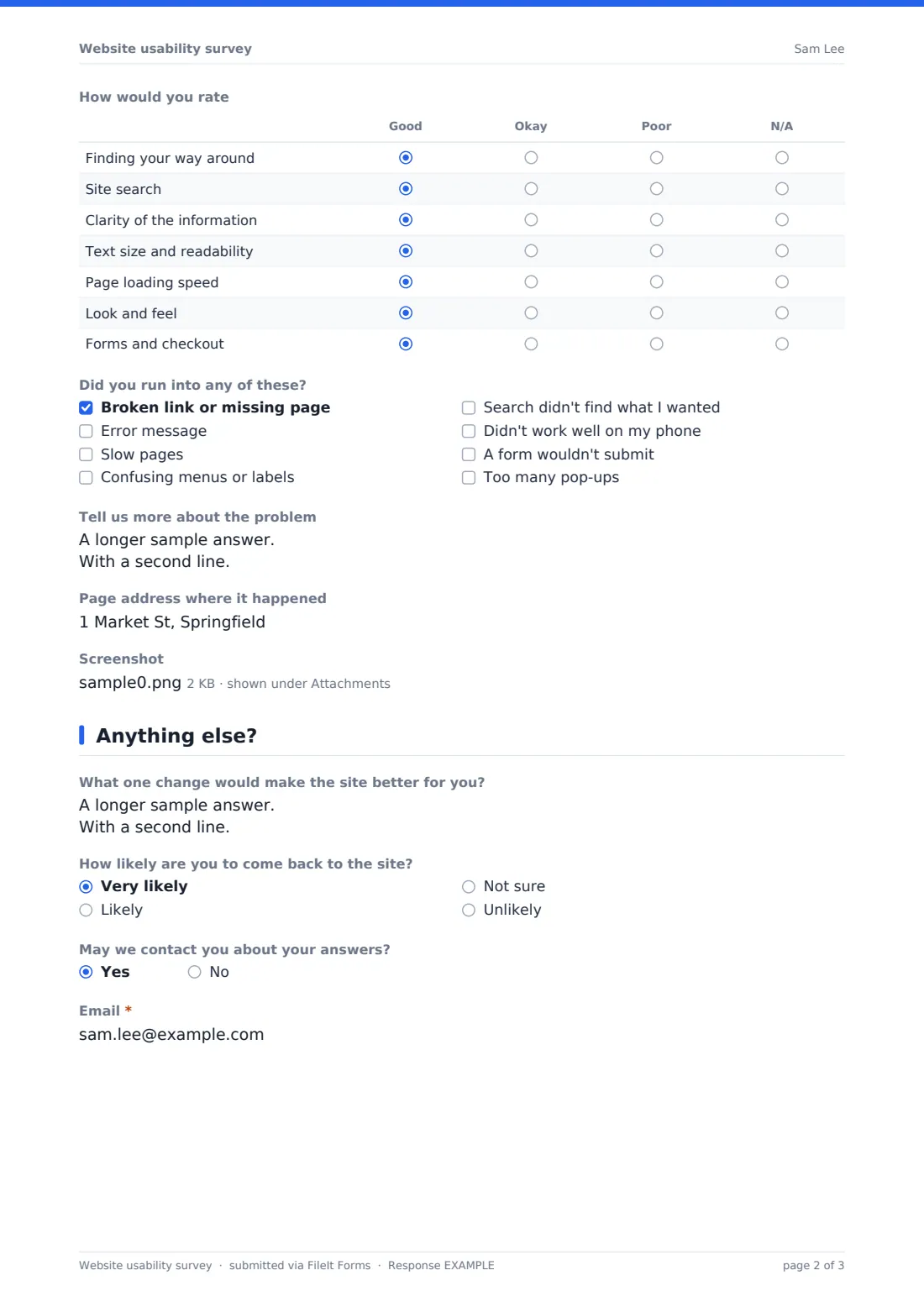
- How would you rate Good · Okay · Poor · N/A
- Did you run into any of these? Broken link or missing page · Error message · Slow pages · Confusing menus or labels · Search didn't find what I wanted · Didn't work well on my phone · A form wouldn't submit · Too many pop-ups
- Tell us more about the problem asked only when it applies
- Page address where it happened
- Screenshot
3 Anything else?
- What one change would make the site better for you?
- How likely are you to come back to the site? Very likely · Likely · Not sure · Unlikely
- May we contact you about your answers?
- Email* asked only when it applies
The website usability survey form, page by page
1 Your visit
Visitors say what they came to do — find information, buy something, manage their account, get support, find contact details or just browse — and whether they managed it. Any answer other than yes, easily requires them to explain what stopped them or made it hard. They also say how they found the site, what device they're using and whether it's their first visit.
2 Your experience
A required 1–5 scale rates overall ease of use. A grid rates finding your way around, site search, clarity of the information, text readability, loading speed, look and feel and forms and checkout. Visitors tick any problems — broken links, error messages, slow pages, confusing menus, poor search results, phone issues, forms that won't submit or too many pop-ups — and anyone who ticks something can describe it. They can add the page address and up to three screenshots.
3 Anything else?
Visitors suggest one change, say how likely they are to come back, and can leave an email if they're happy to be contacted.
Make the template yours
- Edit the visit purposes to match what people do on your site
- Add the areas of your site, such as the store or booking page, to the rating grid
- Link to the survey from your website footer or a feedback button
- Remove the screenshot upload if you want the shortest possible survey
- Route responses to your web team's folder
- Set a closing date if you're testing a specific redesign
Tips for a better website usability survey form
- Focus on the "what stopped you" answers first — they point to the biggest problems
- Group answers by device; many problems only happen on phones
- Test reported problems yourself on the page and device mentioned
- Run the survey before and after a redesign to compare results
- Keep it short — visitors came to do something else
Every response becomes a PDF in your vault
Each response is saved as a PDF in your vault, with any screenshots. The owner is notified by email.
Export the Responses table to CSV to count success rates and problems by device or visit purpose.
- Start from this template. It opens in the FileIt Forms designer — change any question, add pages, set the rules for when questions appear.
- Share it. Turn on a public link, or send it to people by email, each with their own link. They don’t need a FileIt account.
- Get the answers as PDFs. Each response is saved as a PDF in the vault folder you choose, with uploaded files attached — and listed in a Responses table you can export to CSV.
Website usability survey form: frequently asked questions
Is this website usability survey template free?
Yes. It's included in the Forms app on every FileIt account, including the free plan.
How do I add the survey to my website?
Share the form's public link from a feedback button, footer link or banner on your site.
Is the survey anonymous?
Yes, unless the visitor chooses to leave their email.
Can visitors upload screenshots?
Yes. Up to three PNG, JPG or WebP images.
Does the survey track visitors' behaviour on the site?
No. It only records the answers visitors give.
Can I change the rating options?
Yes. Edit the grid rows and columns in the designer.
Does it work on mobile?
Yes. The form adapts to phone screens.