What is the bug report form template?
A vague bug report — "it's broken" — costs a development team far more time than the report itself ever took to write. What actually speeds up a fix is steps to reproduce, what was expected versus what happened, the exact environment, and ideally a screenshot or error message. Chasing that detail after the fact, over Slack or email, slows everything down.
This bug report form template asks for all of it upfront, in an order that mirrors how a developer actually triages an issue: what happened and how to trigger it, what platform and browser it happened on, and finally any evidence plus a way to follow up with the reporter. It works equally well for internal QA teams, beta testers or customers reporting a problem through a support page.
Every report becomes a PDF saved in your FileIt vault the moment it's submitted, along with any attached screenshots or logs, so nothing gets lost in a shared inbox and your team has a running, searchable record of what's been reported and when.
- Best for
- Software teams, QA testers, and support teams collecting structured bug reports
- Filled in by
- Testers, customers or internal staff who encounter a problem
- Time to complete
- About 4-6 minutes for a straightforward issue
- Includes
- File upload for screenshots and logs, conditional follow-ups by severity and platform
Who uses a bug report form?
- A software company giving beta testers a structured way to report issues
- An internal QA team logging defects found during a testing cycle
- A support team collecting bug details from customers before escalating to engineering
- A product team running a bug bash and wanting consistent, comparable reports
- An agency capturing client-reported issues on a website or app they maintain
- A small development team replacing ad-hoc bug emails with one standard form
Questions on this bug report form
20 questions over 3 pages · includes file upload, conditional questions, multiple pages.
1 The bug
- Bug summary*
- Where in the product?
- Steps to reproduce*
- Expected result*
- Actual result*
- Can you make it happen again?* Every time · Sometimes · It happened once
- Severity* Critical — crash, data loss or security issue · Major — a key feature doesn't work, no workaround · Minor — works with a workaround · Cosmetic — layout, typo, visual
- Workaround, if you found one asked only when it applies
2 Environment
- Platform* Web browser · Windows app · macOS app · iOS · Android
- Browser asked only when it applies Chrome · Edge · Firefox · Safari · Other
- Operating system and version
- App / build version
- Device
- When did it happen?
- Account or user ID affected
3 Evidence & contact
- Screenshots, recordings or logs
- Error message or console output
- Your name*
- Email*
- Happy for us to contact you to test a fix?
The bug report form, page by page
1 The bug
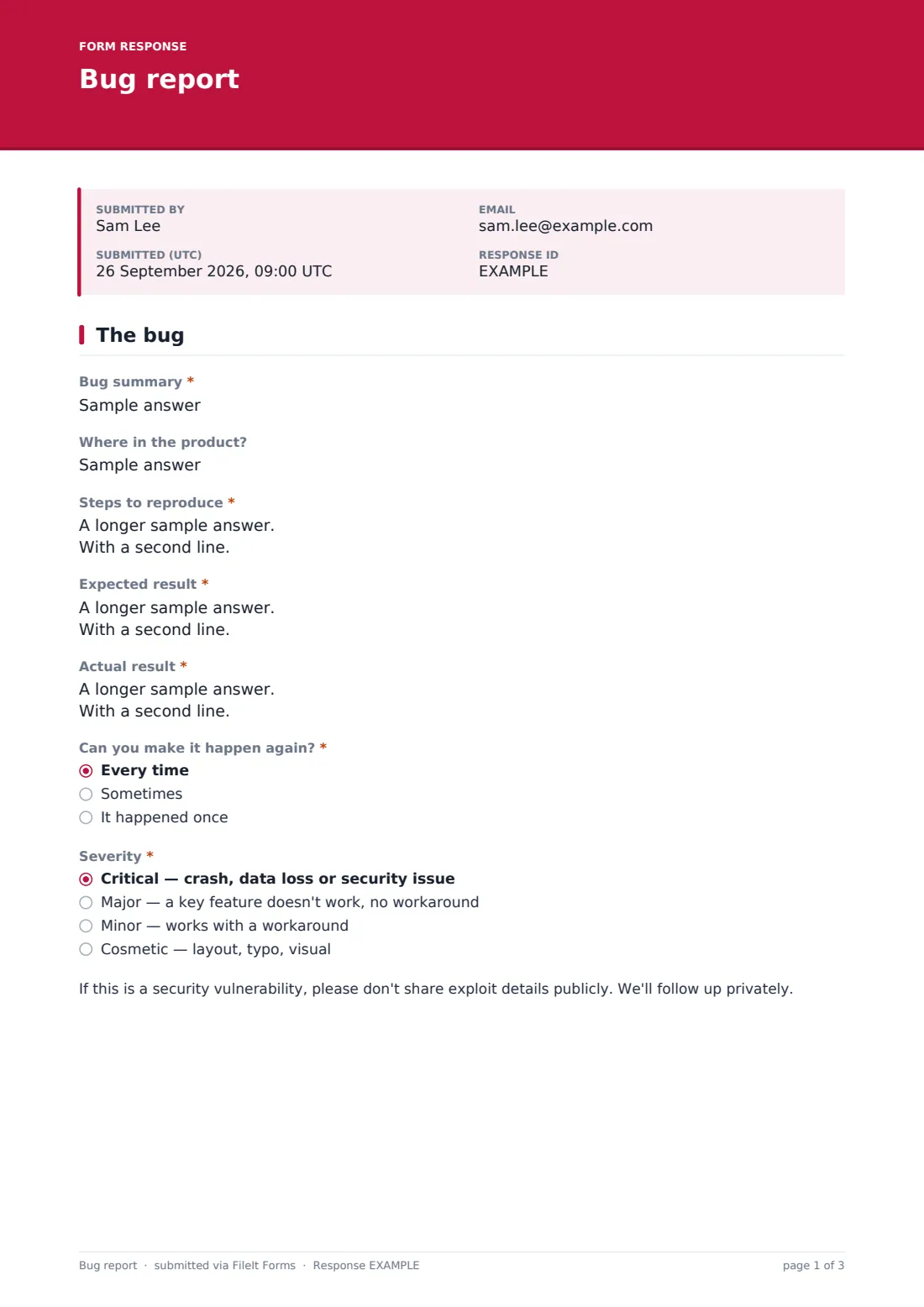
The form opens with a short Bug summary and an optional Where in the product? field, before asking for numbered Steps to reproduce, starting from a fresh page or app launch — the single most useful piece of information a reporter can give. Separate Expected result and Actual result boxes sit side by side, forcing a clear before-and-after comparison rather than one blended paragraph.
Can you make it happen again? offers every time, sometimes, or it happened once, and a required Severity choice ranges from critical (crash, data loss or security issue) down to cosmetic. Marking a report critical reveals a note asking reporters not to share exploit details publicly if it's a security issue, while marking it minor opens an optional Workaround field, since a known workaround changes how urgently a fix is needed.
2 Environment
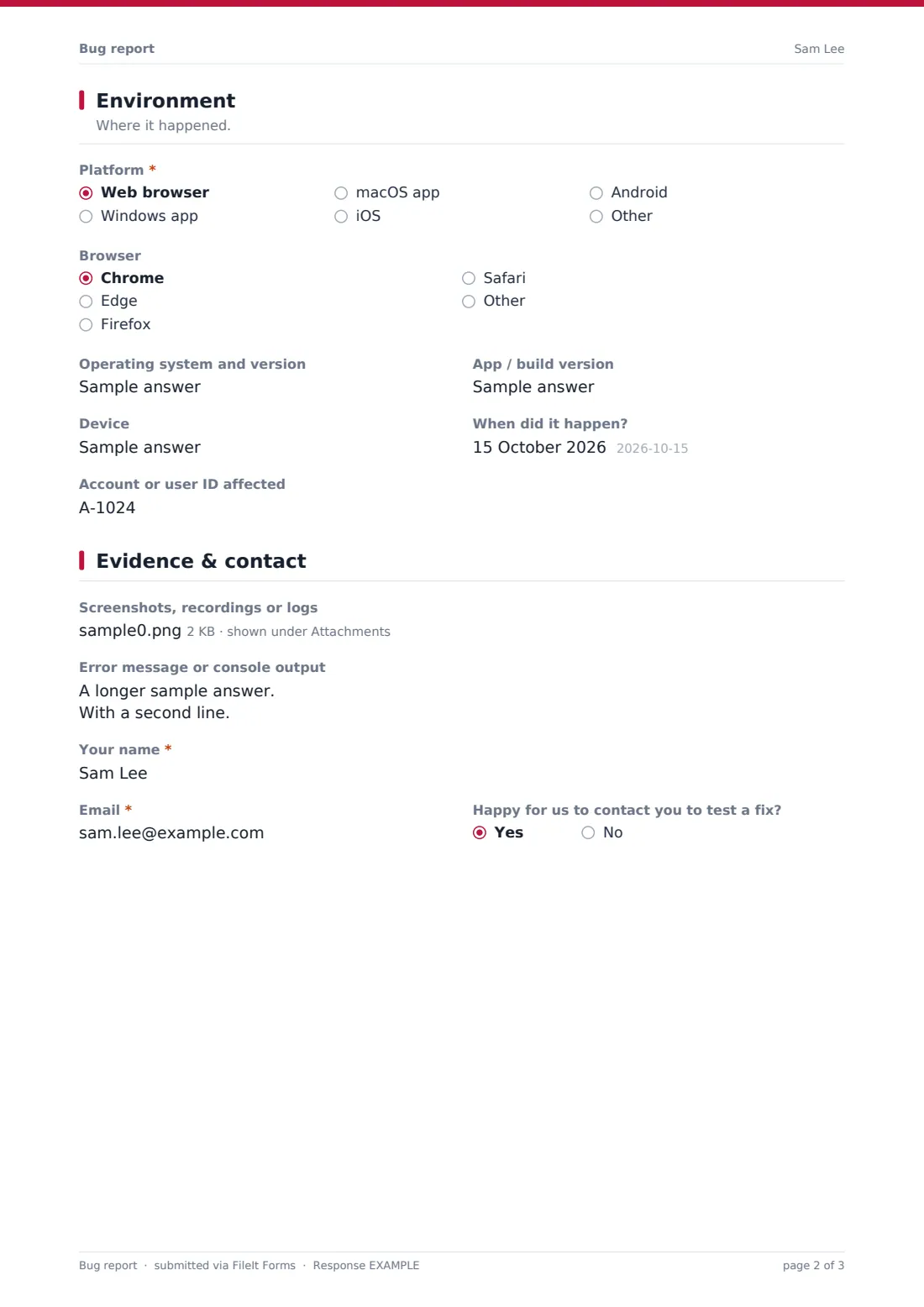
This page pins down exactly where the bug happened, starting with a required Platform choice — web browser, Windows, macOS, iOS or Android, with room to specify something else. Choosing web browser reveals a Browser dropdown (Chrome, Edge, Firefox, Safari or other), while Operating system and version, App / build version and Device fields capture the rest of the technical picture regardless of platform.
When did it happen? and an optional Account or user ID affected round out the environment details, giving engineers enough to narrow down whether an issue is isolated to one account, one device, or affects everyone on a particular platform.
3 Evidence & contact
Reporters can attach Screenshots, recordings or logs — images, PDFs, text or CSV files — with a reminder to remove anything confidential first, plus a separate long-text box to paste an exact Error message or console output. Pasting the literal error text, rather than paraphrasing it, is often what lets a developer find the issue in minutes instead of hours.
The form closes with the reporter's Your name and Email, and a Happy for us to contact you to test a fix? question, so the team knows who to loop back in once a fix is ready to verify.
Make the template yours
- Add a Priority or Sprint dropdown if your team wants reports pre-sorted into a particular workflow
- Change accepted file types on the evidence upload to include video formats if your team records screen captures
- Add a conditional question under Critical severity asking whether the issue affects all users or a specific account
- Route submissions to a dedicated "Bugs" vault folder, separate from feature requests or general feedback
- Turn on email notifications to your engineering or support inbox so nothing waits for someone to check the form manually
- Set the confirmation message to include your expected response time, if your team commits to one
Tips for a better bug report form
- Encourage exact wording for error messages rather than a paraphrase — small differences often matter for finding the root cause
- Ask reporters to test in a fresh browser tab or restart the app before reporting, to rule out a stuck session
- Review severity ratings periodically; reporters and engineers don't always agree on what counts as critical
- Remind reporters not to include passwords or sensitive personal data in screenshots or logs before uploading
- Respond to reporters who agree to follow-up contact, even just to confirm the bug was received — it keeps testers engaged
- Export reports periodically as a CSV if you want to track bug volume or common problem areas over time
Every response becomes a PDF in your vault
Once someone submits a bug report, FileIt saves it as a PDF in the vault folder you've set up, with the steps to reproduce, environment details and any attached screenshots or logs kept together. With owner notifications on, your team is emailed immediately, which matters most for reports marked critical or major.
From the Responses table, your team can filter reports, open the full PDF for any bug, and export everything to a CSV if you want to track volume or trends outside FileIt. Because every report and its attachments live in one place, there's no digging through old emails to find a screenshot someone sent weeks ago.
- Start from this template. It opens in the FileIt Forms designer — change any question, add pages, set the rules for when questions appear.
- Share it. Turn on a public link, or send it to people by email, each with their own link. They don’t need a FileIt account.
- Get the answers as PDFs. Each response is saved as a PDF in the vault folder you choose, with uploaded files attached — and listed in a Responses table you can export to CSV.
Bug report form: frequently asked questions
Is this bug report form template free?
Yes. It's included in the FileIt Forms app on every account, including the free plan, and you can edit any question to fit your team's workflow.
Do testers or customers need a FileIt account to submit a bug report?
No. Anyone with the form's link can submit a report without creating an account.
How do we receive the bug reports?
Each report is saved as a PDF in your FileIt vault automatically, with any attached screenshots or logs, and you can also browse and export all reports from the Responses table.
Can we limit file uploads to certain formats?
Yes, the accepted file types for the evidence upload can be changed in the designer to match what your team needs, such as adding video formats.
Does this form connect to our issue tracker automatically?
No — FileIt Forms doesn't integrate with external issue trackers. Reports are saved as PDFs in your vault, and your team copies details across manually if you use a separate tracker.
Can we send this form to a specific list of beta testers instead of making it public?
Yes, you can email personal links to your tester list, each prefilled with their name and email, instead of or alongside sharing a public link.
What should we do with a report marked as a security issue?
The form shows a note asking reporters not to share exploit details publicly, but your team should still have its own private process for handling and following up on sensitive security reports quickly.
Can we cap how many reports we accept, or close the form after a testing period?
Yes, you can set a closing date or a maximum number of responses in the form's settings, useful for time-boxed beta tests or bug bashes.