What is the feature request form template?
Good feature requests get lost in support tickets, Slack messages and one-off emails just as easily as bad ones. This feature request form template gives customers, trial users and colleagues a proper place to describe an idea, and — just as importantly — asks them to explain the problem behind it before they jump to a solution.
An online form beats a scattered inbox because every request arrives with the same structure: who's asking, what problem they're trying to solve, how they work around it today, who else would benefit, and how much it matters to them. That consistency makes requests far easier to compare, group and prioritise later, instead of relying on memory or searching old email threads.
Each submission becomes a PDF in your FileIt vault the moment it's sent, so your product team has a running, dated archive of every idea raised — useful evidence when you're deciding what to build next, or when you want to follow up with the person who originally asked.
- Best for
- Product and engineering teams gathering ideas from customers or staff
- Filled in by
- Customers, trial users, partners or internal colleagues
- Time to complete
- About 3–5 minutes
- Includes
- Screenshot uploads, priority-based conditional logic, an impact scale
Who uses a feature request form?
- A customer suggests a new report or export option they wish the product had
- A trial user flags something missing that's stopping them from converting to a paid plan
- An internal colleague requests a small workflow improvement for their own team
- A partner or reseller passes on a request they've heard from several of their own clients
- A product manager runs a public feedback link to gather ideas for the next roadmap review
- Support staff funnel recurring customer suggestions into one place instead of scattered tickets
Questions on this feature request form
17 questions over 3 pages · includes file upload, conditional questions, multiple pages, ratings.
1 About you
- Your name*
- Email*
- Company or account
- You are… A customer · Trying the product · A partner or reseller · A colleague (internal)
2 Your idea
- Feature in a few words*
- Which part of the product?
- What problem are you trying to solve?*
- How do you handle it today?
- How would you like it to work?
- Sketches, screenshots or examples
3 Impact & priority
- Who would benefit? Just me · My team · My whole organisation · Our customers · Administrators
- How often would you use it? Daily · Weekly · Monthly · Occasionally
- How much difference would it make?
- Priority for you* Low — a nice extra · Medium — would save real time · High — important to how we work · Blocking — we can't do something we need to
- What is it stopping you from doing?* asked only when it applies
- Is there a date it matters by? asked only when it applies
- Happy to talk to us or try an early version?
The feature request form, page by page
1 About you
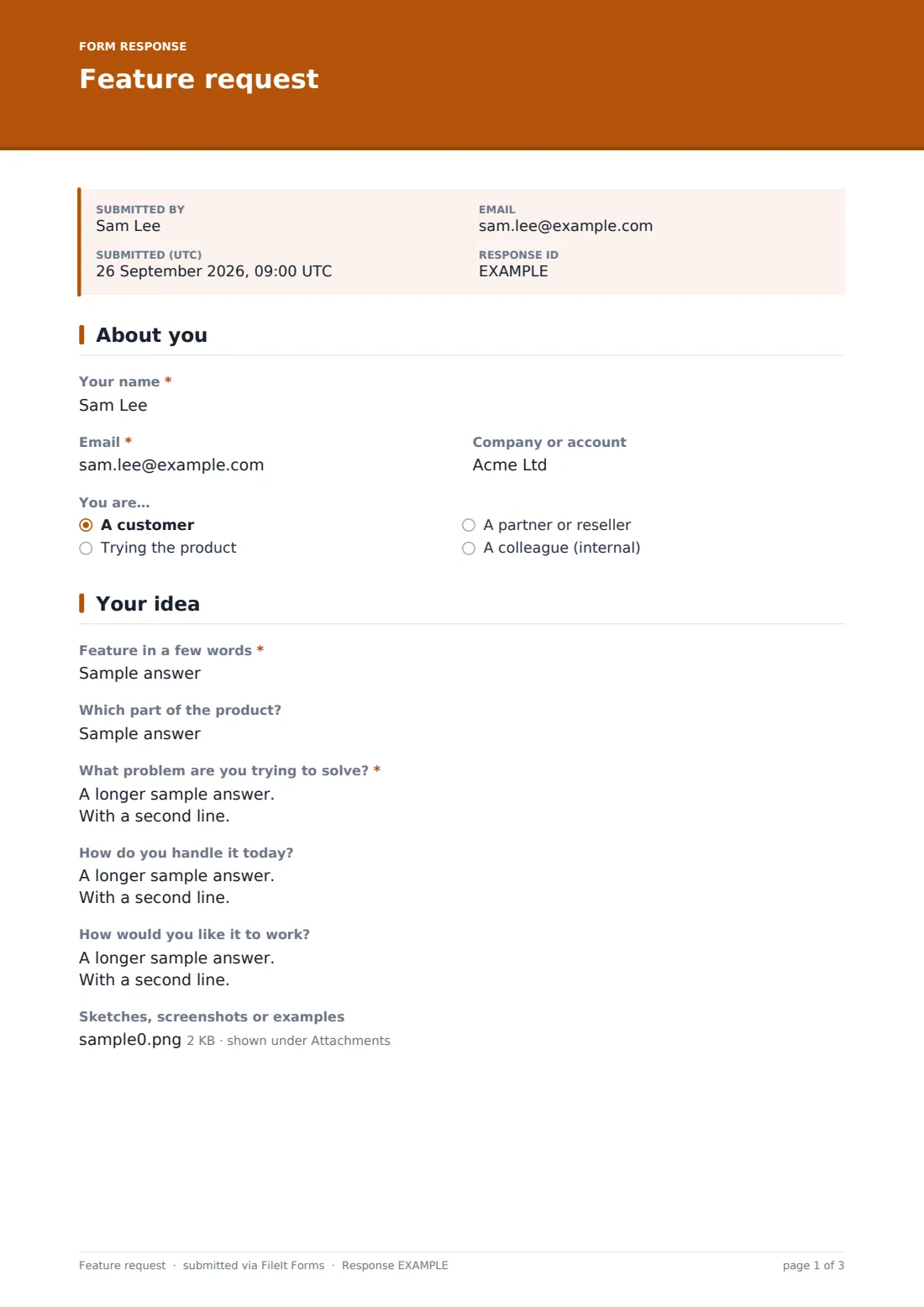
The requester gives their Name, Email, optional Company or account, and chooses what kind of user they are — a customer, someone trying the product, a partner or reseller, or an internal colleague. That context alone helps a product team weigh how representative a request might be.
2 Your idea
A short Feature in a few words title and an optional Which part of the product field set the scope, but the heart of the page is What problem are you trying to solve — deliberately asked before any proposed fix, so the team can see the underlying need rather than just one possible answer. How do you handle it today captures the current workaround, and How would you like it to work invites a rough sketch of the idea, with an optional upload for screenshots, mockups or examples.
3 Impact & priority
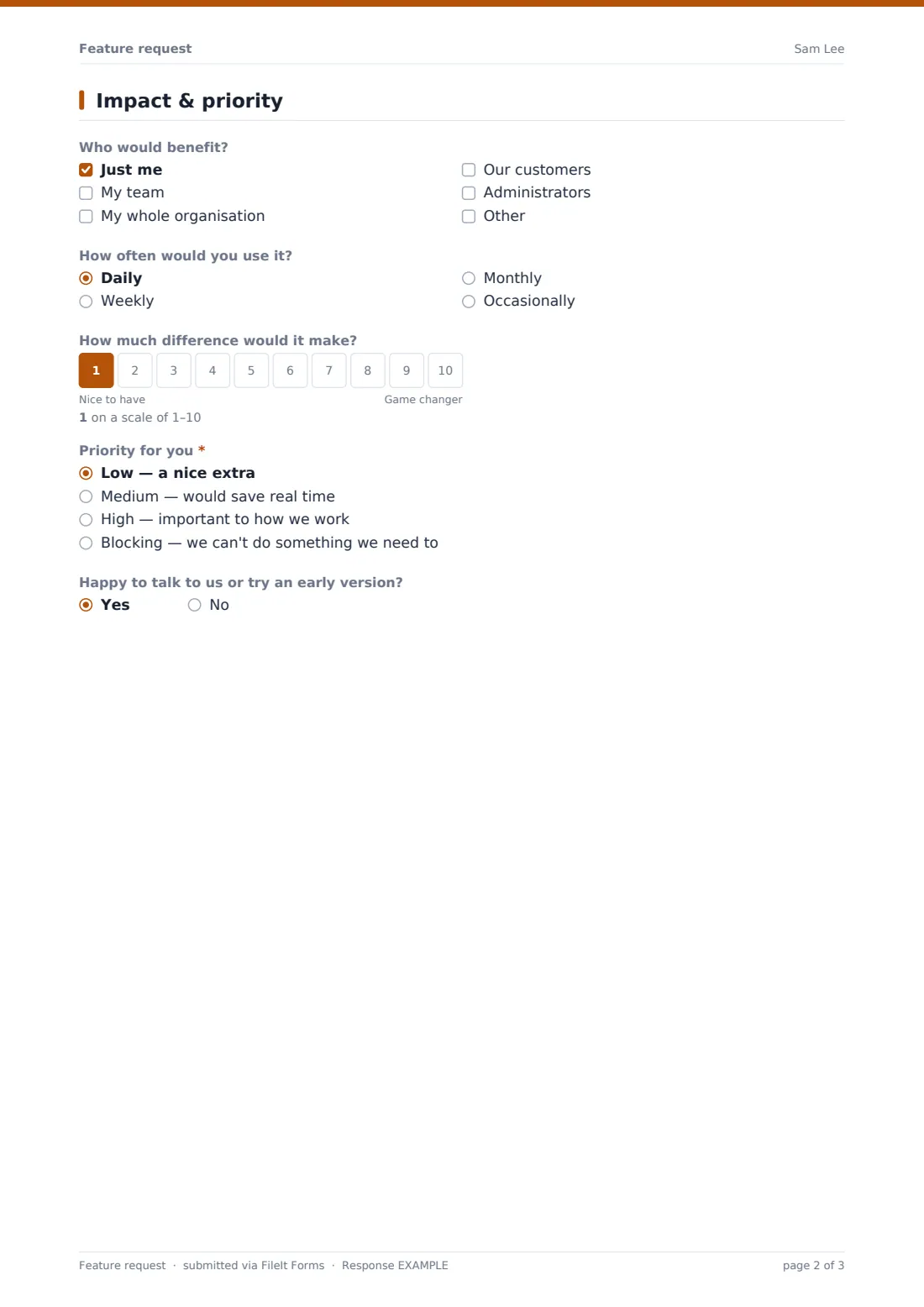
Who would benefit (just the requester, their team, their whole organisation, customers, or administrators) and How often would you use it give a sense of reach and frequency, while a 1–10 scale from 'Nice to have' to 'Game changer' quantifies the value. A required Priority choice — low, medium, high or blocking — decides what happens next: choosing 'Blocking' reveals a required question asking exactly what it's stopping the requester from doing, and choosing anything above 'Low' reveals an optional deadline date. A final yes/no question asks if they'd be open to talking to the team or trying an early version.
Make the template yours
- Add your own product areas to the Which part of the product field once you know your common categories
- Change the impact scale's labels to match your team's own prioritisation language
- Turn on a maximum number of responses if you're running a time-boxed roadmap feedback round
- Add a tagging field so incoming requests can be routed straight to the right product owner
- Set the vault folder so requests file under the relevant product area or customer account
- Adjust the confirmation message to link to a public roadmap or changelog if you keep one
Tips for a better feature request form
- Always read the problem description before the proposed solution — the best fix isn't always the one the requester imagined
- Group similar requests together periodically rather than treating each one as a one-off
- Close the loop with people who marked something as a blocker, even if the answer is 'not yet'
- Keep the form focused on ideas, not bugs — a separate bug report template keeps the two apart cleanly
- Revisit low-priority requests occasionally; today's nice-to-have sometimes becomes tomorrow's must-have as your product grows
Every response becomes a PDF in your vault
The instant someone submits a feature request, FileIt converts it into a PDF — including any attached screenshots or mockups — and files it in the vault folder you've set up for this form. You get an email notification immediately, so nothing sits unseen, and you can add teammates' addresses to the notification list as well.
From there, most product teams use the Responses table to filter by priority or how often a feature would be used, spotting patterns across requests before deciding what goes on the roadmap. A CSV export makes it easy to bring requests into a spreadsheet or planning tool alongside other input, while the PDF archive in the vault keeps the original wording — in the customer's own words — for reference later.
- Start from this template. It opens in the FileIt Forms designer — change any question, add pages, set the rules for when questions appear.
- Share it. Turn on a public link, or send it to people by email, each with their own link. They don’t need a FileIt account.
- Get the answers as PDFs. Each response is saved as a PDF in the vault folder you choose, with uploaded files attached — and listed in a Responses table you can export to CSV.
Feature request form: frequently asked questions
Is this feature request form template free?
Yes — it's included in the Forms app on every FileIt account, including the free plan, and every question can be customised.
Do people submitting a feature request need a FileIt account?
No. Anyone can fill in and submit the form from a shared link or an email invitation, with no account required.
How do we get feature requests as PDFs?
Each submission automatically becomes a PDF, including any uploaded screenshots, and is saved in the vault folder you choose.
Can customers attach screenshots or mockups to a request?
Yes, the form includes an optional file upload for sketches, screenshots or examples, accepting images, GIFs and PDFs.
What happens if someone marks a request as a blocker?
The form reveals a required follow-up question asking exactly what the missing feature is stopping them from doing, giving your team the context to judge urgency.
Can we use this form for internal ideas as well as customer requests?
Yes — the 'You are…' question already includes a colleague option, so it works for both external and internal feedback.
Does this replace a bug tracker?
No — it's meant for product ideas and improvements. FileIt's bug report template is a better fit for reporting something broken.