

What is the training attendance register form template?
Training that isn't recorded may as well not have happened, at least when an auditor, a client or an investigator asks. A paper sign-in sheet helps, but it gets lost, and it rarely says what was covered, how long it took or whether anyone was assessed. This template records all of that for each session and files it automatically.
The trainer fills in the session details first: the course, type of training, date, duration, delivery method and who delivered it. Then each attendee gets a short entry covering name, ID or department, attendance, assessment result and a signature on the screen. There's room for six attendees in the form. Larger groups can upload a signed paper sheet for everyone else.
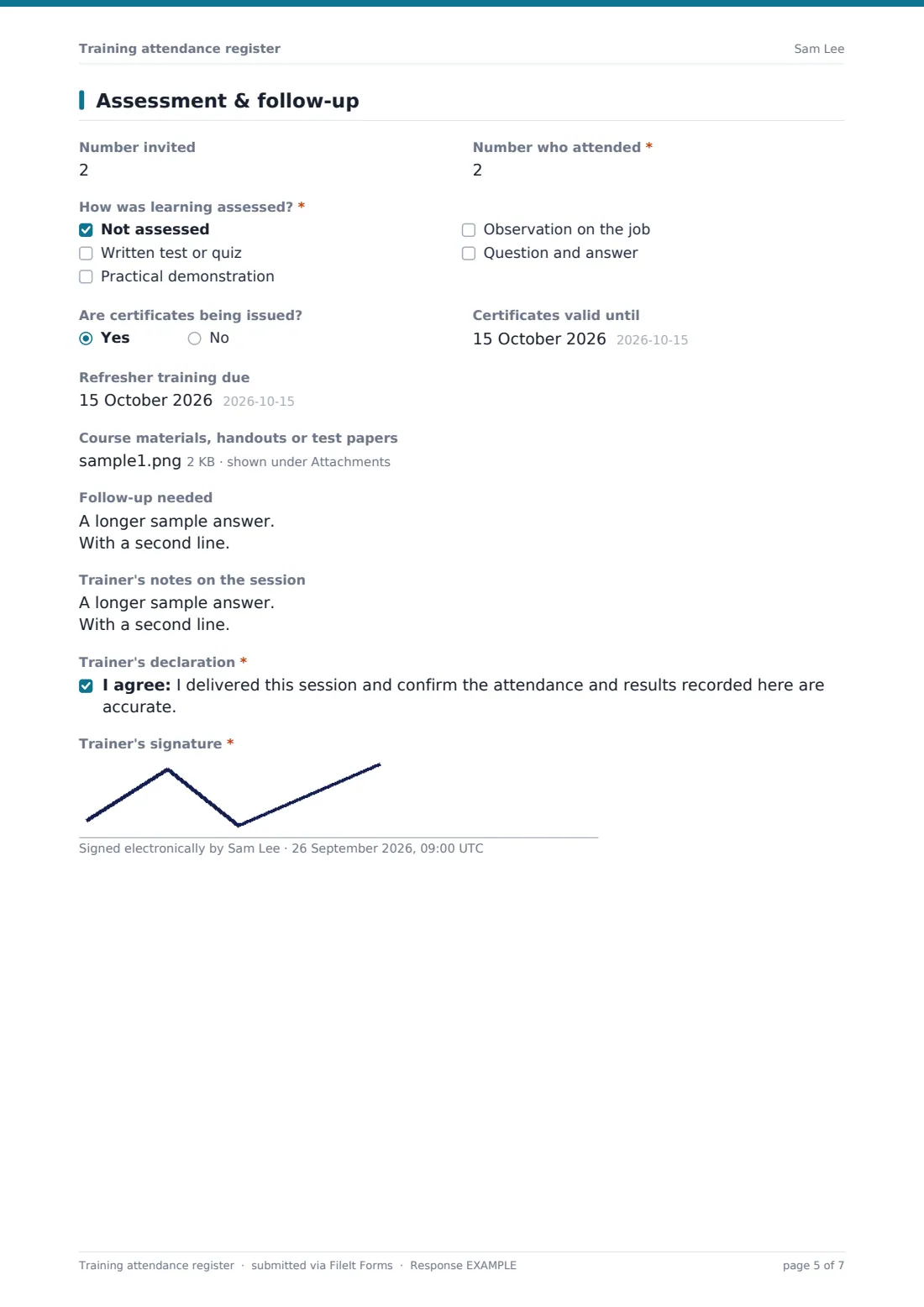
The final page covers the numbers invited and attended, how learning was assessed, certificate and refresher dates, follow-up for anyone who missed out, and the trainer's own signature.
- Best for
- Toolbox talks, inductions, compliance training, equipment sign-offs and internal courses
- Filled in by
- The trainer or course organiser, with attendees signing on the same device
- Time to complete
- About 5 minutes plus a signature from each attendee
- Includes
- Per-attendee attendance, result and signature, certificate and refresher dates, and a trainer declaration
Who uses a training attendance register form?
- Recording attendance at a site toolbox talk or safety briefing
- Signing off new starters' induction sessions
- Recording mandatory compliance training, such as fire safety or data protection
- Assessing staff on a piece of equipment or machinery before they use it alone
- Logging CPD sessions delivered by external providers
- Keeping evidence of training for audits, client requirements or accreditation
Questions on this training attendance register form
61 questions over 3 pages · includes signature, file upload, conditional questions, multiple pages, consent checkbox.
1 Session
- Course or session title*
- Type of training* Induction · Health and safety · Mandatory compliance · Technical or job skills · Equipment or machinery · Leadership and management · Communication and soft skills · Other
- Course code or version
- Date*
- Duration (hours)*
- Start time
- Finish time
- Delivery* In person · Live online · On the job / practical · Blended
- Venue or meeting link
- Delivered by* Internal trainer · External provider
- Training provider* asked only when it applies
- Trainer's name*
- Trainer's email*
2 Attendees
- Full name*
- Employee ID or department
- Attendance* Attended in full · Attended part · Arrived late · Didn't attend
- Assessment result Pass / competent · Not yet competent · Not assessed
- Attendee's signature
- Add another attendee?*
- Full name* asked only when it applies
- Employee ID or department asked only when it applies
- Attendance* asked only when it applies Attended in full · Attended part · Arrived late · Didn't attend
- Assessment result asked only when it applies Pass / competent · Not yet competent · Not assessed
- Attendee's signature asked only when it applies
- Add another attendee?* asked only when it applies
- Full name* asked only when it applies
- Employee ID or department asked only when it applies
- Attendance* asked only when it applies Attended in full · Attended part · Arrived late · Didn't attend
- Assessment result asked only when it applies Pass / competent · Not yet competent · Not assessed
- Attendee's signature asked only when it applies
- Add another attendee?* asked only when it applies
- Full name* asked only when it applies
- Employee ID or department asked only when it applies
- Attendance* asked only when it applies Attended in full · Attended part · Arrived late · Didn't attend
- Assessment result asked only when it applies Pass / competent · Not yet competent · Not assessed
- Attendee's signature asked only when it applies
- Add another attendee?* asked only when it applies
- Full name* asked only when it applies
- Employee ID or department asked only when it applies
- Attendance* asked only when it applies Attended in full · Attended part · Arrived late · Didn't attend
- Assessment result asked only when it applies Pass / competent · Not yet competent · Not assessed
- Attendee's signature asked only when it applies
- Add another attendee?* asked only when it applies
- Full name* asked only when it applies
- Employee ID or department asked only when it applies
- Attendance* asked only when it applies Attended in full · Attended part · Arrived late · Didn't attend
- Assessment result asked only when it applies Pass / competent · Not yet competent · Not assessed
- Attendee's signature asked only when it applies
- More than six attendees? asked only when it applies
- Signed attendance sheet for everyone else* asked only when it applies
3 Assessment & follow-up
- Number invited
- Number who attended*
- How was learning assessed?* Not assessed · Written test or quiz · Practical demonstration · Observation on the job · Question and answer
- Are certificates being issued?
- Certificates valid until asked only when it applies
- Refresher training due
- Course materials, handouts or test papers
- Follow-up needed
- Trainer's notes on the session
- Trainer's declaration*
- Trainer's signature*
The training attendance register form, page by page
1 Session
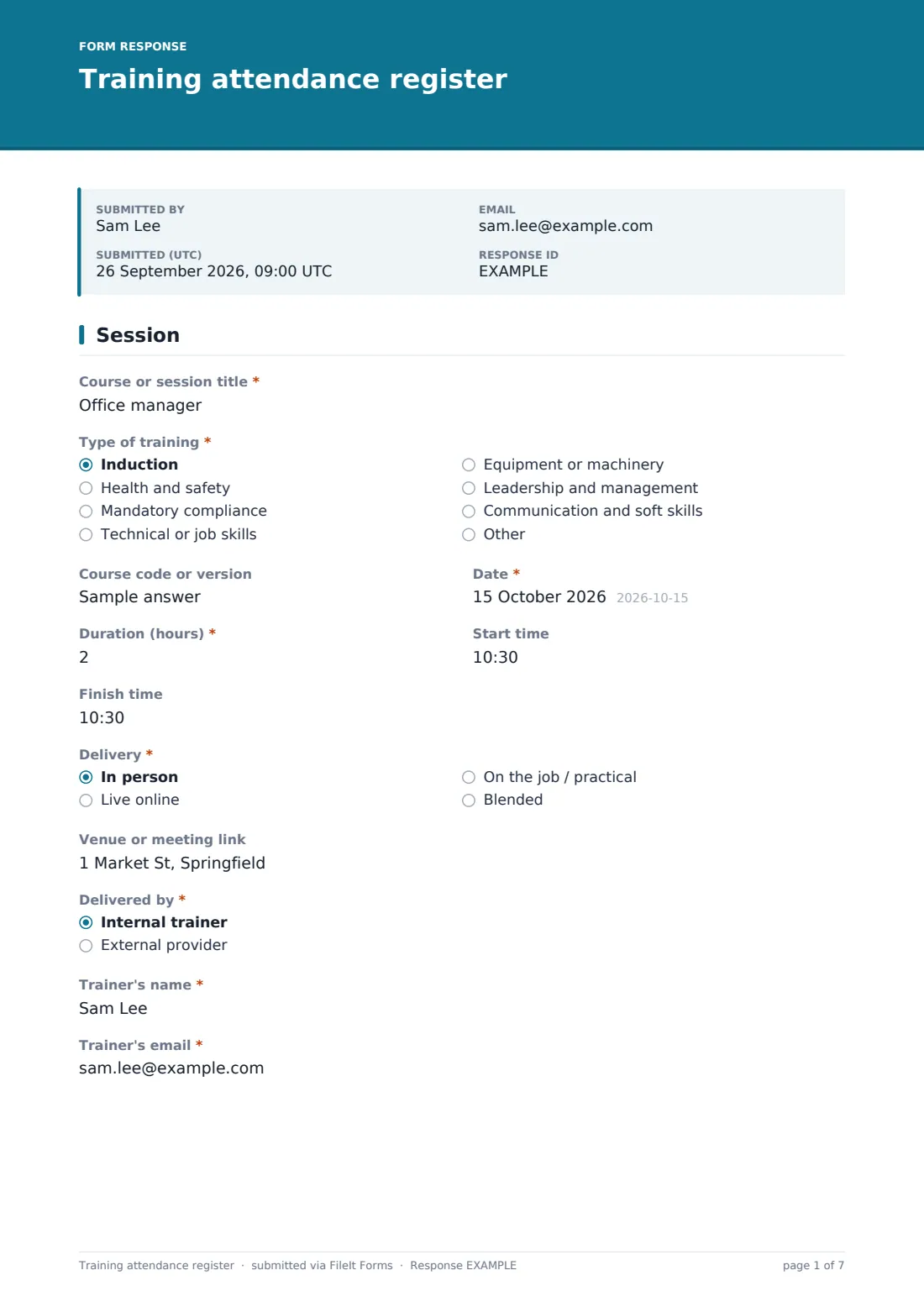
The trainer records the Course or session title, Type of training, course code or version, Date, Duration in hours, start and finish times, and delivery (in person, live online, on the job or blended), with a venue or meeting link. They say whether it was delivered internally or by an external provider, naming the provider if external. Their own name and email complete the page.
2 Attendees
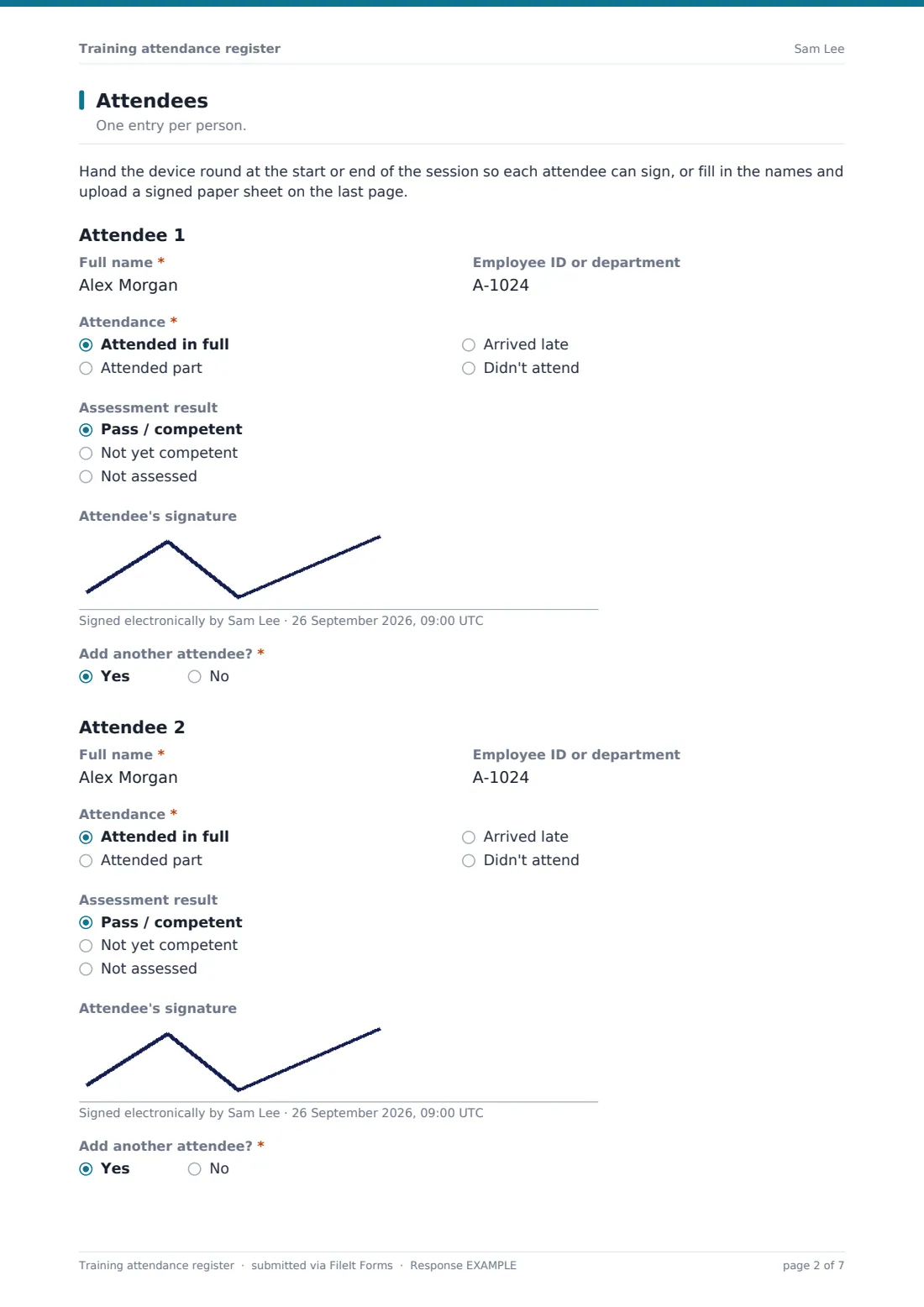
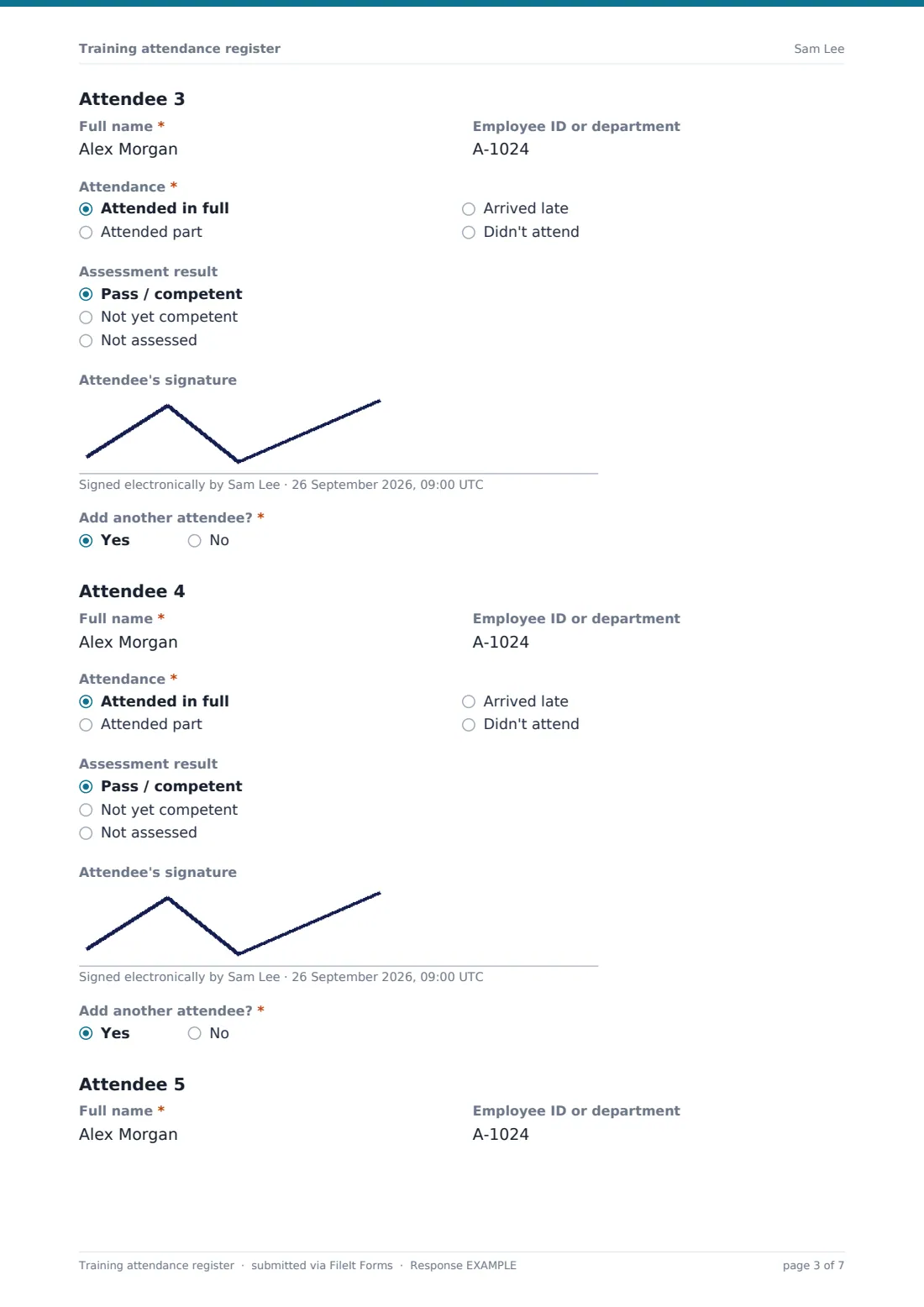
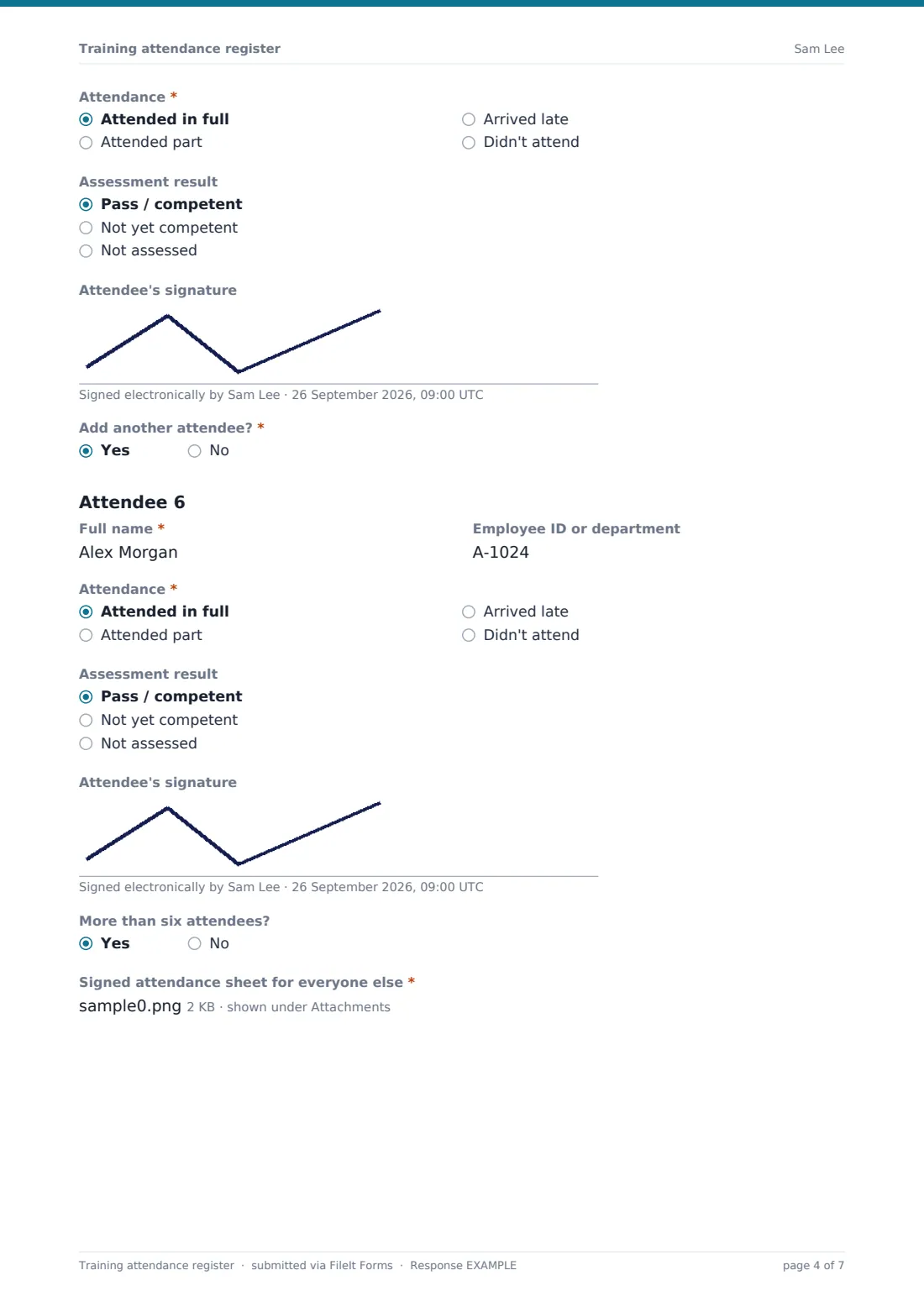
Each attendee entry has Full name, Employee ID or department, Attendance (in full, part, late or didn't attend), an optional Assessment result and the attendee's signature. Add another attendee? opens the next entry, up to six. For bigger groups, More than six attendees? asks for a signed attendance sheet covering everyone else.
3 Assessment & follow-up
The trainer enters the Number invited and Number who attended, and ticks how learning was assessed. If certificates are being issued, the form asks for their expiry date. The trainer can add a refresher due date, attach course materials or test papers, and note who needs to catch up or resit. They finish with notes on the session, a declaration that the record is accurate and their signature.
Make the template yours
- Add your regular courses to a dropdown in place of the free-text title
- Add a field for the training's legal or accreditation requirement if you report on it
- Make the refresher date required for training that has to be repeated on a schedule
- File each register into a folder per course so the full attendance history sits together
- Add HR or the safety manager to notifications so they see every session as it's recorded
- Remove the assessment result field for sessions that are attendance-only
Tips for a better training attendance register form
- Collect signatures at the end of the session, so partial attendance is recorded honestly
- Record the course version, since content changes and you may need to show what was covered at the time
- Follow up absences quickly and book the next session before people forget
- Put refresher dates in the diary when you record them, not when they're overdue
- Upload a copy of the materials or test so you can show what was taught
Every response becomes a PDF in your vault
When the trainer submits, FileIt saves the register with every signature as a PDF in your vault, along with any uploaded sign-in sheet or materials, and notifies the form owner. The trainer receives a copy.
Training coordinators usually review registers in the Responses table, filtering by course, date or trainer. When someone asks whether a person was trained, and when, the signed record is quick to find.
- Start from this template. It opens in the FileIt Forms designer — change any question, add pages, set the rules for when questions appear.
- Share it. Turn on a public link, or send it to people by email, each with their own link. They don’t need a FileIt account.
- Get the answers as PDFs. Each response is saved as a PDF in the vault folder you choose, with uploaded files attached — and listed in a Responses table you can export to CSV.
Training attendance register form: frequently asked questions
Is this training attendance register free?
Yes. It's included in FileIt's Forms app on every account, including the free plan, and you can edit every question.
Do attendees need a FileIt account to sign?
No. The trainer opens the form on a phone, tablet or laptop and each attendee signs on the screen, with no account needed.
How many attendees can I record?
Six attendees have their own entries with signatures. For bigger groups, upload a signed attendance sheet for everyone else.
Can I use it for online training?
Yes. Choose Live online as the delivery method. For remote attendees you might skip on-screen signatures and rely on attendance status and an uploaded attendance export.
Does it issue certificates?
No. It records whether certificates are being issued and when they expire. Certificates themselves come from your own process or provider.
Can I record assessment results?
Yes. Each attendee has an optional result, and the last page records how learning was assessed.