What is the support satisfaction (CSAT) survey form template?
The best time to ask about a support experience is right after it ends, while the customer remembers the details. A short satisfaction survey tells you whether the issue was actually solved, how easy it was to get help, and how the agent came across.
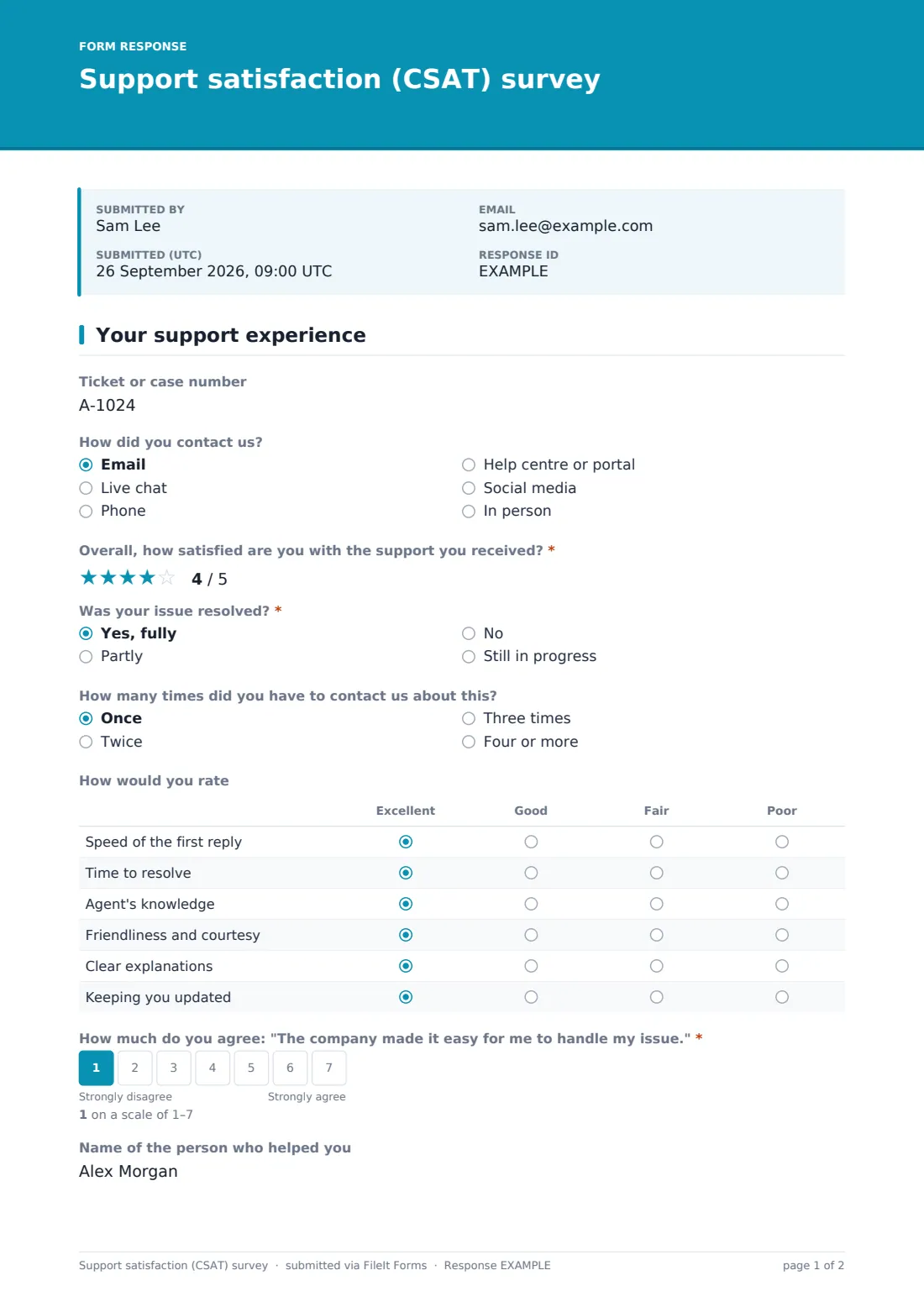
This support satisfaction survey asks for a 5-star overall rating and whether the issue was resolved. Customers whose issue wasn't resolved must explain what's outstanding; partly resolved issues ask which part wasn't. A grid rates speed of the first reply, time to resolve, the agent's knowledge, courtesy, clarity and updates, and a 1–7 customer effort question asks how easy you made it to handle their issue.
Customers who rate 4 or 5 stars are asked what went well; those who rate 3 or lower are asked what could have been better. Anyone can ask for a team lead to follow up. Every response is saved as a PDF in your FileIt vault.
- Best for
- Customer support teams, IT help desks and service desks
- Filled in by
- Customers after a ticket closes
- Time to complete
- About 2 minutes
- Includes
- 5-star CSAT rating, resolution question, service rating grid, 1–7 customer effort scale, agent name, follow-up request
Who uses a support satisfaction (CSAT) survey form?
- A SaaS support team sends the survey when a ticket is closed
- An IT help desk measures satisfaction with internal support
- A retailer surveys customers after a phone call
- A support manager uses agent-level feedback in coaching
- A team compares satisfaction across email, chat and phone
- A service desk tracks how many customers have to contact it more than once
Questions on this support satisfaction (CSAT) survey form
16 questions · includes conditional questions, ratings.
1 Your support experience
- Ticket or case number
- How did you contact us? Email · Live chat · Phone · Help centre or portal · Social media · In person
- Overall, how satisfied are you with the support you received?*
- Was your issue resolved?* Yes, fully · Partly · No · Still in progress
- What's still outstanding?* asked only when it applies
- What part wasn't resolved? asked only when it applies
- How many times did you have to contact us about this? Once · Twice · Three times · Four or more
- How would you rate Excellent · Good · Fair · Poor
- How much do you agree: "The company made it easy for me to handle my issue."*
- Name of the person who helped you
- What went well? asked only when it applies
- What could we have done better? asked only when it applies
- Would you like a team lead to follow up with you?
- Your name* asked only when it applies
- Email* asked only when it applies
- Phone asked only when it applies
The support satisfaction (CSAT) survey form, page by page
1 Your support experience
Customers give a ticket number and how they contacted you, rate overall satisfaction out of 5 stars, and say whether the issue was fully resolved, partly resolved, not resolved or still in progress. Not resolved requires an explanation; partly resolved asks which part wasn't. They say how many times they had to contact you about it.
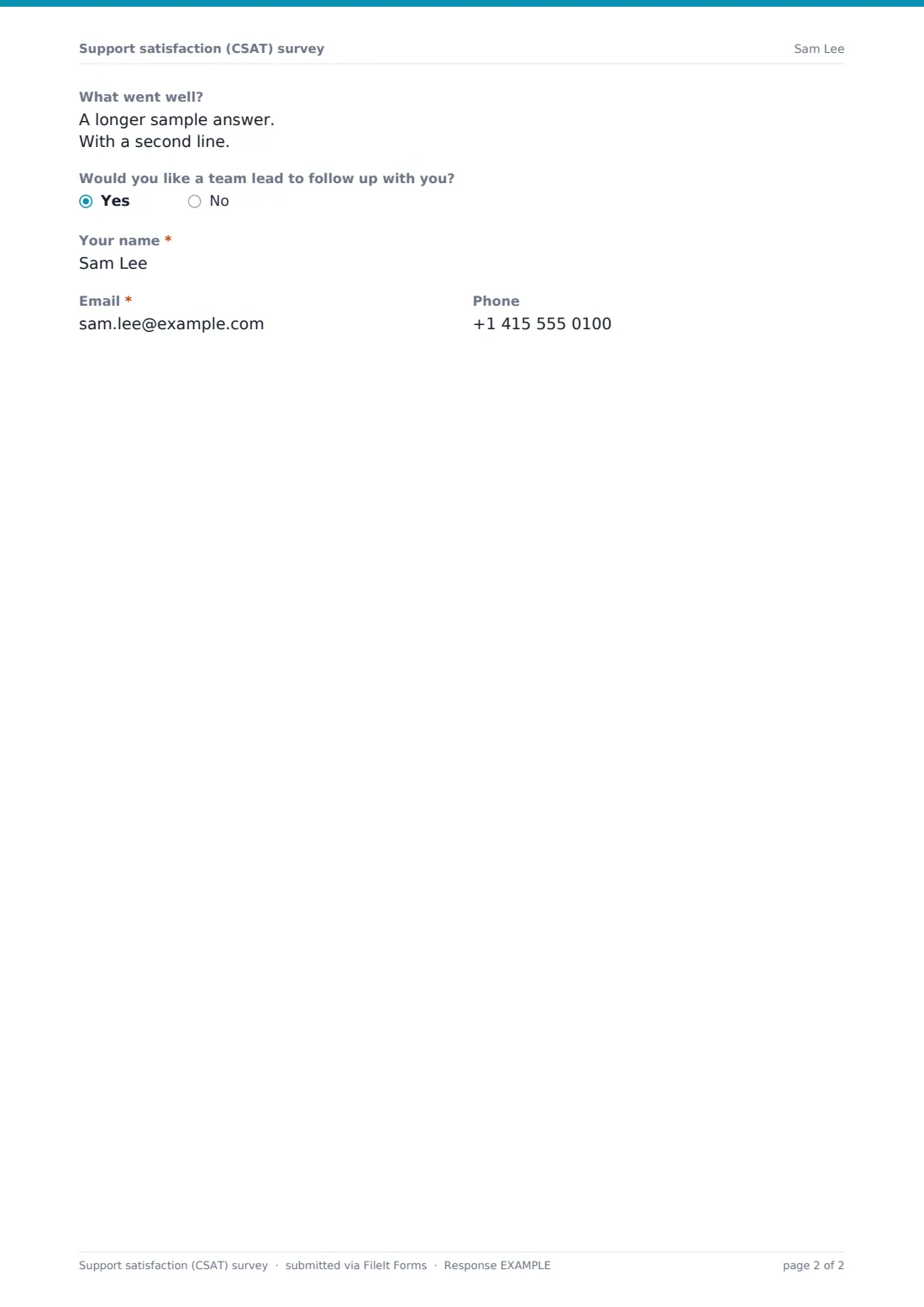
A grid rates the speed of the first reply, time to resolve, the agent's knowledge, friendliness, clear explanations and keeping them updated. A 1–7 scale asks how much they agree that the company made it easy to handle their issue. Customers can name the agent who helped them. A rating of 4 or 5 stars asks what went well; 3 or lower asks what could have been better. Customers who'd like a team lead to follow up give their name, email and phone.
Make the template yours
- Replace the contact channels with the ones you offer
- Put the survey link in your ticket-closed email so every customer is asked at the same point
- Remove the agent name question if you don't want agent-level feedback
- Route follow-up requests to your team leads' email
- Add a question about which product or service the ticket was about
- Change the rating grid to match your service standards
Tips for a better support satisfaction (CSAT) survey form
- Send the survey soon after the ticket closes, not days later
- Follow up on every "not resolved" answer — the customer still has a problem
- Look at customer effort alongside satisfaction; high effort is a warning sign
- Share positive comments with the agents concerned
- Track repeat contacts — they often point to gaps in your help content
Every response becomes a PDF in your vault
Each response is saved as a PDF in the vault folder you choose, and the owner is notified so unresolved issues can be picked up quickly.
Export the Responses table to CSV to calculate your CSAT score (the share of 4- and 5-star ratings) and compare results by channel or agent.
- Start from this template. It opens in the FileIt Forms designer — change any question, add pages, set the rules for when questions appear.
- Share it. Turn on a public link, or send it to people by email, each with their own link. They don’t need a FileIt account.
- Get the answers as PDFs. Each response is saved as a PDF in the vault folder you choose, with uploaded files attached — and listed in a Responses table you can export to CSV.
Support satisfaction (CSAT) survey form: frequently asked questions
Is this CSAT survey template free?
Yes. It's included in the Forms app on every FileIt account, including the free plan.
Does it connect to our help desk software?
No. Share the survey link in your ticket-closed emails or send personal links from FileIt.
How do I calculate CSAT?
Export responses to CSV and divide the number of 4- and 5-star ratings by the total number of ratings.
What is the customer effort question?
It asks how much the customer agrees that you made it easy to handle their issue, on a 1–7 scale.
Is the survey anonymous?
Yes, unless the customer asks for a follow-up and leaves their details, or you send personal links.
Can I remove questions?
Yes. Every question can be edited or removed in the designer.
How long does it take?
About two minutes on a single page.