What is the school medication authorization form template?
Schools can't give medicine to a student without clear instructions and a parent's written permission. A form that's missing the dose, the timing or a signature means a phone call, and sometimes a student going without a dose until it's sorted out.
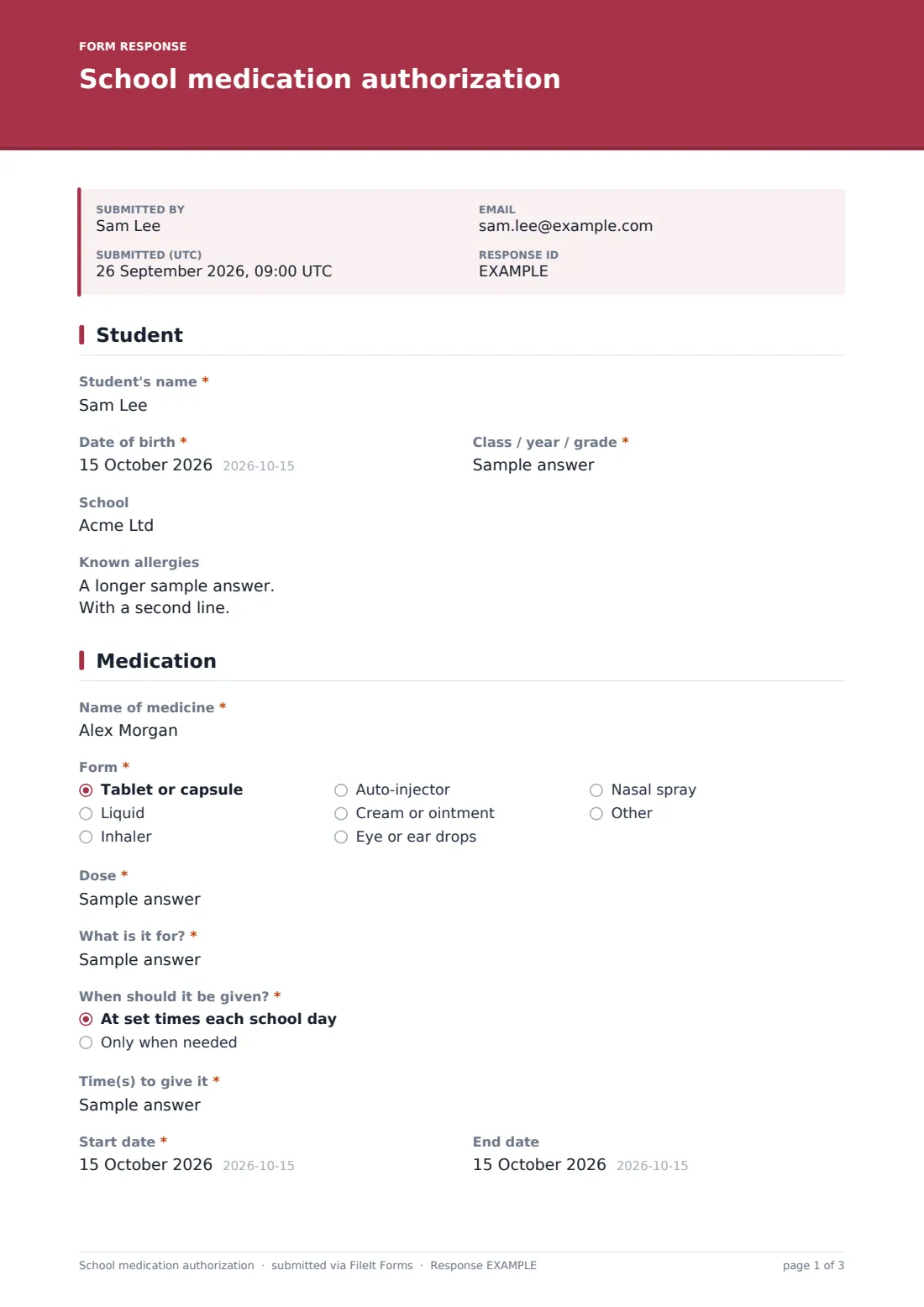
This template covers what school staff typically ask for: the student, the medicine's name, form and dose, whether it's given at set times or only when needed (with the symptoms and limits in that case), start and end dates, storage, whether the student may carry it themselves, side effects, prescriber details and three plain consent statements, followed by the parent's signature.
Each completed form becomes a signed PDF filed in your vault, so the school office or nurse has it to hand. One form covers one medicine.
- Best for
- Schools, school nurses, nurseries, after-school clubs and camps
- Filled in by
- A parent or guardian
- Time to complete
- About 5 minutes per medicine
- Includes
- Set-time or as-needed dosing, prescriber details, label photo upload, three consents and a signature
Who uses a school medication authorization form?
- Daily medicine given at lunchtime, such as ADHD medication
- As-needed medicine like pain relief or antihistamine, with clear limits
- Inhalers and auto-injectors that a student may carry themselves
- Short courses of antibiotics that need a dose during the school day
- Medicine for residential trips and camps
- Keeping a signed, dated record for each medicine in the school's files
Questions on this school medication authorization form
30 questions over 4 pages · includes signature, file upload, conditional questions, multiple pages, consent checkbox.
1 Student
- Student's name*
- Date of birth*
- Class / year / grade*
- School
- Known allergies
2 Medication
- Name of medicine*
- Form* Tablet or capsule · Liquid · Inhaler · Auto-injector · Cream or ointment · Eye or ear drops · Nasal spray · Other
- Dose*
- What is it for?*
- When should it be given?* At set times each school day · Only when needed
- Time(s) to give it* asked only when it applies
- When is it needed?* asked only when it applies
- Start date*
- End date
- Storage Room temperature · Refrigerate
- May your child carry and take this medicine themselves?
- Possible side effects staff should watch for
3 Prescriber
- Is this a prescription medicine?*
- Prescribing doctor or clinician* asked only when it applies
- Their phone asked only when it applies
- Pharmacy asked only when it applies
- Photo of the label or prescriber's letter
4 Consent
- Parent or guardian*
- Phone*
- Email*
- Other emergency contact
- Authorization*
- Sharing information*
- Changes*
- Signature*
The school medication authorization form, page by page
1 Student
The parent enters the student's name, date of birth, class or grade, school and any known allergies, including medicine allergies.
2 Medication
Required details: the medicine's name as printed on the label, its form (tablet, liquid, inhaler, auto-injector, cream, drops, nasal spray or other), the dose and what it's for. The parent chooses whether it's given at set times each school day, which asks for the times, or only when needed, which asks for the symptoms to look for, the most doses allowed in a day and the minimum gap between doses.
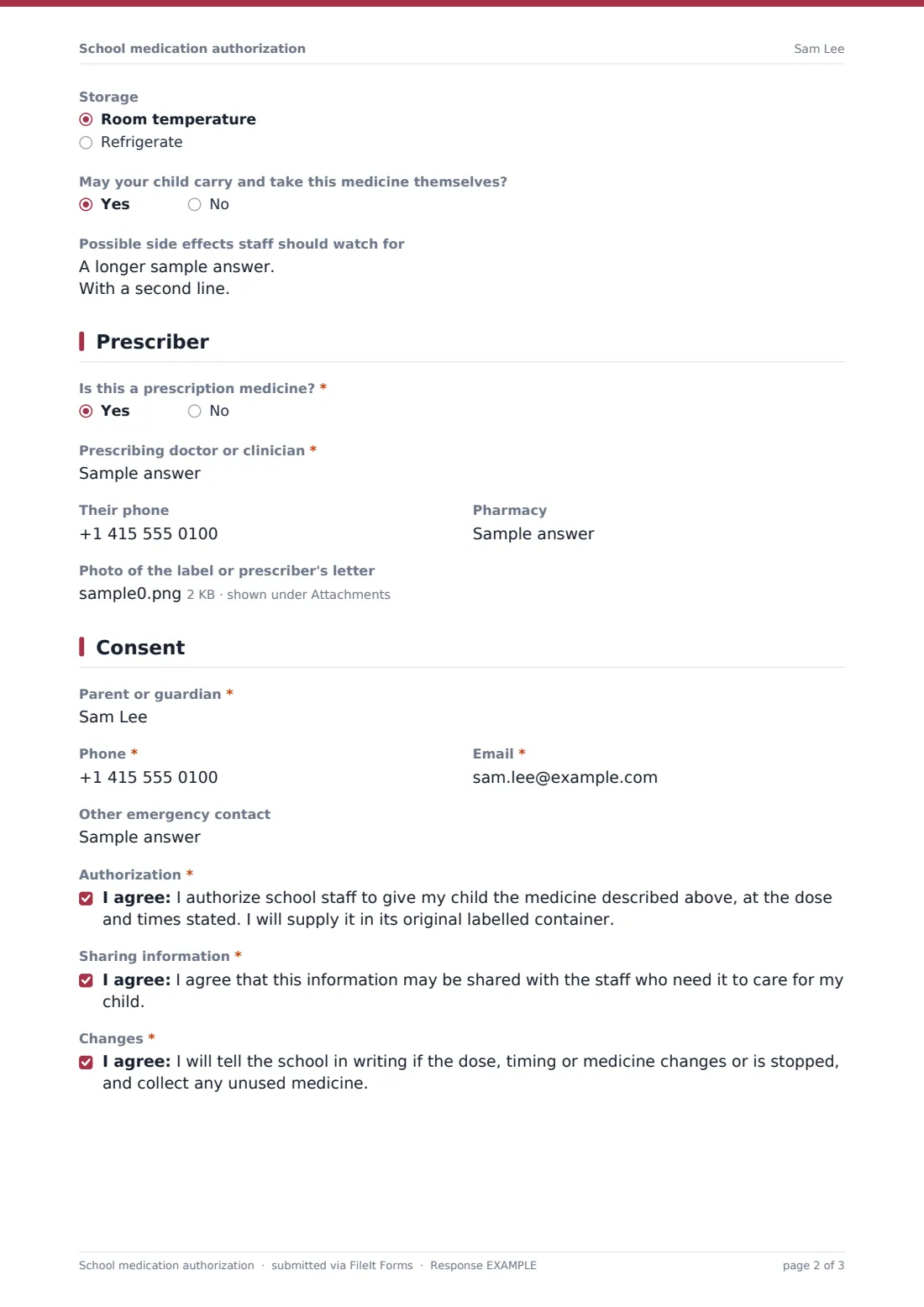
Start and end dates follow (end date blank for ongoing medicine), then storage, whether the student may carry and take it themselves, and any side effects staff should watch for.
3 Prescriber
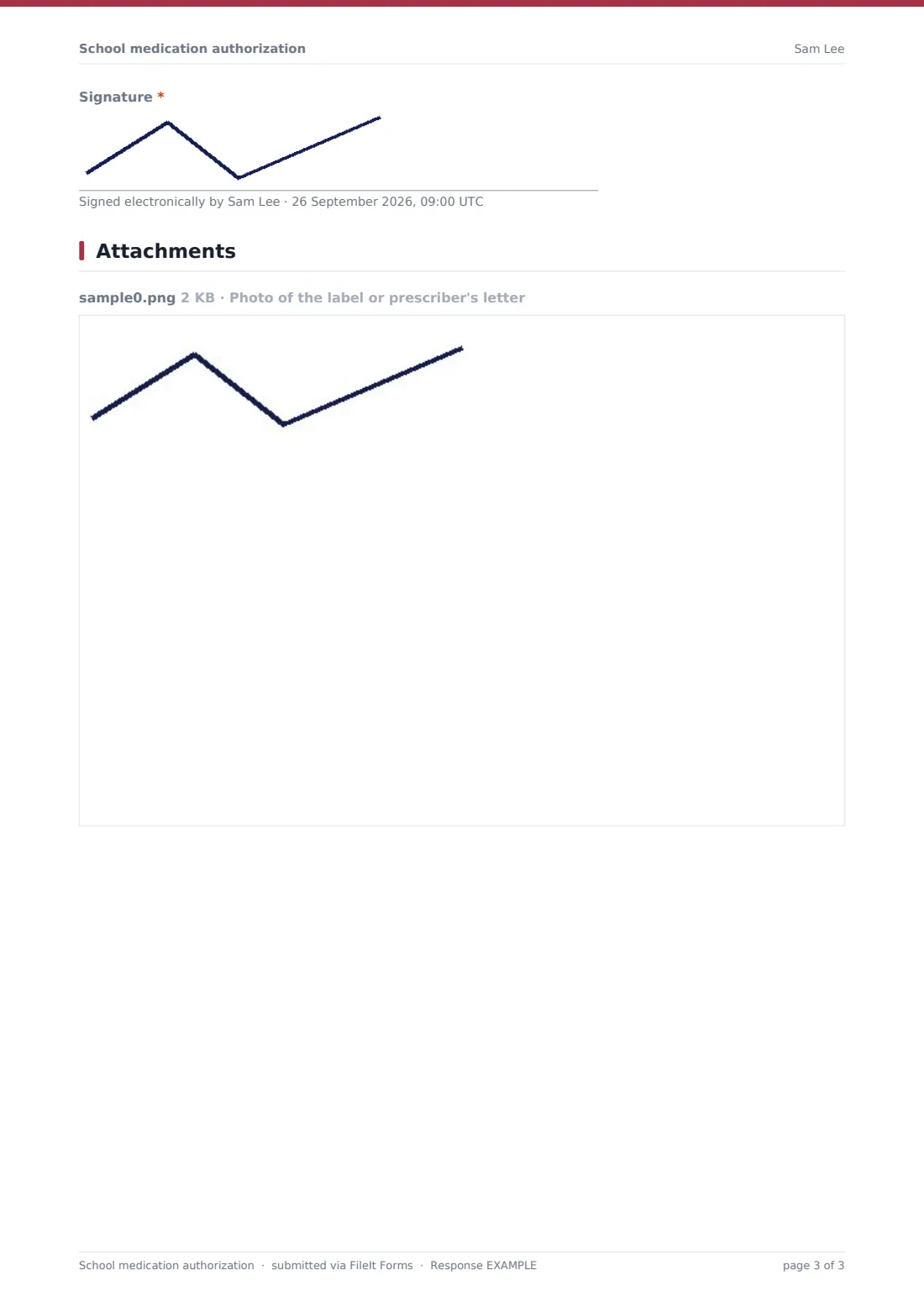
A required yes/no asks whether it's a prescription medicine. If so, the parent gives the prescriber's name, phone and pharmacy. An optional upload lets them attach a photo of the label or a prescriber's letter so staff can check the details match.
4 Consent
The parent gives their name, phone, email and another emergency contact, then agrees to three statements: authorizing staff to give the medicine as described and supplying it in its original labelled container; sharing the information with staff who need it; and telling the school in writing about changes and collecting unused medicine. They sign on screen.
Make the template yours
- Replace the consent wording with your school or district's own medication policy
- Add a section for a clinician's signature if your rules require it for certain medicines
- File forms in a folder per student or per class
- Add the school nurse's email to notifications
- Add a question about medicine on trips if you need separate permission for that
- Remove the self-carry question if your policy doesn't allow it
Tips for a better school medication authorization form
- Ask for one form per medicine — it keeps the dose and timing clear
- Check the details against the label when the medicine arrives
- Put an end date on short courses so records don't linger
- Review ongoing medication forms at least once a year
- Keep as-needed instructions specific: symptoms, maximum doses and the minimum gap
- Make sure staff who give medicine know where the signed forms are kept
Every response becomes a PDF in your vault
Once the parent submits, FileIt saves the signed form as a PDF, attaches any label photo or letter, and files it in the vault folder you've chosen. The school receives a notification and the parent can receive a PDF copy.
Most schools print the PDF for the medication folder or nurse's office and check the medicine against it when it arrives. The Responses table gives a list of current authorizations, with end dates, for review.
- Start from this template. It opens in the FileIt Forms designer — change any question, add pages, set the rules for when questions appear.
- Share it. Turn on a public link, or send it to people by email, each with their own link. They don’t need a FileIt account.
- Get the answers as PDFs. Each response is saved as a PDF in the vault folder you choose, with uploaded files attached — and listed in a Responses table you can export to CSV.
School medication authorization form: frequently asked questions
Is this medication authorization template free?
Yes. It's included with the Forms app on every FileIt account, including the free plan.
Does one form cover several medicines?
It's designed for one medicine per form, so the dose and timing are never mixed up. Parents can submit it again for each medicine.
Can it handle medicine given only when needed?
Yes. Choosing 'Only when needed' asks the parent for the symptoms, maximum doses in a day and the minimum gap between doses.
Is the consent wording legally sufficient?
It's plain, practical wording to start from. Check it against your school's medication policy and any local rules before relying on it.
Can parents upload a photo of the label?
Yes. An optional upload accepts photos or PDFs of the label or a prescriber's letter.
Do parents need a FileIt account?
No. They fill in and sign the form from a link without an account.