
What is the allergy action plan form template?
When a child with a serious allergy is in someone else's care, staff need to know quickly what they're allergic to, what a reaction looks like for that child and exactly what to do. That information is often scattered across enrolment forms, emails and a doctor's letter.
This template brings it together. Parents record the child's allergens, asthma and history of anaphylaxis, describe mild and severe signs and what staff should do for each, list the auto-injector and other medicines, and give contacts, the child's doctor and a review date. They can upload a photo of the child and the doctor's written plan, which the form makes clear takes priority.
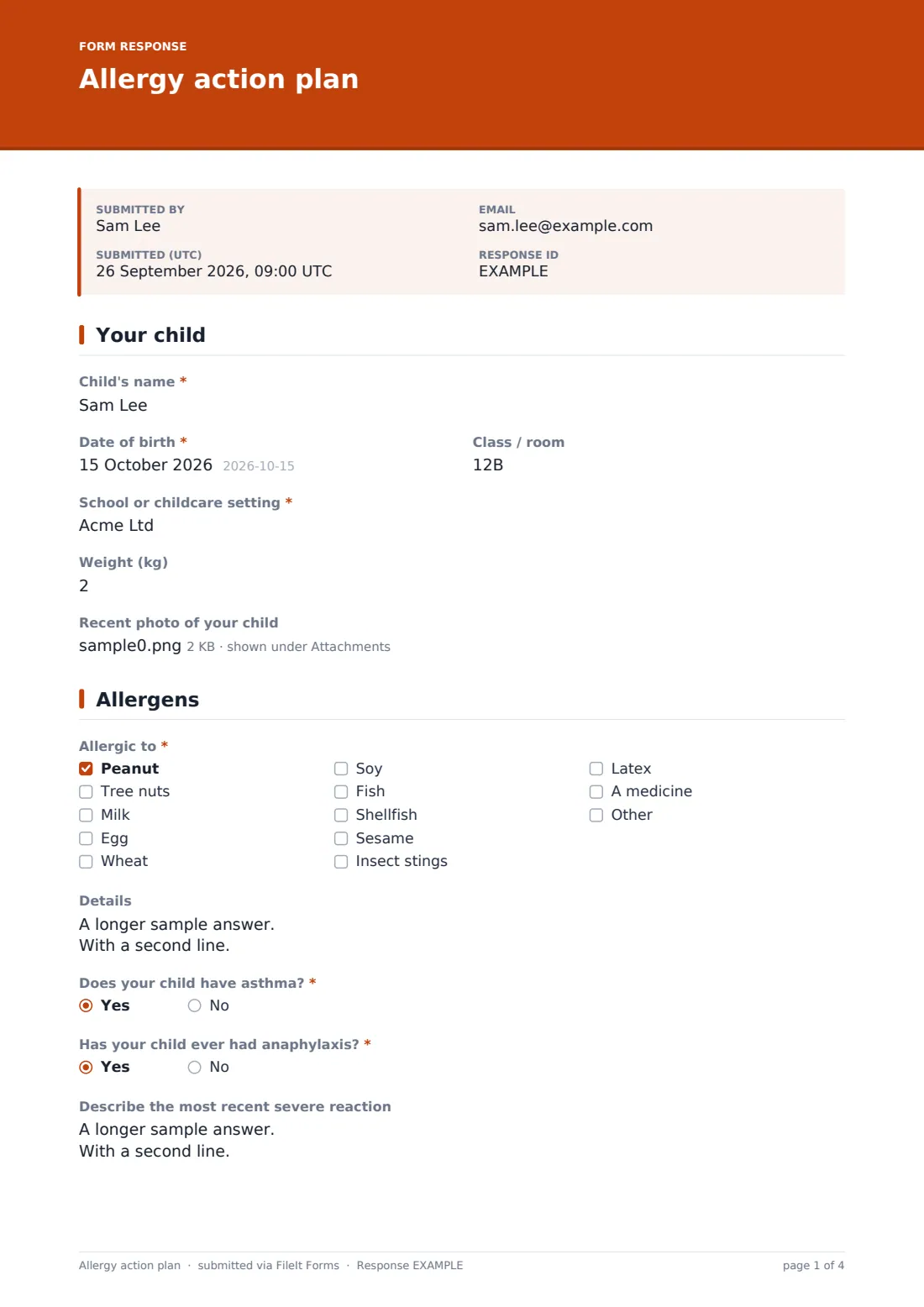
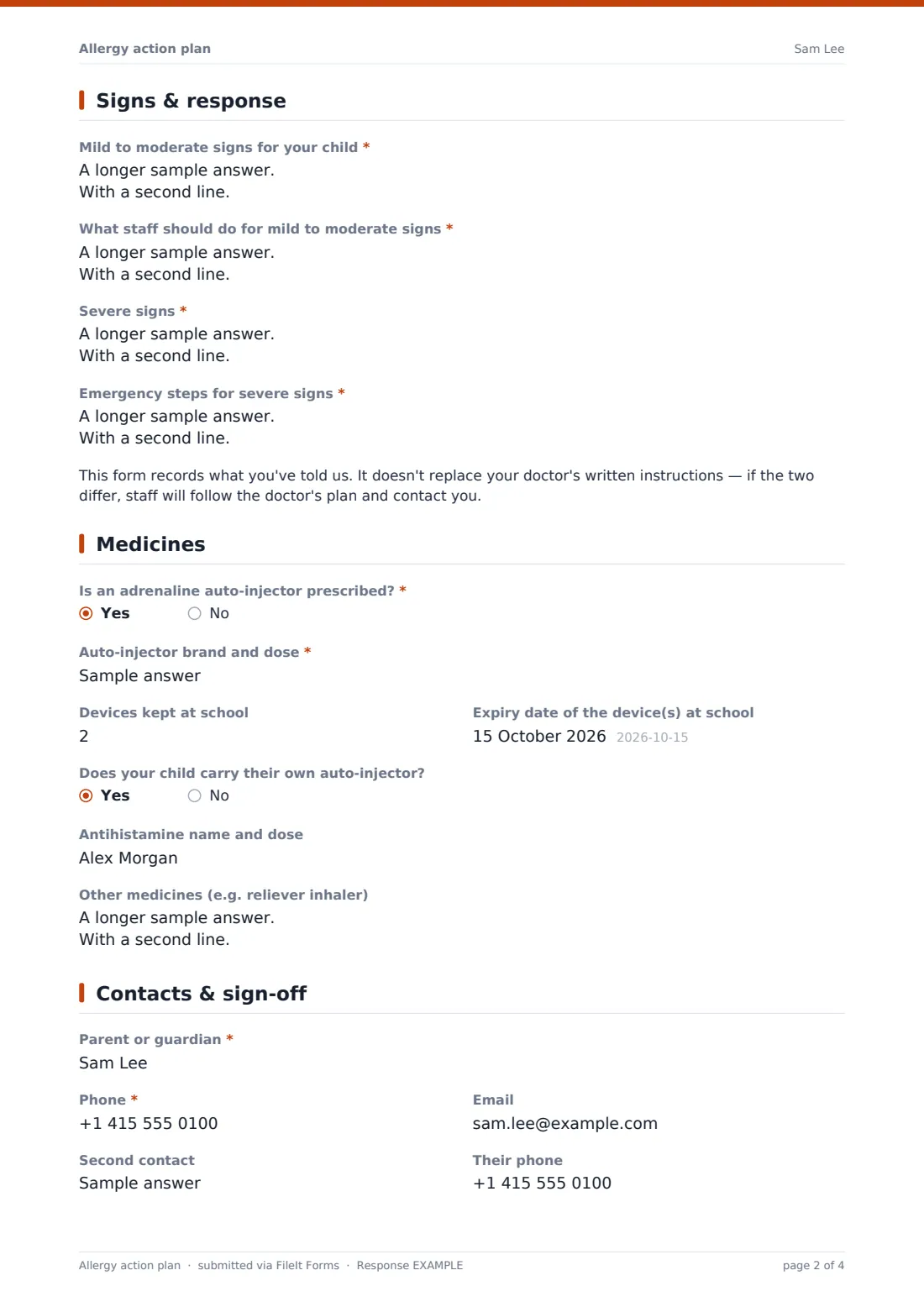
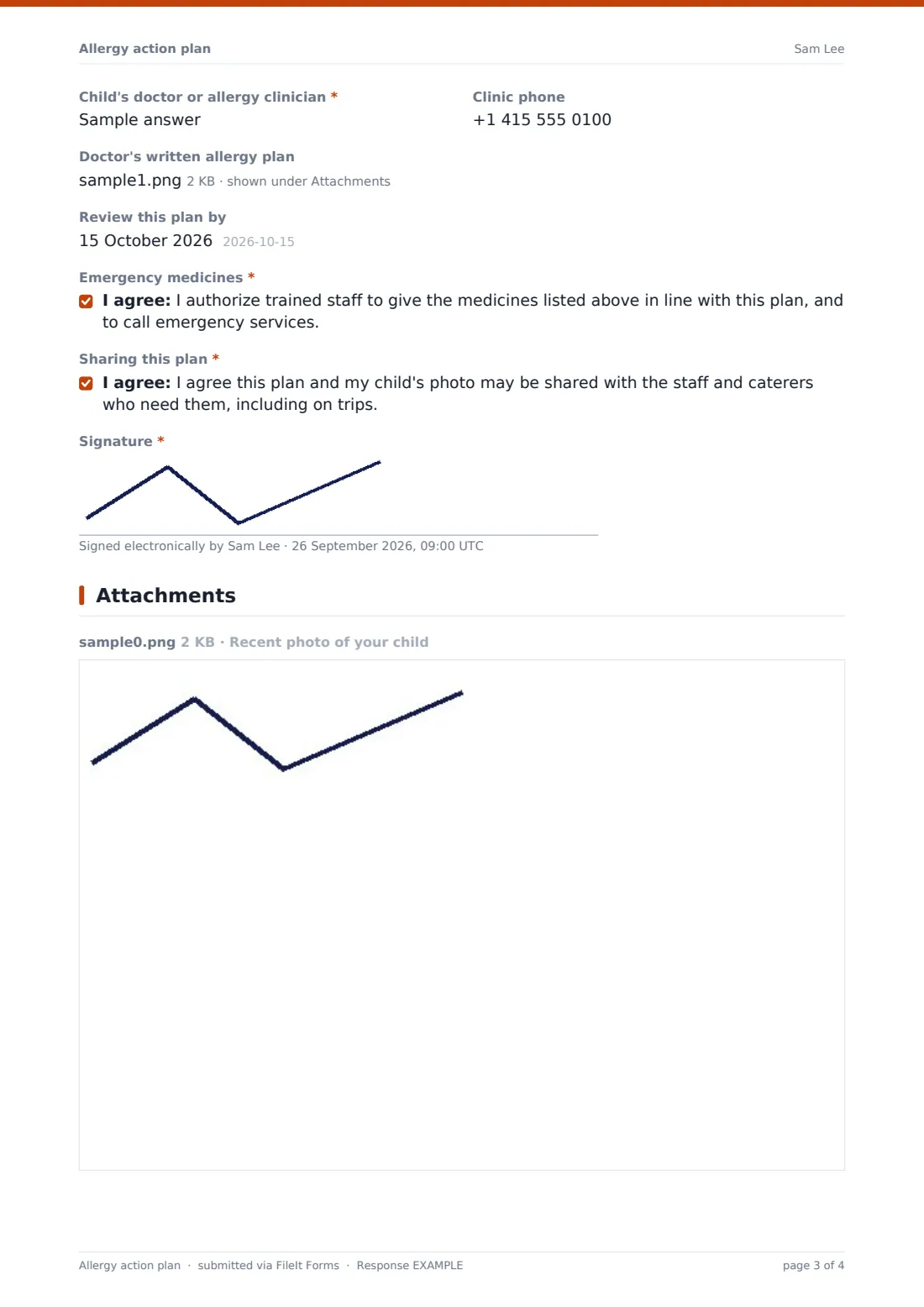
Each plan is saved as a signed PDF in your vault, ready to print for the classroom, the kitchen and trip bags.
- Best for
- Schools, nurseries, daycare centers, clubs and camps
- Filled in by
- A parent or guardian, ideally with the child's doctor's plan to hand
- Time to complete
- About 10 minutes
- Includes
- Allergen checklist, mild and severe response steps, auto-injector details and expiry, photo and plan uploads
Who uses a allergy action plan form?
- New starters with a known food allergy before their first day
- Annual updates of existing allergy plans
- Children with auto-injectors who need expiry dates tracked
- Sharing plans with catering staff and trip leaders
- Clubs and camps that need allergy details for a short program
- Recording insect sting, latex or medicine allergies as well as food
Questions on this allergy action plan form
34 questions over 5 pages · includes signature, file upload, conditional questions, multiple pages, consent checkbox.
1 Your child
- Child's name*
- Date of birth*
- Class / room
- School or childcare setting*
- Weight (kg)
- Recent photo of your child
2 Allergens
- Allergic to* Peanut · Tree nuts · Milk · Egg · Wheat · Soy · Fish · Shellfish · Sesame · Insect stings · Latex · A medicine
- Details
- Does your child have asthma?*
- Has your child ever had anaphylaxis?*
- Describe the most recent severe reaction asked only when it applies
3 Signs & response
- Mild to moderate signs for your child*
- What staff should do for mild to moderate signs*
- Severe signs*
- Emergency steps for severe signs*
4 Medicines
- Is an adrenaline auto-injector prescribed?*
- Auto-injector brand and dose* asked only when it applies
- Devices kept at school asked only when it applies
- Expiry date of the device(s) at school asked only when it applies
- Does your child carry their own auto-injector? asked only when it applies
- Antihistamine name and dose
- Other medicines (e.g. reliever inhaler)
5 Contacts & sign-off
- Parent or guardian*
- Phone*
- Second contact
- Their phone
- Child's doctor or allergy clinician*
- Clinic phone
- Doctor's written allergy plan
- Review this plan by
- Emergency medicines*
- Sharing this plan*
- Signature*
The allergy action plan form, page by page
1 Your child
The parent enters the child's name, date of birth, class or room and setting, and optionally a weight in kilograms — some clinicians use it to choose the adrenaline dose. A recent photo helps staff who don't know the child recognise them quickly.
2 Allergens
A required checklist covers peanut, tree nuts, milk, egg, wheat, soy, fish, shellfish, sesame, insect stings, latex and medicine allergies, with space for others, and a box for details such as which nuts or whether traces matter. Required yes/no questions ask about asthma and any history of anaphylaxis; a yes to anaphylaxis opens a box for the most recent severe reaction.
3 Signs & response
Four required boxes set out the mild to moderate signs for this child, what staff should do for them, the severe signs, and the emergency steps for severe signs as instructed by the child's doctor. A note makes clear the form records what the parent has told the setting and doesn't replace the doctor's written instructions — if they differ, staff follow the doctor's plan and contact the parent.
4 Medicines
A required yes/no asks whether an adrenaline auto-injector is prescribed. If so, the parent gives the brand and dose, how many devices are kept at the setting, their expiry date and whether the child carries their own. Optional fields cover antihistamine and other medicines such as a reliever inhaler.
5 Contacts & sign-off
The parent's name and phone are required, plus optional email and a second contact. The child's doctor or allergy clinician is required, with the clinic phone optional, and the doctor's written plan can be uploaded. A review date, two consent statements — authorizing staff to give the listed medicines and call emergency services, and sharing the plan and photo with staff and caterers including on trips — and a signature complete the plan.
Make the template yours
- Adjust the allergen list to match your menu or the allergens your local labelling rules use
- Replace the consent statements with your setting's own policy wording
- Make the doctor's plan upload required if your policy needs one
- File plans in a folder per class or room so staff can find them quickly
- Add the catering manager to notifications
- Add a question about trips and off-site activities if you need specific permission
Tips for a better allergy action plan form
- Ask for the doctor's written plan wherever one exists and keep it with this form
- Check auto-injector expiry dates each term and remind parents before they run out
- Review plans at least yearly and after any reaction
- Put a printed copy with the child's medicines, including in trip bags
- Make sure catering and cover staff see the plan, not just class staff
- Keep the photo current, especially for younger children
Every response becomes a PDF in your vault
When the parent submits, FileIt saves the signed plan as a PDF, attaches the photo and any doctor's plan, and files it in the vault folder you've chosen. Staff receive a notification, and the parent can receive a PDF copy.
Most settings print the plan for the classroom and kitchen, record the auto-injector expiry and review dates, and use the Responses table to see which plans are due for review.
- Start from this template. It opens in the FileIt Forms designer — change any question, add pages, set the rules for when questions appear.
- Share it. Turn on a public link, or send it to people by email, each with their own link. They don’t need a FileIt account.
- Get the answers as PDFs. Each response is saved as a PDF in the vault folder you choose, with uploaded files attached — and listed in a Responses table you can export to CSV.
Allergy action plan form: frequently asked questions
Is this allergy action plan template free?
Yes. It's included with the Forms app on every FileIt account, including the free plan.
Does this replace the plan from my child's doctor?
No. It records what the parent tells the setting and lets them upload the doctor's plan. The form states that the doctor's written instructions take priority.
Can parents upload a photo of their child?
Yes. An optional photo upload helps staff recognise the child quickly, and the consent statement covers sharing it with staff who need it.
Does it record auto-injector expiry dates?
Yes. If an auto-injector is prescribed, the form asks how many devices are at the setting and their expiry date.
Is this medical advice?
No. The template collects information. The emergency steps should come from the child's doctor.
Do parents need a FileIt account?
No. Parents fill in and sign the plan from a link without an account.