What is the sales lead capture form template?
Leads get lost in notebooks, business card piles and half-finished spreadsheets. Even when a lead is written down, the useful context — what they actually need, how soon, who makes the decision, and where they came from — often isn't, and the follow-up call starts from scratch.
This sales lead capture template gives your team one quick form to fill in the moment a lead appears. It records the contact and their company, what they need, budget range and timeline, their role in the decision and any competitors they mentioned, then the lead source, a hot/warm/cold rating, the agreed next step and who owns the lead.
Each lead is saved as a PDF in your FileIt vault, and the Responses table gives you a running list you can export to a CSV and import into your CRM or spreadsheet.
- Best for
- Sales teams, founders and account managers logging new prospects
- Filled in by
- The salesperson, straight after meeting or speaking to a lead
- Time to complete
- About 2-4 minutes per lead
- Includes
- Lead source follow-ups, a lead rating, next step with due date, and a business card upload
Who uses a sales lead capture form?
- A sales team logging leads from a trade show stand on their phones
- A founder recording prospects met at networking events
- An account manager noting a referral from an existing customer
- A business development rep logging inbound calls in a consistent format
- A small company without a CRM keeping a searchable list of leads
- A marketing team collecting leads from partners with a named lead owner
Questions on this sales lead capture form
27 questions over 4 pages · includes file upload, conditional questions, multiple pages.
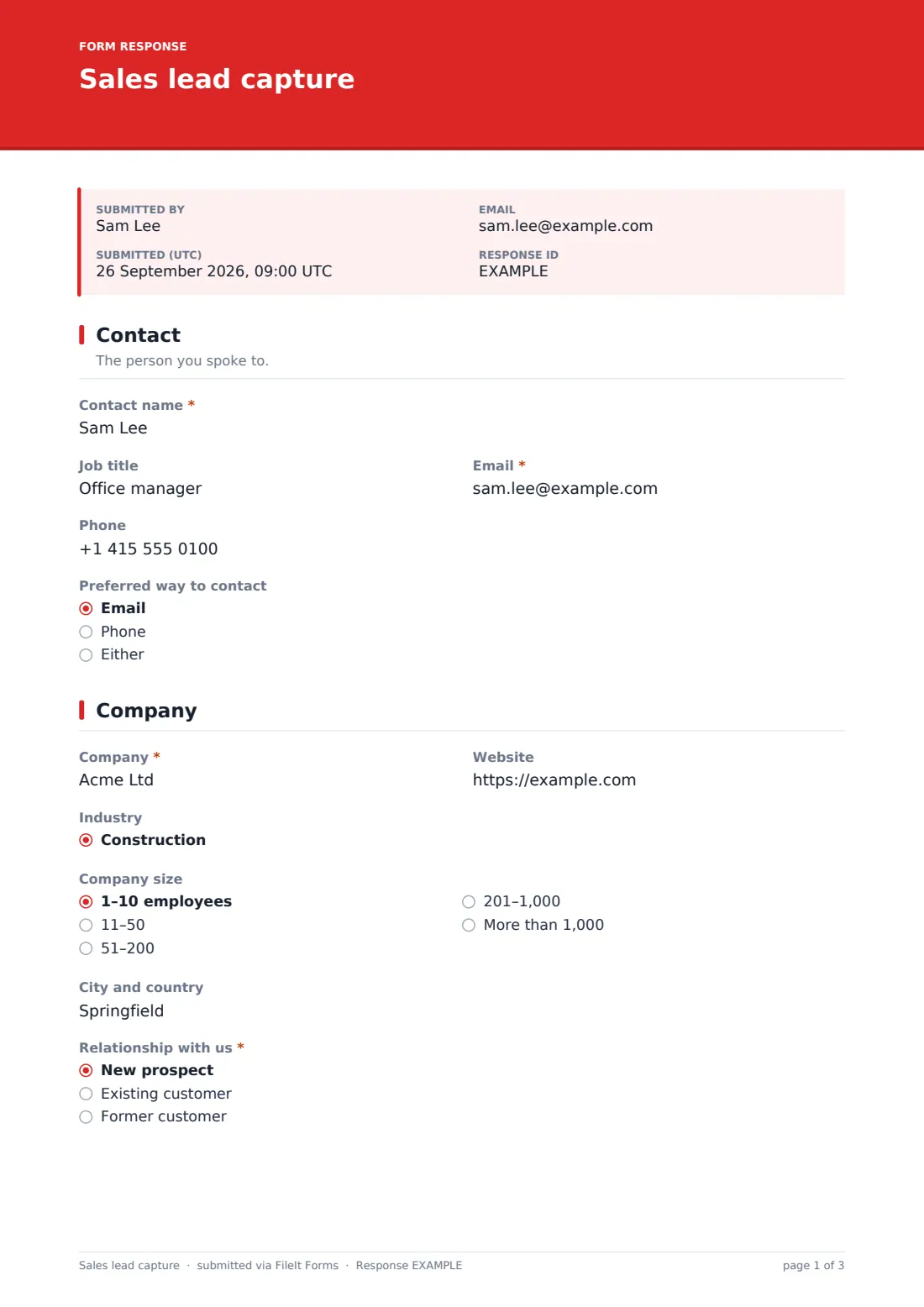
1 Contact
- Contact name*
- Job title
- Email*
- Phone
- Preferred way to contact Email · Phone · Either
2 Company
- Company*
- Website
- Industry Construction · Education · Financial services · Healthcare · Hospitality · Manufacturing · Nonprofit · Professional services · Public sector · Real estate · Retail · Technology
- Company size 1–10 employees · 11–50 · 51–200 · 201–1,000 · More than 1,000
- City and country
- Relationship with us* New prospect · Existing customer · Former customer
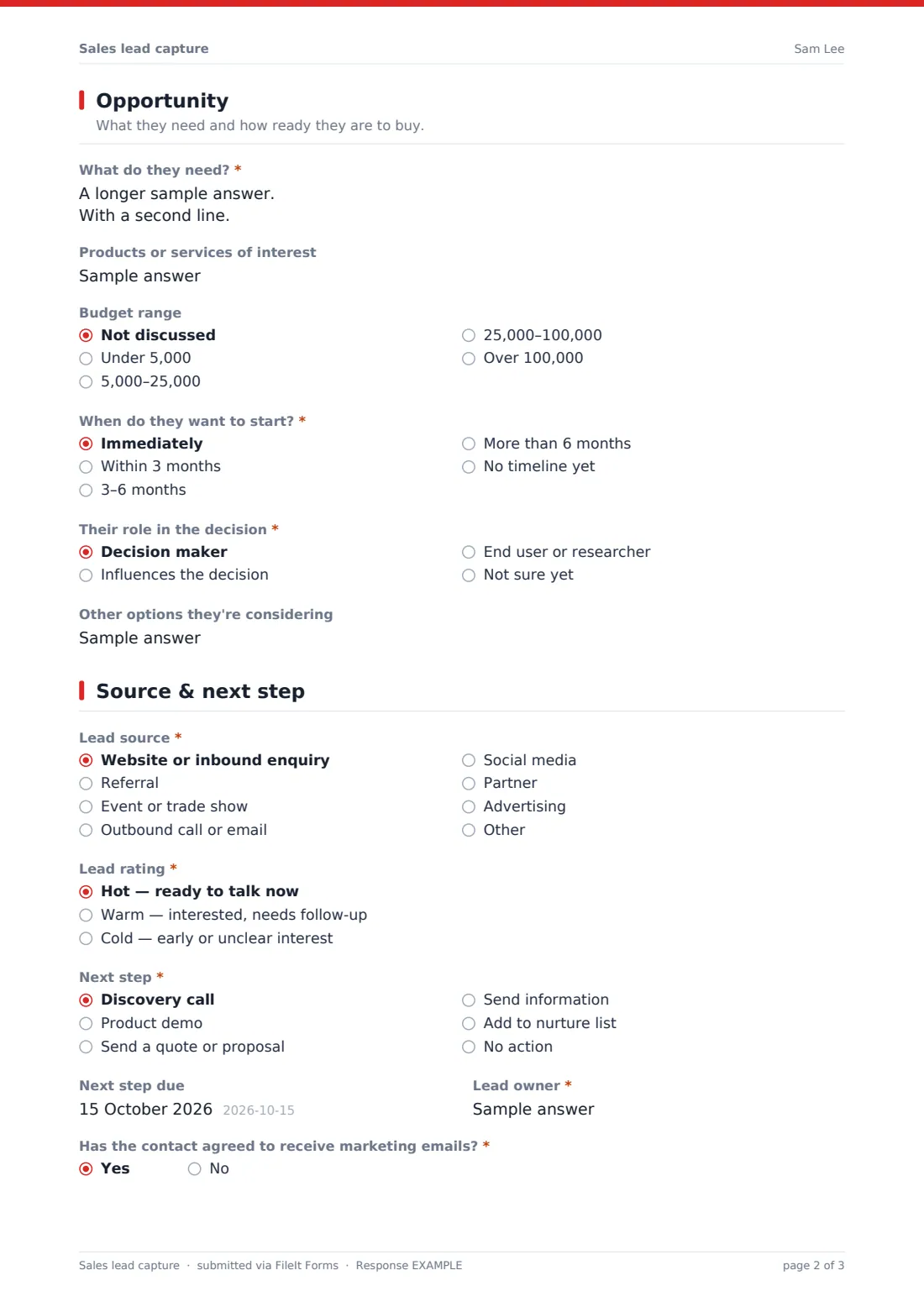
3 Opportunity
- What do they need?*
- Products or services of interest
- Budget range Not discussed · Under 5,000 · 5,000–25,000 · 25,000–100,000 · Over 100,000
- When do they want to start?* Immediately · Within 3 months · 3–6 months · More than 6 months · No timeline yet
- Their role in the decision* Decision maker · Influences the decision · End user or researcher · Not sure yet
- Other options they're considering
4 Source & next step
- Lead source* Website or inbound enquiry · Referral · Event or trade show · Outbound call or email · Social media · Partner · Advertising · Other
- Who referred them?* asked only when it applies
- Which event?* asked only when it applies
- Lead rating* Hot — ready to talk now · Warm — interested, needs follow-up · Cold — early or unclear interest
- Next step* Discovery call · Product demo · Send a quote or proposal · Send information · Add to nurture list · No action
- Next step due asked only when it applies
- Lead owner*
- Has the contact agreed to receive marketing emails?*
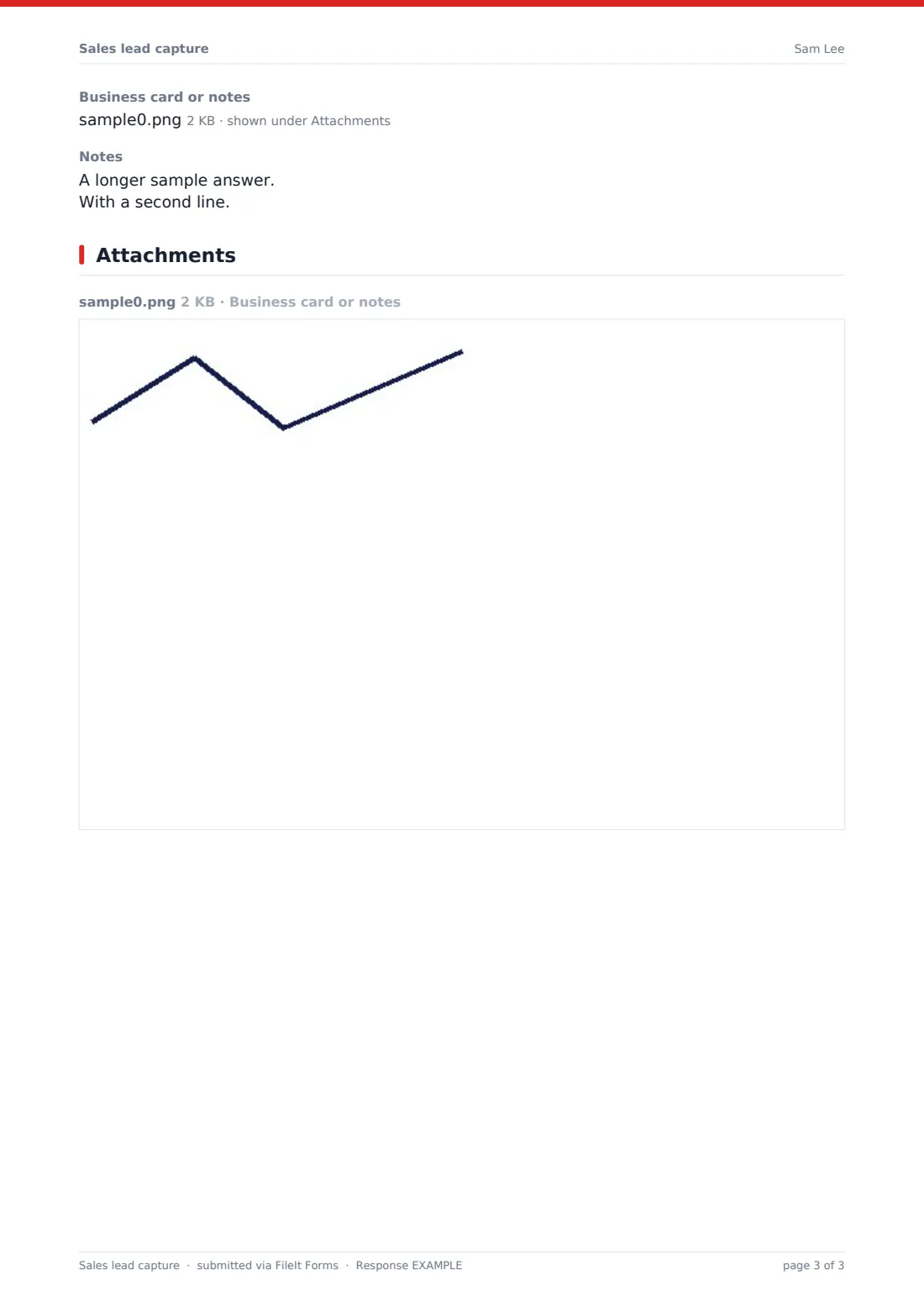
- Business card or notes
- Notes
The sales lead capture form, page by page
1 Contact
The salesperson records the Contact name, job title, email, phone and preferred way to contact — email, phone or either.
2 Company
The company name, website, industry (from a list including construction, education, financial services, healthcare, technology and more), company size, and city and country. A required question records whether they're a new prospect, an existing customer or a former customer.
3 Opportunity
A required box captures what the lead needs, ideally in their words, plus any products or services they're interested in. Dropdowns record the budget range (including Not discussed) and when they want to start, from immediately to no timeline yet.
The salesperson notes the contact's role in the decision — decision maker, influencer, end user or not sure yet — and any other options they're considering.
4 Source & next step
Lead source covers website, referral, event, outbound, social media, partner, advertising and other; a referral asks who referred them and an event asks which one. The lead is rated hot, warm or cold, and a next step is chosen — discovery call, demo, quote, information, nurture list or no action — with a due date for anything but no action.
The salesperson names the lead owner, records whether the contact agreed to receive marketing emails, and can upload a photo of a business card and add notes.
Make the template yours
- Replace the industry and product lists with the ones your business actually sells into
- Change the budget ranges to suit your price points and currency
- Match the lead rating and next step options to the stages in your CRM
- Add a dropdown of salespeople for the lead owner so names are spelled consistently
- Add a question for the specific event or campaign you're running this month
- Route leads to a folder per salesperson or region in your vault
Tips for a better sales lead capture form
- Fill the form in straight after the conversation, while the details are fresh
- Only tick marketing consent when the contact clearly agreed to it
- Set a next-step date for every warm or hot lead, or they'll go cold
- Export leads regularly to your CRM so nothing lives in two places for long
- Compare lead sources over a quarter to see where your best prospects come from
- Keep notes factual — the lead may one day ask to see what you recorded about them
Every response becomes a PDF in your vault
Each lead is saved as a PDF in your vault, with any business card photo attached. With owner notifications on, the sales manager is emailed as leads come in, and you can add a shared sales inbox to the notification list.
The Responses table is a live list of leads you can filter and export to a CSV for import into a CRM or spreadsheet. FileIt doesn't push leads into other systems automatically, so exporting on a regular schedule keeps everything in step.
- Start from this template. It opens in the FileIt Forms designer — change any question, add pages, set the rules for when questions appear.
- Share it. Turn on a public link, or send it to people by email, each with their own link. They don’t need a FileIt account.
- Get the answers as PDFs. Each response is saved as a PDF in the vault folder you choose, with uploaded files attached — and listed in a Responses table you can export to CSV.
Sales lead capture form: frequently asked questions
Is this sales lead capture form free?
Yes. It's a starter template in the FileIt Forms app, and you can change any question or option to fit your sales process.
Can we use it on a phone at events?
Yes. The form works in a mobile browser, and the business card upload accepts photos taken on the phone.
Does it connect to our CRM?
No. FileIt doesn't integrate with CRMs. Export the responses to a CSV and import them into your CRM or spreadsheet.
Can prospects fill it in themselves?
It's written for salespeople, but you can adapt it into a public enquiry form by removing the lead rating, owner and notes fields.
Is the marketing consent question enough to email leads?
It records what the salesperson says the contact agreed to. What counts as valid consent depends on the laws that apply to you, so check your own obligations.
Can we see which salesperson logged each lead?
Yes. The lead owner is recorded on every submission, and you can filter or export by it.