What is the punch list form template?
A punch list — also called a snag list — is the list of small things still wrong when a job is nearly done: a door that rubs, a missing cover plate, a paint scuff, a gap in the sealant. The list is short-lived but it matters, because handover and final payment often wait on it being cleared.
This template captures the walkthrough in three pages. A grid gives a quick overview of each area, followed by the detailed item list in a consistent format, the trades involved, photos and a safety check. The last page sets a completion date, records whether the property is ready for handover, and collects signatures from the person leading the walkthrough and the contractor.
Each submitted list is filed as a PDF in your FileIt vault with its photos attached. When you come back for the re-inspection, fill in a new one and reference the first, so you can see what was cleared and what's still open.
- Best for
- Builders, fit-out contractors, property developers and owners taking handover
- Filled in by
- The owner, architect, project manager or site manager leading the walkthrough
- Time to complete
- 15–45 minutes during the walkthrough
- Includes
- Area condition grid, photo upload, handover status, two signatures
Who uses a punch list form?
- A homeowner walks a finished extension with the builder before the final payment
- A developer's site manager snags each apartment before handover to buyers
- A fit-out contractor records defects before handing a shop or office to the tenant
- An architect runs a practical-completion inspection on behalf of the client
- A property manager re-inspects items at the end of a defects or warranty period
- A main contractor sends each trade the items they need to fix
Questions on this punch list form
26 questions over 3 pages · includes signature, file upload, conditional questions, multiple pages, consent checkbox, ratings.
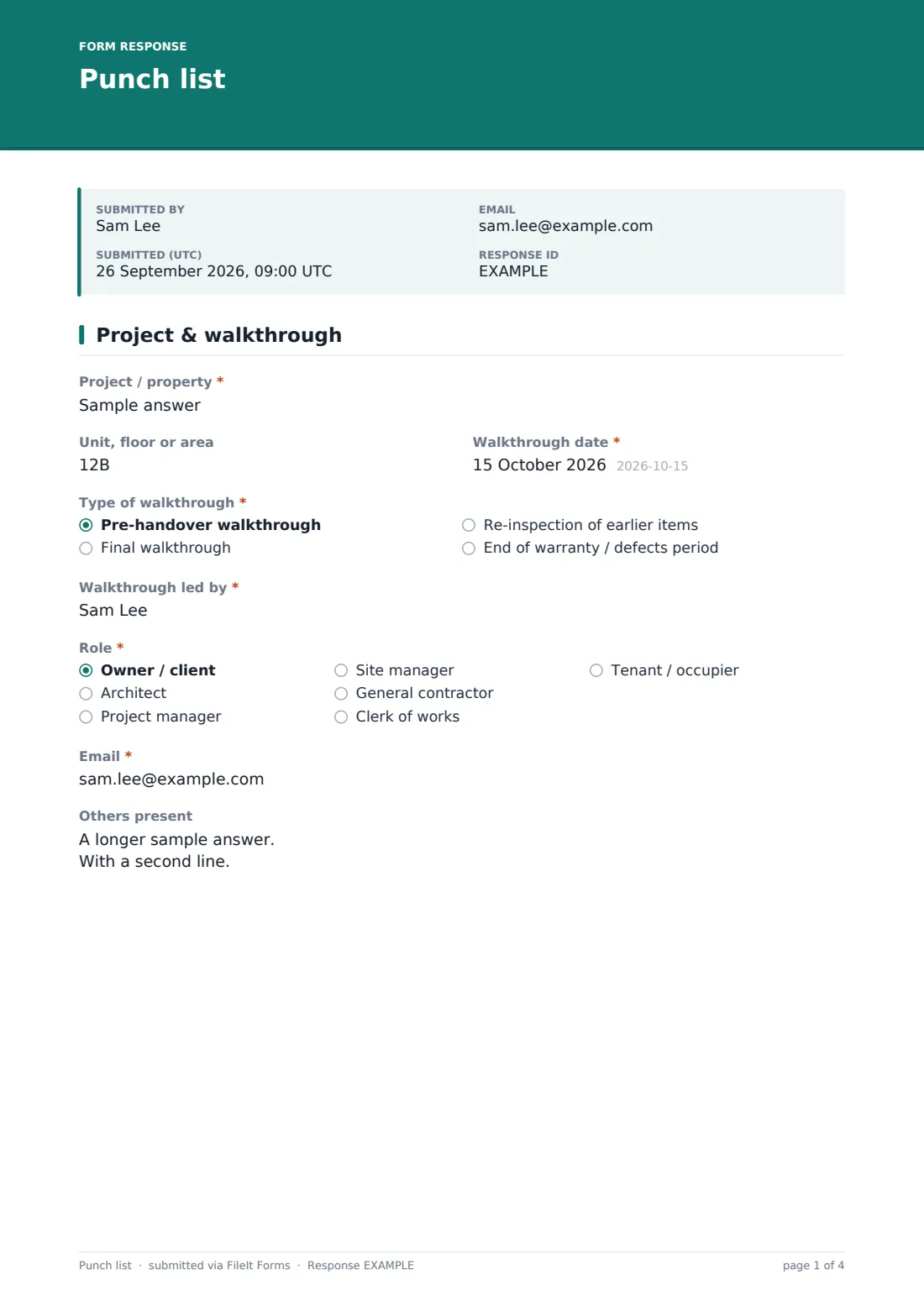
1 Project & walkthrough
- Project / property*
- Unit, floor or area
- Walkthrough date*
- Type of walkthrough* Pre-handover walkthrough · Final walkthrough · Re-inspection of earlier items · End of warranty / defects period
- Earlier punch list reference or date asked only when it applies
- Walkthrough led by*
- Role* Owner / client · Architect · Project manager · Site manager · General contractor · Clerk of works · Tenant / occupier
- Email*
- Others present
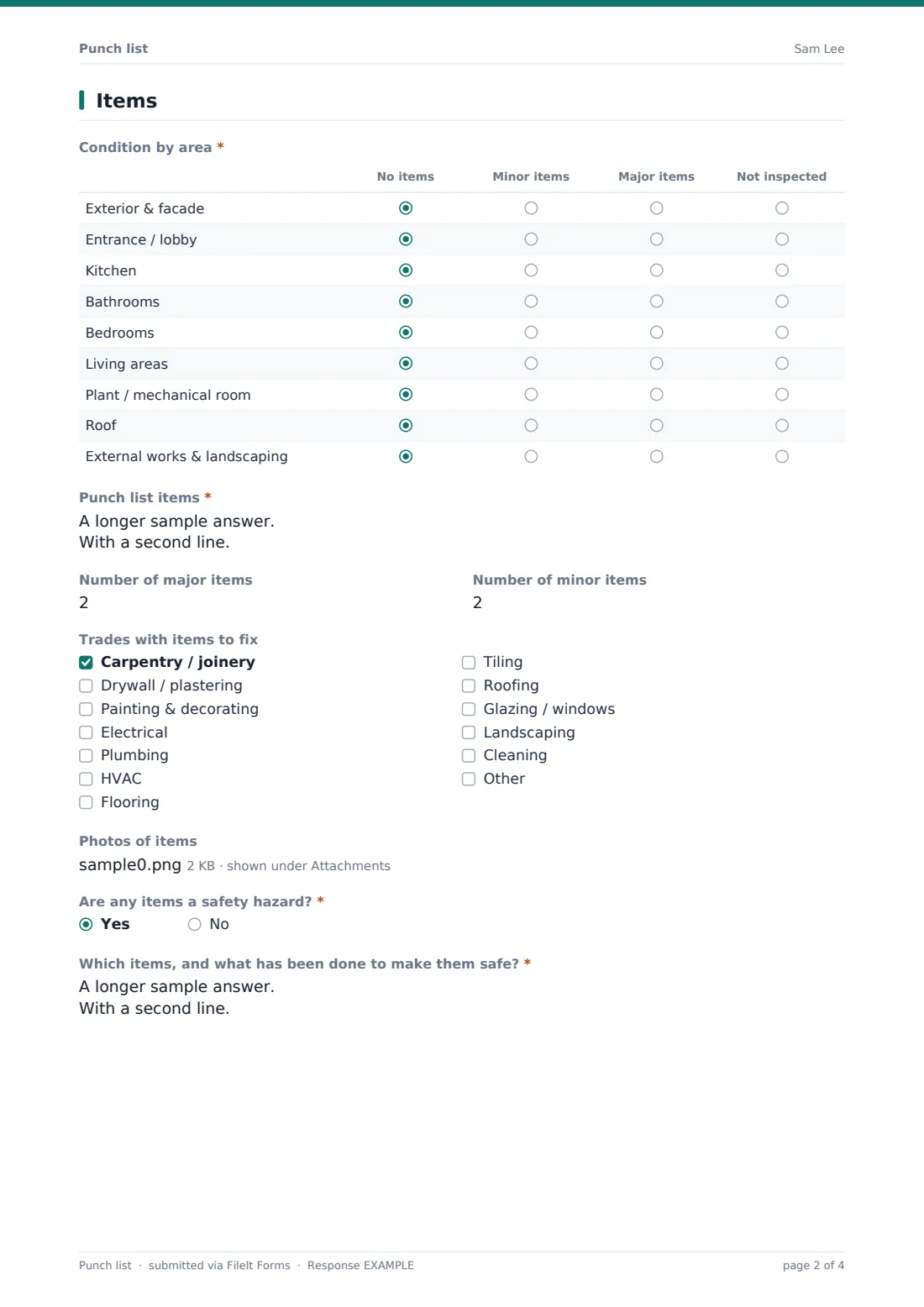
2 Items
- Condition by area* No items · Minor items · Major items · Not inspected
- Punch list items*
- Number of major items
- Number of minor items
- Trades with items to fix Carpentry / joinery · Drywall / plastering · Painting & decorating · Electrical · Plumbing · HVAC · Flooring · Tiling · Roofing · Glazing / windows · Landscaping · Cleaning
- Photos of items
- Are any items a safety hazard?*
- Which items, and what has been done to make them safe?* asked only when it applies
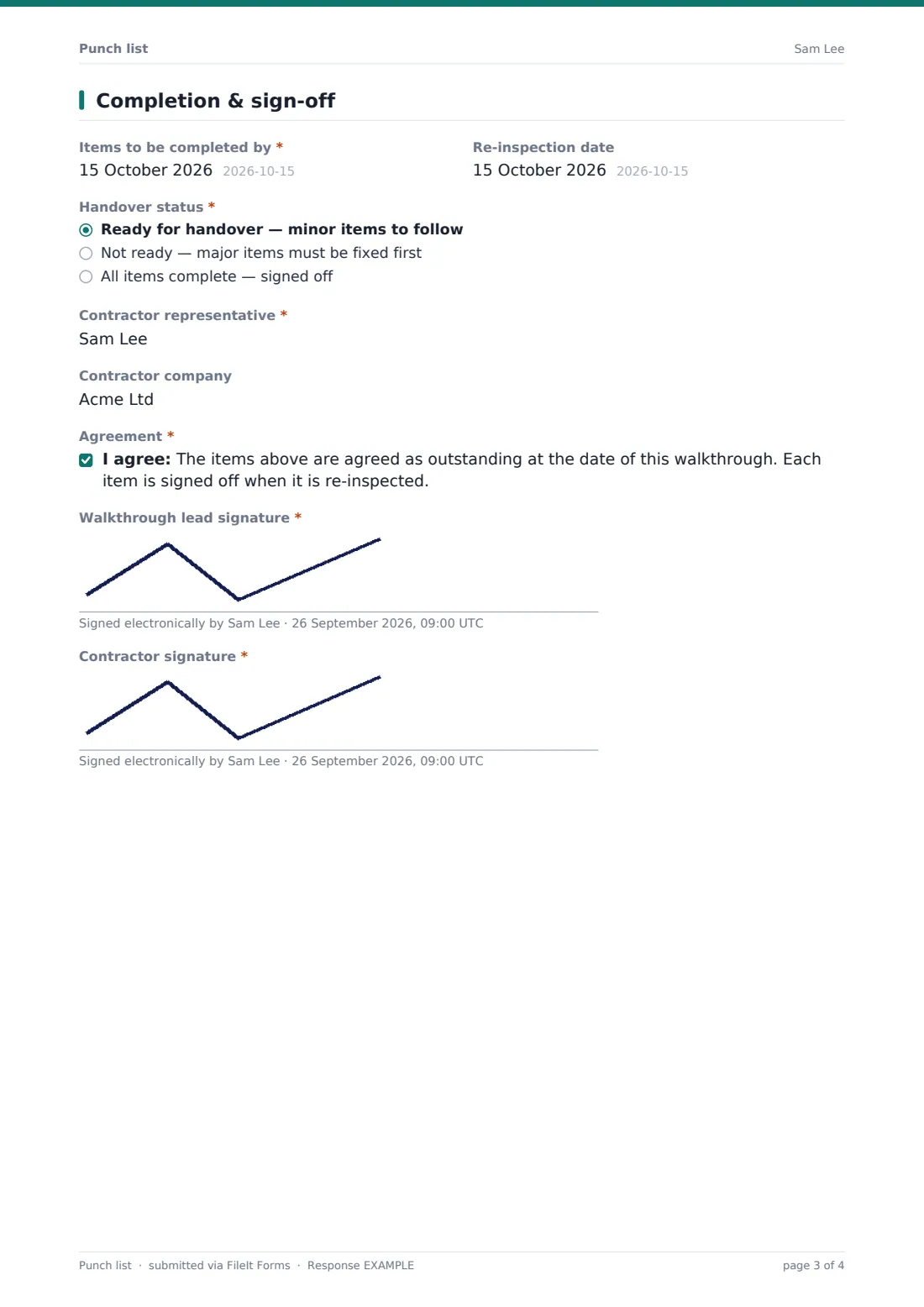
3 Completion & sign-off
- Items to be completed by*
- Re-inspection date
- Handover status* Ready for handover — minor items to follow · Not ready — major items must be fixed first · All items complete — signed off
- What must be fixed before handover?* asked only when it applies
- Contractor representative*
- Contractor company
- Agreement*
- Walkthrough lead signature*
- Contractor signature*
The punch list form, page by page
1 Project & walkthrough
Start with the project or property, the unit or area, and the date, then the type of walkthrough: pre-handover, final, re-inspection of earlier items, or end of the warranty or defects period. Choosing re-inspection asks for the earlier punch list's reference or date. The person leading the walkthrough gives their name, role and email, and anyone else present is listed.
2 Items
A required grid rates nine areas — exterior, entrance, kitchen, bathrooms, bedrooms, living areas, plant room, roof and external works — as no items, minor items, major items, or not inspected. That gives a quick overview before the detail.
The item list itself is a single long-text field with a set format: number, location, defect, trade responsible and priority, one line each. Counts of major and minor items, a checklist of the trades involved, and up to ten photos follow. A required yes/no asks whether any item is a safety hazard; if yes, you describe which ones and what's been done to make them safe.
3 Completion & sign-off
Set the date the items should be completed by and an optional re-inspection date. The handover status is ready (minor items to follow), not ready (major items first), or all items complete. "Not ready" requires a note on what must be fixed before handover.
The contractor's representative and company are recorded, both sides agree that the items listed are outstanding at this date, and the walkthrough lead and the contractor both sign.
Make the template yours
- Change the rows in the area grid to match the building — floors, units, or rooms
- Add or remove trades in the checklist to match your subcontractors
- Change the item line format to match how your team numbers defects
- File each unit's punch list in its own folder for multi-unit projects
- Notify the contractor's project manager automatically when a list is submitted
- Duplicate the form for re-inspections and make the earlier-list reference required
Tips for a better punch list form
- Be precise about location — "Bedroom 2, window left jamb" saves the trade a search
- Number your photos to match the item numbers so there's no doubt which is which
- Walk the property in a fixed order, room by room, so nothing gets missed
- Flag safety items separately and don't leave them for the general list
- Agree the completion date with the contractor on the day, not by email afterwards
- Keep each round of the list rather than editing the original — the history is useful
Every response becomes a PDF in your vault
Once submitted, the punch list becomes a PDF in your FileIt vault with its photos attached, and both signatures are on the record. You're notified by email, the walkthrough lead gets a copy, and you can add the contractor's address to the form's notification list.
Most teams send the PDF to the trades, put the re-inspection date in the diary, and fill in a fresh list at the re-inspection referencing the first one until the handover status reads "all items complete".
- Start from this template. It opens in the FileIt Forms designer — change any question, add pages, set the rules for when questions appear.
- Share it. Turn on a public link, or send it to people by email, each with their own link. They don’t need a FileIt account.
- Get the answers as PDFs. Each response is saved as a PDF in the vault folder you choose, with uploaded files attached — and listed in a Responses table you can export to CSV.
Punch list form: frequently asked questions
Is this punch list form template free?
Yes. It's included with the Forms app on every FileIt account, including the free plan, and you can edit any question to fit the way you work.
Is a punch list the same as a snag list?
Yes — the terms mean the same thing. Rename the form to whichever your clients use.
Can I add photos of each defect?
Yes. Up to ten photos can be attached per list, and they're filed with the PDF. Numbering them to match the items helps.
Why is the item list one text box rather than separate questions?
Punch lists vary from three items to a hundred. One structured list in a set format keeps the form fast to fill in on site, whatever the size of the job.
How do I handle a re-inspection?
Fill in a new list, choose "Re-inspection of earlier items", and enter the earlier list's reference. Each round is kept as its own PDF.
Does the contractor need an account to sign?
No. They sign on the same device during the walkthrough, or through the shared link, without creating a FileIt account.