What is the public meeting comment card form template?
Public meetings work better when comments arrive in advance and in a consistent shape. Members get time to read them, the chair knows who wants to speak, and the clerk doesn't have to retype emails into the meeting papers. This public meeting comment card does the job of the paper card at the back of the hall, online, before the meeting starts.
Each comment names the meeting, its date and the agenda item, and states the person's position: support, oppose, or neutral with a question. People can attach documents or photos — of a pothole, a planning drawing, a petition page — and ask to speak, in person or online, with room to mention a hearing loop or step-free access. A required public record notice explains what may be read out or published, and that email addresses and phone numbers won't be.
Every comment is filed as a PDF in your FileIt vault, giving the clerk a dated record for the meeting papers.
- Best for
- Town and parish councils, school boards, residents' associations, HOAs and community forums
- Filled in by
- Residents, business owners and organisations
- Time to complete
- About 3 minutes
- Includes
- Agenda item and position, attachments, speaker request with access needs, public record consent
Who uses a public meeting comment card form?
- A town council collecting comments ahead of a planning committee
- A school board taking questions from parents on a budget item
- A residents' association gathering views before its annual meeting
- A housing association consultation on estate improvements
- A neighbourhood forum running a speaker list for a heated agenda item
Questions on this public meeting comment card form
17 questions over 2 pages · includes file upload, conditional questions, multiple pages, consent checkbox.
1 About you
- Your name*
- You are* A local resident · A local business owner · Speaking for an organisation · A visitor
- Organisation* asked only when it applies
- Neighbourhood, street or postcode
- Email, if you'd like a reply
- Phone
2 Your comment
- Meeting*
- Meeting date*
- Agenda item number or topic*
- Your position* Support · Oppose · Neutral — a question or comment
- Your comment or question*
- Supporting documents or photos
- Would you like to speak at the meeting?*
- How will you attend?* asked only when it applies In person · Online
- Anything you need to take part? asked only when it applies
- Would you like a written reply? asked only when it applies
- Public record*
The public meeting comment card form, page by page
1 About you
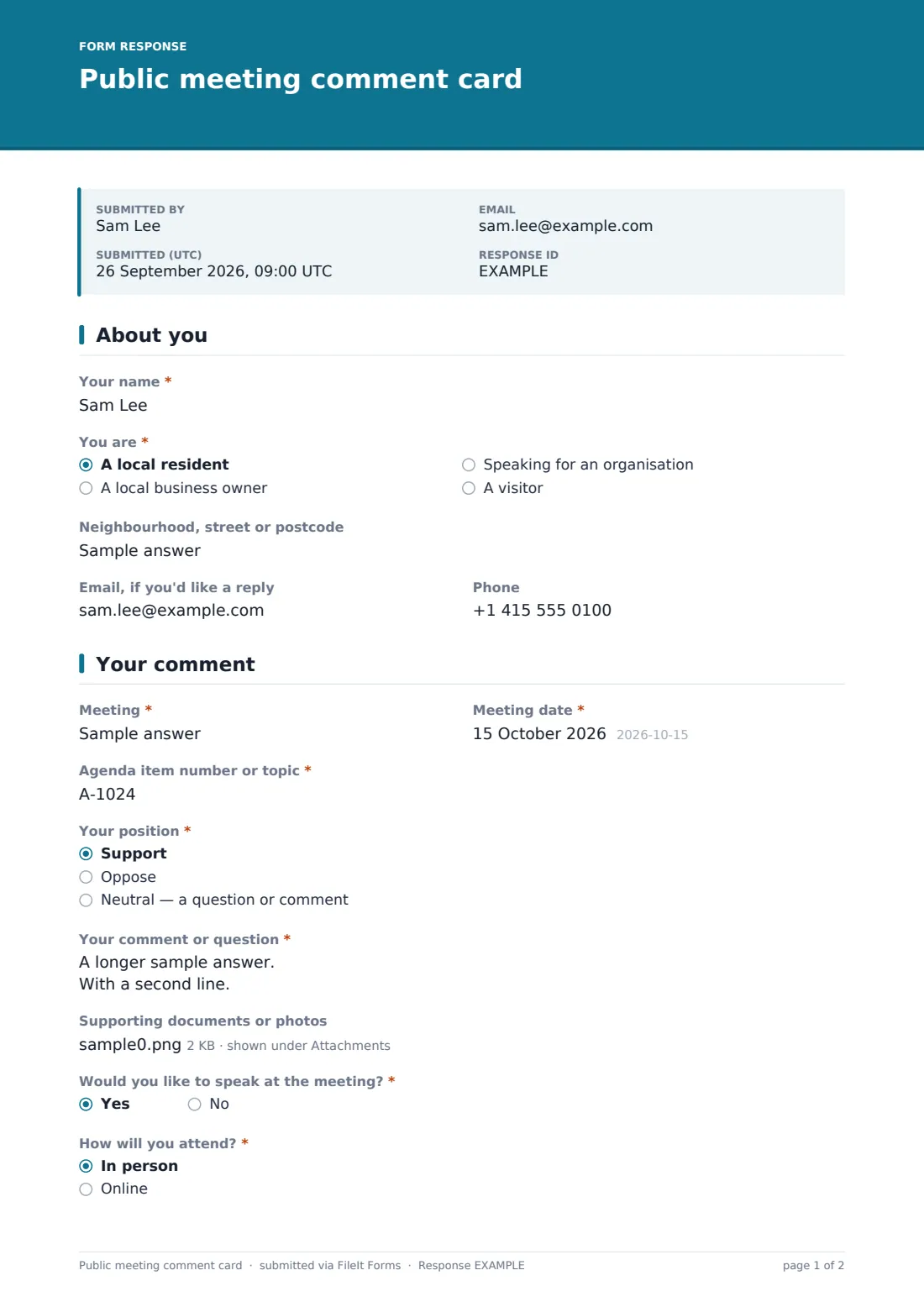
The person gives their name and chooses "You are": a local resident, a local business owner, speaking for an organisation (which asks for its name), or a visitor. They can add a neighbourhood, street or postcode, an "Email, if you'd like a reply" and a phone number.
2 Your comment
The comment is tied to the "Meeting", the "Meeting date" and the "Agenda item number or topic". "Your position" offers support, oppose, or neutral for a question or comment. "Your comment or question" allows up to 3,000 characters, and up to three supporting documents or photos can be attached.
"Would you like to speak at the meeting?" is required. A yes asks "How will you attend?", in person or online, with help text saying speakers usually have three minutes and are called in order. It also asks about anything needed to take part. Anyone who left an email is asked whether they'd like a written reply. Every comment ends with the public record consent: the name and comment may be read out, shared and published with the meeting papers or minutes, but email and phone will not.
Make the template yours
- Change the speaking time and order in the help text to match your standing orders
- Turn the meeting field into a dropdown of upcoming meetings
- Set a closing date for each meeting's comment period
- Edit the public record notice so it matches how you publish papers
- File comments into a folder per meeting so the clerk has them all together
Tips for a better public meeting comment card form
- Publish the link with the agenda, and close comments a day before so they can be circulated
- Use the CSV export to group comments by agenda item and position
- Send the chair the list of speakers and their access needs in advance
- Reply to people who asked for a written reply within a set time
- Keep a paper card at the meeting for people who aren't online, and add those comments by hand
Every response becomes a PDF in your vault
Each comment becomes a PDF in your vault, with any documents attached, and the clerk is notified by email. Anyone who gave an email address receives a copy of their comment.
In the Responses table you can search by agenda item, name or area. Export to CSV to count comments for and against each item, list speakers, and prepare the summary for members.
- Start from this template. It opens in the FileIt Forms designer — change any question, add pages, set the rules for when questions appear.
- Share it. Turn on a public link, or send it to people by email, each with their own link. They don’t need a FileIt account.
- Get the answers as PDFs. Each response is saved as a PDF in the vault folder you choose, with uploaded files attached — and listed in a Responses table you can export to CSV.
Public meeting comment card form: frequently asked questions
Is this public comment card template free?
Yes. It's one of the ready-made templates in the Forms app on every FileIt account, including the free plan.
Can people comment anonymously?
The template asks for a name, since most public meetings require one. You can make the name optional in the designer if your rules allow anonymous comments.
Does submitting guarantee a speaking slot?
No. The form records the request. The help text explains that the chair calls speakers in order, and your standing orders decide the rest.
Can people attach photos or plans?
Yes. Up to three files — PDFs, images or Word documents — can be attached to each comment.
Will email addresses be published?
The public record notice says they won't. Make sure your clerk follows that when preparing the meeting papers.
Can I reuse the form for every meeting?
Yes. The meeting and date are part of each comment, so one form can serve all your meetings, or you can duplicate it per meeting.