What is the proposal acceptance form template?
A client saying "looks good, let's go" by email is encouraging, but it isn't much of a record. It doesn't say which option they chose, who should get the invoices, whether a purchase order number is needed, or whether the person replying can commit their organisation to the fee.
This proposal acceptance template turns a yes into a clear, signed acceptance. The client identifies the proposal and the option they're accepting, confirms the fee and any agreed scope changes, gives their details and billing contact, notes any purchase order number, and signs to accept your terms and confirm they're authorised to do so.
The signed acceptance is saved as a PDF in your FileIt vault next to the client's other paperwork, and it gives you everything you need to set up the project and send the first invoice.
- Best for
- Agencies, consultants, contractors and freelancers sending proposals or quotes
- Filled in by
- The client, once they've decided to go ahead
- Time to complete
- About 3-4 minutes
- Includes
- Option choice, scope-change follow-up, billing and PO details, two acceptance statements and a signature
Who uses a proposal acceptance form?
- A design agency getting sign-off on a project proposal before starting work
- A consultant confirming which of three packages a client chose
- A builder or tradesperson collecting a signed acceptance of a quote
- A training provider confirming a company booking with a purchase order number
- A freelancer who wants a signed acceptance for every project
- An IT services company collecting billing details at the point of acceptance
Questions on this proposal acceptance form
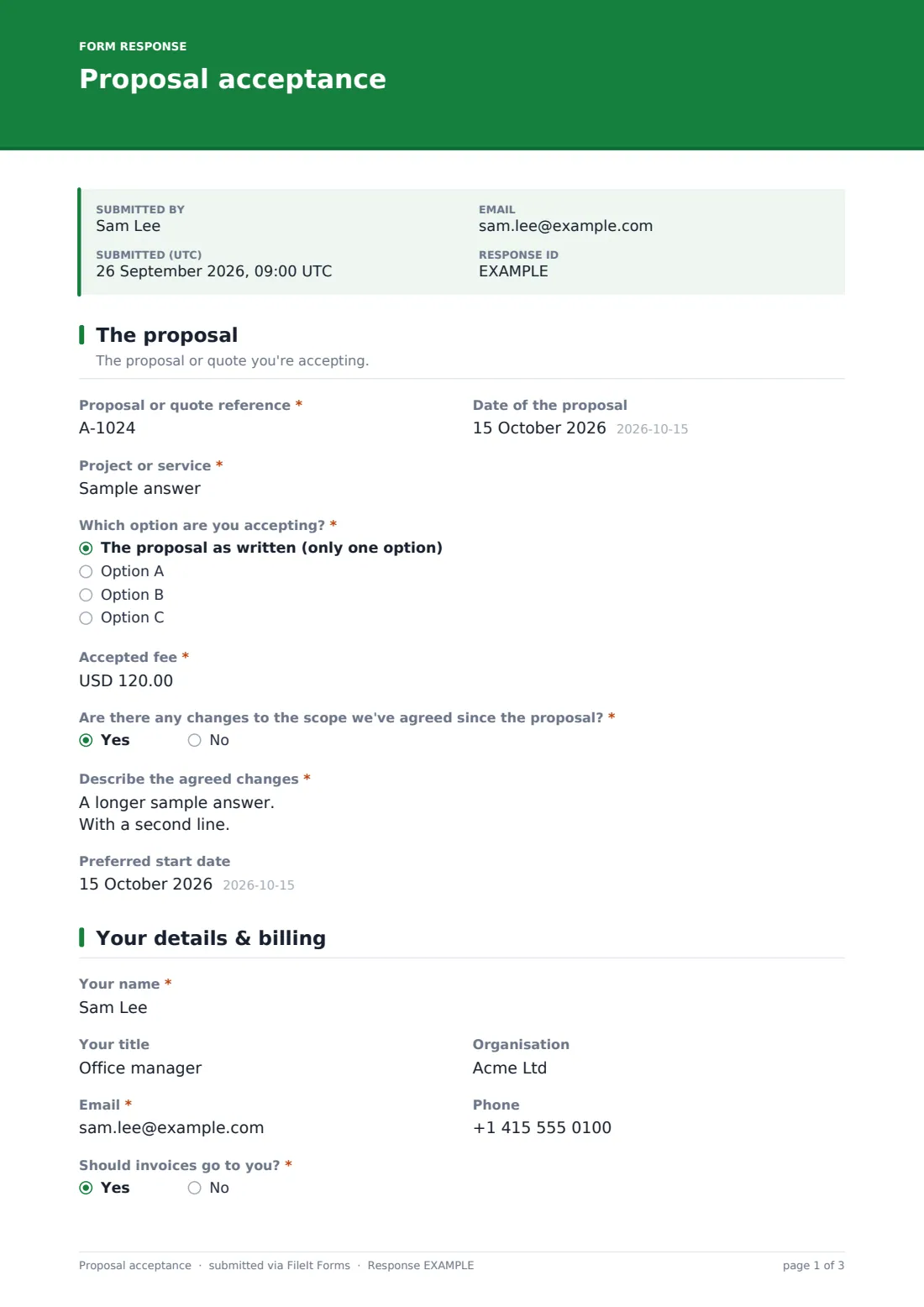
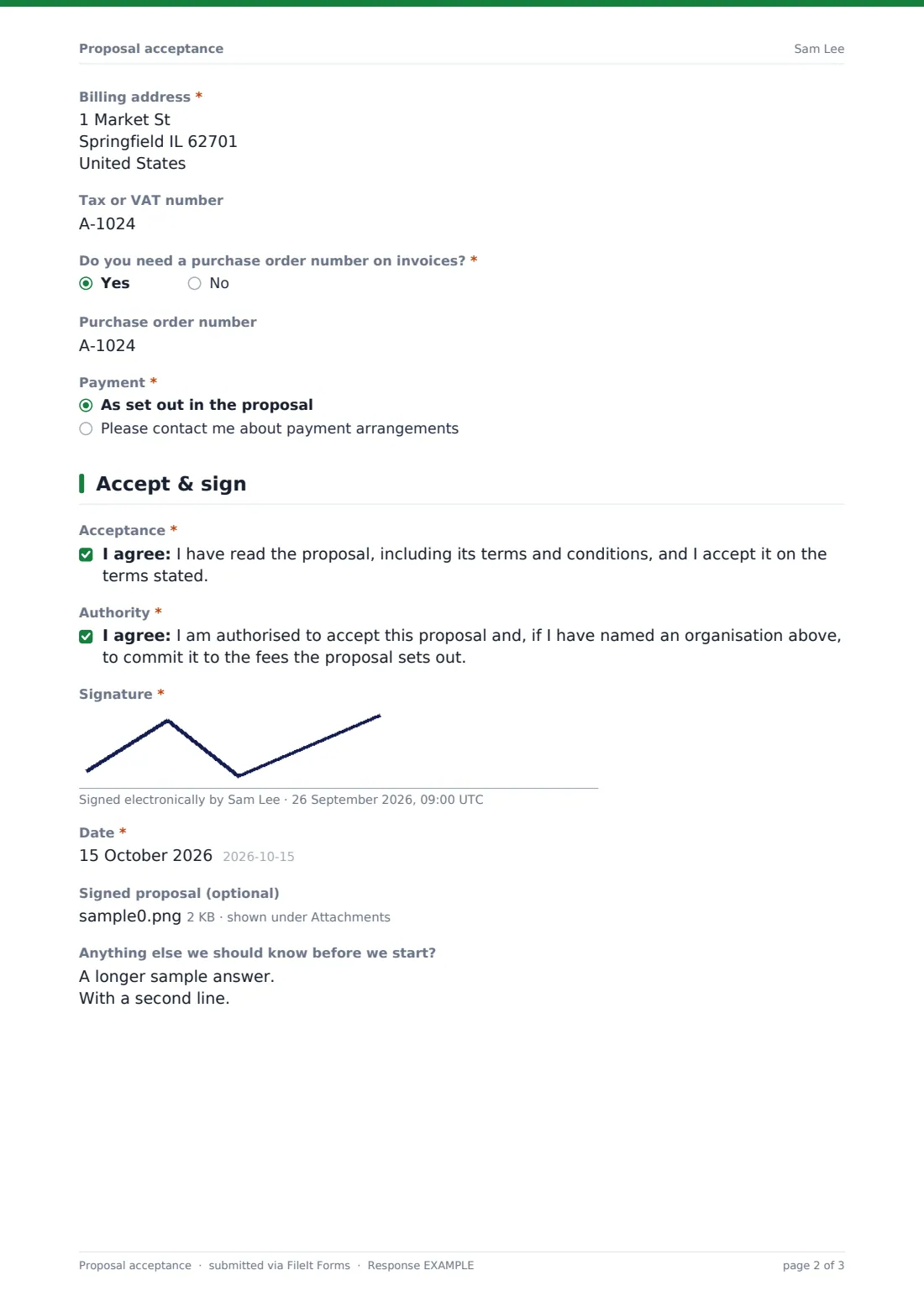
27 questions over 3 pages · includes signature, file upload, conditional questions, multiple pages, consent checkbox.
1 The proposal
- Proposal or quote reference*
- Date of the proposal
- Project or service*
- Which option are you accepting?* The proposal as written (only one option) · Option A · Option B · Option C
- Accepted fee*
- Are there any changes to the scope we've agreed since the proposal?*
- Describe the agreed changes* asked only when it applies
- Preferred start date
2 Your details & billing
- Your name*
- Your title
- Organisation
- Email*
- Phone
- Should invoices go to you?*
- Billing contact name* asked only when it applies
- Billing email* asked only when it applies
- Billing address*
- Tax or VAT number
- Do you need a purchase order number on invoices?*
- Purchase order number asked only when it applies
- Payment* As set out in the proposal · Please contact me about payment arrangements
3 Accept & sign
- Acceptance*
- Authority*
- Signature*
- Date*
- Signed proposal (optional)
- Anything else we should know before we start?
The proposal acceptance form, page by page
1 The proposal
The client enters the proposal or quote reference, its date and the project or service. They say whether they're accepting the proposal as written or Option A, B or C, and confirm the accepted fee excluding tax. A required question asks whether any scope changes were agreed since the proposal; a yes opens a box to describe them, with a note that you'll confirm changes in writing. A preferred start date completes the page.
2 Your details & billing
The client gives their name, title, organisation, email and phone. If invoices shouldn't go to them, a billing contact name and email appear. They provide a billing address, an optional tax or VAT number, and say whether invoices need a purchase order number — which reveals a box for it. Finally they confirm that payment will follow the proposal or ask you to contact them about arrangements.
3 Accept & sign
Two statements must be accepted: that the client has read the proposal and its terms and accepts it, and that they're authorised to commit their organisation to the fees. They sign and date the form, can attach a signed copy of the proposal document if they have one, and add anything you should know before starting.
Make the template yours
- Change the currency on the accepted fee to the one you invoice in
- Rename Option A, B and C to your actual package names, or remove the question if you only send one option
- Add a link to your terms and conditions in the acceptance statement's help text
- Add a deposit question if you take a deposit before starting work
- Send each client a personal link with their name and email already filled in
- Route signed acceptances to each client's folder in your vault
Tips for a better proposal acceptance form
- Put the proposal reference on the proposal itself so clients can copy it exactly
- Check the fee and option against your proposal as soon as the acceptance arrives
- Confirm any scope changes in writing before starting work
- Chase a missing PO number early — some finance teams won't pay without one
- Send the client a short welcome email with next steps once you've received their acceptance
- Keep the signed acceptance with the proposal and the eventual invoices
Every response becomes a PDF in your vault
The signed acceptance is saved as a PDF in your vault with the signature and any signed proposal attached. With notifications on, you're emailed the moment a client accepts, and the client receives a copy for their records.
The Responses table lists every accepted proposal with the fee, option and start date, and you can export it to a CSV to plan work or reconcile invoicing.
- Start from this template. It opens in the FileIt Forms designer — change any question, add pages, set the rules for when questions appear.
- Share it. Turn on a public link, or send it to people by email, each with their own link. They don’t need a FileIt account.
- Get the answers as PDFs. Each response is saved as a PDF in the vault folder you choose, with uploaded files attached — and listed in a Responses table you can export to CSV.
Proposal acceptance form: frequently asked questions
Is this proposal acceptance form free?
Yes. It's a starter template in the FileIt Forms app, and you can edit the questions and acceptance statements.
Is the signature legally binding?
Whether an electronic signature is binding depends on the law that applies to your contract and how it's used. The form records the client's signature, acceptance statements and the date; take advice if you need certainty for a particular agreement.
Can the client see the proposal inside the form?
The form doesn't display your proposal. Send the proposal separately, or put a link to it in the cover text, and use the form to collect acceptance.
Do clients need a FileIt account?
No. Clients open the link, fill in the form and sign without an account.
Can we use it for quotes as well as proposals?
Yes. The first question asks for a proposal or quote reference, so it works for either.
Can we prefill the proposal reference?
You can send personal links with the client's name and email prefilled; the other answers are filled in by the client.