What is the sales discount approval form template?
Discount requests often arrive as a quick message — "can I give them 20%?" — without the deal size, what else is being conceded, or why the discount is needed. Approvers either wave it through or start a thread of questions while the deal waits.
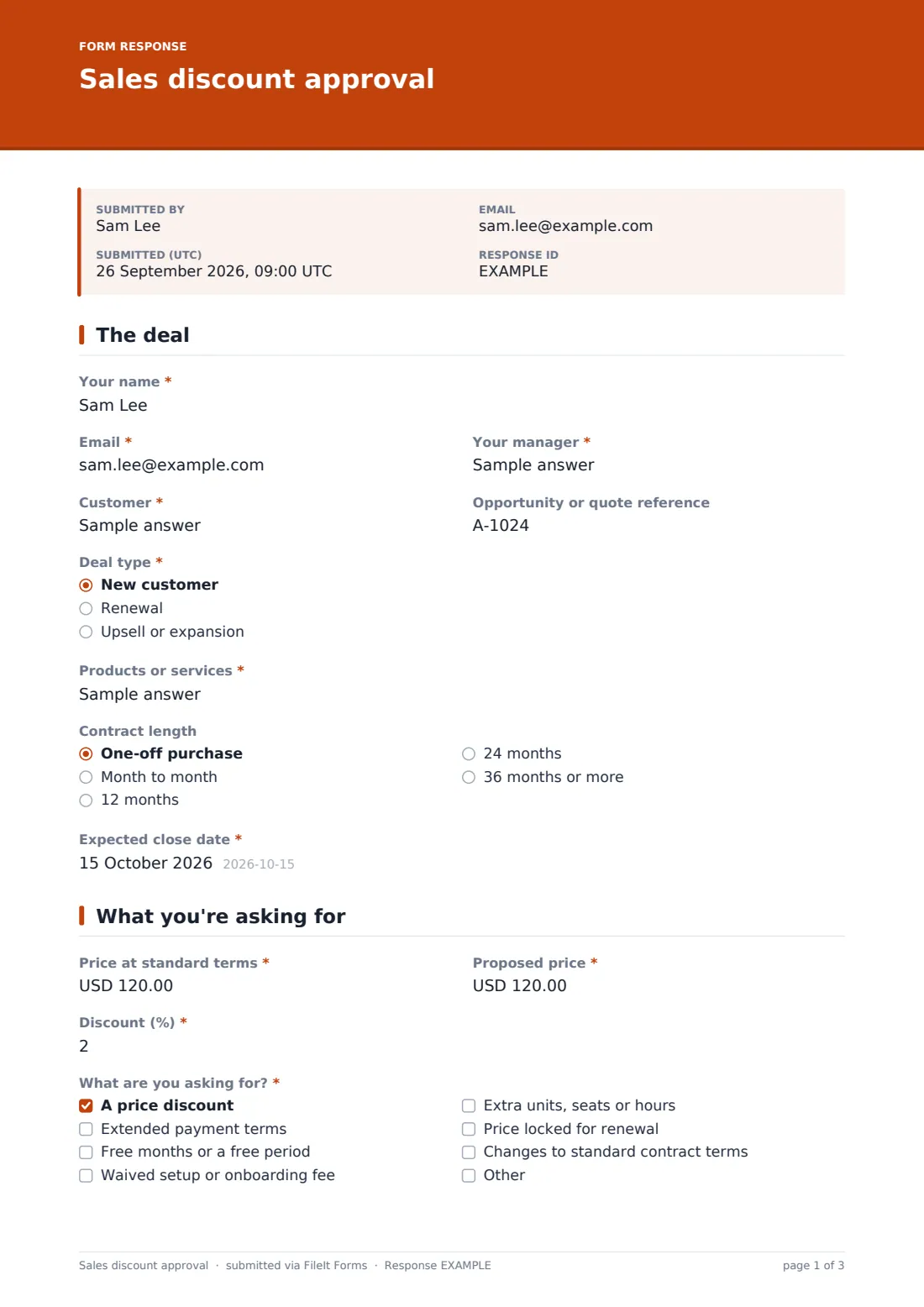
This sales discount approval template asks for the full picture. The rep describes the deal and customer, gives the standard price, the proposed price and the discount percentage, and ticks every concession they're asking for — from price and payment terms to free months, waived fees, extra seats, price locks or contract changes. They then give the main reason, a written justification, what the customer gives in return, and whether they've had a discount before.
Every request is saved as a PDF in your FileIt vault, creating a record of which discounts were requested, for which customers and why.
- Best for
- Sales teams with a discount policy that needs a manager or finance sign-off
- Filled in by
- Sales reps and account managers
- Time to complete
- About 4-5 minutes
- Includes
- Follow-up questions for payment terms, contract changes, competitors and past discounts
Who uses a sales discount approval form?
- A rep asking for a discount to match a competitor's offer
- An account manager requesting extended payment terms at renewal
- A sales team offering free months to close a deal before quarter end
- A company tracking which customers have had non-standard pricing
- A finance team that wants every discount above a threshold on record
- A small business owner who approves every discount personally
Questions on this sales discount approval form
23 questions over 3 pages · includes file upload, conditional questions, multiple pages, consent checkbox.
1 The deal
- Your name*
- Email*
- Your manager*
- Customer*
- Opportunity or quote reference
- Deal type* New customer · Renewal · Upsell or expansion
- Products or services*
- Contract length One-off purchase · Month to month · 12 months · 24 months · 36 months or more
- Expected close date*
2 What you're asking for
- Price at standard terms*
- Proposed price*
- Discount (%)*
- What are you asking for?* A price discount · Extended payment terms · Free months or a free period · Waived setup or onboarding fee · Extra units, seats or hours · Price locked for renewal · Changes to standard contract terms
- What payment terms?* asked only when it applies
- Which contract terms, and what change?* asked only when it applies
3 Justification
- Main reason for the discount* Competitive pressure · Volume or longer commitment · Strategic customer or reference account · Customer's budget limit · Risk of losing the customer · Closing by a deadline
- Which competitor, and what's their offer?* asked only when it applies
- Why this discount is worth it*
- What does the customer give in return? A longer contract · Payment up front · More volume · A case study or reference · Signing by a set date · Nothing
- Has this customer had a discount before?*
- What, and when? asked only when it applies
- Supporting evidence
- Confirmation*
The sales discount approval form, page by page
1 The deal
The rep gives their name, email and manager, the customer, the opportunity or quote reference, the deal type (new customer, renewal or expansion), the products or services, the contract length and the expected close date.
2 What you're asking for
Three figures sit side by side: the price at standard terms, the proposed price and the discount percentage. The rep then ticks what they're asking for: a price discount, extended payment terms, free months, a waived setup fee, extra units or seats, a price lock for renewal, or changes to standard contract terms. Extended payment terms and contract changes each reveal a required box to spell them out.
3 Justification
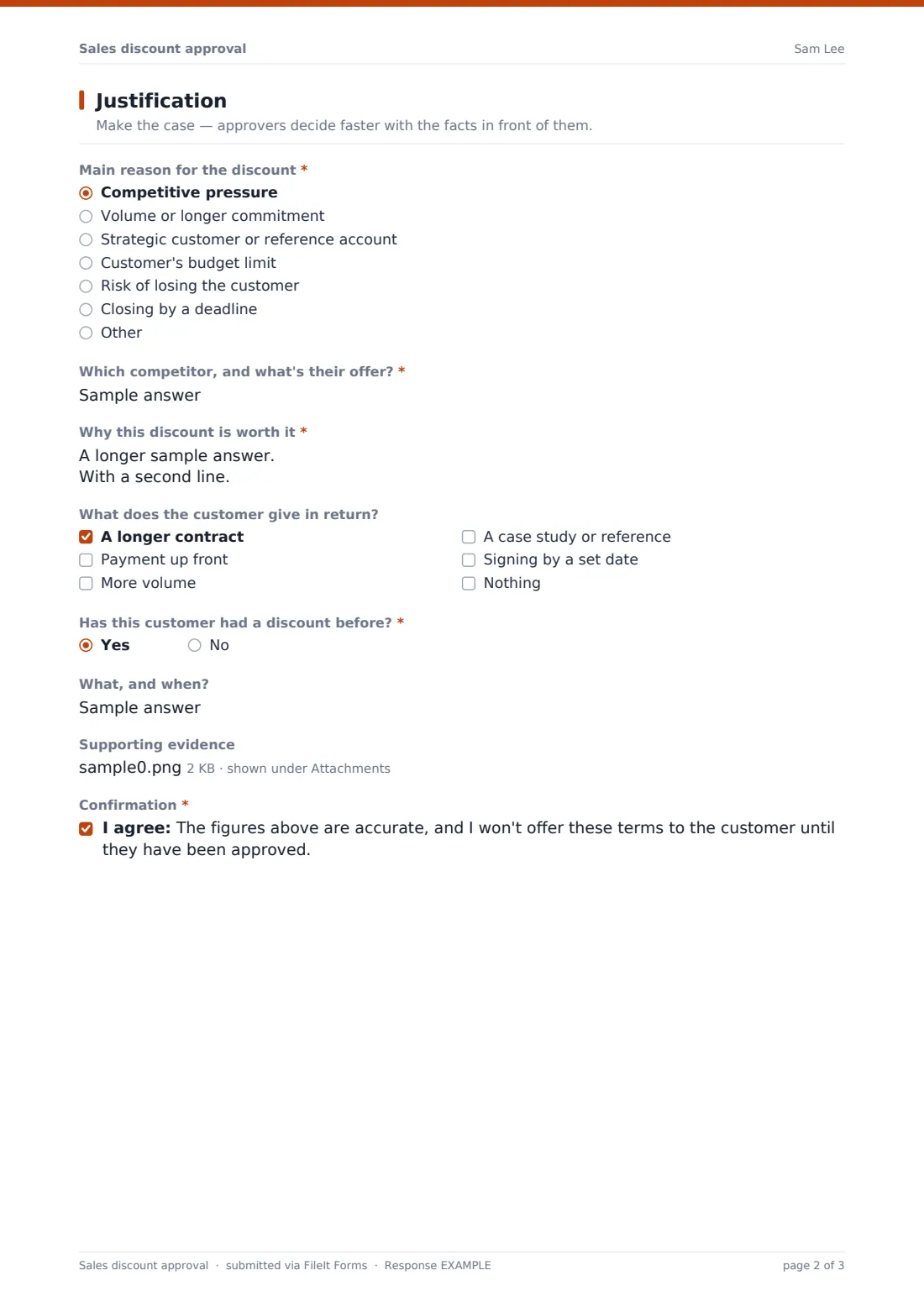
The rep picks the main reason — competitive pressure, volume or longer commitment, strategic account, budget limit, retention risk, or a closing deadline — and competitive pressure asks which competitor and what they're offering. A required box makes the case in the rep's own words.
They tick what the customer gives in return, say whether the customer has had a discount before (and what), upload supporting evidence such as a competitor quote, and confirm they won't offer the terms until they're approved.
Make the template yours
- Set the currency fields to the currency you sell in
- Add your discount bands and who approves each one to the cover text
- Replace the contract length options with the terms you actually offer
- Add the approver's email to the notification list so requests reach them directly
- Add an approver comment field on a final page if you want the decision in the same PDF
- Route requests to a Pricing folder in your vault so you can review them each quarter
Tips for a better sales discount approval form
- Ask for something in return for every discount — even a case study or a faster signature
- Compare the proposed price with past deals for the same customer before approving
- Watch for discounts that cluster at the end of each quarter
- Keep the evidence with the request; it helps when the customer renews
- Reply quickly — slow approvals cost more deals than modest discounts
- Review approved discounts periodically to see whether they actually closed
Every response becomes a PDF in your vault
Each request is saved as a PDF in your vault with any evidence attached. With notifications on, the approver is emailed straight away and the rep receives a copy.
The approval decision happens outside the form — the approver replies to the rep — and the Responses table gives you a history of every request that you can export to a CSV to analyse discount levels by customer, reason or rep.
- Start from this template. It opens in the FileIt Forms designer — change any question, add pages, set the rules for when questions appear.
- Share it. Turn on a public link, or send it to people by email, each with their own link. They don’t need a FileIt account.
- Get the answers as PDFs. Each response is saved as a PDF in the vault folder you choose, with uploaded files attached — and listed in a Responses table you can export to CSV.
Sales discount approval form: frequently asked questions
Is this discount approval form free?
Yes. It's a starter template in the FileIt Forms app, and you can adapt every question to your pricing policy.
Does the form calculate the discount percentage?
No. The rep enters the standard price, proposed price and percentage. Approvers can check the figures against each other.
Can the approver approve or reject inside FileIt?
The form collects the request; the approver decides and replies outside the form. You can add an approver section on a final page if you want the decision recorded on the PDF.
Can we require approval above a certain percentage only?
The form doesn't enforce thresholds. State your policy in the cover text so reps know when a request is needed.
Can reps attach a competitor's quote?
Yes. The supporting evidence upload accepts PDFs, images, Word documents and spreadsheets, up to three files.
Will customers see this form?
No. It's an internal form for your sales team and approvers.