What is the print order request form template?
Print jobs go wrong in the details: the wrong size, a missing bleed, gloss instead of matt, or a deadline nobody wrote down. Taking orders over email means asking the same questions every time and hunting for the artwork in a long thread.
This print order request form takes the customer through the job step by step: the product and quantity, finished size, sides, colour, paper and weight, page count and binding for booklets, finishing options, the artwork (or a design brief if they need you to design it), the type of proof, the deadline and delivery details. Questions appear only where they apply — spot colour references only for spot colour jobs, binding only for booklets.
Each order is saved as a PDF in your FileIt vault with the artwork files attached, so your production team has one job ticket with everything on it.
- Best for
- Print shops, copy centres, sign makers and in-house print rooms
- Filled in by
- Customers placing or requesting a print job
- Time to complete
- About 5–7 minutes
- Includes
- Product and spec dropdowns, conditional booklet options, finishing checklist, artwork upload or design brief, proof choice and deadline
Who uses a print order request form?
- A high-street print shop taking orders from its website
- A sign and banner maker collecting sizes and materials
- A university or company print room handling internal jobs with PO numbers
- A designer ordering print on behalf of clients
- Restaurants reordering menus with a previous job reference
- Event organisers ordering signage and printed materials to a deadline
Questions on this print order request form
34 questions over 4 pages · includes file upload, conditional questions, multiple pages, consent checkbox.
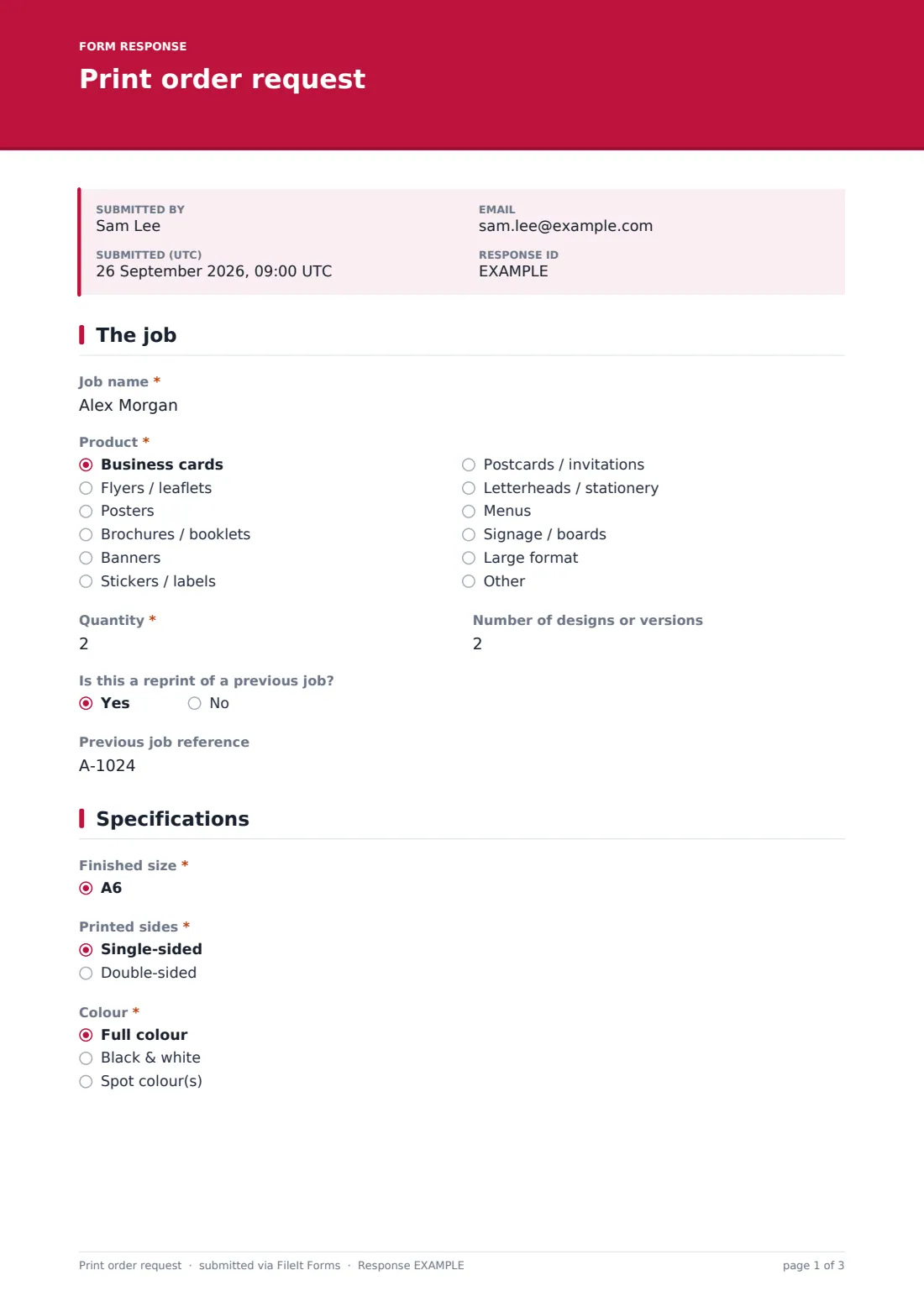
1 The job
- Job name*
- Product* Business cards · Flyers / leaflets · Posters · Brochures / booklets · Banners · Stickers / labels · Postcards / invitations · Letterheads / stationery · Menus · Signage / boards · Large format · Other
- Describe the product* asked only when it applies
- Quantity*
- Number of designs or versions
- Is this a reprint of a previous job?
- Previous job reference asked only when it applies
2 Specifications
- Finished size* A6 · A5 · A4 · A3 · A2 · A1 · DL · US Letter · US Legal · Tabloid · Business card (85 × 55 mm) · Business card (3.5 × 2 in)
- Custom size* asked only when it applies
- Printed sides* Single-sided · Double-sided
- Colour* Full colour · Black & white · Spot colour(s)
- Pantone references asked only when it applies
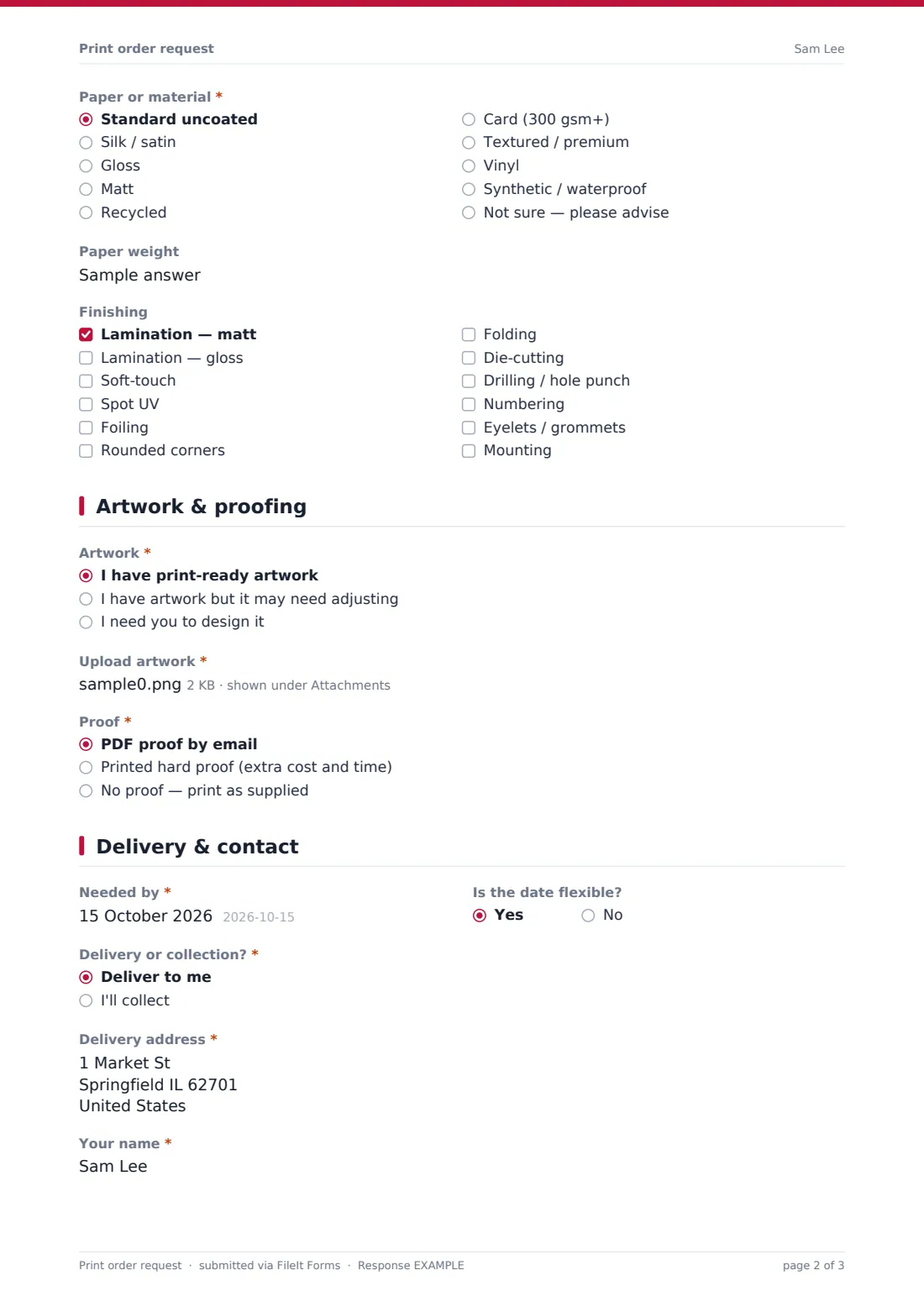
- Paper or material* Standard uncoated · Silk / satin · Gloss · Matt · Recycled · Card (300 gsm+) · Textured / premium · Vinyl · Synthetic / waterproof · Not sure — please advise
- Paper weight
- Number of pages asked only when it applies
- Binding asked only when it applies Saddle-stitched (stapled) · Perfect bound · Wire / spiral bound
- Finishing Lamination — matt · Lamination — gloss · Soft-touch · Spot UV · Foiling · Rounded corners · Folding · Die-cutting · Drilling / hole punch · Numbering · Eyelets / grommets · Mounting
3 Artwork & proofing
- Artwork* I have print-ready artwork · I have artwork but it may need adjusting · I need you to design it
- Upload artwork* asked only when it applies
- Design brief* asked only when it applies
- Logos, images or text asked only when it applies
- Proof* PDF proof by email · Printed hard proof (extra cost and time) · No proof — print as supplied
4 Delivery & contact
- Needed by*
- Is the date flexible?
- Delivery or collection?* Deliver to me · I'll collect
- Delivery address* asked only when it applies
- Your name*
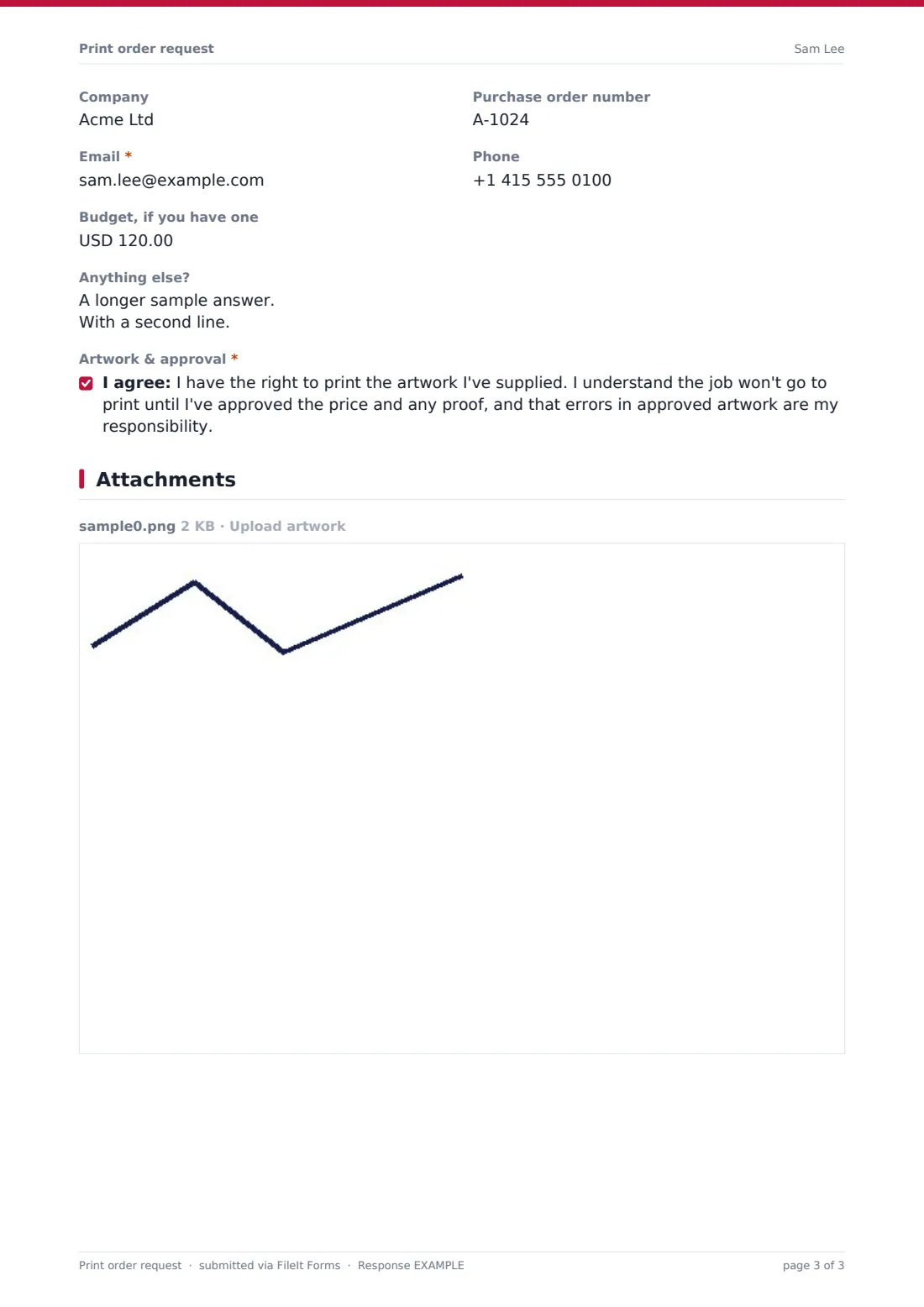
- Company
- Purchase order number
- Email*
- Phone
- Budget, if you have one
- Anything else?
- Artwork & approval*
The print order request form, page by page
1 The job
The customer names the job, picks the product — business cards, flyers, posters, brochures, banners, stickers and more, or describes something else — and enters the quantity and number of versions. Reprints can quote the previous job reference.
2 Specifications
They choose a finished size (with a box for custom sizes), single or double-sided, colour — with Pantone references for spot colours — paper or material and weight. Brochures and booklets ask for the page count and binding. A checklist covers finishing such as lamination, spot UV, foiling, folding, die-cutting and eyelets.
3 Artwork & proofing
Customers with artwork upload it (with a note about bleed and embedded fonts). Those who need design work write a brief and upload logos, images or text instead. They then choose a PDF proof, a printed hard proof or no proof.
4 Delivery & contact
The last page asks for the needed-by date and whether it's flexible, delivery or collection with an address for delivery, the customer's name, company, PO number, email and phone, an optional budget and notes. The customer confirms they have the right to print the artwork and that nothing goes to print until they approve the price and proof.
Make the template yours
- Replace the product, size and paper lists with the ones you actually offer
- Switch the size list to only metric or only US sizes
- Add your standard turnaround times to the cover text
- Change the currency on the budget field
- Remove the design option if you only print supplied artwork
- File orders in a Print jobs folder, or one per customer for repeat business
Tips for a better print order request form
- Check artwork for bleed, resolution and fonts as soon as it arrives
- Always get proof approval in writing before printing, even for repeat jobs
- Confirm the price and turnaround before starting, especially for tight deadlines
- Keep the job reference on the PDF so reprints are quick
- Ask customers to choose 'Not sure — please advise' rather than guessing a paper
Every response becomes a PDF in your vault
When a customer submits the order, FileIt saves it as a PDF with the artwork files attached, files it in your vault and emails you. The customer can receive a copy of the job spec.
Use the Responses table as a simple job queue sorted by deadline, and export it to CSV for scheduling or invoicing. The PDF works as a job ticket for production.
- Start from this template. It opens in the FileIt Forms designer — change any question, add pages, set the rules for when questions appear.
- Share it. Turn on a public link, or send it to people by email, each with their own link. They don’t need a FileIt account.
- Get the answers as PDFs. Each response is saved as a PDF in the vault folder you choose, with uploaded files attached — and listed in a Responses table you can export to CSV.
Print order request form: frequently asked questions
Is this print order form template free?
Yes. It's a starter template in FileIt's Forms app, available on every plan including the free plan.
Can customers upload large artwork files?
Customers can upload up to ten artwork files. Each file can be up to 10 MB and a submission up to 25 MB in total, so very large files may need to be sent another way.
Does the form calculate a price?
No. It collects the specification; you quote or confirm the price before printing, which the customer acknowledges.
What if the customer needs design work?
They choose 'I need you to design it', and the form asks for a design brief and any logos or images instead of print-ready artwork.
Can I change the paper and size options?
Yes. All the specification questions are dropdowns or checklists you can edit in the designer.
Where are orders stored?
Each order is saved as a PDF with its artwork in your FileIt vault and listed in the Responses table.