What is the move-in / move-out booking form template?
In a shared building, a move affects everyone: the service lift is out of action, the loading bay is full and the corridors take a beating. A move-in / move-out booking form lets building management schedule moves so they don't clash, and gets each resident to agree to the moving rules before the van arrives.
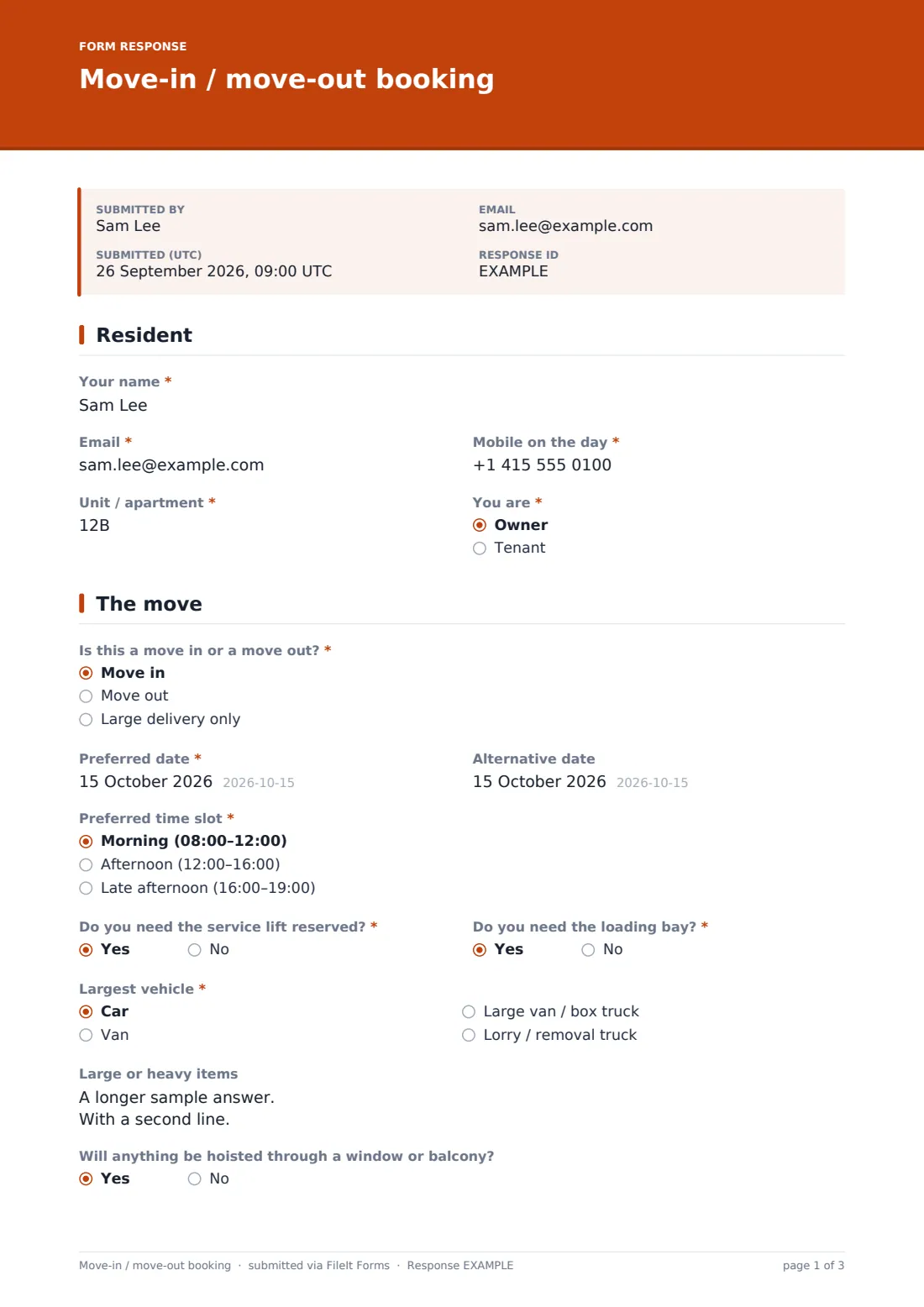
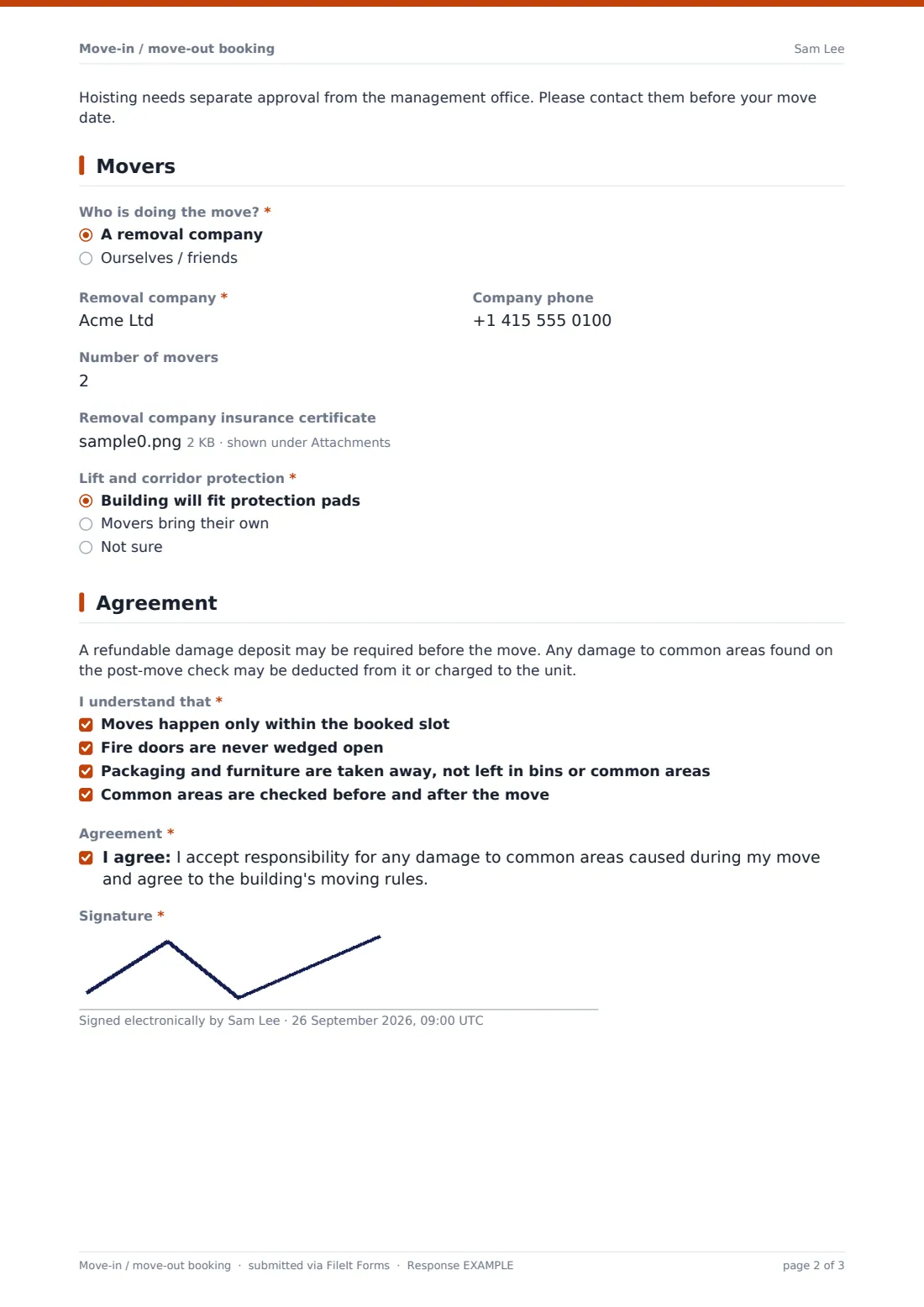
This template asks whether it's a move in, a move out or a large delivery, the "Preferred date" and an alternative, and a time slot. It records whether the service lift and loading bay are needed, the largest vehicle — with its height for lorries — large or heavy items, and whether anything will be hoisted, which shows a note that hoisting needs separate approval. Residents using a removal company give its name and phone and can upload its insurance certificate. The final page explains the damage deposit, lists four rules to acknowledge and finishes with a signature.
It runs on FileIt's Forms app. Share one link with all residents, and each booking request is filed as a signed PDF in your vault.
- Best for
- Apartment buildings, condominiums, student halls and managed blocks
- Filled in by
- The resident who is moving
- Time to complete
- About 4 minutes
- Includes
- Slot choice, lift and loading bay questions, removal company logic, insurance upload, rules checklist, signature
Who uses a move-in / move-out booking form?
- Booking the service lift for a move in or out
- Scheduling a large furniture or appliance delivery
- Collecting removal companies' insurance certificates
- Making sure residents agree to the moving rules beforehand
- Avoiding two moves at the same time in a busy building
- Keeping a record of each move in case of damage to common areas
Questions on this move-in / move-out booking form
24 questions over 4 pages · includes signature, file upload, conditional questions, multiple pages, consent checkbox.
1 Resident
- Your name*
- Email*
- Mobile on the day*
- Unit / apartment*
- You are* Owner · Tenant
2 The move
- Is this a move in or a move out?* Move in · Move out · Large delivery only
- Preferred date*
- Alternative date
- Preferred time slot* Morning (08:00–12:00) · Afternoon (12:00–16:00) · Late afternoon (16:00–19:00)
- Do you need the service lift reserved?*
- Do you need the loading bay?*
- Largest vehicle* Car · Van · Large van / box truck · Lorry / removal truck
- Vehicle height (m) asked only when it applies
- Large or heavy items
- Will anything be hoisted through a window or balcony?
3 Movers
- Who is doing the move?* A removal company · Ourselves / friends
- Removal company* asked only when it applies
- Company phone asked only when it applies
- Number of movers
- Removal company insurance certificate asked only when it applies
- Lift and corridor protection* Building will fit protection pads · Movers bring their own · Not sure
4 Agreement
- I understand that* Moves happen only within the booked slot · Fire doors are never wedged open · Packaging and furniture are taken away, not left in bins or common areas · Common areas are checked before and after the move
- Agreement*
- Signature*
The move-in / move-out booking form, page by page
1 Resident
Name, email, mobile on the day, unit and whether they're an owner or tenant.
2 The move
"Is this a move in or a move out?" — or a large delivery — then preferred and alternative dates and a morning, afternoon or late-afternoon slot. The resident says whether they need the service lift and loading bay, and picks the largest vehicle; a lorry asks for its height. Large or heavy items are listed, and hoisting through a window or balcony shows a note that it needs separate approval.
3 Movers
"Who is doing the move?" — a removal company asks for its name, phone and insurance certificate upload. The number of movers and who provides lift and corridor protection complete the page.
4 Agreement
A note explains the refundable damage deposit and post-move check. The resident ticks all four rules — booked slot only, fire doors never wedged open, packaging taken away, common areas checked before and after — agrees to take responsibility for any damage, and signs.
Make the template yours
- Change the time slots to your building's moving hours
- Add your deposit amount and notice period to the cover text
- Make the insurance certificate required if your building insists on one
- Notify the concierge and maintenance team on every booking
- File bookings into a vault folder per building
- Edit the rules checklist to match your own moving rules
Tips for a better move-in / move-out booking form
- Confirm each booking quickly so residents can book their movers
- Inspect lifts and corridors before and after each move
- Ask for the vehicle size — it decides whether the loading bay works
- Keep fire doors closed even when it's inconvenient
- Remind residents about packaging waste the day before
- Keep the signed booking until the deposit is returned
Every response becomes a PDF in your vault
Each booking is filed as a signed PDF in your vault with any insurance certificate attached, and the management office is notified to confirm the slot. The resident receives a copy of their booking and the rules they agreed to.
Sort the Responses table by date to see upcoming moves, and export to CSV to share the schedule with the concierge desk.
- Start from this template. It opens in the FileIt Forms designer — change any question, add pages, set the rules for when questions appear.
- Share it. Turn on a public link, or send it to people by email, each with their own link. They don’t need a FileIt account.
- Get the answers as PDFs. Each response is saved as a PDF in the vault folder you choose, with uploaded files attached — and listed in a Responses table you can export to CSV.
Move-in / move-out booking form: frequently asked questions
Is this moving day booking template free?
Yes. It's included in FileIt's Forms app on every plan, including free.
Does the form confirm the slot automatically?
No. It collects the request. Your management office confirms the slot, and the confirmation message tells residents to wait for that.
Can I stop two moves on the same day?
The form doesn't check a calendar. Review requests in the Responses table and confirm only one per slot.
Do residents need a FileIt account?
No. They use the link you share.
Can I take the deposit through the form?
No. The form explains the deposit; collect it however you normally do.
Can I use it for deliveries too?
Yes. "Large delivery only" is one of the options.