
What is the month-end close checklist form template?
A month-end close that lives in someone's head, or in a spreadsheet that gets copied and renamed every month, is fragile. This month-end close checklist turns the routine into a form: the same reconciliations, journals and reviews every period, each marked done, in progress or not applicable.
Three grids cover balance sheet reconciliations, accruals and adjusting journals, and review and reporting. Around them the form records unreconciled differences, the number of manual journals, whether cut-off was checked, unusual items, variance commentary, anything blocking the close, and whether the period is ready to lock.
Each completed checklist is saved as a signed PDF in your vault with workpapers attached, building a period-by-period record that's useful when the auditors or a new team member ask how the close works.
- Best for
- In-house finance teams, bookkeepers and outsourced accountants
- Filled in by
- The person preparing the close, with a named reviewer
- Time to complete
- About 10 minutes to record, once the close work is done
- Includes
- Three status grids, workpaper uploads, blockers, commentary, reviewer and signature
Who uses a month-end close checklist form?
- A small business's finance manager records each monthly close for the owner
- A bookkeeper keeps a close record for every client entity
- A controller checks the team's close status before locking the period
- A group finance team collects close checklists from each subsidiary
- A new accountant learns the close from last month's completed checklist
- Year-end preparation draws on twelve signed monthly checklists
Questions on this month-end close checklist form
22 questions over 4 pages · includes signature, file upload, conditional questions, multiple pages, ratings.
1 Period
- Prepared by*
- Company or entity*
- Period being closed*
- Close deadline
2 Reconciliations
- Balance sheet reconciliations* Done · In progress · Not applicable
- Unreconciled differences
- Reconciliation workpapers
3 Accruals & journals
- Accruals and adjusting journals* Posted · Posted and reviewed · Not needed
- Manual journals posted this period
- Sales and purchase cut-off checked?*
- What's outstanding on cut-off?* asked only when it applies
- Significant or unusual journals
4 Review & sign-off
- Review and reporting* Done · In progress · Not applicable
- Key variances and commentary*
- Is anything holding up the close?*
- What, and who owns it?* asked only when it applies
- Is the period ready to lock?*
- Management accounts or close pack
- Reviewed by*
- Review date*
- Preparer's signature*
The month-end close checklist form, page by page
1 Period
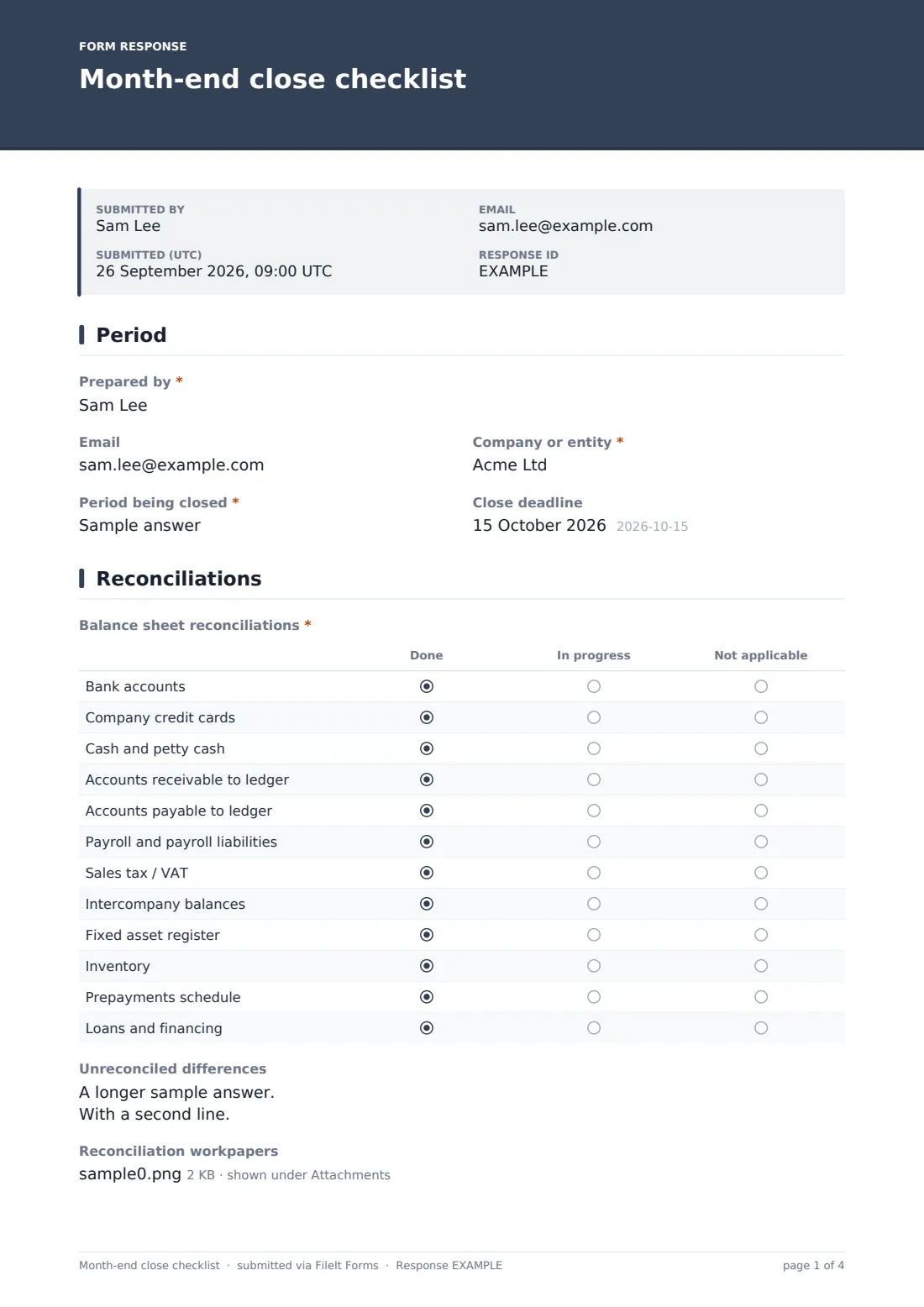
Who prepared the close, their email, the company or entity, the period being closed and the close deadline.
2 Reconciliations
A grid of twelve balance sheet reconciliations: bank, company cards, cash, receivables and payables to the ledger, payroll, sales tax or VAT, intercompany, fixed assets, inventory, prepayments and loans, each marked done, in progress or not applicable. A box lists unreconciled differences and what's being done, and up to ten workpapers can be attached.
3 Accruals & journals
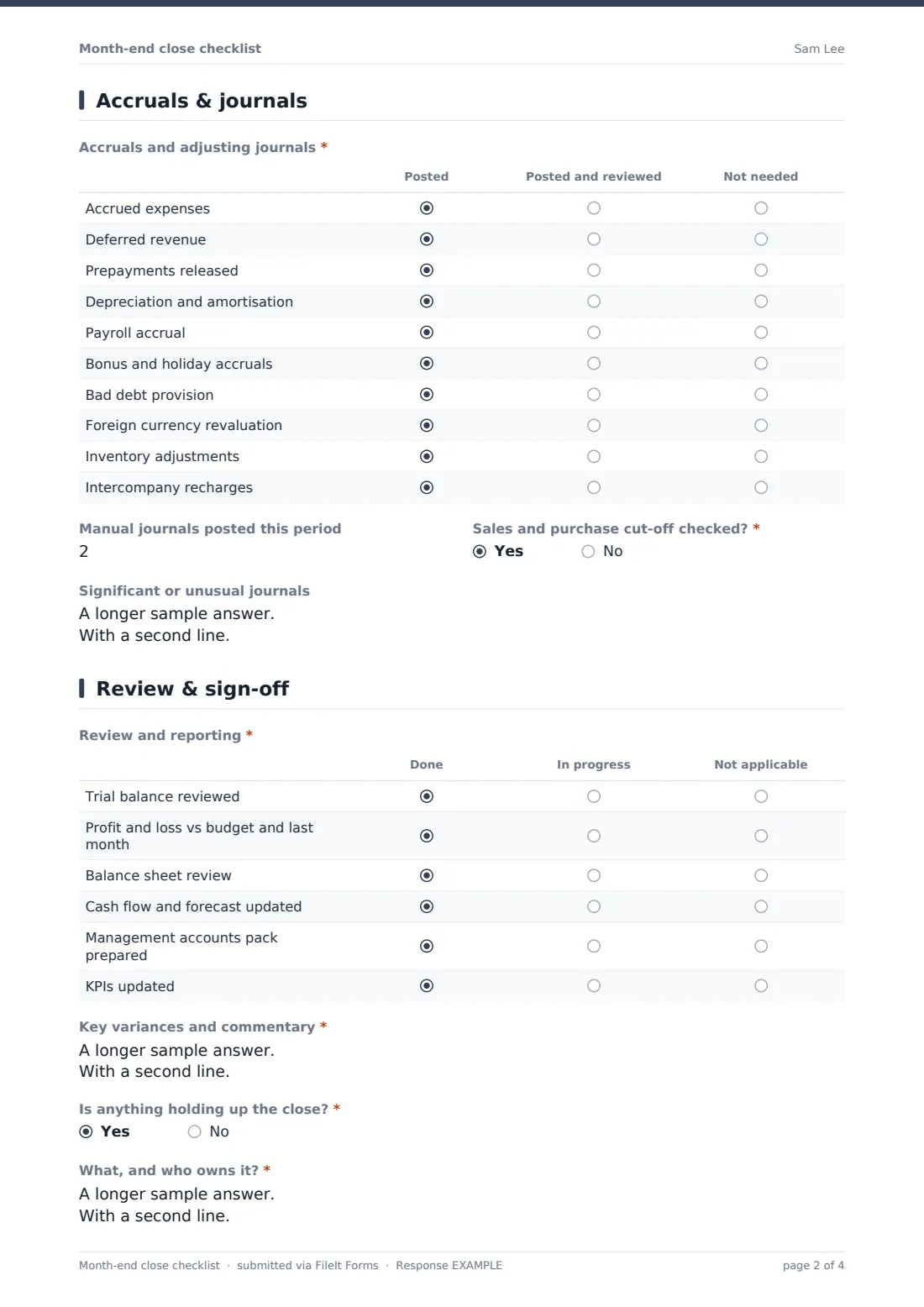
A second grid covers accrued expenses, deferred revenue, prepayments released, depreciation, payroll and holiday accruals, bad debt provision, foreign currency revaluation, inventory adjustments and intercompany recharges, marked posted, posted and reviewed, or not needed. The preparer records how many manual journals were posted and whether sales and purchase cut-off was checked; if not, what's outstanding. Unusual journals can be noted for the reviewer.
4 Review & sign-off
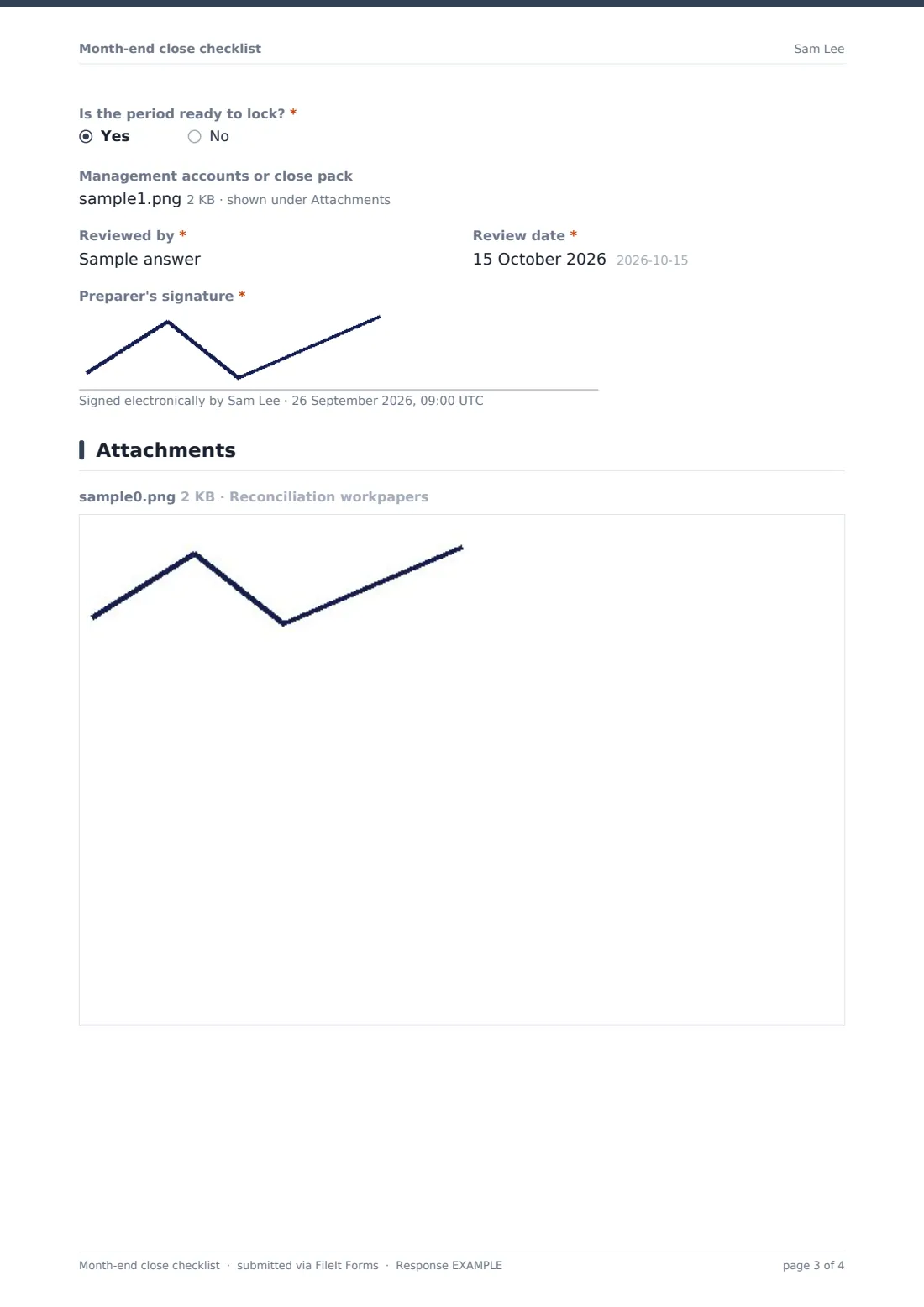
A third grid covers the trial balance, profit and loss against budget and last month, balance sheet review, cash flow and forecast, the management accounts pack and KPIs. Variance commentary is required. If anything is holding up the close, the form asks what and who owns it, and then whether the period is ready to lock. The pack can be attached, and the reviewer, review date and preparer's signature complete it.
Make the template yours
- Edit the grid rows to match your own balance sheet and close tasks
- Add a column such as 'Reviewed' to the reconciliation grid if you want preparer and reviewer status
- Duplicate the form per entity so each files to its own vault folder
- Add close deadlines by working day to the page descriptions
- Make workpaper uploads required for bank reconciliations
- Add the controller's email to notifications
Tips for a better month-end close checklist form
- Keep the checklist the same month to month; consistency is the point
- Explain unreconciled differences with an owner and a date, not just an amount
- Look at the blockers answers across several months to spot the step that always runs late
- Separate preparer and reviewer wherever the team is big enough
- Lock the period in your accounting system as soon as the checklist says it's ready
Every response becomes a PDF in your vault
Each checklist is saved as a PDF, with the grids, commentary, attachments and signature, in the vault folder you choose. You're emailed when one is submitted, and can add the controller or finance director.
Over time the Responses table becomes a close log: filter by entity or period, see which closes had blockers, and export to CSV for a year-end review.
- Start from this template. It opens in the FileIt Forms designer — change any question, add pages, set the rules for when questions appear.
- Share it. Turn on a public link, or send it to people by email, each with their own link. They don’t need a FileIt account.
- Get the answers as PDFs. Each response is saved as a PDF in the vault folder you choose, with uploaded files attached — and listed in a Responses table you can export to CSV.
Month-end close checklist form: frequently asked questions
Is this month-end close checklist template free?
Yes. It's one of the ready-made templates in the Forms app on every FileIt account, including the free plan. Use it as it is or change any question in the designer.
Can several people fill in parts of the checklist?
A response is submitted in one go by one person. Most teams have the preparer complete it at the end of the close, with the reviewer named on the last page.
Does the form connect to our accounting software?
No. It records the status of the close. The work itself happens in your accounting system and spreadsheets, and workpapers can be attached.
Can we change the tasks in the grids?
Yes. Rows and columns of each grid can be edited in the designer to match your chart of accounts and close process.
Is this useful for audits?
A signed checklist for every month, with workpapers attached, is a clear record of how the close was done. What your auditors need is up to them, but many teams find it saves time.
Do team members need a FileIt account to submit a checklist?
No. Share the form by public link or send personal email invitations, and anyone can fill it in and submit it without creating an account.