What is the cash drawer reconciliation form template?
A till that's out by a few pounds or dollars is easy to shrug off at 10pm and hard to explain a week later. This cash drawer reconciliation form walks the cashier through the count and the comparison while the shift is fresh, and records who counted it and who checked it.
It records the opening float, notes and coins counted, cash drops and paid-outs, then the POS cash and card figures, the card terminal settlement, other tenders, voids and no-sale openings. The cashier enters the expected cash and the variance, and any over or short, or a card mismatch, must be explained.
Every cash-up is saved as a PDF with the Z report photo in your vault, filed by the folder you choose. Over time the Responses table shows which tills, shifts or people have recurring differences.
- Best for
- Shops, cafés, bars, salons and front desks taking cash
- Filled in by
- Cashiers and shift supervisors at close
- Time to complete
- About 5 minutes after counting
- Includes
- Count, POS and card figures, variance reason, Z report photo, witness and signature
Who uses a cash drawer reconciliation form?
- A café closes out its single till at the end of each day
- A retail store reconciles each register at every shift change
- A bar manager checks the night's cash before the safe drop
- A hotel front desk reconciles its float at handover
- A market stall or pop-up records cash takings at the end of an event
- An area manager reviews over and short results across several sites
Questions on this cash drawer reconciliation form
32 questions over 4 pages · includes signature, file upload, conditional questions, multiple pages.
1 Shift
- Store or location*
- Register or till number*
- Cashier*
- Date*
- Shift* Opening · Day · Mid · Evening · Closing
- Shift start
- Shift end
2 Cash count
- Opening float*
- Notes counted*
- Coins counted*
- Total cash in drawer*
- Cash drops to the safe during the shift
- Paid-outs from the drawer
- Count sheet or photo
3 Sales & tenders
- Cash sales (POS report)*
- Cash refunds (POS report)
- Card sales (POS report)*
- Card total (terminal settlement)*
- Other tenders
- No-sale drawer openings
- Voids and cancellations
- End-of-shift report (Z or X read)*
4 Variance & sign-off
- Expected cash*
- Cash variance*
- Result* Balanced · Over · Short
- What might explain the difference?* asked only when it applies
- Do card sales match the terminal settlement?*
- Card difference* asked only when it applies
- Float left for the next shift
- Deposit bag or seal number
- Counted with / checked by*
- Cashier's signature*
The cash drawer reconciliation form, page by page
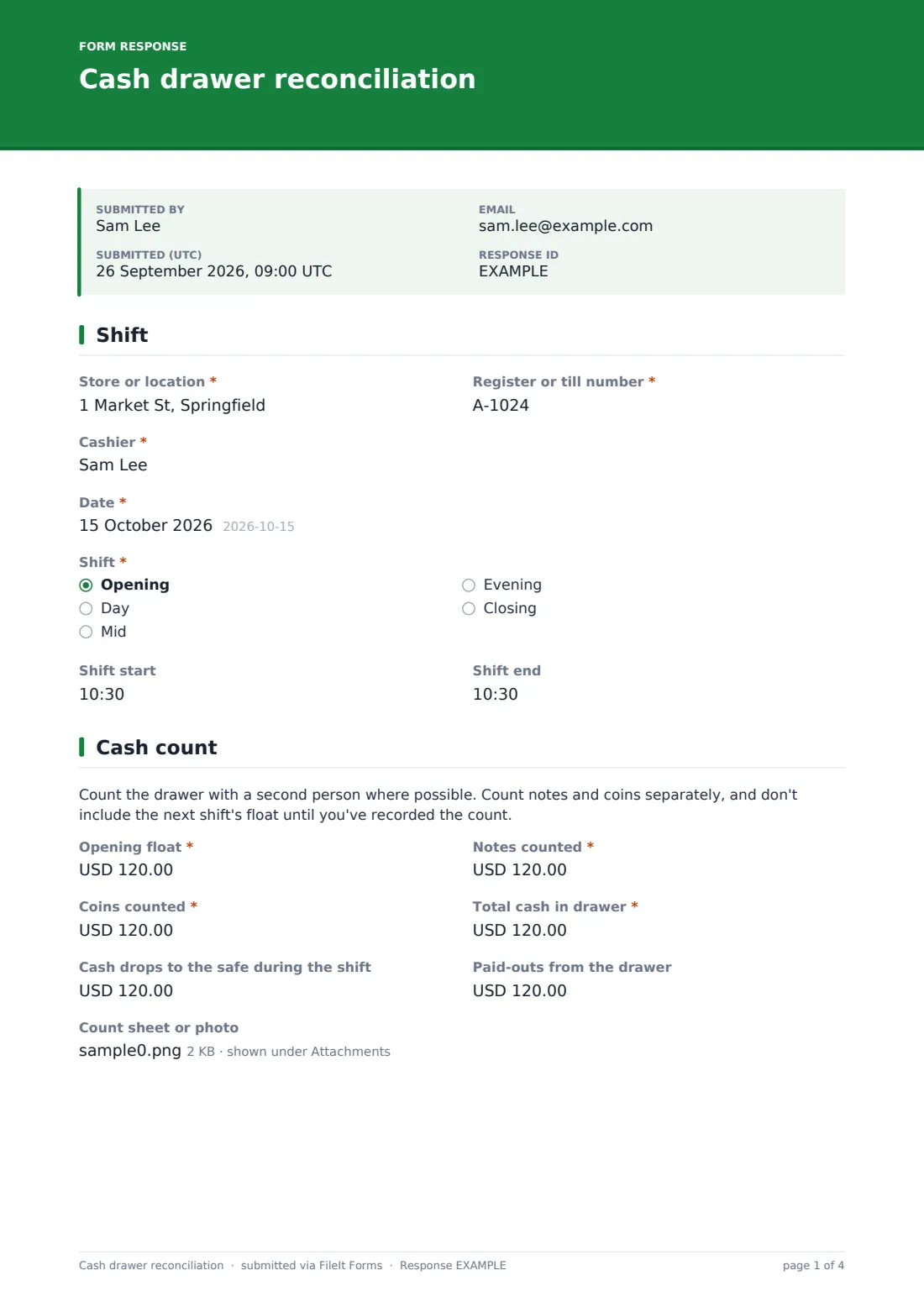
1 Shift
The store, register number, cashier, date, which shift, and optional start and end times.
2 Cash count
A note asks for a second person where possible and to count notes and coins separately. The cashier enters the opening float, notes counted, coins counted and the total, plus cash drops to the safe and paid-outs during the shift. A photo of the count sheet can be attached.
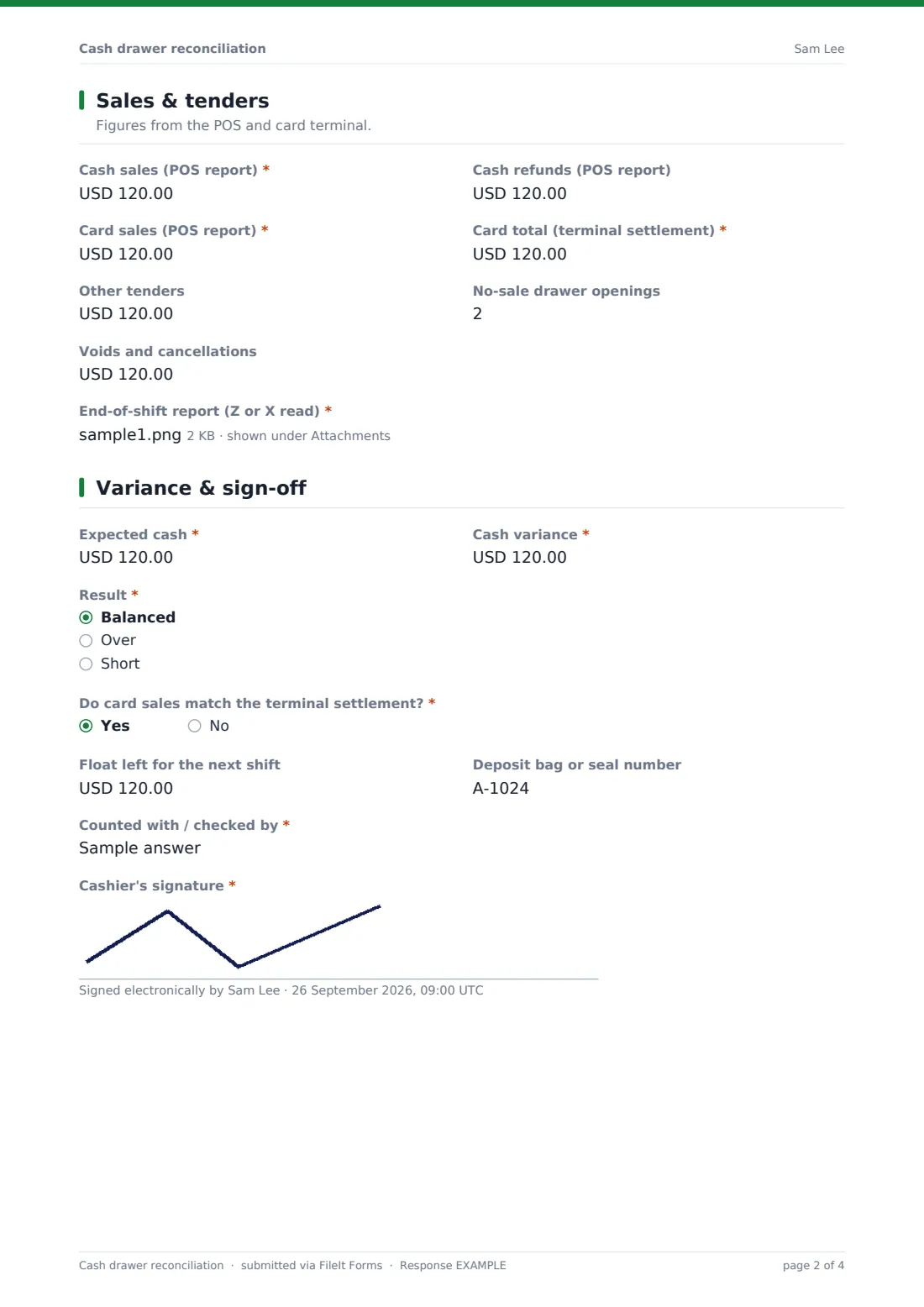
3 Sales & tenders
Figures from the POS report (cash sales, cash refunds, card sales) and the card terminal's settlement total, other tenders like gift cards and vouchers, the number of no-sale openings and voids. A photo or PDF of the Z or X report is required.
4 Variance & sign-off
The cashier enters the expected cash, using the formula in the help text, and the variance, with a shortage as a negative number, then marks the result as balanced, over or short. Anything but balanced asks what might explain it. If card sales don't match the terminal, that must be explained too. The float left for the next shift, the deposit bag number, who checked the count, and the cashier's signature finish it.
Make the template yours
- Set the currency on every amount field to yours
- Replace the shift list with your own shift names
- Add a denomination breakdown with number fields if you count by note and coin
- Add your tolerance for small differences to the variance help text
- Duplicate the form per site so each store files into its own folder
- Add the area manager's email to notifications
Tips for a better cash drawer reconciliation form
- Count with a witness and record their name; it protects the cashier as much as the business
- Reconcile at every change of cashier, not just at close, so a difference belongs to one person's shift
- Record paid-outs with a slip every time; missing paid-outs are a frequent cause of shortages
- Look for patterns across weeks rather than reacting to a single small difference
- Keep the Z report photo; it settles most questions later
Every response becomes a PDF in your vault
Each cash-up becomes a PDF with the reports and signature, saved in the vault folder you choose. The owner is emailed, and you can add a manager's address so shortages are seen the same night.
The Responses table lists every shift's variance, so you can filter for shorts or a particular register and export to CSV for your weekly review.
- Start from this template. It opens in the FileIt Forms designer — change any question, add pages, set the rules for when questions appear.
- Share it. Turn on a public link, or send it to people by email, each with their own link. They don’t need a FileIt account.
- Get the answers as PDFs. Each response is saved as a PDF in the vault folder you choose, with uploaded files attached — and listed in a Responses table you can export to CSV.
Cash drawer reconciliation form: frequently asked questions
Is this cash drawer reconciliation template free?
Yes. It's one of the ready-made templates in the Forms app on every FileIt account, including the free plan. Use it as it is or change any question in the designer.
Does the form work out the expected cash and variance?
No. Forms doesn't calculate, so the cashier enters them. The help text gives the formula: opening float plus cash sales, minus cash refunds, paid-outs and drops.
Can a variance be negative?
Yes. The variance field accepts negative numbers, and the help text asks for a shortage to be entered as one.
Does it connect to our POS system?
No. The figures come from the POS and terminal reports, and a photo or PDF of the report is attached so the numbers can be checked.
Do cashiers need a FileIt account to submit a cash-up?
No. Share the form by public link or send personal email invitations, and anyone can fill it in and submit it without creating an account.
Can we use one form for several stores?
Yes, the store and register are the first questions. If each store should file into its own folder, duplicate the form per site.