What is the shift handover report form template?
A shift handover report is the record an outgoing shift lead leaves for the person taking over: how production went, which machines are down, what's unsafe, which permits are still open and what must happen next. This template walks the lead through each of those in order, so the handover covers the same ground every time rather than whatever comes to mind at the end of a long shift.
Verbal handovers at the end of a shift are rushed, and whiteboards or notebooks get wiped or lost. When something goes wrong the next morning, nobody can say what was actually passed on. A form captures the key facts in writing, with conditional questions that only ask for detail when there's something to report — an equipment fault, an incident, an open lockout.
The template runs on FileIt's Forms app, included on every FileIt account. Shift leads fill it in from a phone or a terminal on the floor using the link you share, and every submitted handover becomes a PDF filed in your vault under the area or site you choose.
- Best for
- Manufacturing, warehouses, control rooms, facilities and any 24/7 operation
- Filled in by
- The outgoing shift lead or supervisor
- Time to complete
- About 5–10 minutes at the end of a shift
- Includes
- Conditional equipment, incident and permit questions, attachments, signature
Who uses a shift handover report form?
- End-of-shift handover on a production or packing line
- Warehouse or distribution centre shift change
- Control room or security desk handover between operators
- Facilities and maintenance teams handing over open jobs overnight
- Keeping a written trail of what each shift was told about a recurring fault
- Handing over open permits to work or lockouts so nobody removes a lock by mistake
Questions on this shift handover report form
29 questions over 4 pages · includes signature, file upload, conditional questions, multiple pages, consent checkbox.
1 Shift details
- Area / line / department*
- Shift date*
- Shift* Early / morning · Late / afternoon · Night · Day (12-hour) · Night (12-hour)
- Shift started
- Shift ended
- Outgoing shift lead*
- Incoming shift lead*
- People on shift
- Absences / no-shows
2 Production & equipment
- Overall status at handover* On plan · Slightly behind plan · Significantly behind plan · Stopped / down
- Output this shift vs. target
- Why are we behind or stopped?* asked only when it applies
- Any equipment faults or breakdowns this shift?*
- Equipment issues and current state* asked only when it applies
- Is the affected equipment available to the next shift?* asked only when it applies Yes — running normally · Yes, with restrictions · No — out of service
- Materials, stock or supplies to watch
3 Safety, quality & people
- Any injuries, incidents or near misses this shift?*
- What happened and has it been reported?* asked only when it applies
- Open hazards or safety concerns for the next shift
- Are any permits to work or lockouts still open?*
- Which permits or lockouts, and who holds them?* asked only when it applies
- Quality issues, holds or customer complaints
- Staffing notes
4 Handover tasks & sign-off
- Tasks the next shift must pick up*
- Most urgent item for the incoming lead Nothing urgent · A safety issue · An equipment issue · A delivery or deadline · Staffing
- Attachments
- Did you brief the incoming lead in person or by phone?*
- Handover*
- Outgoing lead signature*
The shift handover report form, page by page
1 Shift details
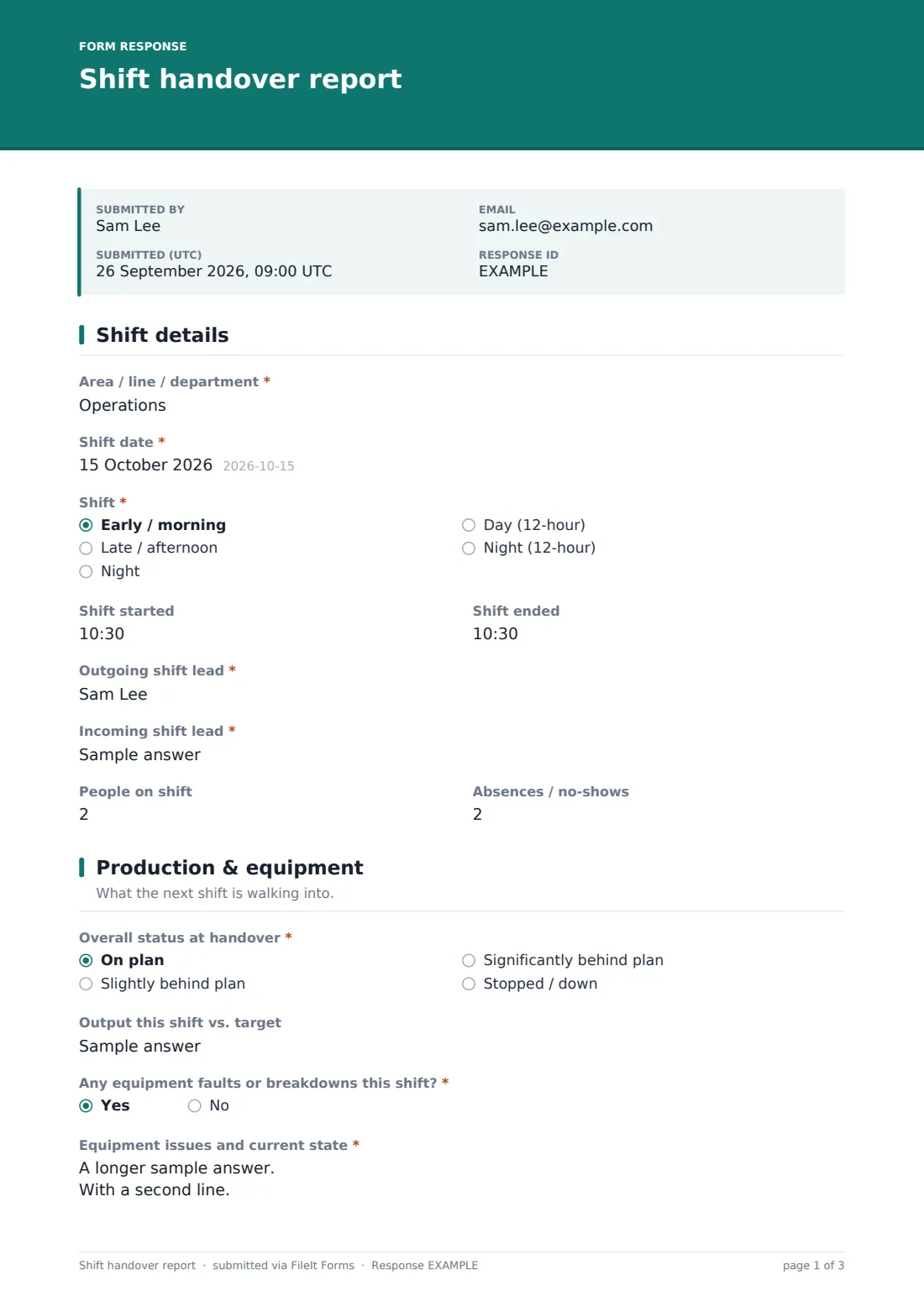
The lead records the area or line, shift date and which shift it was, optional start and end times, their own name and the incoming lead they're handing to. Headcount and absences give the next shift a quick sense of how the shift was staffed.
2 Production & equipment
Overall status at handover — on plan, slightly behind, significantly behind or stopped — comes first, with output against target. Anything other than on plan asks why. A yes to equipment faults opens a description of the issue and whether the machine is available to the next shift normally, with restrictions or not at all. A free-text field flags materials or stock running low.
3 Safety, quality & people
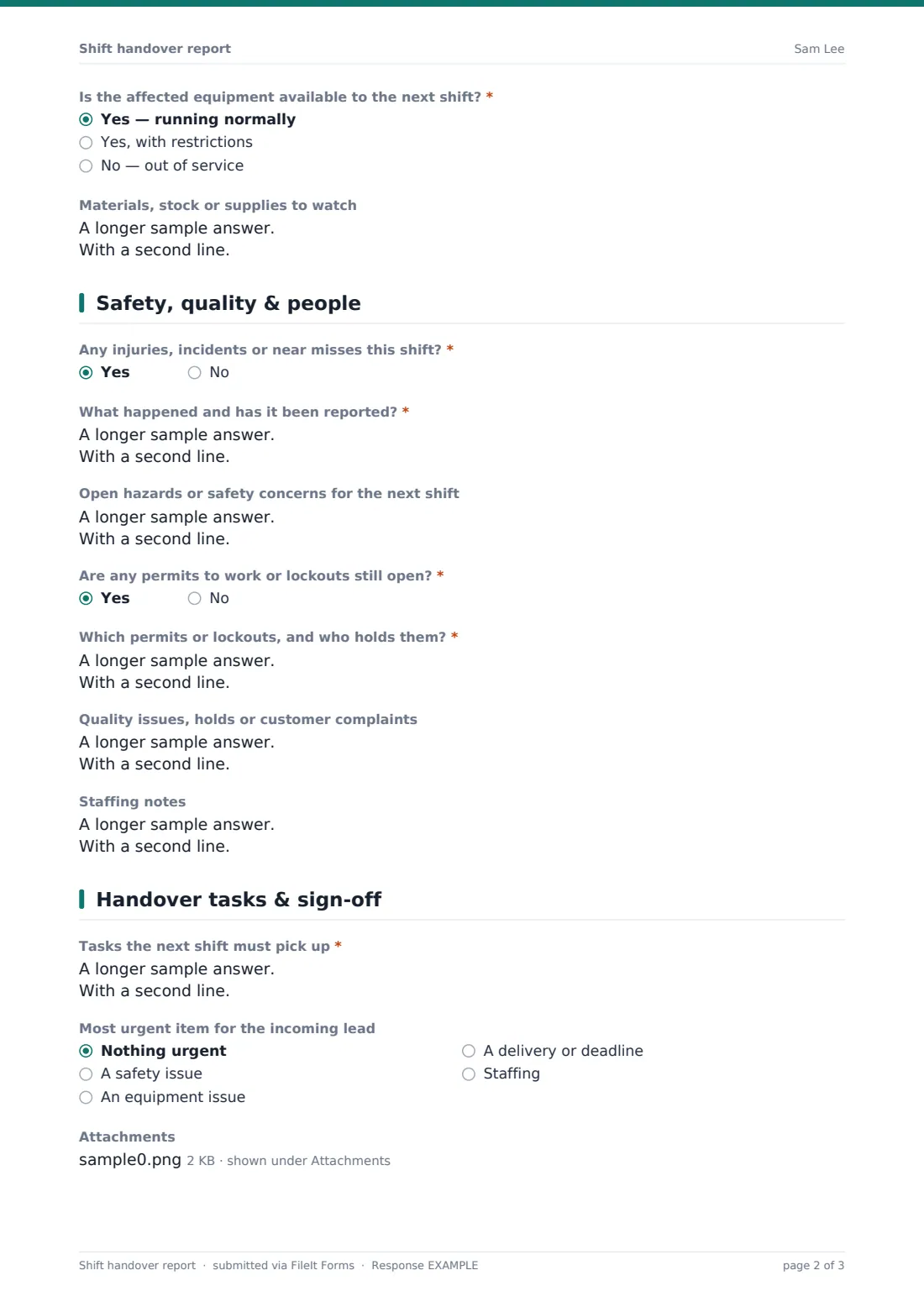
The lead says whether there were any injuries, incidents or near misses and, if so, gives a short summary. Open hazards are listed for the next shift, and a yes to open permits or lockouts requires naming which ones and who holds them. Quality holds and staffing notes finish the page.
4 Handover tasks & sign-off
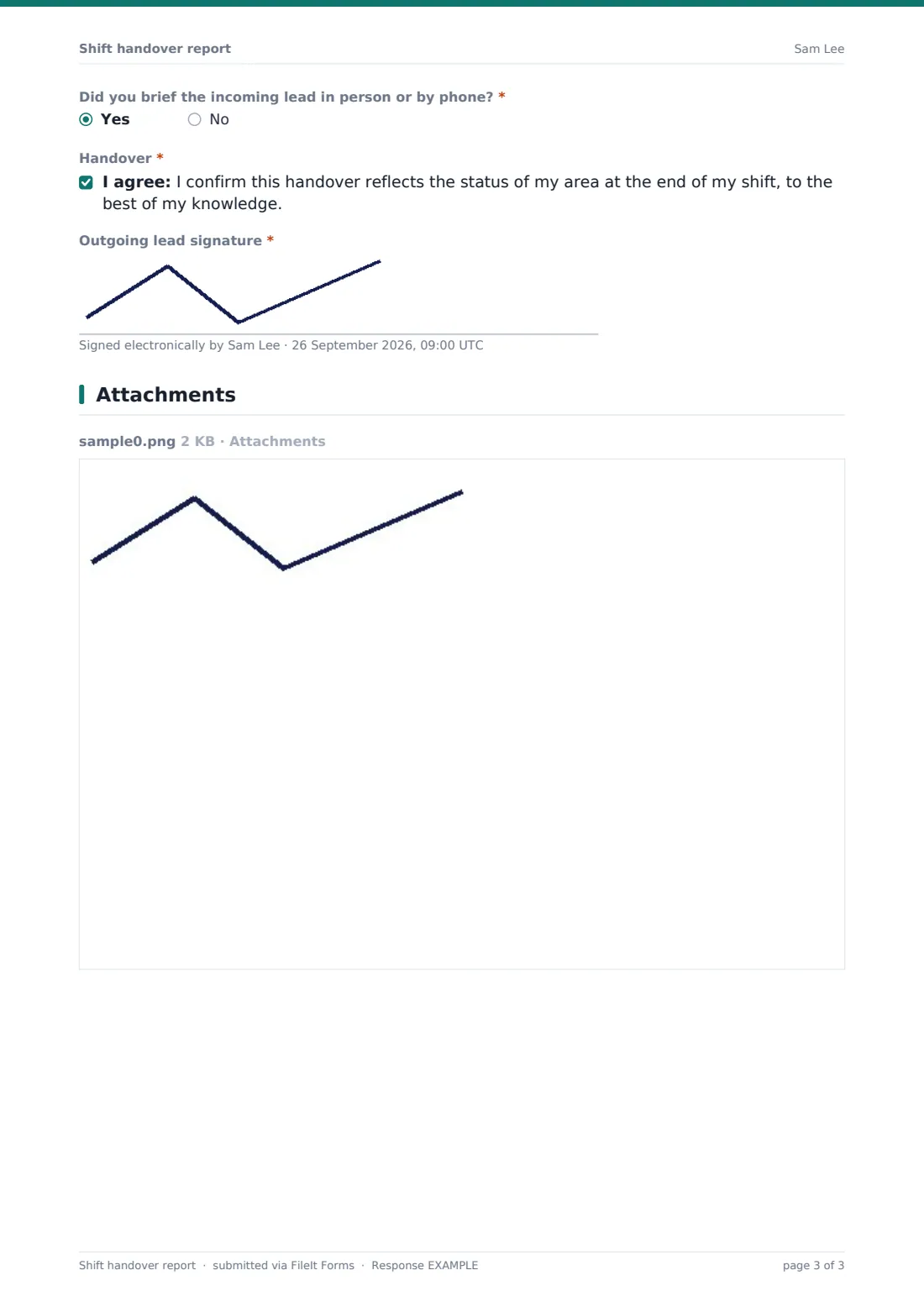
Tasks the next shift must pick up are listed most urgent first, and the lead can flag the single most urgent item by type. Production sheets or photos can be attached. The lead confirms whether they also briefed the incoming lead in person, agrees the handover statement and signs.
Make the template yours
- Replace the shift dropdown with your own rota names or shift codes
- Turn output against target into a number field if you want to total it in the Responses table
- Add a checklist matrix of the start-up checks your area runs each shift
- Send notifications to the incoming lead or the area manager's address as well as your own
- File handovers into a folder per line, site or department
- Add a second signature so the incoming lead acknowledges they've read it
Tips for a better shift handover report form
- Fill it in during the last half hour of the shift, not after you've left
- Put the most urgent task first — the incoming lead may only read the top of the list
- Name the machine, the bay or the order number rather than writing "issue on line"
- Always record open lockouts and permits, even if you've told someone verbally
- Attach a photo of anything that's hard to describe, like a damaged guard or a leak
- Keep personal or medical details about staff out of the staffing notes
Every response becomes a PDF in your vault
Each submitted handover is saved as a PDF titled with the shift date and the lead's name, and filed in the vault folder you chose. The owner is notified and the lead gets a copy, so both sides have the same record.
The Responses table gives you every handover in date order. Filter on status or equipment faults to spot recurring problems, or export to CSV to review a week of shifts in a meeting.
- Start from this template. It opens in the FileIt Forms designer — change any question, add pages, set the rules for when questions appear.
- Share it. Turn on a public link, or send it to people by email, each with their own link. They don’t need a FileIt account.
- Get the answers as PDFs. Each response is saved as a PDF in the vault folder you choose, with uploaded files attached — and listed in a Responses table you can export to CSV.
Shift handover report form: frequently asked questions
Is this shift handover report template free?
Yes. It's included with the Forms app on every FileIt account, including the free plan, and every question can be edited.
Do shift leads need a FileIt account to fill it in?
No. They use the link you share and can submit from a phone, tablet or shared computer without signing up.
Can the incoming lead see the handover straight away?
Add the incoming lead's or team's email address to the form's notification settings and they'll be emailed when a handover is submitted. You can also open any response from the Responses table.
Can we attach production sheets or photos?
Yes. Up to five files per handover — PDFs, images, spreadsheets or CSV files.
Does it replace our incident report?
No. The handover only asks for a short summary of any incident. Use a separate incident or near-miss report for the full record.
Can I change the shift names?
Yes. Edit the Shift dropdown in the designer to match your rota.
Will every handover be kept?
Every submission is saved as a PDF in your vault and listed in the Responses table, where you can export the lot to CSV.