What is the production batch record form template?
When a customer complaint or a supplier recall arrives, the first question is which batches are affected. Answering it quickly depends on a batch record that says which material lots went into which batch, what settings were used, which checks were done and who signed it off.
This form builds that record over four pages: batch and product details with pre-start checks; every material and packaging component with its lot number; process steps, in-process check results and any deviations; and finally yield, storage, a production signature and the QA decision.
It suits small and mid-sized producers in food, cosmetics, chemicals and general manufacturing who want a consistent batch record without a full manufacturing execution system. Regulated sectors such as pharmaceuticals have specific batch record and electronic signature requirements; check whether this form meets yours before relying on it.
- Best for
- Food, beverage, cosmetics, chemical and contract manufacturers producing in batches
- Filled in by
- Production operators or the batch supervisor, with a QA reviewer at the end
- Time to complete
- Filled in through the batch; 10-15 minutes of typing in total
- Includes
- Material lot traceability, process and in-process check logs, deviation follow-up, yield, signature and QA decision
Who uses a production batch record form?
- A craft food or drinks producer recording each batch for traceability
- A cosmetics maker documenting formulation batches
- A contract manufacturer giving clients a batch record with every order
- Tracing which batches used a recalled ingredient lot
- Investigating a customer complaint back to the batch's settings and checks
- Preparing for a certification or customer audit
Questions on this production batch record form
39 questions over 4 pages · includes signature, file upload, conditional questions, multiple pages, ratings.
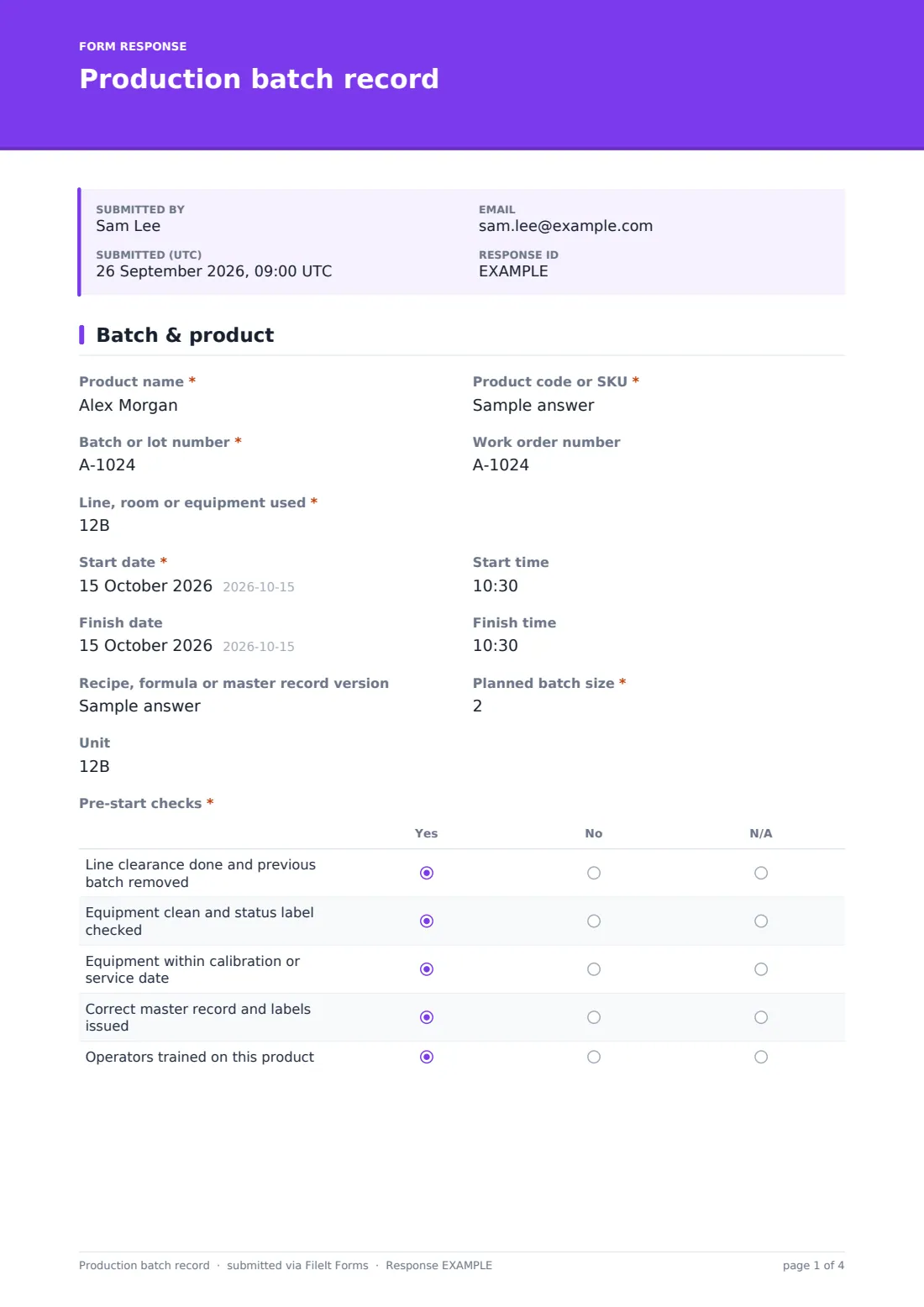
1 Batch & product
- Product name*
- Product code or SKU*
- Batch or lot number*
- Work order number
- Line, room or equipment used*
- Start date*
- Start time
- Finish date
- Finish time
- Recipe, formula or master record version
- Planned batch size*
- Unit
- Pre-start checks* Yes · No · N/A
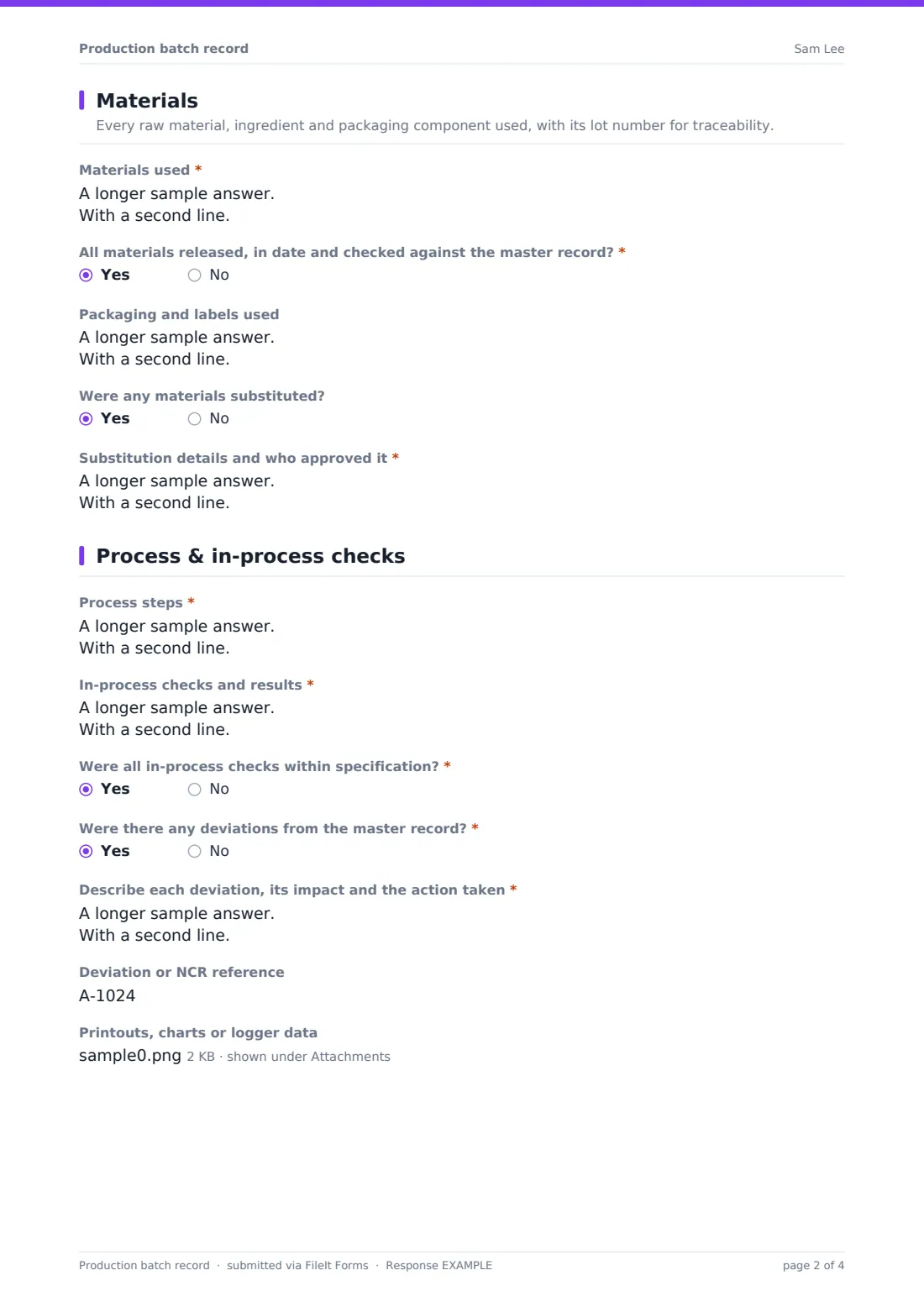
2 Materials
- Materials used*
- All materials released, in date and checked against the master record?*
- Material issue and what was done* asked only when it applies
- Packaging and labels used
- Were any materials substituted?
- Substitution details and who approved it* asked only when it applies
3 Process & in-process checks
- Process steps*
- In-process checks and results*
- Were all in-process checks within specification?*
- Which checks were out of specification, and what was done?* asked only when it applies
- Were there any deviations from the master record?*
- Describe each deviation, its impact and the action taken* asked only when it applies
- Deviation or NCR reference asked only when it applies
- Printouts, charts or logger data
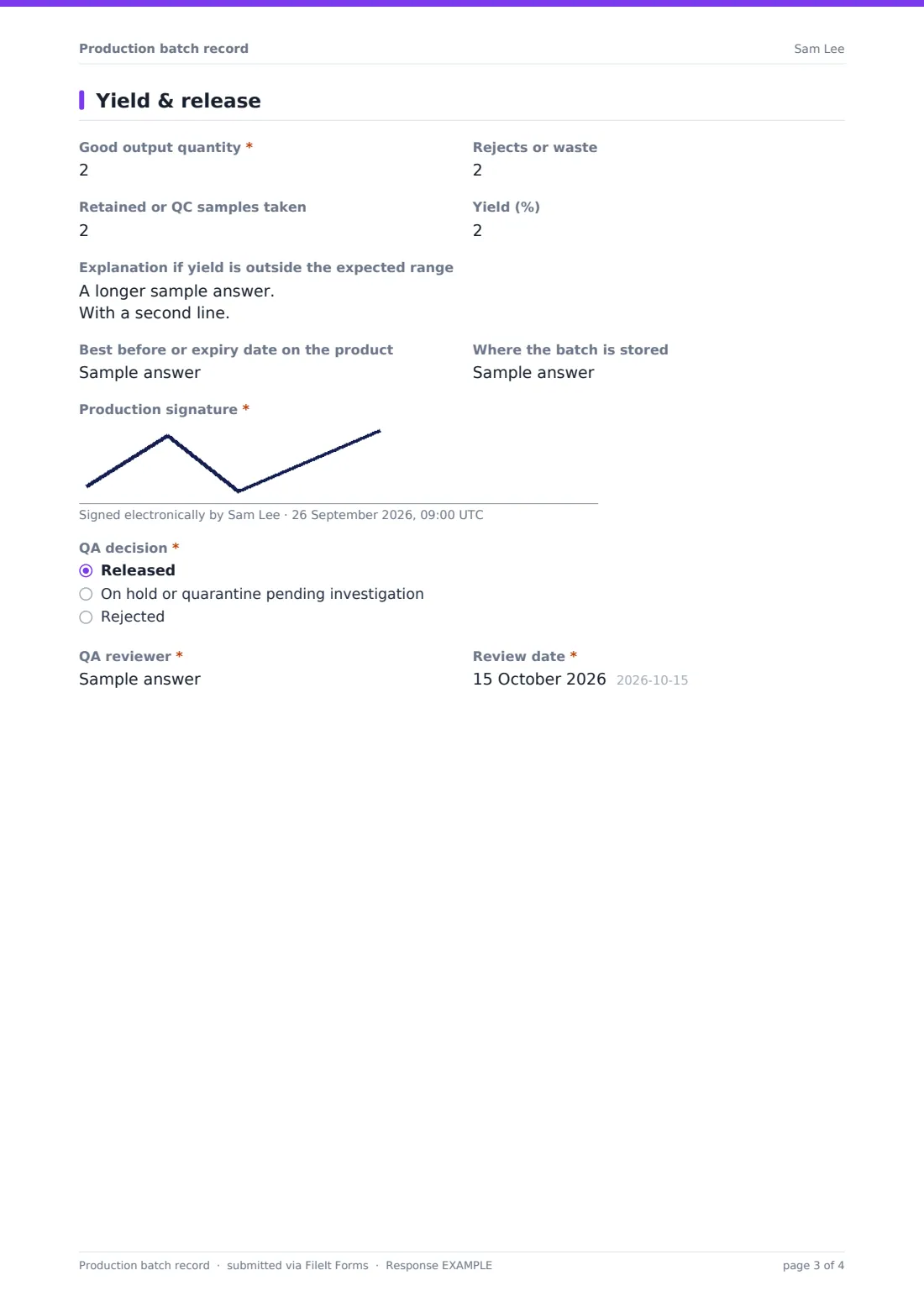
4 Yield & release
- Good output quantity*
- Rejects or waste
- Retained or QC samples taken
- Yield (%)
- Explanation if yield is outside the expected range
- Best before or expiry date on the product
- Where the batch is stored
- Production signature*
- QA decision* Released · On hold or quarantine pending investigation · Rejected
- Reason for hold or rejection* asked only when it applies
- QA reviewer*
- Review date*
The production batch record form, page by page
1 Batch & product
The product name, product code, batch or lot number, the line, room or equipment used and the start date are required, with the work order number, start time and finish date and time. The recipe or master record version, the required planned batch size and the unit come next.
A Pre-start checks grid confirms line clearance, clean equipment, calibration dates, the correct master record and labels, and operator training, each answered yes, no or N/A.
2 Materials
Materials used takes one line per raw material or ingredient: the supplier lot number, quantity required and used, and who weighed or checked it. A required question confirms all materials were released, in date and checked against the master record; answering no asks what the issue was.
Packaging and labels used records components and their lots, and any substitution must be described along with who approved it.
3 Process & in-process checks
Process steps records each step with the actual settings, times and initials, and In-process checks and results lists each check, its specification and the result. The form asks whether all checks were within specification, with a required box for any out-of-specification results, and whether there were any deviations from the master record.
A deviation opens a required description of its impact and action plus a reference number. Printouts, charts or temperature logger data can be attached.
4 Yield & release
Good output, rejects, retained samples and the yield percentage close out the quantities, with space to explain an unexpected yield. The best before or expiry date and storage location follow, then the production signature.
QA records the decision (released, on hold or rejected), a reason if it isn't released, and their name and review date.
Make the template yours
- Replace the Materials used box with one question per ingredient if your recipe never changes
- Add specific in-process checks such as pH, Brix, viscosity or fill weight as number fields with limits in the help text
- Create a copy of the template per product so the product code and recipe can be filled in by default
- Send notifications to the QA inbox so batches don't wait for review
- File records into a vault folder per product or per month
Tips for a better production batch record form
- Write the record as the batch is made, not from memory at the end of the shift
- Record actual values, not just ticks, for weights, temperatures and times
- Keep supplier lot numbers exactly as printed on the label so a recall search finds them
- Raise a deviation for anything that departs from the master record, even if the product looks fine
- Have someone other than the operator do the QA review
Every response becomes a PDF in your vault
Each batch record is saved as a PDF in your FileIt vault with any attached printouts or logger files. Because the material lots are in the record, a search of your vault for a supplier lot number finds the batches that used it.
The Responses table shows every batch with its product, yield and QA decision, and can be exported to CSV for yield trends or a batch register.
- Start from this template. It opens in the FileIt Forms designer — change any question, add pages, set the rules for when questions appear.
- Share it. Turn on a public link, or send it to people by email, each with their own link. They don’t need a FileIt account.
- Get the answers as PDFs. Each response is saved as a PDF in the vault folder you choose, with uploaded files attached — and listed in a Responses table you can export to CSV.
Production batch record form: frequently asked questions
Is this production batch record template free?
Yes. It's included in the FileIt Forms app on every account, including the free plan, and every question can be edited, removed or added to in the form designer.
Is this compliant with GMP or 21 CFR Part 11?
This template isn't designed or validated for regulated pharmaceutical or medical device production. Those sectors have specific requirements for batch records and electronic signatures, so check with your quality team before using it there.
Can several operators fill in one batch record?
One submission is completed by one person. A common approach is for the batch supervisor to complete the form from the floor notes, with operator initials recorded in the steps and checks.
How do I trace a recalled ingredient lot?
Every batch record includes the material lot numbers as text, so searching your vault or exporting responses to a spreadsheet lets you find the batches that used a particular lot.
Can we attach chart recorder or temperature logger data?
Yes. The process page accepts up to five PDF, image or spreadsheet files.
Who makes the release decision?
The form ends with a QA decision, a reason if the batch is held or rejected, and the reviewer's name and date.