What is the machine changeover checklist form template?
Changeovers are where mix-ups happen: a leftover label from the previous product, the wrong die, a recipe that wasn't reloaded, or a pack that goes out with last week's date code. They're also where a lot of capacity disappears, because nobody quite knows how long changeovers actually take or what holds them up.
This checklist covers both. Operators record which machine is changing from which product to which, then work through line clearance and tooling and setup grids, note the key settings, and confirm a first-off check before release. An extra cleaning question appears when there's an allergen, colour or contamination risk.
The last page captures the time of the last good part and the first good part, total and target changeover minutes, and what caused delays, which is the raw material for any changeover reduction (SMED) effort. Each record is saved as a PDF in your FileIt vault with an operator signature.
- Best for
- Production lines, packing lines and machine shops that switch products regularly
- Filled in by
- The operator or setter doing the changeover
- Time to complete
- About 5 minutes alongside the changeover
- Includes
- Line clearance and setup grids, allergen or contamination follow-up, first-off result, timings, photos and signature
Who uses a machine changeover checklist form?
- Food and packaging lines switching between products or allergens
- Injection moulding or press shops changing dies and tools
- Contract packers changing label, format or customer between orders
- Tracking changeover time as part of a SMED project
- Showing line clearance records during a customer or certification audit
- Training new setters on the standard changeover sequence
Questions on this machine changeover checklist form
32 questions over 3 pages · includes signature, file upload, conditional questions, multiple pages, ratings.
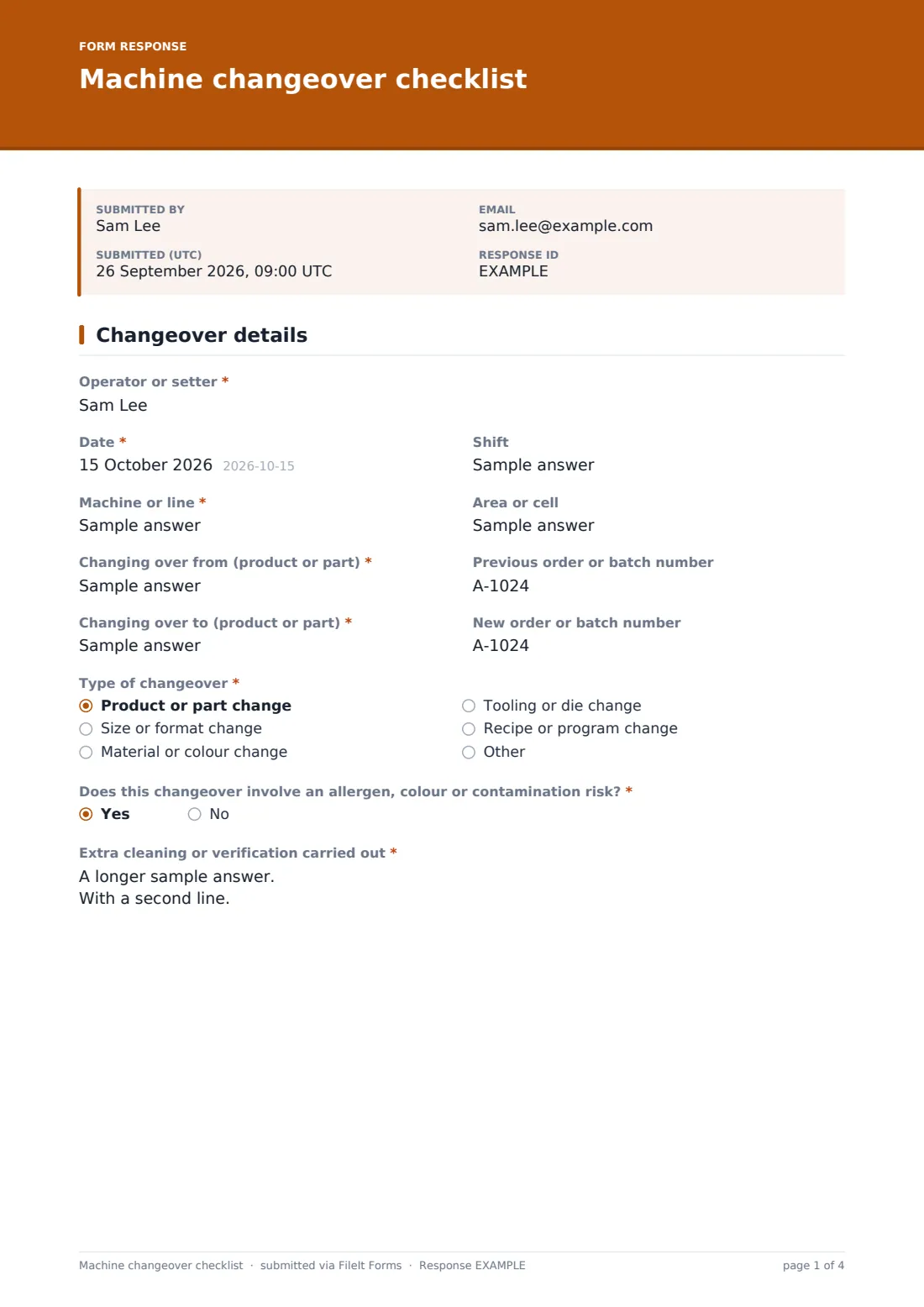
1 Changeover details
- Operator or setter*
- Date*
- Shift
- Machine or line*
- Area or cell
- Changing over from (product or part)*
- Previous order or batch number
- Changing over to (product or part)*
- New order or batch number
- Type of changeover* Product or part change · Size or format change · Material or colour change · Tooling or die change · Recipe or program change
- Does this changeover involve an allergen, colour or contamination risk?*
- Extra cleaning or verification carried out* asked only when it applies
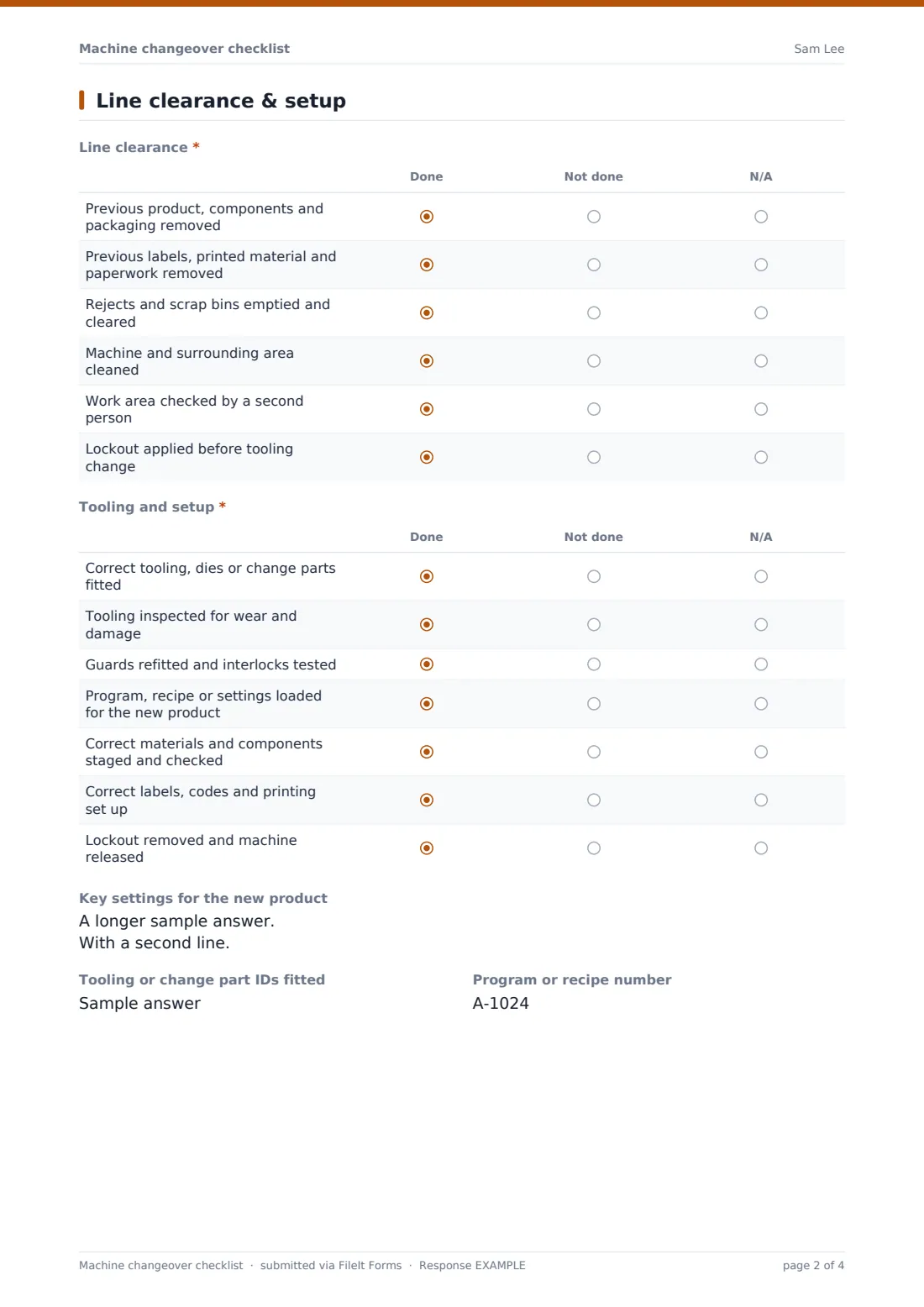
2 Line clearance & setup
- Line clearance* Done · Not done · N/A
- Tooling and setup* Done · Not done · N/A
- Key settings for the new product
- Tooling or change part IDs fitted
- Program or recipe number
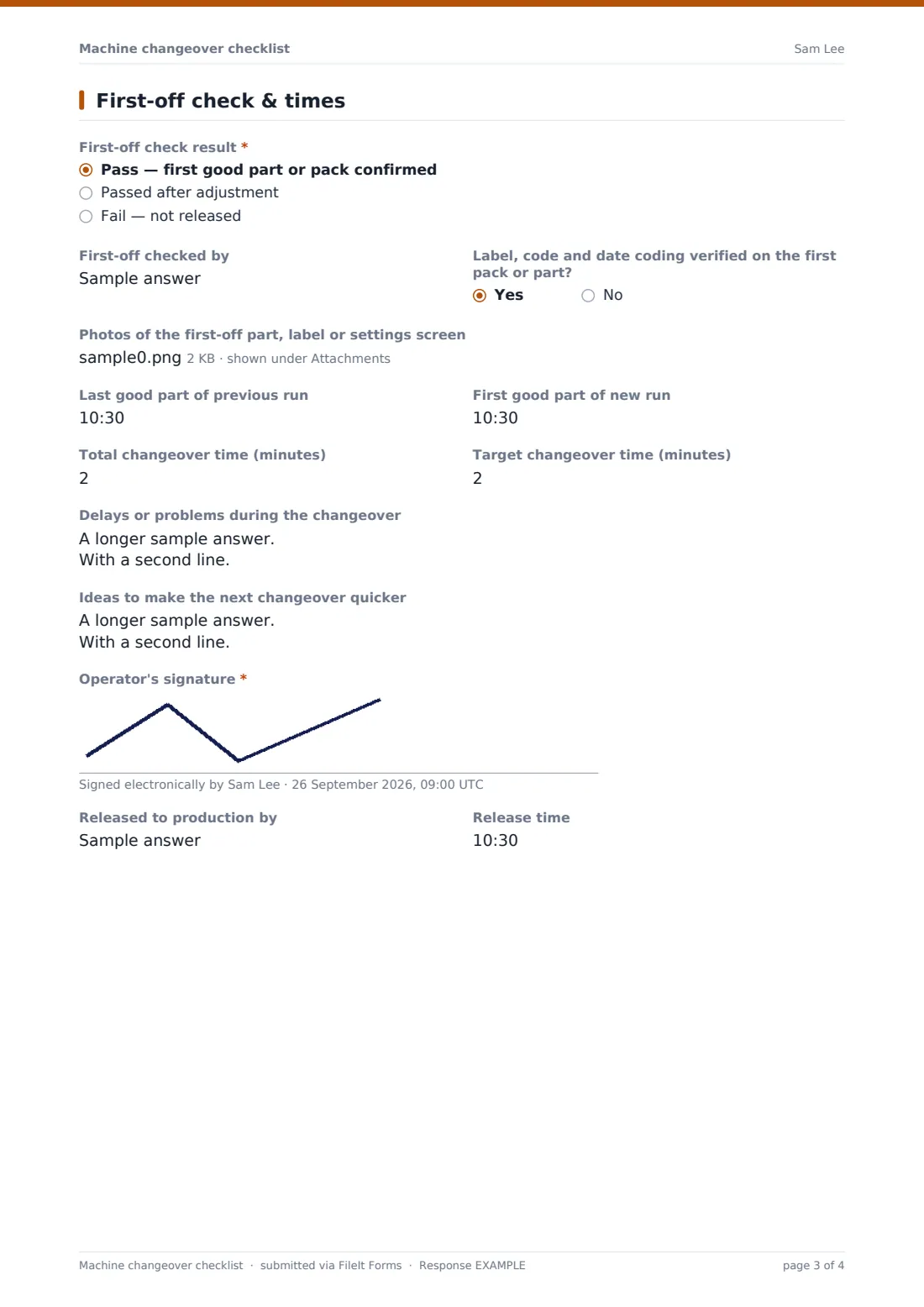
3 First-off check & times
- First-off check result* Pass — first good part or pack confirmed · Passed after adjustment · Fail — not released
- What was adjusted?* asked only when it applies
- Why did it fail, and what happens next?* asked only when it applies
- First-off checked by
- Label, code and date coding verified on the first pack or part?
- Photos of the first-off part, label or settings screen
- Last good part of previous run
- First good part of new run
- Total changeover time (minutes)
- Target changeover time (minutes)
- Delays or problems during the changeover
- Ideas to make the next changeover quicker
- Operator's signature*
- Released to production by
- Release time
The machine changeover checklist form, page by page
1 Changeover details
The operator or setter records the date, shift, machine or line and area, then what the line is changing over from and to, with order or batch numbers for both. Type of changeover covers product, size or format, material or colour, tooling and recipe or program changes.
A required question asks whether there's an allergen, colour or contamination risk. Answering yes opens a box for the extra cleaning or verification carried out, such as the cleaning method, a swab result and who verified it.
2 Line clearance & setup
The Line clearance grid confirms that previous product, components, labels and paperwork have gone, reject bins are cleared, the area is cleaned, a second person has checked it and lockout was applied, each marked done, not done or N/A.
The Tooling and setup grid covers fitting and inspecting the correct tooling, refitting guards, loading the program or recipe, staging the right materials, setting up labels and coding, and removing lockout. Key settings, tooling IDs and the program or recipe number are recorded as text.
3 First-off check & times
The First-off check result is pass, passed after adjustment or fail; adjustments and failures each ask for an explanation. The operator records who checked it, confirms label and date coding on the first pack or part, and can attach photos.
Last good part and first good part times, total and target changeover minutes, delays or problems and improvement ideas give you the data to shorten future changeovers. The operator signs, and the person releasing to production adds their name and the release time.
Make the template yours
- Replace the generic grid rows with the specific steps from your standard work for each machine
- Duplicate the template per line so the Machine or line question can be fixed or removed
- Add a required photo of the cleared line if your customers or auditors expect it
- Make the changeover time questions required if you're running a SMED project
- Route submissions to a vault folder per line
Tips for a better machine changeover checklist form
- Agree what counts as the start and end of a changeover, such as last good part to first good part, and use it consistently
- Clear every printed item from the previous run, including spare labels on the floor
- Have a second person check line clearance whenever there's an allergen or label risk
- Write down delays even when they seem minor; small waits add up across shifts
- Review the improvement ideas regularly and tell operators which ones were adopted
Every response becomes a PDF in your vault
Each changeover is filed as a PDF in your FileIt vault with photos and the operator's signature, giving you a dated record of line clearance for every product switch.
Export the Responses table to CSV to compare changeover times by machine, shift or product pair and see which delays come up most often.
- Start from this template. It opens in the FileIt Forms designer — change any question, add pages, set the rules for when questions appear.
- Share it. Turn on a public link, or send it to people by email, each with their own link. They don’t need a FileIt account.
- Get the answers as PDFs. Each response is saved as a PDF in the vault folder you choose, with uploaded files attached — and listed in a Responses table you can export to CSV.
Machine changeover checklist form: frequently asked questions
Is this machine changeover checklist template free?
Yes. It's included in the FileIt Forms app on every account, including the free plan, and every question can be edited, removed or added to in the form designer.
Can operators fill it in on a tablet at the machine?
Yes. The form works in any phone or tablet browser, and photos can be taken and uploaded straight from the device's camera.
Does it calculate the changeover time automatically?
No. Operators enter the last good and first good times and the total minutes. You can work out averages and trends by exporting responses to a spreadsheet.
Can I use it for allergen changeovers?
Yes. Answering yes to the allergen, colour or contamination question opens a required box for the extra cleaning and verification. Follow your own allergen control plan for the method and acceptance criteria.
What happens if the first-off check fails?
The form asks why it failed and what happens next. The line should stay on hold until a passing first-off is recorded, which you can do in a new submission.
Do operators need a FileIt account to fill it in?
No. Anyone with the form's link can submit it without creating an account. You can also email personal links to specific people.