What is the 5S workplace audit form template?
5S only works if it's checked regularly and the checks lead somewhere. A clipboard audit that ends up in a drawer doesn't show whether an area is improving, and findings without an owner tend to be found again at the next audit.
This template scores an area against 21 statements grouped under Sort, Set in order, Shine, Standardize and Sustain, each on a 1 to 5 scale, with a findings box after each S. The last page gives a total and an overall rating, what's working well, photos and a list of follow-up actions with owners and dates.
It works on the shop floor, in a warehouse, a lab or an office. Each audit is saved as a PDF in your FileIt vault, and the Responses table lets you compare scores for an area over time.
- Best for
- Lean and continuous improvement teams, supervisors and area owners
- Filled in by
- The auditor walking the area, or the area team for a self-audit
- Time to complete
- 15-20 minutes on the floor
- Includes
- 21 scored statements across the five S's, findings per S, photos, total score and actions with owners
Who uses a 5S workplace audit form?
- Monthly 5S audits across production cells
- Warehouse and goods-in housekeeping checks
- Self-audits by area teams between formal audits
- Follow-up audits after a 5S blitz or kaizen event
- Comparing departments in a site-wide 5S programme
- Office or lab workplace organisation reviews
Questions on this 5S workplace audit form
23 questions over 4 pages · includes file upload, multiple pages, ratings.
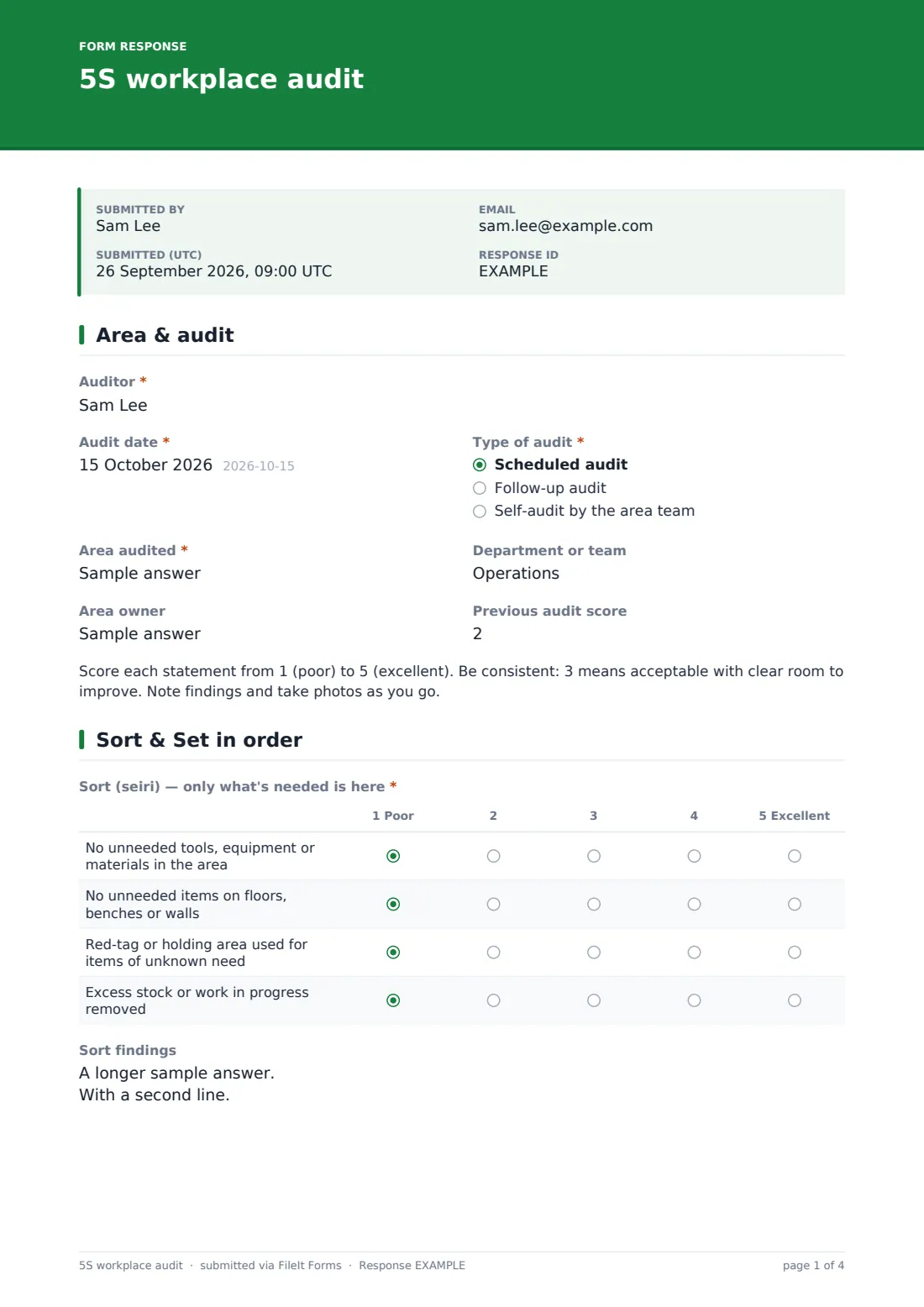
1 Area & audit
- Auditor*
- Audit date*
- Type of audit* Scheduled audit · Follow-up audit · Self-audit by the area team
- Area audited*
- Department or team
- Area owner
- Previous audit score
2 Sort & Set in order
- Sort (seiri) — only what's needed is here* 1 Poor · 2 · 3 · 4 · 5 Excellent
- Sort findings
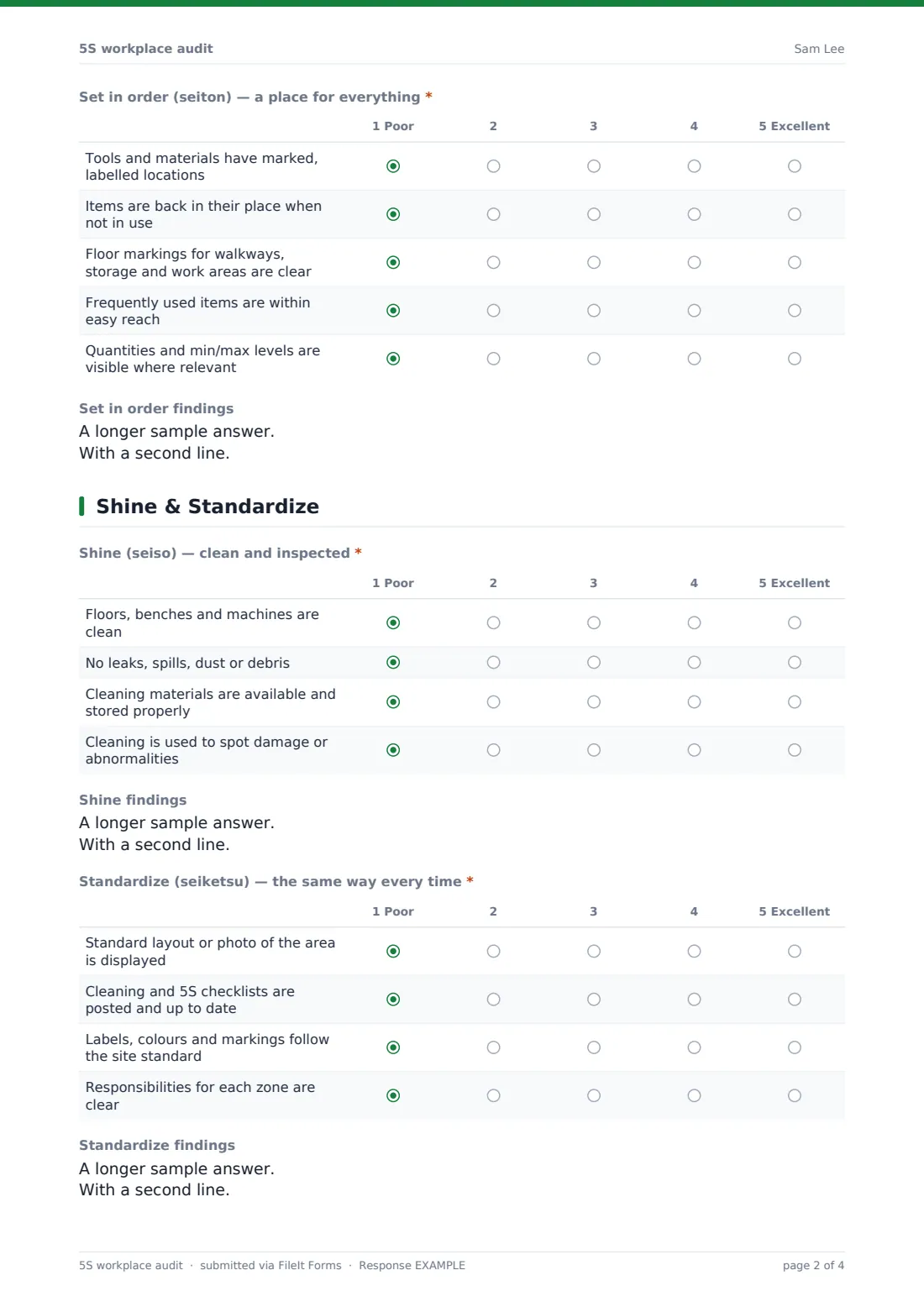
- Set in order (seiton) — a place for everything* 1 Poor · 2 · 3 · 4 · 5 Excellent
- Set in order findings
3 Shine & Standardize
- Shine (seiso) — clean and inspected* 1 Poor · 2 · 3 · 4 · 5 Excellent
- Shine findings
- Standardize (seiketsu) — the same way every time* 1 Poor · 2 · 3 · 4 · 5 Excellent
- Standardize findings
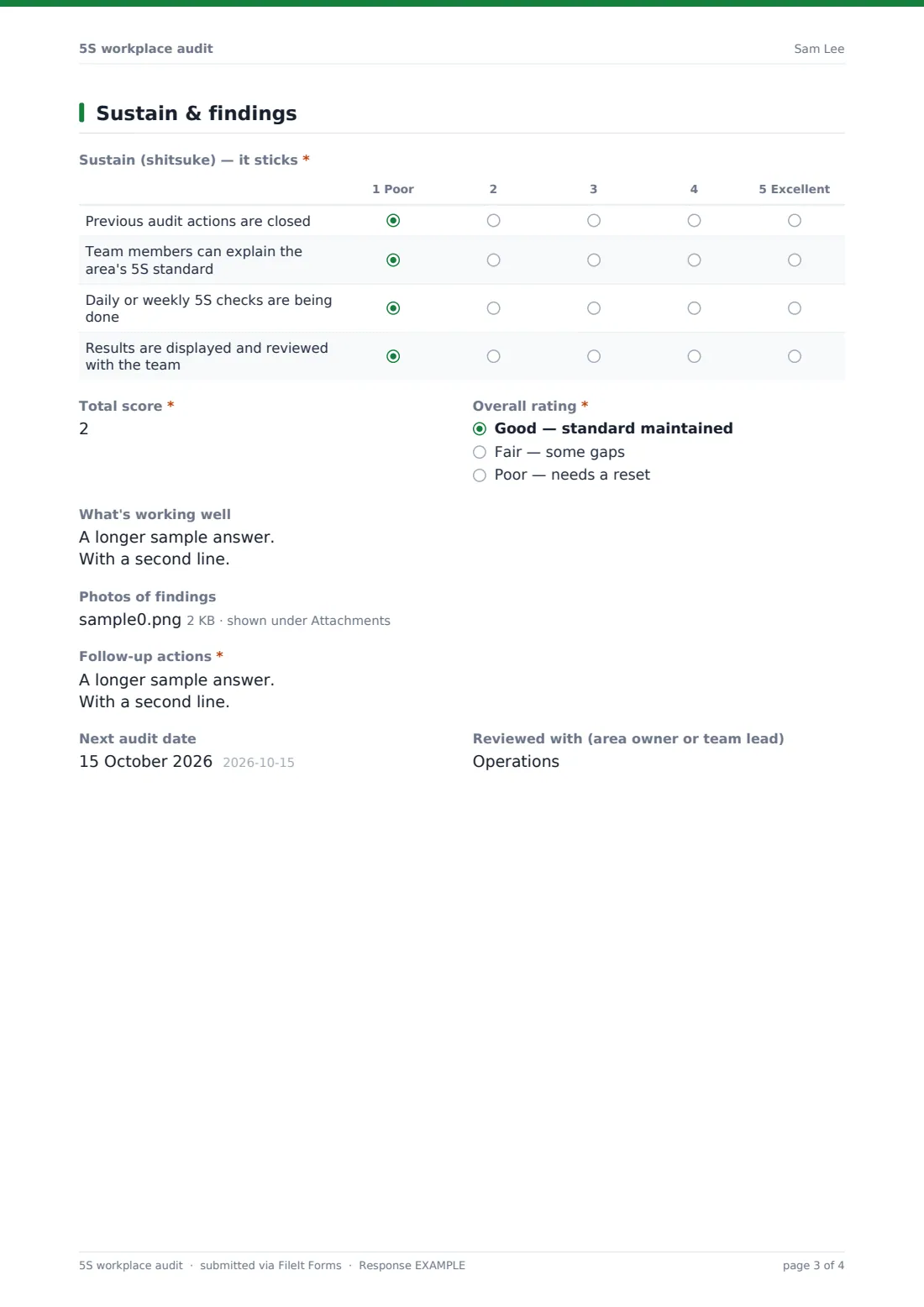
4 Sustain & findings
- Sustain (shitsuke) — it sticks* 1 Poor · 2 · 3 · 4 · 5 Excellent
- Total score*
- Overall rating* Good — standard maintained · Fair — some gaps · Poor — needs a reset
- What's working well
- Photos of findings
- Follow-up actions*
- Next audit date
- Reviewed with (area owner or team lead)
The 5S workplace audit form, page by page
1 Area & audit
The auditor records the audit date and type (scheduled, follow-up or a self-audit by the area team), then the area audited, department and area owner. The previous audit score can be entered for comparison. A note explains the 1 to 5 scoring so different auditors mark consistently.
2 Sort & Set in order
Sort covers unneeded tools, materials and items, the use of a red-tag area and excess stock. Set in order covers marked and labelled locations, items being returned, floor markings, easy reach for frequently used items and visible stock levels. Each S has its own findings box.
3 Shine & Standardize
Shine scores cleanliness, leaks and debris, cleaning materials and whether cleaning is used to spot problems. Standardize scores a displayed standard layout, posted checklists, consistent labels and colours, and clear zone responsibilities, again with findings for each.
4 Sustain & findings
Sustain checks that previous actions are closed, the team can explain the standard, routine checks happen and results are reviewed. The auditor then enters a total score, with help text explaining that 21 statements give a maximum of 105, and an overall rating.
What's working well, up to ten photos and a required list of follow-up actions with owners and due dates finish the audit, along with the next audit date and who it was reviewed with.
Make the template yours
- Rewrite the statements to match your site's 5S standard, or add a sixth S for Safety
- Change the scale to 0-4 or pass/fail if that's how your programme scores
- Make photos required so every finding has evidence
- Create a copy per department with the area pre-filled in the help text
- File audits into a vault folder per area to see its history in one place
Tips for a better 5S workplace audit form
- Audit at a normal working time, not just after a clean-up
- Rotate auditors between areas so scores aren't marked by the people who work there
- Photograph the same spots each time so improvement is easy to see
- Keep actions small and specific, with a single named owner
- Start the next audit by checking the previous audit's actions
Every response becomes a PDF in your vault
Each audit is saved as a PDF in your FileIt vault with its photos, scores and actions. With notifications on, the person who manages the 5S programme is emailed each time an audit is submitted.
Export the Responses table to CSV to chart total scores by area and month, or to compile open actions.
- Start from this template. It opens in the FileIt Forms designer — change any question, add pages, set the rules for when questions appear.
- Share it. Turn on a public link, or send it to people by email, each with their own link. They don’t need a FileIt account.
- Get the answers as PDFs. Each response is saved as a PDF in the vault folder you choose, with uploaded files attached — and listed in a Responses table you can export to CSV.
5S workplace audit form: frequently asked questions
Is this 5S workplace audit template free?
Yes. It's included in the FileIt Forms app on every account, including the free plan, and every question can be edited, removed or added to in the form designer.
Does the form total the score for me?
No. The auditor enters the total; the help text explains the maximum of 105 when all 21 statements are scored. You can also export the individual scores to a spreadsheet and calculate there.
Can we add Safety as a sixth S?
Yes. Duplicate one of the score grids in the designer, rename it Safety and write your own statements.
Can area teams use it for self-audits?
Yes. Choose Self-audit by the area team as the audit type so self-audits can be told apart from formal ones.
Can I take photos with my phone during the audit?
Yes. The form works in a phone browser and up to ten photos can be uploaded on the last page.
Do auditors need a FileIt account to fill it in?
No. Anyone with the form's link can submit it without creating an account. You can also email personal links to specific people.