What is the corrective action request (CAPA) form template?
Fixing a bad batch is not the same as fixing the reason it went bad. A corrective and preventive action (CAPA) is how quality teams make sure a problem doesn't come back — but only if it records a real root cause, specific actions with owners, and a check that those actions actually worked.
This template walks through that sequence: a factual problem statement and its source, containment, the root cause analysis method and root cause, contributing factors, corrective and preventive actions with an owner and target date, documents to update, and finally how effectiveness will be verified and whether it was.
Each CAPA is saved as a PDF in your FileIt vault with its analysis and evidence attached, giving you a record you can show at management review or audit.
- Best for
- Quality, manufacturing, lab and service teams running a CAPA process
- Filled in by
- Quality engineers, supervisors or whoever owns the problem
- Time to complete
- About 10–20 minutes, depending on the analysis
- Includes
- 5 Whys box, contributing factor checklist, action owner and dates, verification section, file uploads
Who uses a corrective action request (CAPA) form?
- Following up a nonconformance report with a root cause investigation
- Responding to a customer complaint with a documented corrective action
- Closing out findings from an internal or certification audit
- Acting on a near miss before it becomes an incident
- Asking a supplier's quality team for a structured response
- Recording preventive actions from a risk review
Questions on this corrective action request (CAPA) form
30 questions over 4 pages · includes signature, file upload, conditional questions, multiple pages.
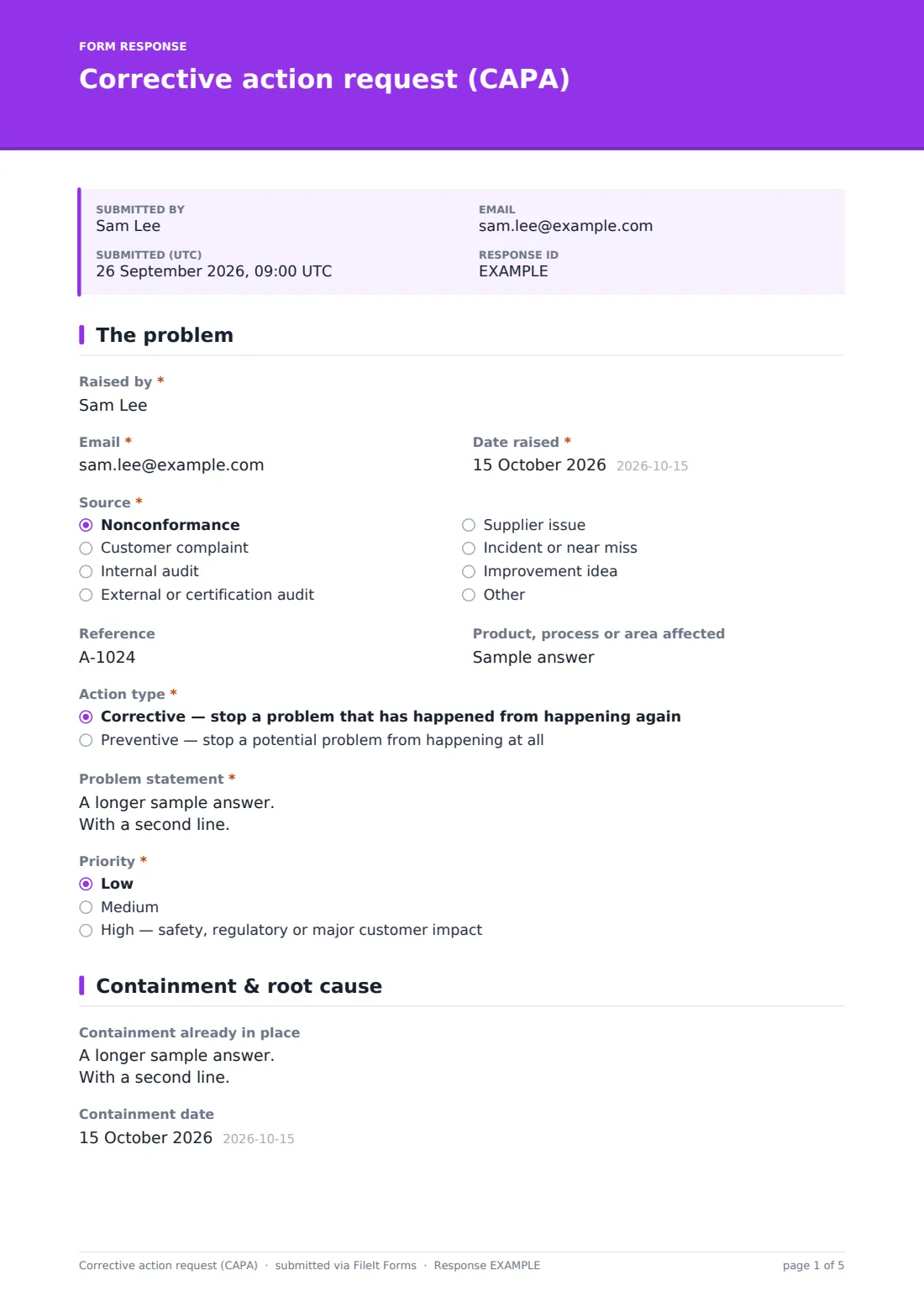
1 The problem
- Raised by*
- Email*
- Date raised*
- Source* Nonconformance · Customer complaint · Internal audit · External or certification audit · Supplier issue · Incident or near miss · Improvement idea
- Reference
- Product, process or area affected
- Action type* Corrective — stop a problem that has happened from happening again · Preventive — stop a potential problem from happening at all
- Problem statement*
- Priority* Low · Medium · High — safety, regulatory or major customer impact
2 Containment & root cause
- Containment already in place
- Containment date
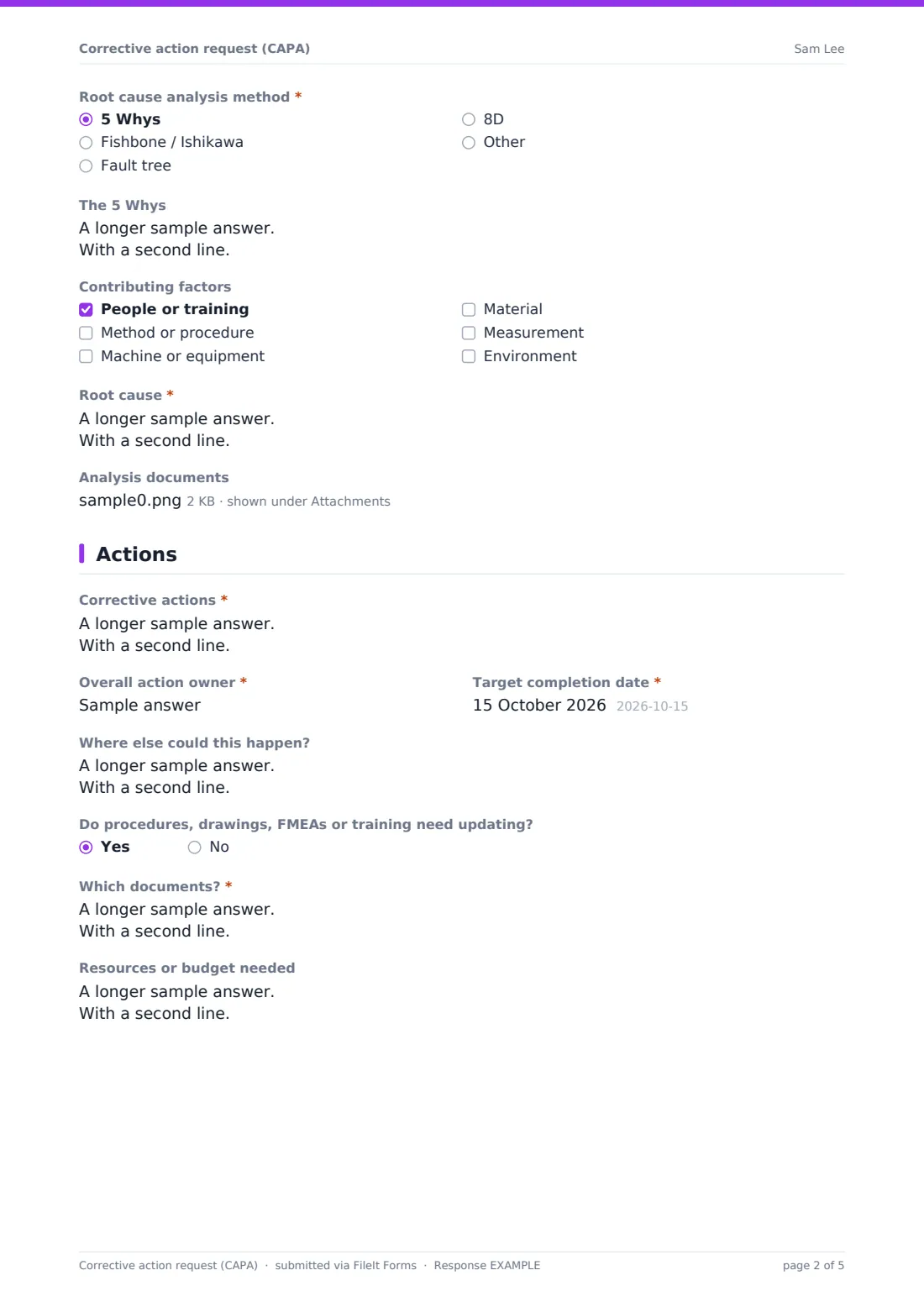
- Root cause analysis method* 5 Whys · Fishbone / Ishikawa · Fault tree · 8D
- The 5 Whys asked only when it applies
- Contributing factors People or training · Method or procedure · Machine or equipment · Material · Measurement · Environment
- Root cause*
- Analysis documents
3 Actions
- Corrective actions*
- Overall action owner*
- Target completion date*
- Where else could this happen?
- Do procedures, drawings, FMEAs or training need updating?
- Which documents?* asked only when it applies
- Resources or budget needed
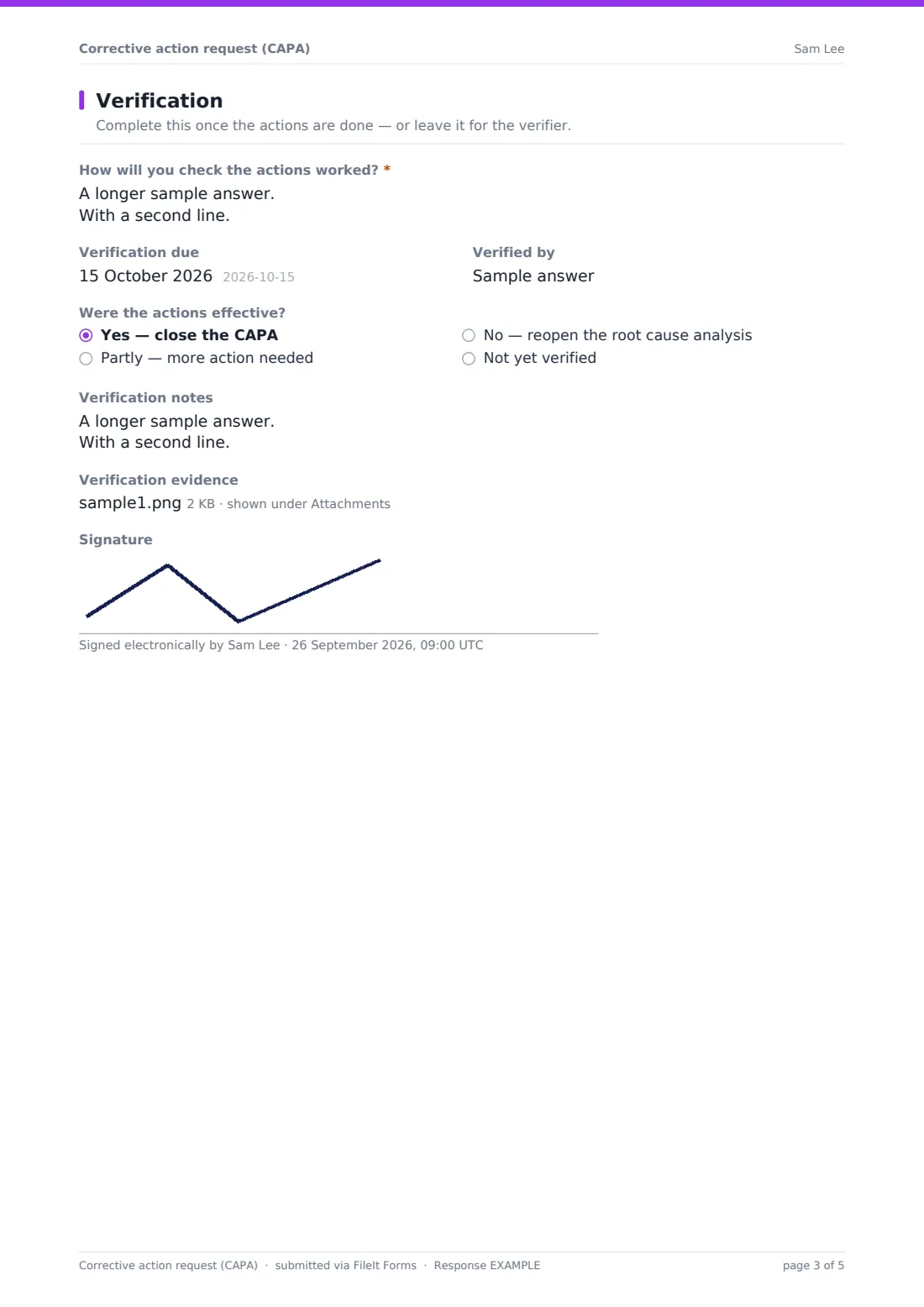
4 Verification
- How will you check the actions worked?*
- Verification due
- Verified by
- Were the actions effective? Yes — close the CAPA · Partly — more action needed · No — reopen the root cause analysis · Not yet verified
- Verification notes
- Verification evidence
- Signature
The corrective action request (CAPA) form, page by page
1 The problem
The CAPA starts with who raised it and when, its source — nonconformance, customer complaint, internal audit, external audit, supplier issue, incident or near miss, improvement idea, or other — and a reference number. The person raising it says what's affected and whether it's corrective (a problem that has happened) or preventive (one that could).
A required Problem statement asks for what, where, when and how much, with causes deliberately left for later. A priority from low to high finishes the page.
2 Containment & root cause
Containment already in place and its date come first. The analysis method is chosen next — 5 Whys, fishbone, fault tree, 8D or other — and choosing 5 Whys opens a box laid out for the five questions. A checklist of contributing factors follows the familiar people, method, machine, material, measurement and environment headings. The Root cause itself is required, and analysis documents can be attached.
3 Actions
Corrective actions are listed one per line with owners and dates, and the form also requires an overall action owner and target completion date. A box asks where else the problem could happen, so the fix can be applied more widely. Saying procedures, drawings, FMEAs or training need updating asks which ones, and resources or budget can be noted.
4 Verification
The last page asks how the actions will be checked — required so the CAPA isn't closed on hope — then the verification date, verifier, whether the actions were effective (yes, partly, no, or not yet), notes, evidence uploads and a signature. It can be completed when the CAPA is raised or left for the verifier.
Make the template yours
- Replace the priority options with your own risk-based classification
- Split verification into a separate form if a different person closes CAPAs
- Add an 8D team members field if you use the 8D method
- Add your quality manager and the action owner's manager to the notifications
- Change the source list to match where your CAPAs usually come from
- Add a due date reminder to the confirmation message
Tips for a better corrective action request (CAPA) form
- Keep the problem statement factual — jumping to causes early narrows the investigation
- Keep asking why until you reach something you can control and change
- Check that each action addresses the root cause, not only the symptom
- Give every action a named person and a date
- Verify effectiveness with data over time, not just by confirming the action was done
- Look at where else the same cause could exist and fix it there too
Every response becomes a PDF in your vault
Each CAPA is saved as a PDF in your chosen vault folder, with analysis and evidence files attached, and the form owner is emailed. The person who raised it can get a copy.
The Responses table shows CAPAs by source, priority and effectiveness, and exports to CSV for management review. Each submission is a fixed record, so many teams resubmit or file a verification record when a CAPA closes.
- Start from this template. It opens in the FileIt Forms designer — change any question, add pages, set the rules for when questions appear.
- Share it. Turn on a public link, or send it to people by email, each with their own link. They don’t need a FileIt account.
- Get the answers as PDFs. Each response is saved as a PDF in the vault folder you choose, with uploaded files attached — and listed in a Responses table you can export to CSV.
Corrective action request (CAPA) form: frequently asked questions
Is this CAPA template free?
Yes. It's included in the FileIt Forms app on every account, including the free plan.
Does the form track CAPA due dates for us?
No. It records the target and verification dates. Chasing actions happens in your own process, using the Responses table and exports.
Which root cause methods does it support?
You can choose 5 Whys, fishbone, fault tree, 8D or another method. 5 Whys opens a guided box, and any method's documents can be attached.
Can we use it for preventive actions too?
Yes. The action type question records whether it's corrective or preventive.
Can suppliers fill it in?
Yes. Send them a personal link — they don't need a FileIt account — and their response is filed in your vault.
Is the verification section required?
Only the verification plan is required. The result and evidence can be left for later if the actions aren't done yet.
Will this CAPA form satisfy an auditor?
It gives you a structured, dated record of the problem, cause, actions and verification. Whether it meets a particular standard depends on your quality system and how the process is run.
Can we link the CAPA to an NCR?
Yes. Choose nonconformance as the source and put the NCR number in the Reference field.