What is the risk register entry form template?
A risk register is only as good as its entries. When risks are added by email or typed straight into a shared spreadsheet, you end up with one-line descriptions, ratings nobody can explain, and no clear owner — so the register looks complete but can't actually be managed.
This template gives everyone the same structure for raising a risk: a title and category, a cause-event-consequence description, likelihood and impact on a 1–5 scale, the controls already in place, a treatment strategy with actions, and a named owner with a review date. It suits operations, finance, IT, project and health and safety teams alike, because the categories and scales stay general.
Each submission is saved as a PDF in your FileIt vault, so you keep a dated record of how every risk was described and rated when it was raised, even after the live register has moved on.
- Best for
- Operations, compliance and project teams maintaining a risk register
- Filled in by
- Any staff member raising a risk, or the risk owner themselves
- Time to complete
- About 6–10 minutes
- Includes
- 1–5 likelihood and impact scales, treatment-dependent questions, target residual rating, file upload
Who uses a risk register entry form?
- A small business starting its first risk register and needing a consistent way to capture entries
- A project manager logging delivery risks during planning and at each stage review
- An IT team recording information security risks with owners and treatment dates
- A compliance lead collecting risks from department heads ahead of an annual review
- A health and safety committee logging operational hazards that need a treatment plan
- A charity or nonprofit board keeping a documented view of its strategic and financial risks
Questions on this risk register entry form
32 questions over 4 pages · includes file upload, conditional questions, multiple pages.
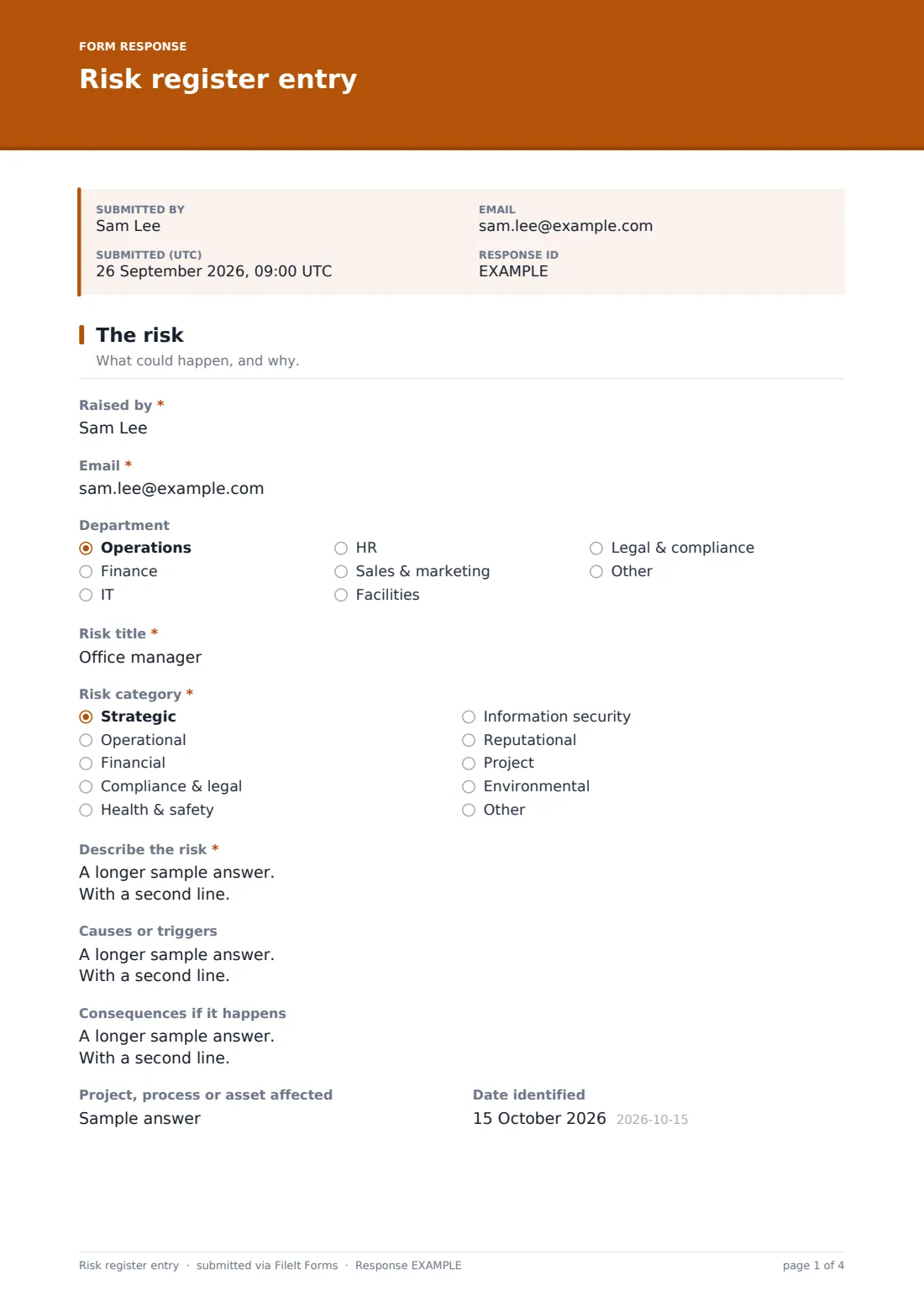
1 The risk
- Raised by*
- Email*
- Department Operations · Finance · IT · HR · Sales & marketing · Facilities · Legal & compliance · Other
- Risk title*
- Risk category* Strategic · Operational · Financial · Compliance & legal · Health & safety · Information security · Reputational · Project · Environmental · Other
- Other category* asked only when it applies
- Describe the risk*
- Causes or triggers
- Consequences if it happens
- Project, process or asset affected
- Date identified
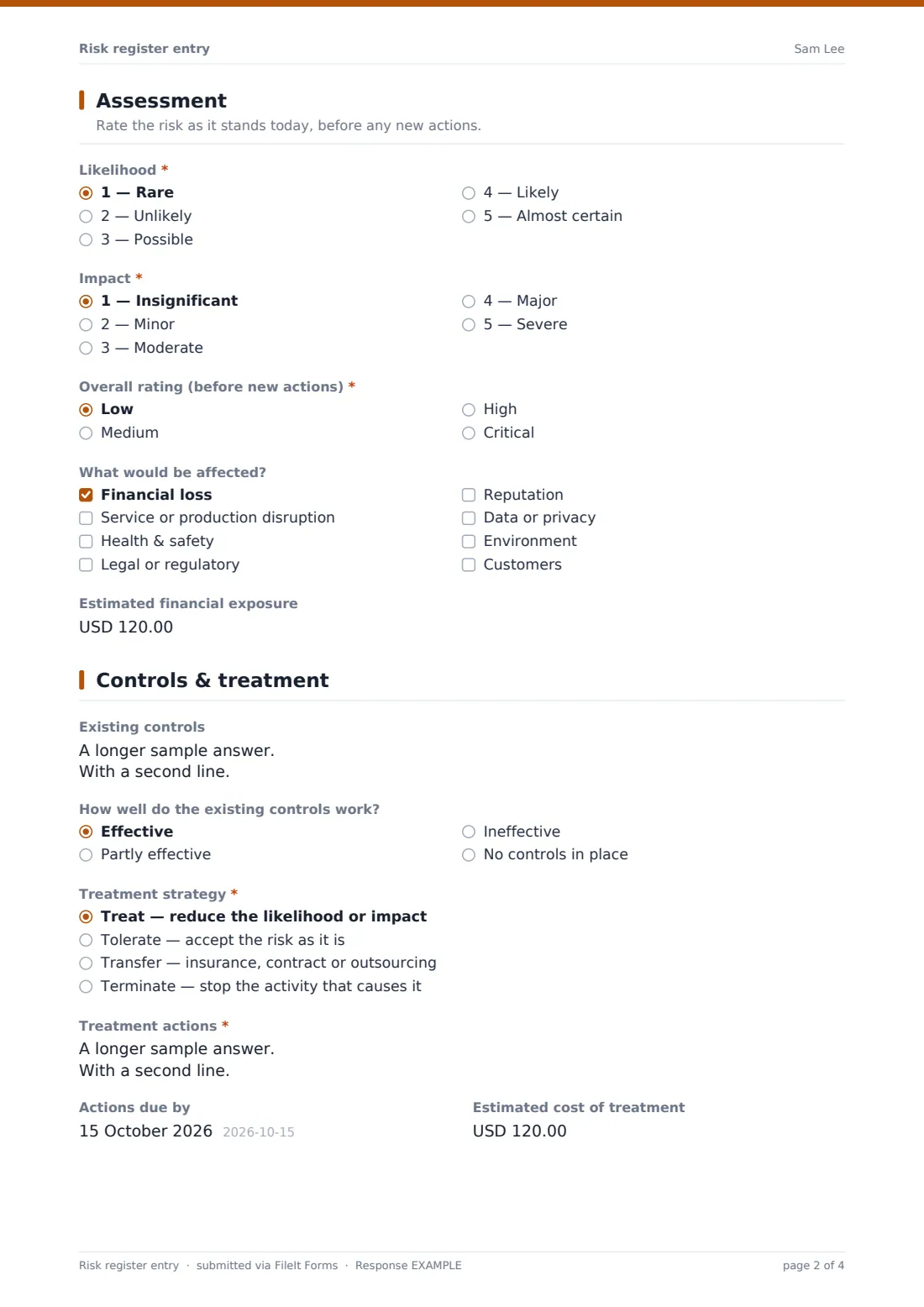
2 Assessment
- Likelihood* 1 — Rare · 2 — Unlikely · 3 — Possible · 4 — Likely · 5 — Almost certain
- Impact* 1 — Insignificant · 2 — Minor · 3 — Moderate · 4 — Major · 5 — Severe
- Overall rating (before new actions)* Low · Medium · High · Critical
- What would be affected? Financial loss · Service or production disruption · Health & safety · Legal or regulatory · Reputation · Data or privacy · Environment · Customers
- Estimated financial exposure
3 Controls & treatment
- Existing controls
- How well do the existing controls work? Effective · Partly effective · Ineffective · No controls in place
- Treatment strategy* Treat — reduce the likelihood or impact · Tolerate — accept the risk as it is · Transfer — insurance, contract or outsourcing · Terminate — stop the activity that causes it
- Treatment actions* asked only when it applies
- Why is the risk being accepted?* asked only when it applies
- Actions due by asked only when it applies
- Estimated cost of treatment asked only when it applies
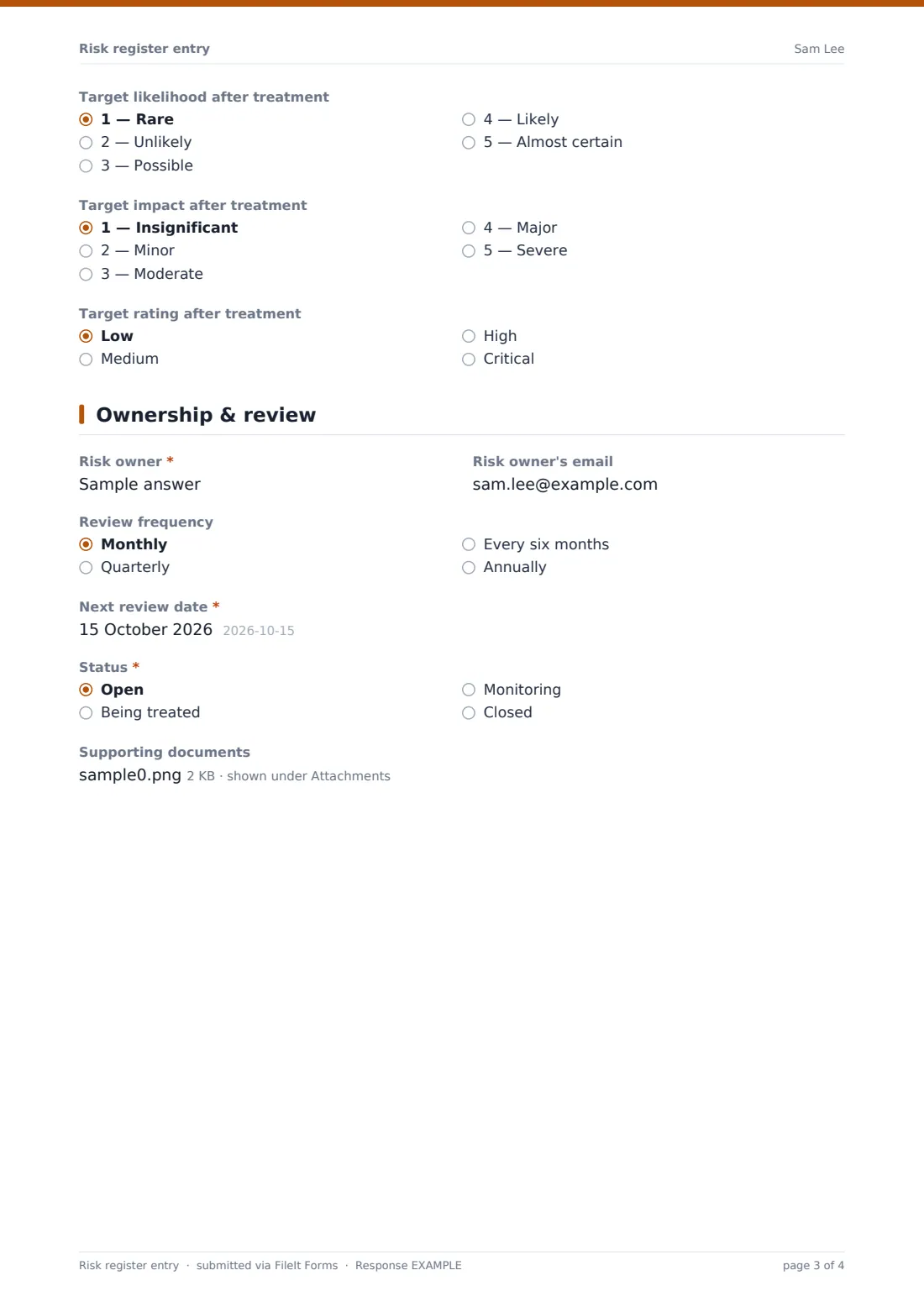
- Target likelihood after treatment 1 — Rare · 2 — Unlikely · 3 — Possible · 4 — Likely · 5 — Almost certain
- Target impact after treatment 1 — Insignificant · 2 — Minor · 3 — Moderate · 4 — Major · 5 — Severe
- Target rating after treatment Low · Medium · High · Critical
4 Ownership & review
- Risk owner*
- Risk owner's email
- Review frequency Monthly · Quarterly · Every six months · Annually
- Next review date*
- Status* Open · Being treated · Monitoring · Closed
- Supporting documents
The risk register entry form, page by page
1 The risk
The person raising the risk gives their name, email and department, then a short Risk title and a category — strategic, operational, financial, compliance and legal, health and safety, information security, reputational, project, environmental or other, which opens a box to name it.
Describe the risk suggests the cause-event-consequence pattern ("Because of …, … may happen, which would lead to …"), which keeps entries specific. Optional boxes for causes or triggers and for consequences sit underneath, along with the project, process or asset affected and the date the risk was identified.
2 Assessment
The risk is rated as it stands today on two required five-point scales: Likelihood from rare to almost certain, and Impact from insignificant to severe. An Overall rating (low, medium, high or critical) is then chosen using your own risk matrix. Choosing critical shows a reminder to escalate straight away rather than waiting for the next review.
A checklist records what would be affected — money, operations, health and safety, legal or regulatory, reputation, data, environment or customers — and an optional currency field captures a rough estimate of financial exposure.
3 Controls & treatment
Existing controls and how well they work (effective, partly effective, ineffective or none) come first, followed by a required Treatment strategy: treat, tolerate, transfer or terminate. Choosing to tolerate asks why the risk is being accepted. Any other choice asks for the treatment actions, a due date and an estimated cost.
Target likelihood, impact and rating after treatment are optional, so the register can show where the risk should end up, not only where it is now.
4 Ownership & review
Every entry needs a named Risk owner, the person accountable for managing it, plus an optional email for them. A review frequency, a required next review date and a status (open, being treated, monitoring or closed) keep the entry from going stale. Supporting documents such as assessments or quotes can be attached at the end.
Make the template yours
- Replace the 1–5 scales with the labels in your own risk matrix, or change the currency to match where you operate
- Edit the category list so it matches the headings in your existing register
- Change the departments to your organisation's structure
- Add a Risk ID field if your register numbers entries in a set format
- Add your risk lead or committee chair to the form's notification list so every new entry reaches them
- Remove the target residual questions if your team only rates risks once
Tips for a better risk register entry form
- Keep one risk per entry — a description that covers three different events is hard to rate and harder to own
- Rate against the same matrix every time, and share it with anyone who raises risks
- Name a person as owner, not a team — someone has to be accountable for the review date
- Write treatment actions as things someone can finish, with an owner on each line
- Revisit accepted risks at their review date too; the reasons for tolerating them can change
- Export the Responses table to CSV when you refresh the master register or prepare a board report
Every response becomes a PDF in your vault
When a risk is submitted, FileIt saves the entry as a PDF in the vault folder you've chosen, and the form owner is notified by email. The person who raised it can get a copy of their entry too.
From the Responses table you can see every risk raised, filter by category or rating, and export to CSV to update a master register or build a heat map elsewhere. The PDFs stay as a dated record of each risk as it was first described and rated.
- Start from this template. It opens in the FileIt Forms designer — change any question, add pages, set the rules for when questions appear.
- Share it. Turn on a public link, or send it to people by email, each with their own link. They don’t need a FileIt account.
- Get the answers as PDFs. Each response is saved as a PDF in the vault folder you choose, with uploaded files attached — and listed in a Responses table you can export to CSV.
Risk register entry form: frequently asked questions
Is this risk register template free?
Yes. It's one of the starter templates in the FileIt Forms app, available on every account including the free plan, and you can edit every question.
Do people need a FileIt account to log a risk?
No. Anyone with the form's link can submit a risk, or you can email personal links to department heads or risk owners.
Does the form work out the risk score automatically?
No. Likelihood and impact are recorded as separate answers and the person raising the risk chooses the overall rating using your matrix. Many teams calculate scores after exporting responses to CSV.
Can I use my own risk matrix and labels?
Yes. The likelihood, impact and rating options can all be renamed or replaced in the designer to match your organisation's scales.
What happens if someone chooses to accept a risk?
Choosing "Tolerate" as the treatment strategy hides the action questions and asks instead why the risk is being accepted, so the decision is recorded with its reasoning.
Is this a full risk management system?
No. It's a structured way to capture and file risk entries. Tracking actions, reviews and changes over time still happens in your register or process — this form gives each entry a consistent starting point.
Can we attach evidence to a risk?
Yes. There's an optional upload for supporting documents such as assessments, quotes or correspondence, up to five files.
Can I be alerted when a critical risk is logged?
Owner notifications email you on every submission. You can add further addresses in the form's settings so a risk lead or committee chair hears about new entries too.